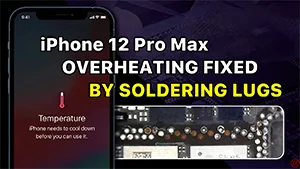
El iPhone 12 Pro Max se cayó antes y ahora muestra una advertencia de temperatura. Una inspección cosmética nos dice que la placa base tiene pseudo-soldadura. Tras separarla, se descubre que a la placa base le faltan más de una docena de almohadillas. Con la ayuda de los terminales de soldadura REFOX, se reparan las almohadillas que faltan y se soluciona el problema de sobrecalentamiento.
Etiqueta: soldadura iphone
-

How to Fix iPhone 6 No Speaker Sound Caused by Pseudo Soldering
Have you ever encountered with a problem of iPhone 6 no speaker sound while receiving dialing or playing music via louder speaker, and if you plug EarPods in, the sound come out again? This iPhone speaker no sound problem may be caused by some components pseudo soldering while the iPhone leaving factory. As time goes by, operating environment and personal habits of users may acceleratethe oxidation or shedding of pseudo soldered components. Let us check the video and find out how to fix iPhone speaker not working problem.
Herramientas utilizadas:
- Comunicación Mantenimiento Fuente de alimentación
- Estación de soldadura digital - 203H
- Estación digital de retrabajo por aire caliente - 861DW
- Plataforma integrada de reparación de teléfonos móviles
- Digital Multimeter – F17B+ -Type 3
- Soporte para PCB – Tipo 1
- Heat-resisting Adhesive
- Cuchillo para escultura
- PCB Cleaner – 250ml
- Pinza recta
- Pinzas de gancho curvo
- Alambre de soldadura
- CI y componentes Apple
- Pasta de soldar fundente para bandas BGA
- Flujo de soldadura de colofonia de gran pureza
- Plantilla de reballing BGA
- Reparación de planos
-
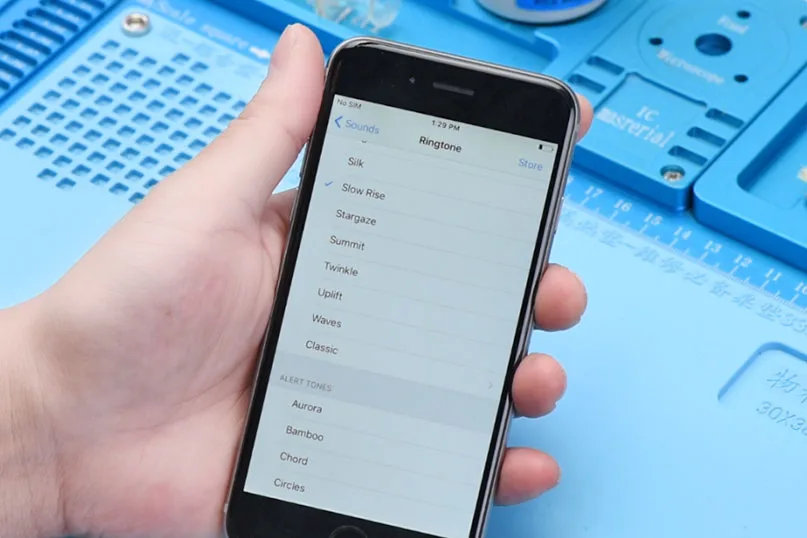
Reparar el sonido del altavoz del iPhone 6 causado por soldadura falsa
This time we are going to share a repair case about iPhone 6 won’t turn on and iPhone 6 no speaker sound. After a thoroughly troubleshooting, we found that this problem was caused by an oxidized pin of a pseudo soldered component. Some iPhone may have components pseudo soldering problem when leaving the factory. As time goes by, operating environment and personal habits of users may accelerate the oxidation or shedding of pseudo soldered components. Let’s see all the details.
Malfunction Descriptions:
The customer says his iPhone 6 has no speaker when receiving calls, and no sound comes out when playing music by loudspeaker.
Diagnosis of iPhone 6 no speaker sound:
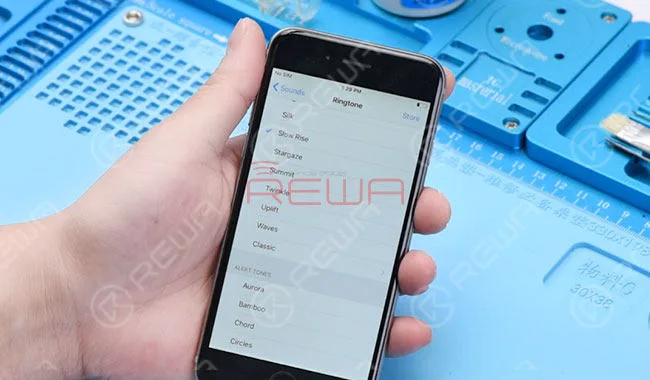
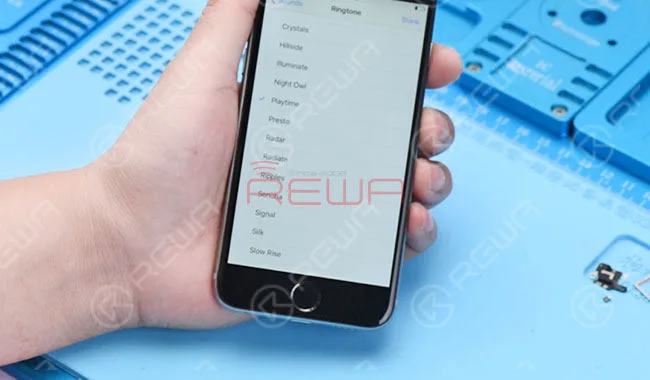
After receiving the phone, we power it on. And go to Settings-Sounds-Ringtone. Select one in the list. The iPhone 6 has no speaker sound coming out. While with headphones plugged in, it works all normal. This phenomenon indicates a normal condition of audio IC. So the faulty may relate to the loudspeaker&audio power amplifier circuit.
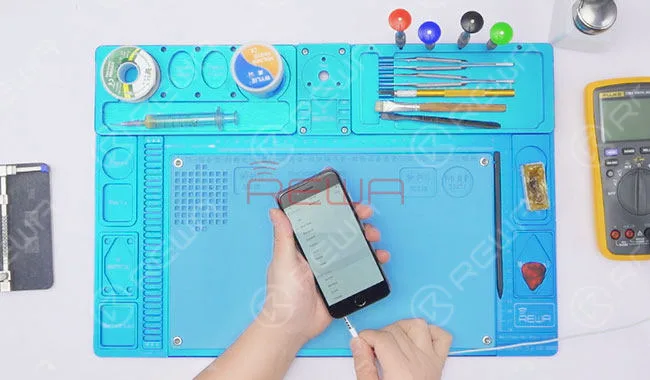
Repair Processes:
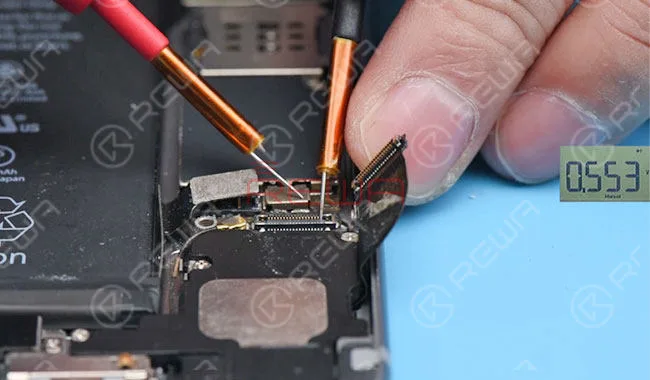
Primer paso: Disassemble the phone, and measure the resistance value of 1# and 2# on charging port flex cable connector. The normal resistance value indicates a normal loudspeaker buzzer.
Measure the resistance between 1# of J1817 and grounding, 2# and grounding with Multimeter. The normal value indicates that the circuit from charging port connector to U1601 is normal too.
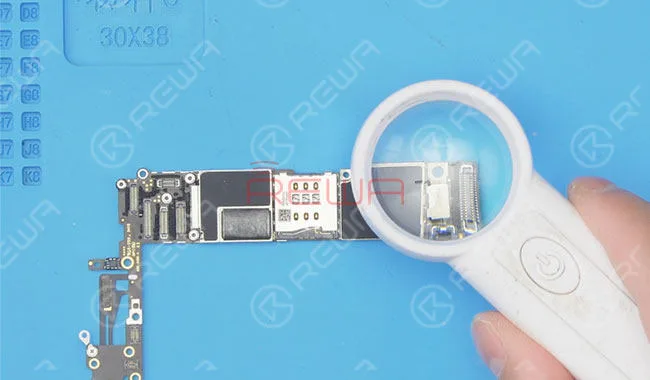
Segundo paso: Take out the logic board, and check it carefully with Magnifying Glass. There is no water damage or moldy conditions.
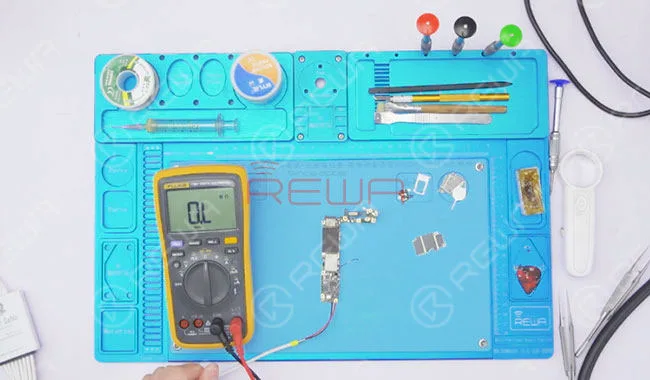
Paso 3: Attach the logic board to Soporte para PCB. Take down the shielding cover with Curved Hook Tweezers. And blow it with Hot Air Gun in the meantime. Connect the logic board with Fuente de alimentación CC. And Short 2# of J0801 to the ground with tweezers. After detecting the power button press, measure the power supply voltage of U1601.
Measure the voltage value of the corresponding capacitor, C1635. Normal value. Locate and measure the corresponding capacitor, C1630. It’s also a normal value. Next, we will go with the measurement of filter capacitors C1603 around U1601. The measured voltage value of C1603 is 0, abnormal value.
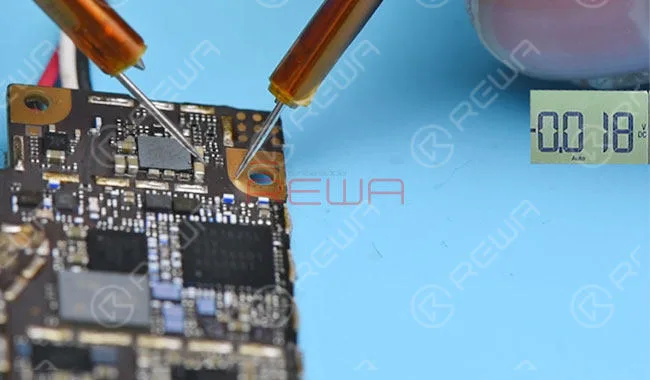
Paso 4: Switch the Digital Multimeter to diode mode. And measure the resistance between C1603 and grounding. It is a normal resistance value of 500. Since C1603 is outputted by U1601. We locate the faulty to U1601.
Paso 5: Attach logical board PCB holder. Take down U1601 with Pistola de aire caliente. After that, clean tins on the bonding pad with Soldering Iron. And apply some low-temperature tins to the bonding pad at the same time.
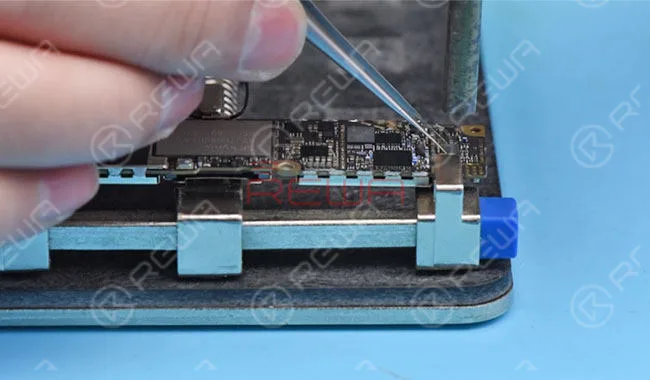
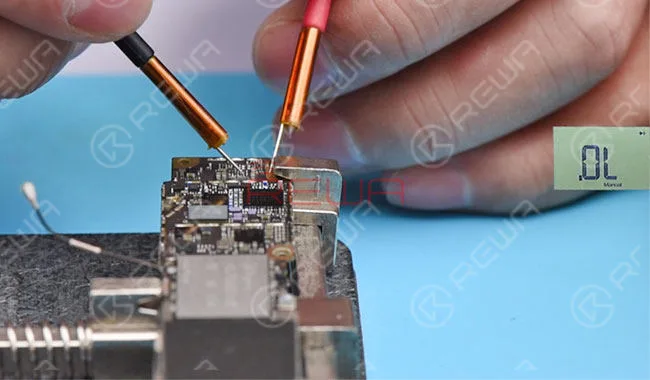
Paso 6: Measure resistance between A6# of U1601 and grounding. Normal value.
Measure resistance between A2# and grounding. The measured value is ‘OL’. Which indicates that the circuit goes with an open circuit. A2#&B2# of U1601 is connected to Battery Positive electrode via L1604. we can preliminary judge – L1604 is the faulty part.
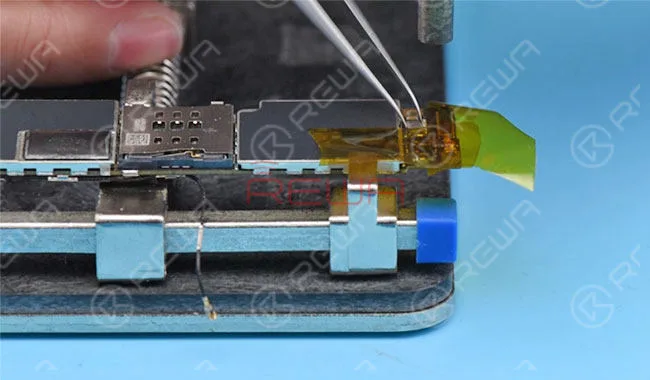
Paso 7: Our next move is to replace with a new L1604. Take down L1604 first. We can see that one Pin of L1604 has been oxidized and cannot be tinned. Apply some BGA Paste Flux to the bonding pad. Solder a new L1604 with Hot Air Gun. After that, measure the resistance between A2# and grounding again. Normal value this time.
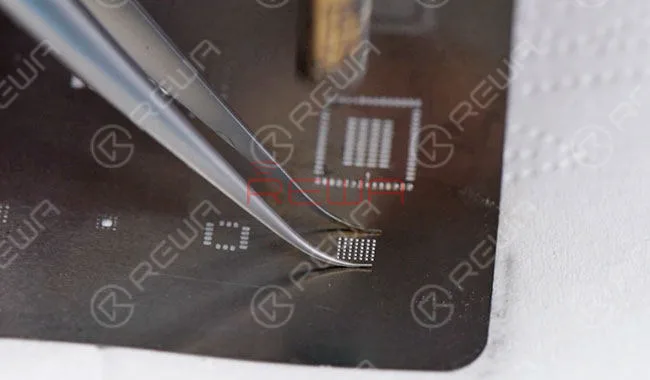
Paso 8: Now we need to re-solder chip U1601. To re-solder U1601, clean tins on the detached U1601 first. Apply some fundente de pasta BGA to the bonding pad. Align U1601 to the right place and solder with Hot Air Gun after recall it. With the chip sinking and Paste Flux overflowing. The soldering process is finished.
Paso 9: Assemble the phone. Go to Settings>Sounds>Ringtone. And select a default ringtone, normal output sound this time. The faulty of iPhone 6 no speaker sound issue has been cleared.
Piezas y herramientas necesarias
 English
 Español
 Français
 Deutsch
 Italiano