Etiqueta: reparación de pantallas táctiles

  • iPhone X Unresponsive Touch Screen Repair

    iPhone X Unresponsive Touch Screen Repair

    Our course today is about iPhone X touchscreen unresponsive repair.

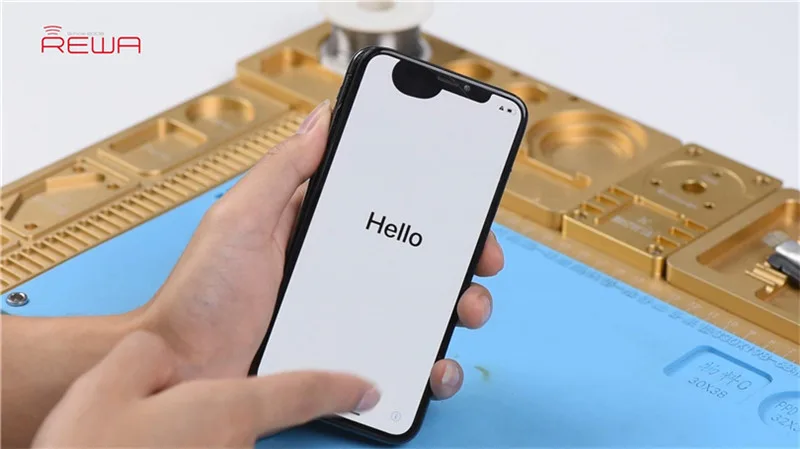
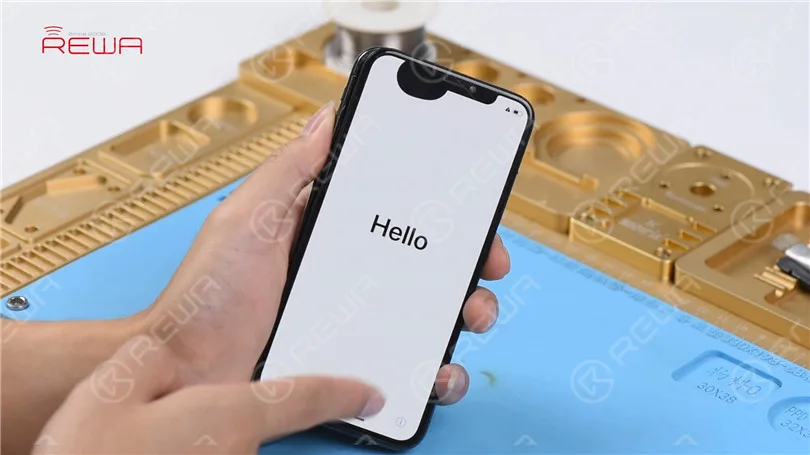
    Press the power button to turn on the phone. The phone turns on normally. Touch screen of the phone is unresponsive.
    iPhone X Unresponsive Touchscreen Repair

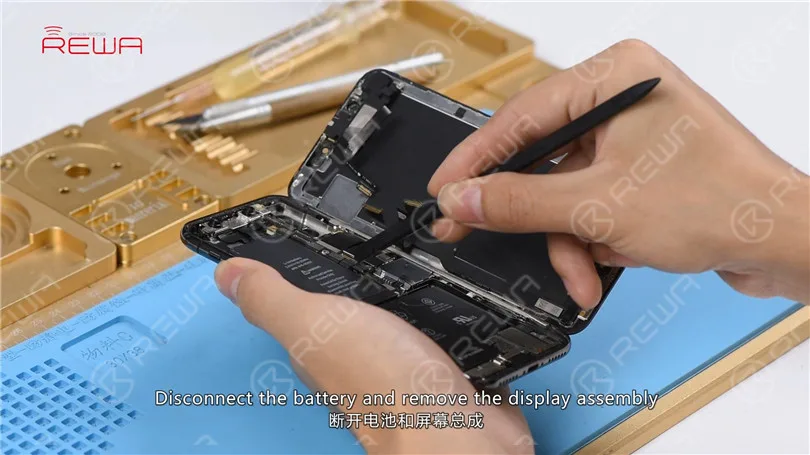
    Turn off the phone and take apart it. Disconnect the battery and remove the display assembly.
    iPhone X Unresponsive Touchscreen Repair

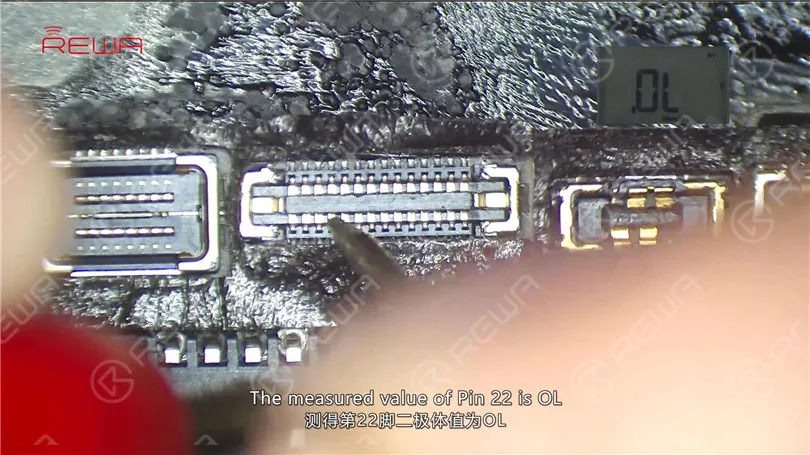
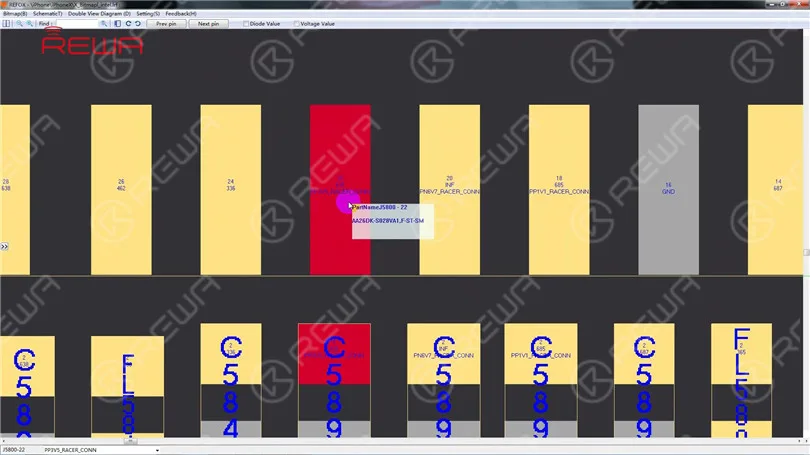
    Take out the motherboard. The first thing we do is to check the Touch ID FPC connector J5800. Run diode mode measurement of J5800. The measured value of Pin 22 is OL which indicates that Pin 22 relevant circuit has open-circuited.
    iPhone X Unresponsive Touchscreen Repair

    We can see that there is an inductor FL5893 on the circuit. Let’s start with FL5893.
    iPhone X Unresponsive Touchscreen Repair

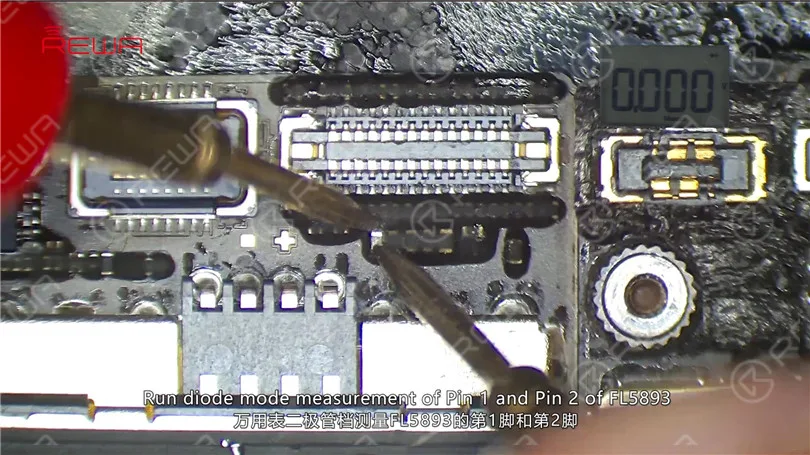
    First, remove sponge around J5800 with tweezers. Run diode mode measurement of Pin 1 and Pin 2 of FL5893. The measured value of the two pins is 0. Judging by the measured value, FL5893 is in normal status.
    iPhone X Unresponsive Touchscreen Repair

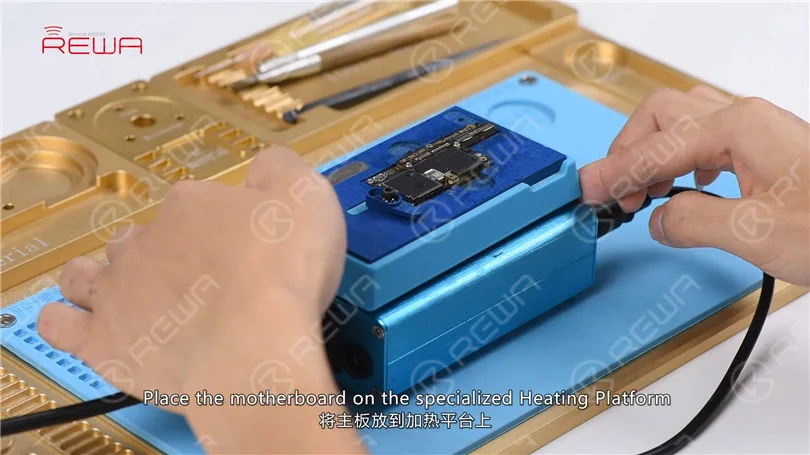
    We can see that the circuit makes its way to the third space PCB. So we need to separate the motherboard to check the third space PCB. Place the motherboard on the specialized Heating Platform. With temperature of the platform reaching 160℃, pick up the upper layer with tweezers.
    iPhone X Unresponsive Touchscreen Repair

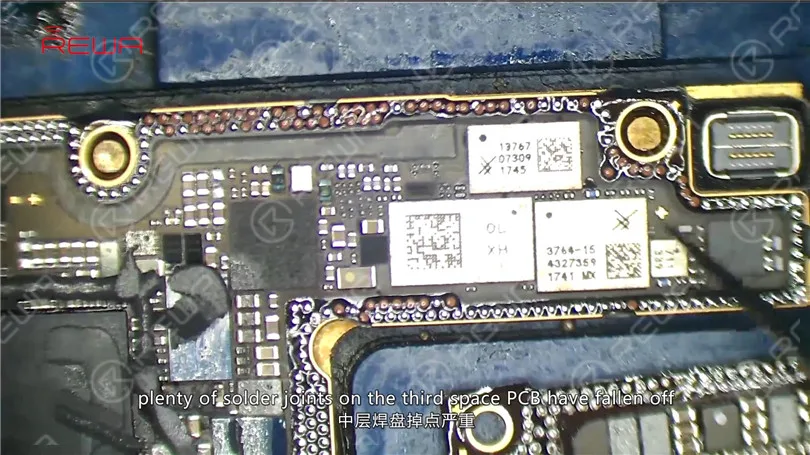
    As you can see, plenty of solder joints on the third space PCB have fallen off. And the motherboard is severely deformed. Judging by this, the motherboard is unrepairable.
    iPhone X Unresponsive Touchscreen Repair

    Conclusión:

    iPhone X touchscreen is unresponsive. The first thing we do is to check the Touch ID FPC connector J5800. Run diode mode measurement of J5800. Judging by the measured value, Pin 22 relevant circuit has open-circuited. We can see on the bitmap that the circuit makes its way to the third space PCB. Separate the motherboard and we find that plenty of solder joints on the third space PCB have fallen off. The motherboard is also severely deformed. Judging by this, the motherboard is unrepairable.
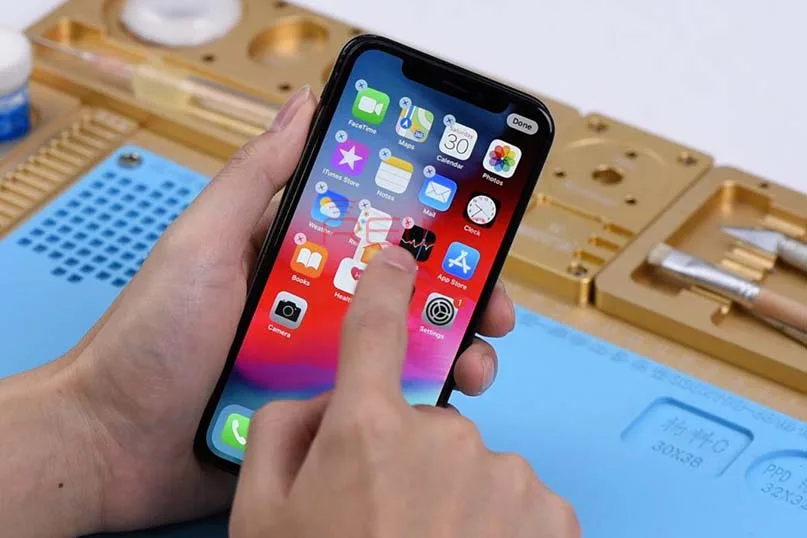

  • La pantalla táctil del iPhone X no funciona arreglo rápido

    La pantalla táctil del iPhone X no funciona arreglo rápido

    Frozen o pantalla táctil no responde es uno de los casos más comúnmente vistos en la reparación del iPhone. En general, hay dos causas diferentes para iPhone x pantalla táctil no responde. Mal funcionamiento de los raíles o componentes de la placa base. O el fallo táctil causado por el mal funcionamiento de la pantalla, que se puede arreglar fácilmente sustituyendo por un nuevo conjunto de pantalla.

    Hoy te enseñamos a descartar y solucionar el problema empezando por lo simple y luego por lo complejo.

    No sabemos dónde está el problema. ¿En la pantalla? ¿O en la placa base? Así que aquí utilizamos una forma sencilla de hacer un juicio preliminar primero. ¡Sustituir con una nueva pantalla sin daños! Si funciona bien en esta placa, podemos confirmar que el problema está relacionado con la pantalla. Como  Montaje del digitalizador de la pantalla del iPhone X es caro, no es tan rentable para los clientes cambiar uno nuevo. Así que vamos a intentar arreglarlo. ¡La inspección cosmética va primero!

    Podemos ver que el cable flexible táctil no está fracturado, y el conector táctil también parece estar bien. No hay nada extraño en la zona de unión entre el cable flexible táctil y el cable flexible de la pantalla. A juzgar por esto, el fallo probablemente esté causado por el IC táctil o por la propia pantalla. Empecemos por el circuito integrado táctil.

    Stick Cinta de alta temperatura alrededor del IC táctil. A continuación, coloque una junta de aislamiento térmico debajo del IC táctil. Caliente con la pistola de aire caliente para eliminar el adhesivo negro alrededor del IC táctil.

    Una vez hecho esto, levante el IC táctil. A continuación, limpie la almohadilla adhesiva. Una vez terminado, aplique un poco de fundente en pasta a la almohadilla de unión. Coloca un nuevo circuito integrado táctil y suelda con la pistola de aire caliente. Limpiar con PCB Cleaner después de soldar.

    Ahora podemos montar el teléfono y probar si la pantalla táctil del teléfono vuelve a la normalidad. Aquí está el video detallado para su referencia. ADEMÁS: con nuestro sistema de enseñanza único, el curso de formación offline REWA puede ayudar a los técnicos a mejorar sus habilidades de reparación mediante el dominio de los pensamientos y técnicas de reparación. Nuestro curso de formación para abril está en pleno apogeo en Czech ahora mismo. No lo dude más.  Inscríbete ahora !

    Te escuchamos.

    ¿Tiene algo que decir sobre este artículo? Compártalo con nosotros en Foro ASK , FaceBook , LinkedIn o nuestro Grupo FaceBook .

    Herramientas utilizadas: (Más acerca de las partes del iPhone y herramientas de reparación de teléfonos celulares por favor revise tienda.rewa.tech )

    Estación de retrabajo con pistola de aire caliente - 990AD

    Estación de soldadura - 969A

    Multímetro digital

    Pasta fundente BGA - 223A - Tipo 1

    Comunicación Mantenimiento Fuente de alimentación

    Microscopio electrónico - Tipo 1

    Fundente de colofonia

    Cinta adhesiva resistente al calor - 3,5 mm

    Palanca de plástico antiestática

    Rascador BGA de acero inoxidable



