Etiqueta: iphone 7

  • Reparación de daños graves por caída del iPhone 7 y restablecimiento de su funcionalidad

    Reparación de daños graves por caída del iPhone 7 y restablecimiento de su funcionalidad

    Cuando un iPhone 7 se golpea contra el suelo, el daño puede ser grave y afectar no solo a la pantalla, sino también a los componentes internos. En esta guía, vamos a caminar a través del proceso de diagnóstico y reparación de un iPhone 7 daños graves caída, haciéndolo incapaz de arrancar. Esta guía paso a paso te ayudará a restablecer el funcionamiento de tu iPhone 7, desde solucionar los problemas de la pantalla hasta resolver los problemas de la banda base.
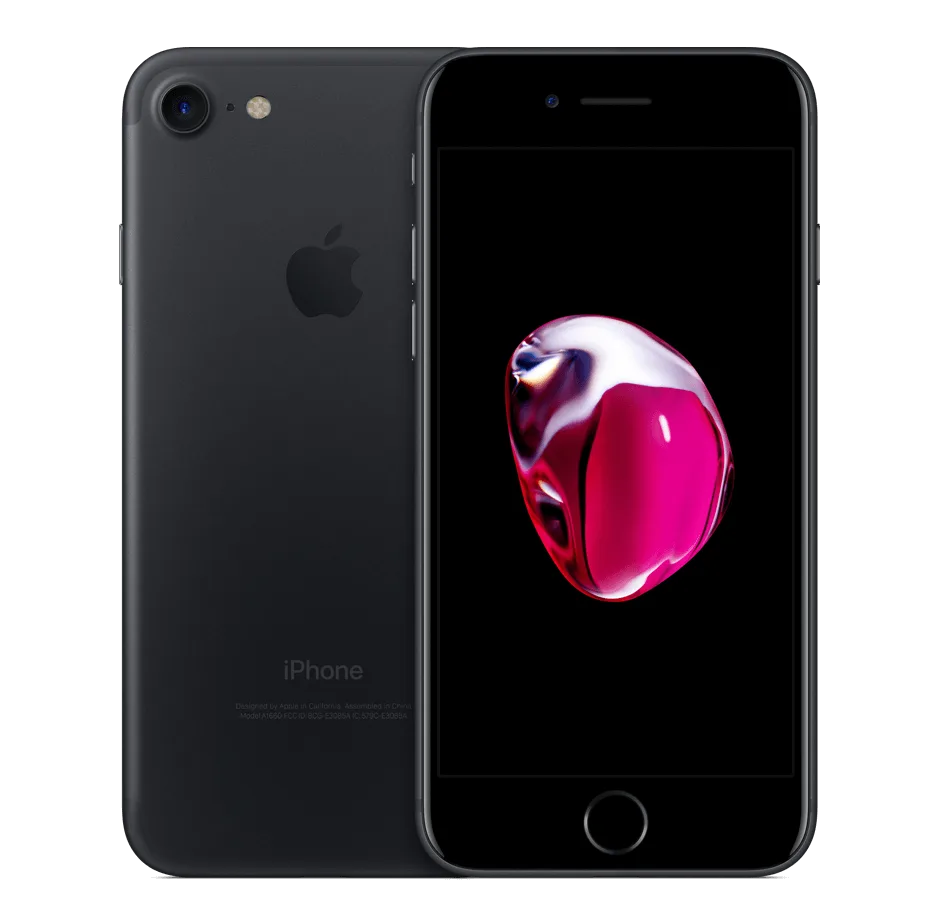
    iphone 7 negro

    Detalles del teléfono:

    Modelo: iPhone 7

    Anunciado: 2016, septiembre 07

    Fenómeno del defecto

    El iPhone 7 se golpeó contra el suelo durante una discusión, lo que provocó una pantalla destrozada y la imposibilidad de arrancar.

    Solución de problemas para reparar los daños por caída del iPhone 7

    1: Inspección inicial
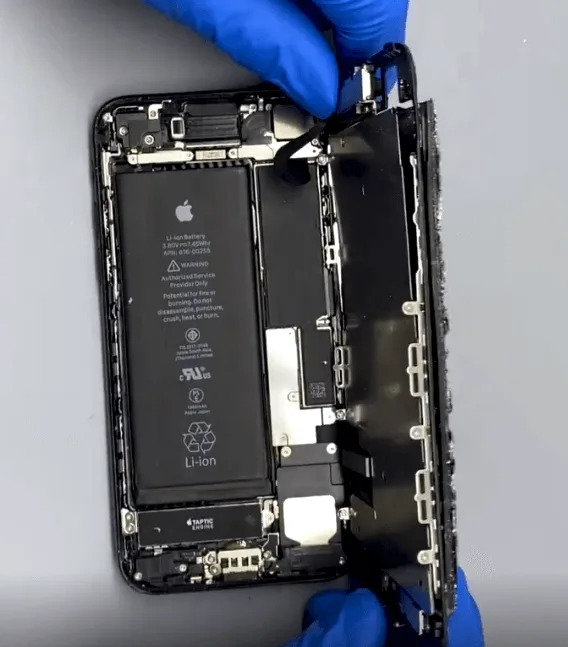
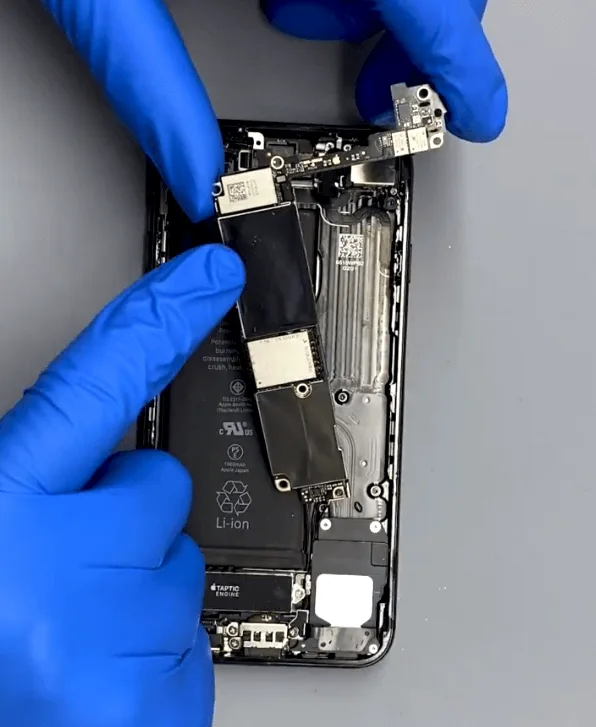
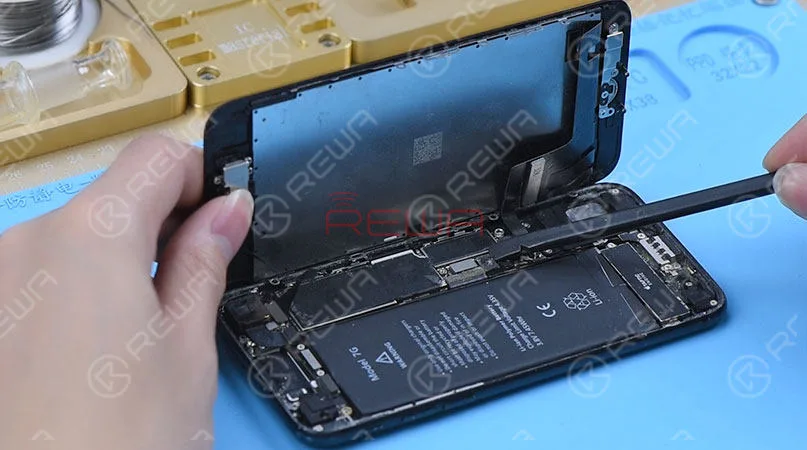
    • Desmonte el teléfono y extraiga con cuidado la placa base para inspeccionarla.
    • La placa base parece estar en buen estado, sin deformaciones visibles ni falta de componentes.

    2: Sustitución y comprobación de la pantalla
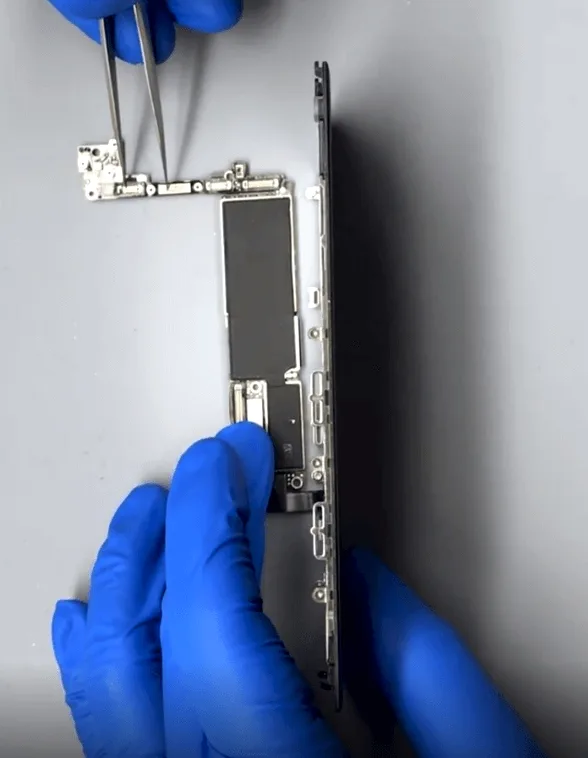
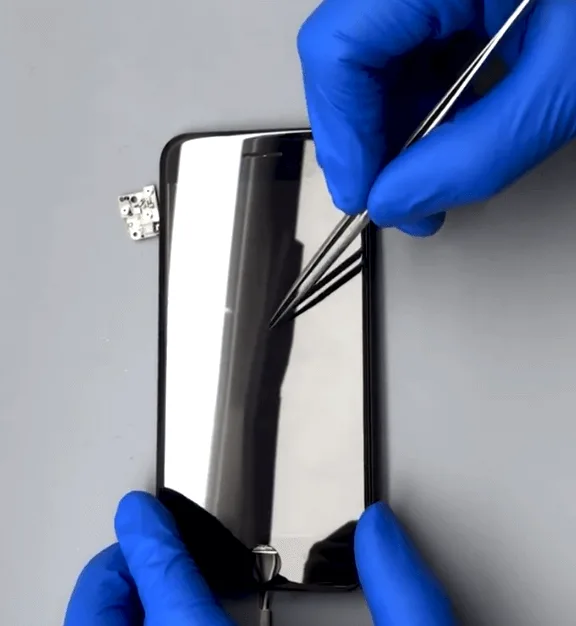
    • Sustituye la pantalla rota por una nueva e intenta arrancar el teléfono.
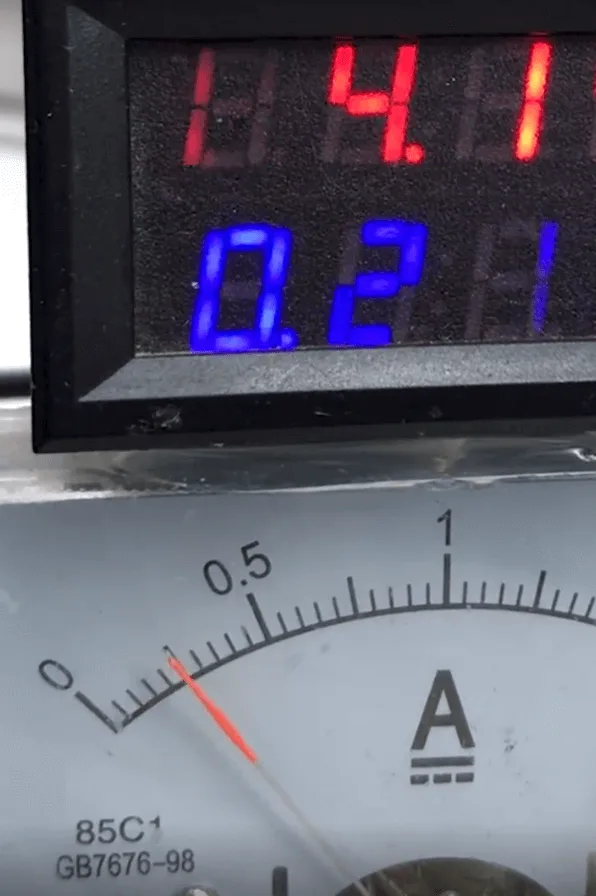
    • La corriente de arranque es normal, pero la pantalla permanece en blanco, lo que indica un posible problema con el circuito de visualización.

    3: Diagnóstico del circuito de visualización:
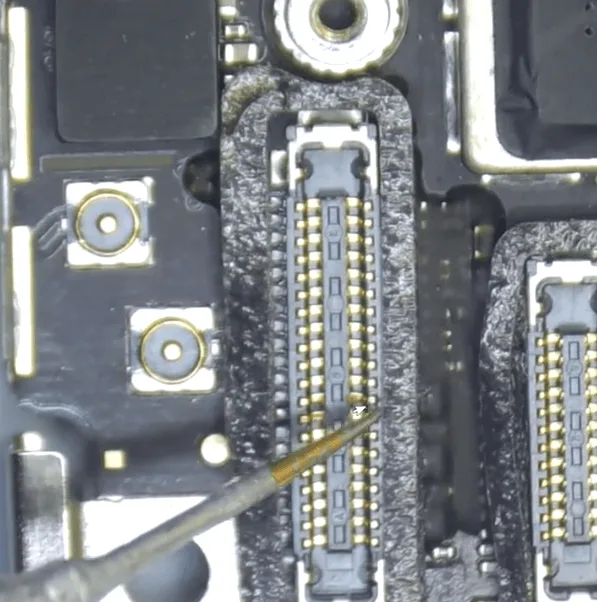
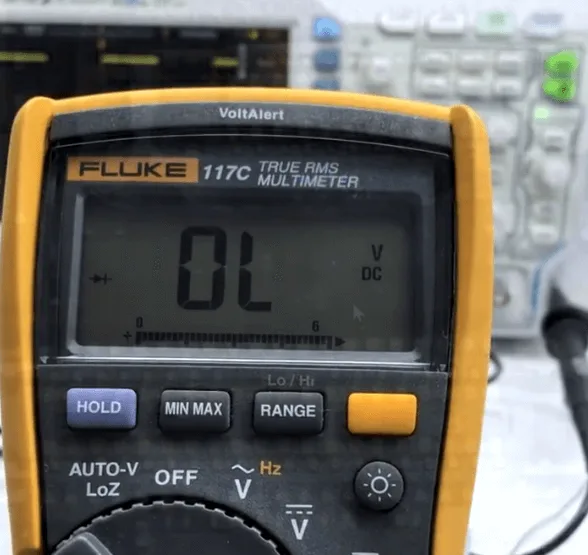
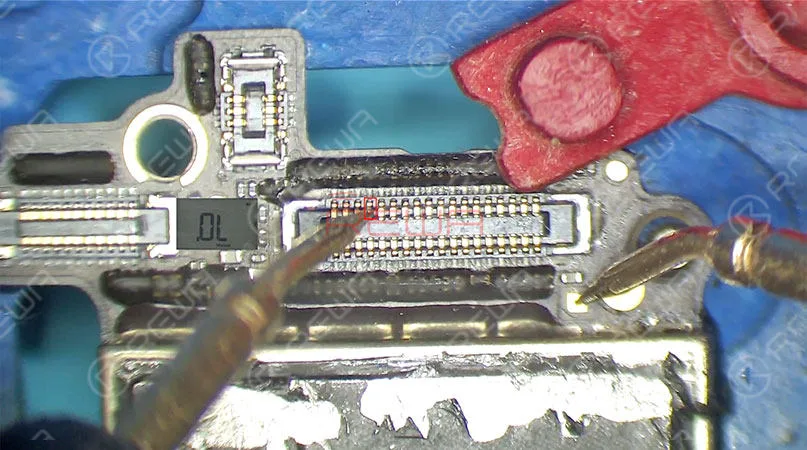
    • Mida los valores de los diodos en el conector de la pantalla. Un pin muestra un valor de diodo anormal de OL (bucle abierto).
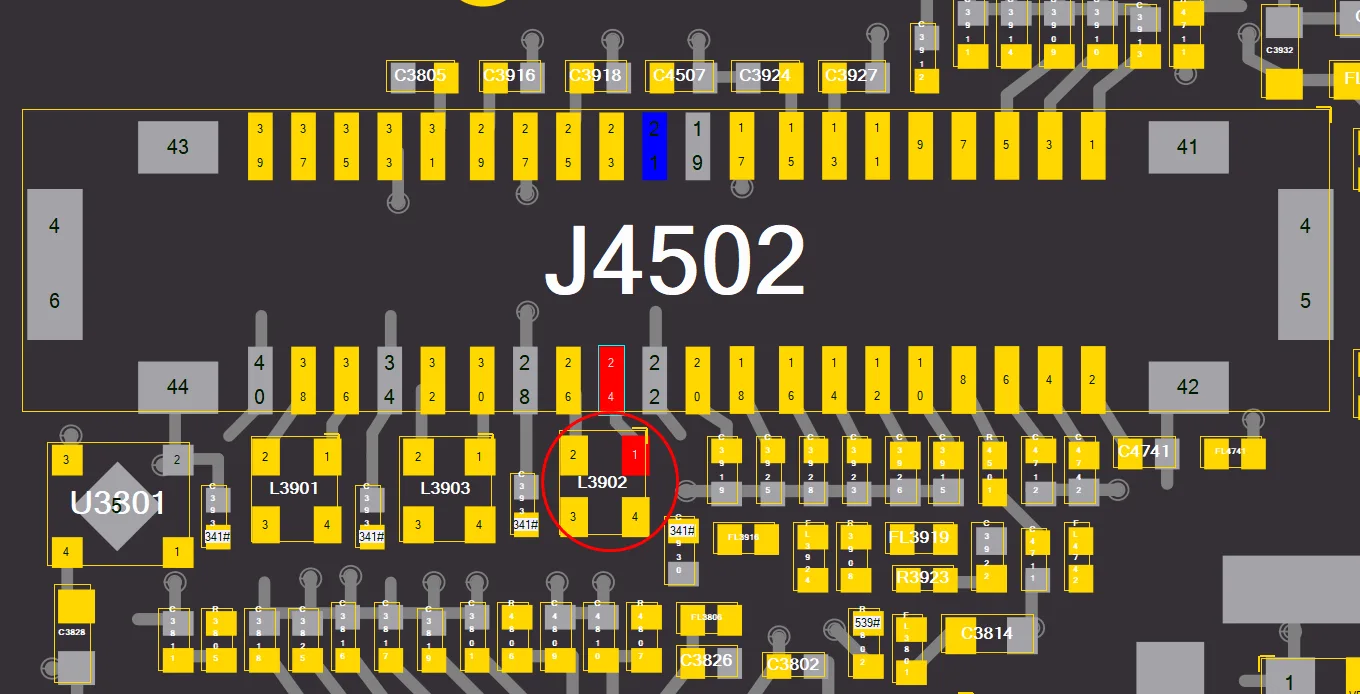
    • Según la mapa de bitseste pin está conectado a L3902, lo que indica un problema con el inductor combinado.

    4: Reparación del inductor
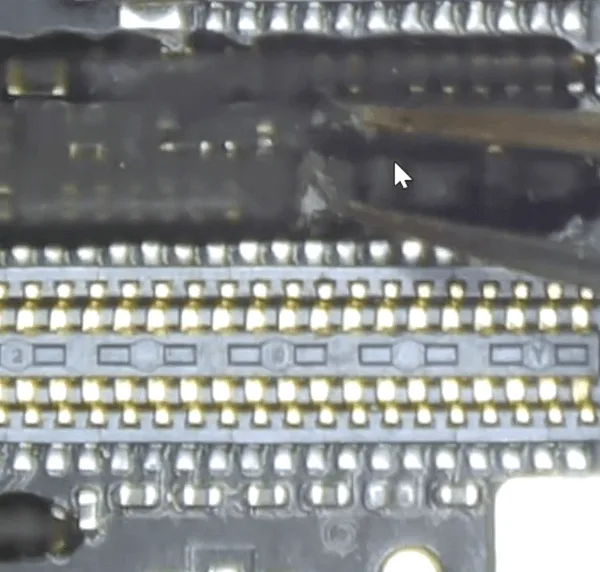
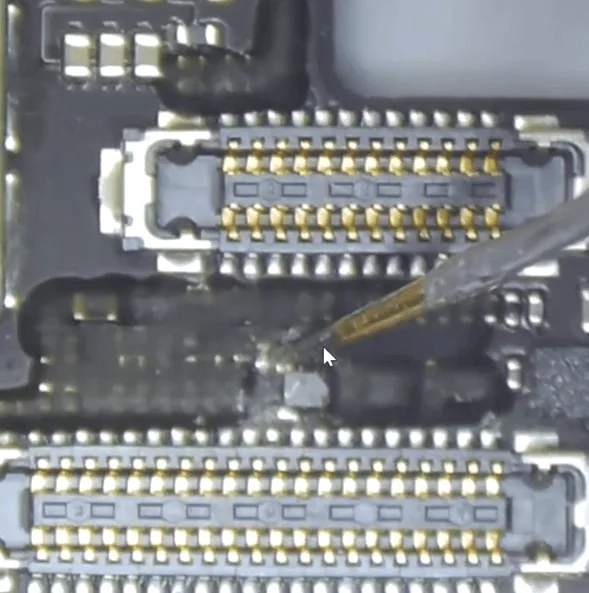
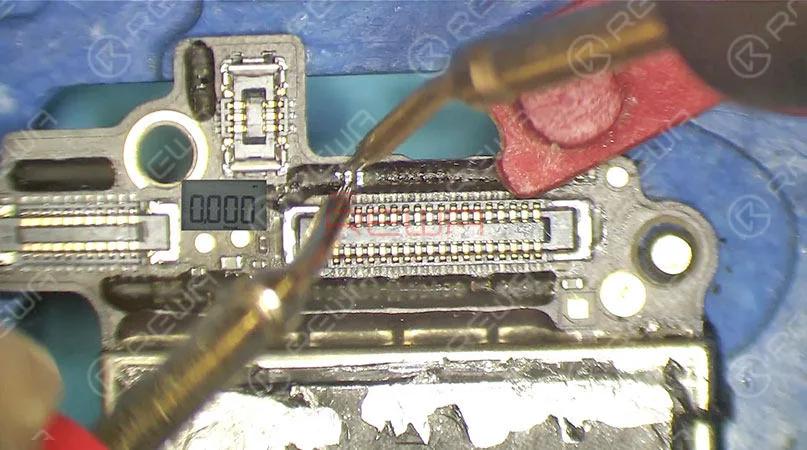
    • Retire el pegamento negro de la superficie del inductor.
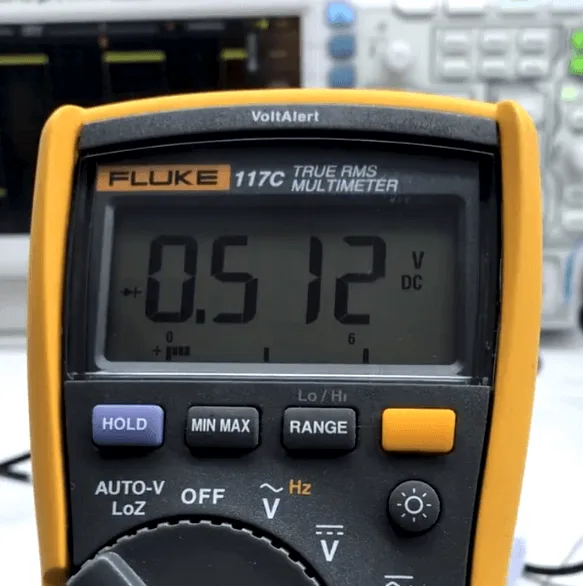
    • Una vez retirado, el valor del diodo en la patilla del inductor es 512, lo que confirma que el carril interior está roto.
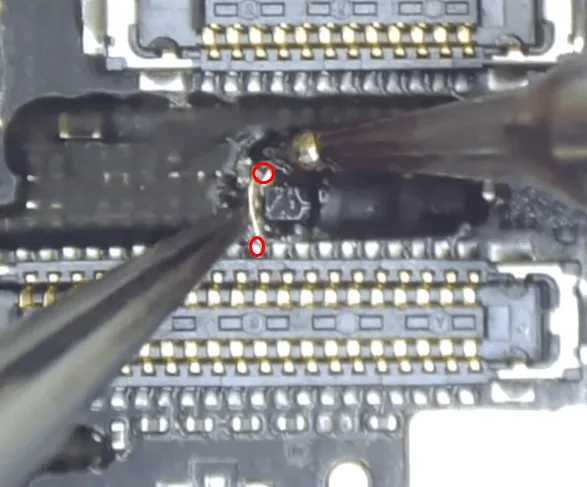
    • En lugar de sustituir el inductor, lo que podría causar problemas de soldadura debido al número de conectores, saltar un alambre de cobre para reparar la conexión.

    5: Finalizar la reparación de la pantalla
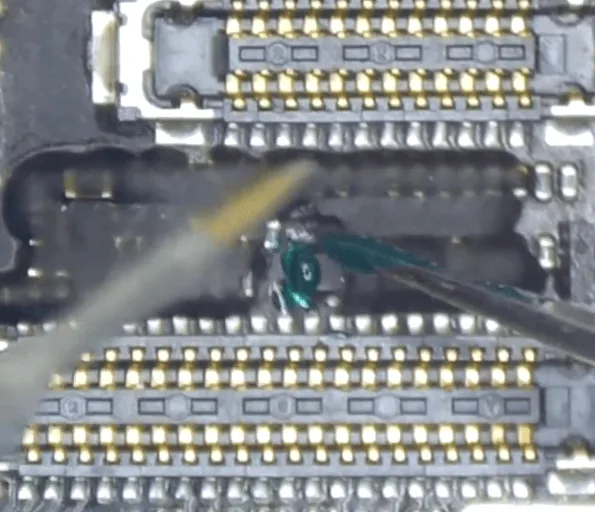
    • Utiliza los puntos rodeados en rojo para saltar un cable, reconectando la señal de pantalla (90_MIPI_AP_TO_LCM_DATA0_P).
    • Aplique una máscara UV y cúrela con Luz ultravioleta para asegurar la conexión.
    • Vuelva a montar el teléfono y pruébelo de nuevo. Ahora el teléfono arranca con normalidad y la pantalla funciona correctamente.

    Abordar el problema de la banda base

    1: Identificar el problema
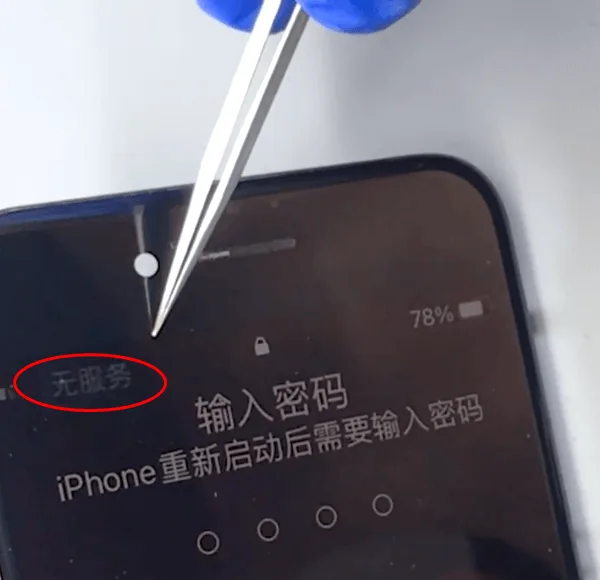
    iphone 7 no internet
    • Después de la reparación inicial, el teléfono arranca, pero no hay servicio, que es un problema común en iPhone 7s después de caídas graves. Esto suele indicar daños en la PMU de banda base o en la CPU de banda base.

    2: Reparación de la PMU de banda base
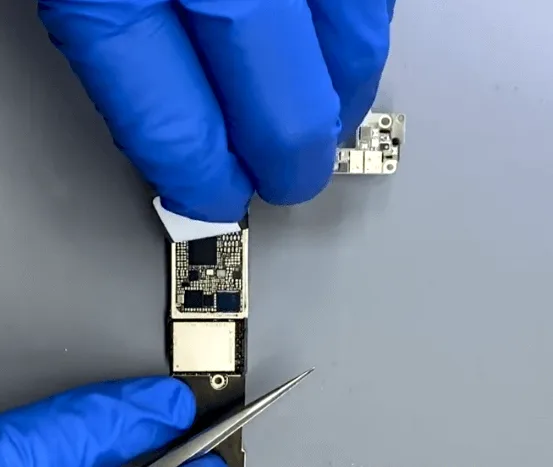
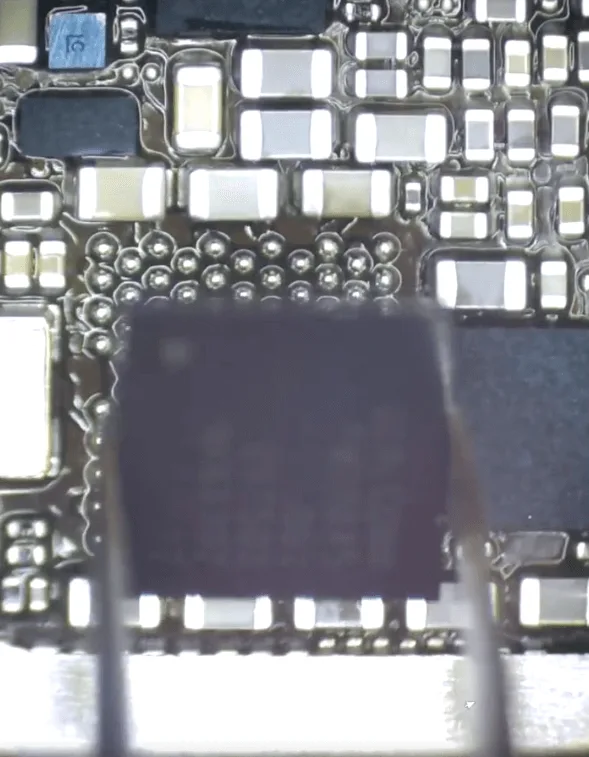
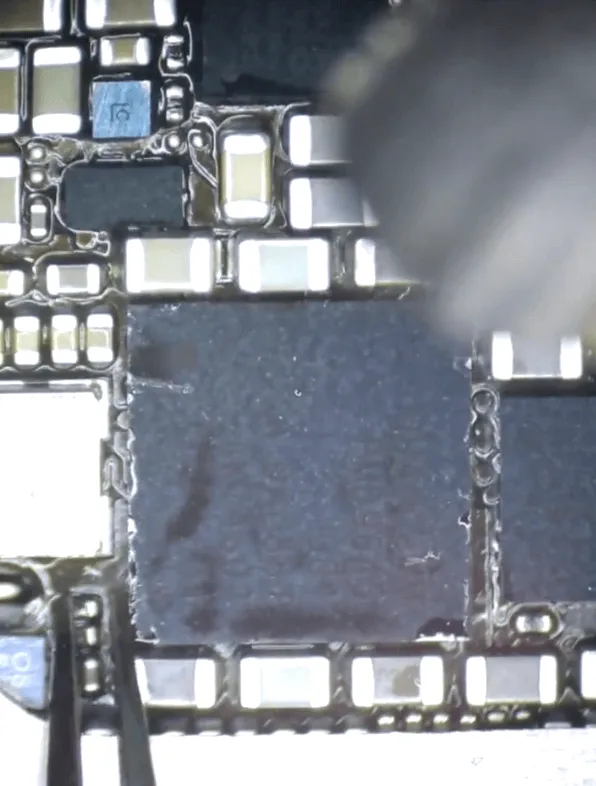
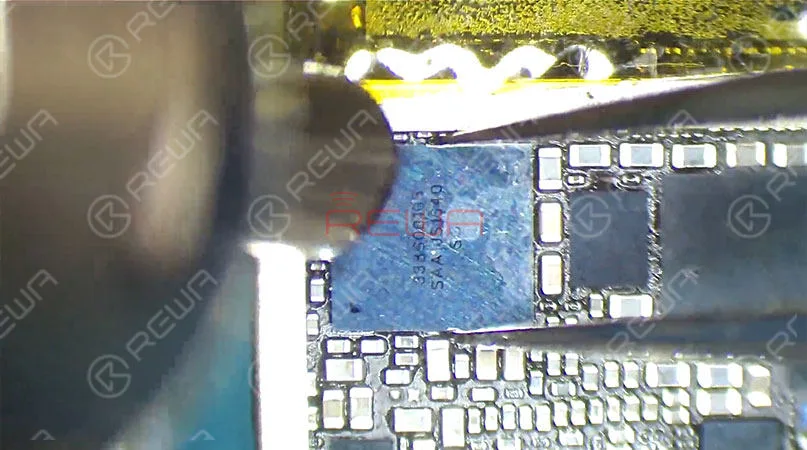
    • Retire el adhesivo protector para acceder al chip de la PMU de banda base.
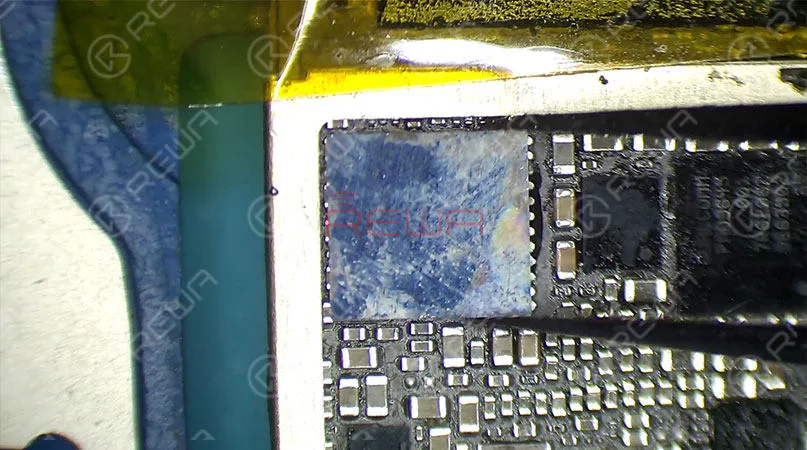
    • Solicitar pasta de soldadura y utilizar un pistola de aire caliente para retirar con cuidado el chip.
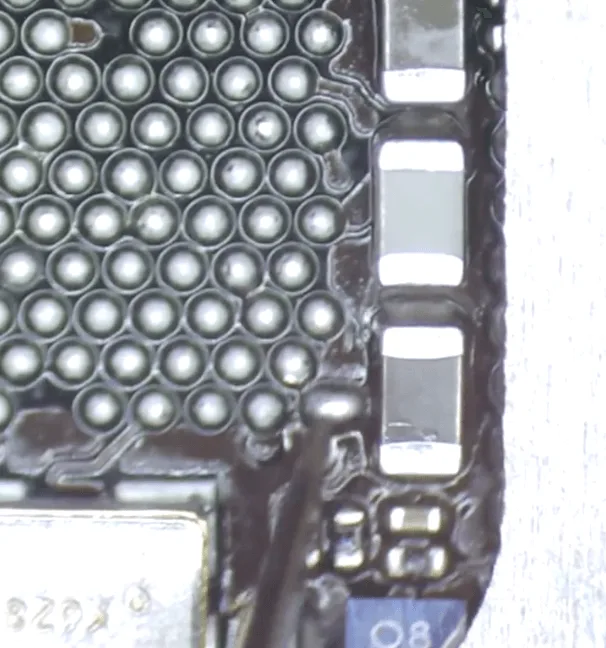
    • Vuelva a conectar el cable roto utilizando una bola de estaño para soldar y vuelva a soldar el chip Baseband PMU en su lugar.

    3: Pruebas finales
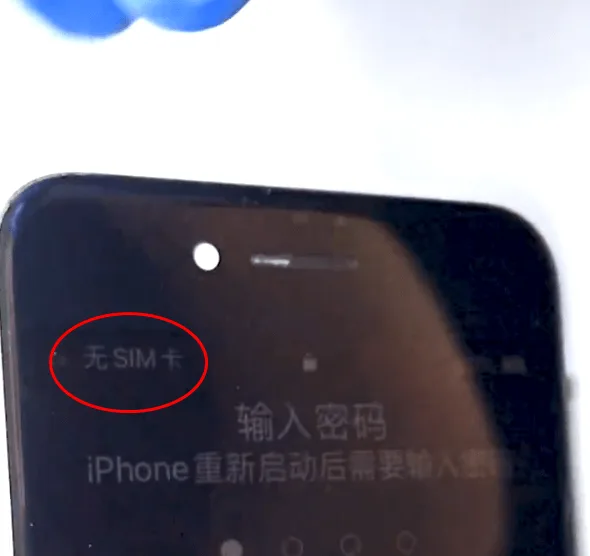
    Reparación de daños graves por caída del iPhone 7
    • Limpie la placa base con un limpiador de PCB para asegurarse de que todos los componentes están bien soldados y libres de residuos.
    • Vuelva a montar el teléfono y pruébelo de nuevo. Esta vez, el teléfono reconoce correctamente la tarjeta SIM y se resuelve el problema de "Sin servicio".

    Conclusión:

    Reparar un iPhone 7 grave daños por caída es un proceso de varios pasos que requiere un diagnóstico cuidadoso y precisión. Si solucionas tanto el circuito de la pantalla como los problemas de banda base, podrás restaurar la funcionalidad completa de tu dispositivo. Si se encuentra con problemas similares, siga estos pasos para reparar y revivir eficazmente su iPhone 7. Para obtener tutoriales de reparación más detallados, visite la Academia REWA y mejore sus habilidades técnicas.
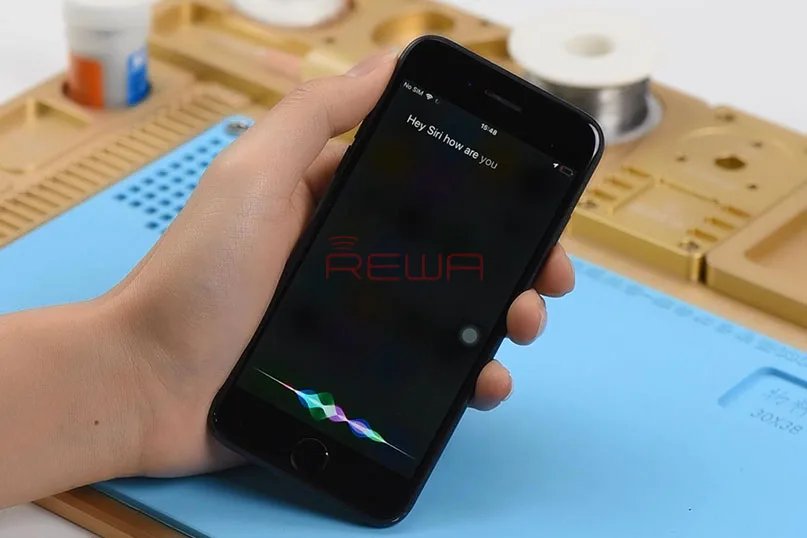
  • Hey Siri Not Working On iPhone 7 Quick Fix

    Hey Siri Not Working On iPhone 7 Quick Fix

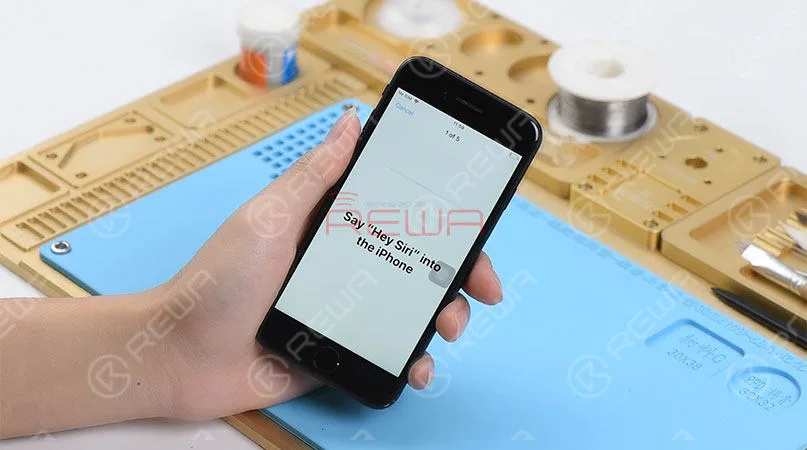
    Hey Siri, how’s the weather today? Hey Siri, call my girlfriend… Hey Siri, read my schedule… “It is a super useful tool to have when on the road or just simply when your hands are full.” It’s true definitely. However, what if Hey Siri is not working on your iPhone now? Don’t worry, we have these solutions for you. Solution 1: Make sure that your device has Hey Siri turned on. Solution 2: Try to reboot your device Sometimes software glitches can occur, and a reboot can often fix problems with services that get stuck and fail to work. If Hey Siri still does not work, then there is probably something wrong inside the motherboard. Here in this blog, we will share with you a repair case about Hey Siri not working on iPhone 7 . The setup cannot be completed. Try to long press the home button for Siri, and we find that Siri works normally.

    Hey Siri Not Working On iPhone 7 Quick Fix

    Judging by this, the fault is probably related to relevant circuits of the front facing microphone. Then we need to do iPhone motherboard repair. Let’s turn off and take apart the phone first. (Please be noted that we should disconnect the battery first, then move on to other flex cables.)

    Hey Siri Not Working On iPhone 7 Quick Fix

    Then get the logic board attached to the Soporte para PCB and run diode mode measurement of the front-facing camera connector. So as to find out what the problem is. We find that the measured value of Pin 29 is OL, which is abnormal. Which also means Pin 29 relevant circuit has open-circuited.

    Hey Siri Not Working On iPhone 7 Quick Fix

    Therefore, we should check components related to the circuit on Bitmap. We can see that the circuit is formed by an inductor, a capacitor, a diode and the audio IC. Since capacitors and diodes have nothing to do with the open-circuit problem, we can check the inductor first. Then remove black adhesive on the inductor with Tweezers and then test. The measured value is normal, which also indicates that the inductor is in normal status. Judging by this, the fault is probably related to audio IC.

    Hey Siri Not Working On iPhone 7 Quick Fix

    By now, we can confirm that the most possible cause for Hey Siri not working on this iPhone 7 is the audio IC. Let’s try to replace it with a new audio IC and see how it works. First we need to stick High-temperature Tape on the NAND flash chip next to the audio IC, then remove audio IC with Hot Air Gun.

    Hey Siri Not Working On iPhone 7 Quick Fix

    Get a new audio IC in position after audio IC detaching and pad cleaning. Solder the audio IC with Hot Air Gun afterwards. Once done, clean with PCB Cleaner.

    Hey Siri Not Working On iPhone 7 Quick Fix

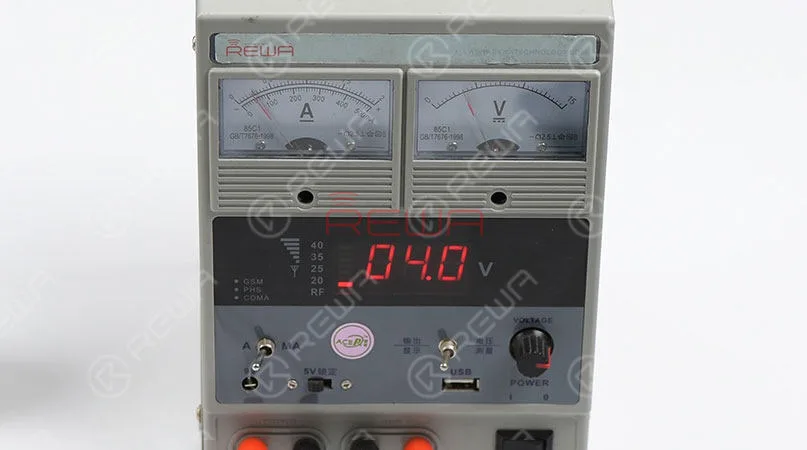
    Now we need to test the logic board before assembling the phone. Get the logic board powered on with tweezers. Current reading on the ammeter is normal.

    Hey Siri Not Working On iPhone 7 Quick Fix

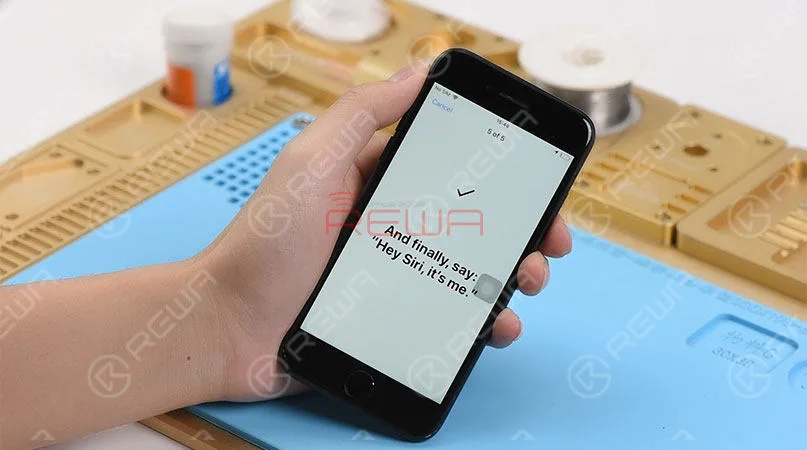
    Now we can assemble the phone and test. Enable and set up ‘Hey Siri’ on the phone. Once completed, try to invoke Siri by muttering the words ‘Hey Siri’. Siri is opening on the phone this time.

    Hey Siri Not Working On iPhone 7 Quick Fix

    And this is our Hey Siri logic board repair today. If you have questions or are interested in iPhone logic board repair, do not hesitate to attend REWA Training Course . Tools Used:(For more iPhone parts and cell phone repair tools, please check our new online store – tienda.rewa.tech , you can get the details and prices of each product, shipping fees as well, welcome to check! Any questions and suggestions please contact us anytime through our Ask Forum or sales@rewatechnology.com )

    Estación de retrabajo con pistola de aire caliente - 990AD

    Electronic Soldering Iron SMD Rework Station – 969A

    Pinzas rectas

    PCB Holder for iPhone Motherboard Repair

    Fundente de colofonia

  • Unveil the last secret of iPhone 7

    Unveil the last secret of iPhone 7

    With the launch date of iPhone 7 fast approaching, we’ve seen a slew of rumors about this new device on the Internet. All kinds of conflict information make us confused. Here we collect the most reliable specific and detailed information about the next-generation iPhone. Let’s check it out.

    Features and specifics:

    unveil last secret iphone

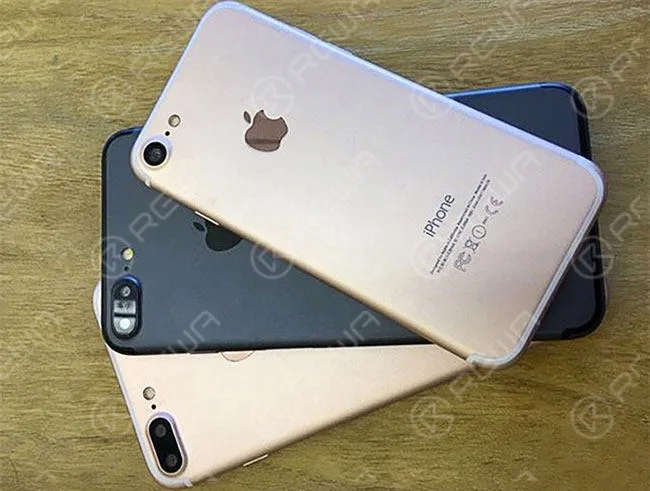
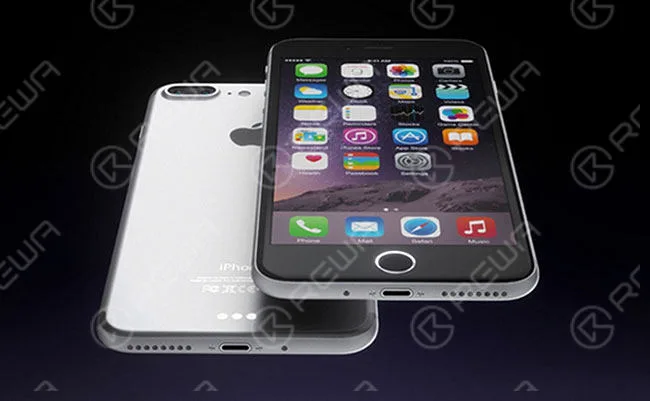
    1. The dual-lens camera on the iPhone 7 plus, but not on the standard iPhone 7.

    unveil last secret iphone 2

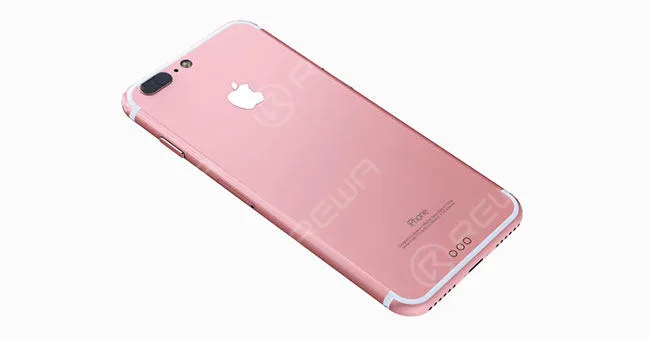
    2. Repositioned antenna lines curve along the edges of the phone instead of striping across the back of it.

    unveil last secret iphone 3

    unveil last secret iphone 4

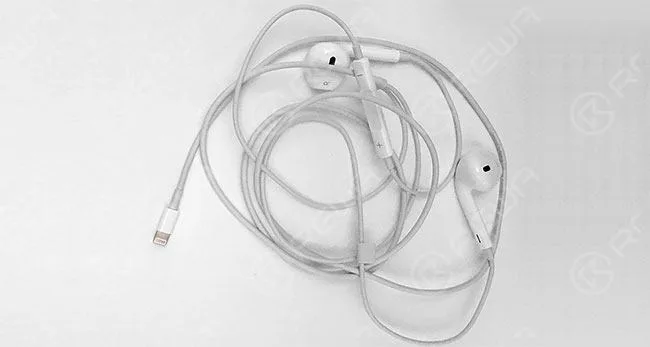
    3. Removal of the headphone jack. Earpods will remain the same but will have a Lightning connector instead of a 3.5mm headphone connector.

    unveil last secret iphone 5

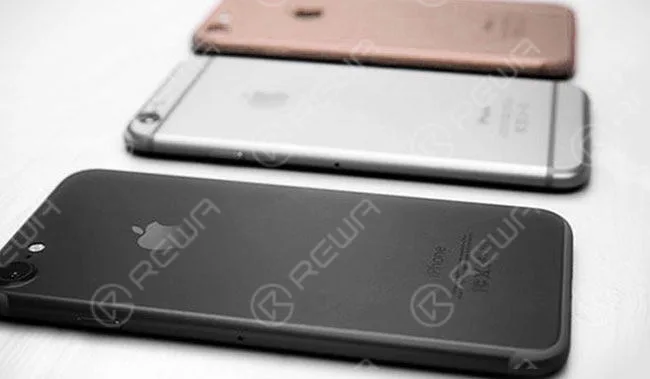
    4. The same four color schemes: silver, gold, rose gold and space black. The dark blue version will not appear as rumored. 5. Different camera holder and sensor bracket.

    unveil last secret iphone 6
    unveil last secret iphone 7

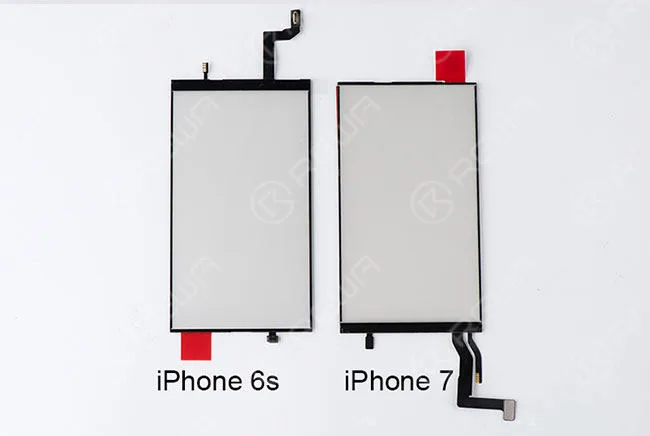
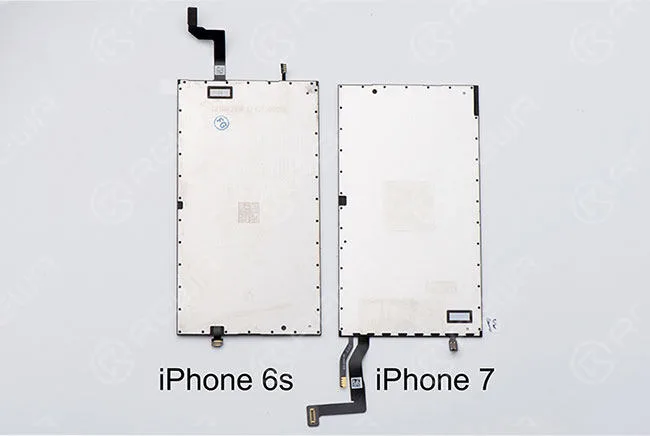
    6. LCD flex cable and touch flex cable are assembled together and moved from top to bottom. 7. 32GB base storage, with 128GB and 256GB option. 8. Home button will no longer be a clickable button, but rather a pressure-sensitive circle that provides haptic feedback when touched. The new home button will still contain the Touch ID fingerprint sensor. 9. The screws on the bezel are using tri-lobular thread screws instead. 10. The reposition of logic board connector. Now we believe you have a thorough understanding of iPhone 7, are you satisfied with all those upgrades? Want to order our products?

    Please contact us: PRE-SALES

    Skype: rewatech

    Correo electrónico: service@rewa.tech

    POST-VENTA Skype: support-rewatech

    Correo electrónico: support@rewatechnology.com