In this guide, we’ll explore a detailed step-by-step process for fixing an unresponsive touch screen issue on a 1st Gen iPad Pro. If you’ve encountered this problem, don’t worry; we have a solution that involves diagnosing the issue and making the necessary repairs. Let’s dive into the troubleshooting and repair process.
Power On the iPad Pro
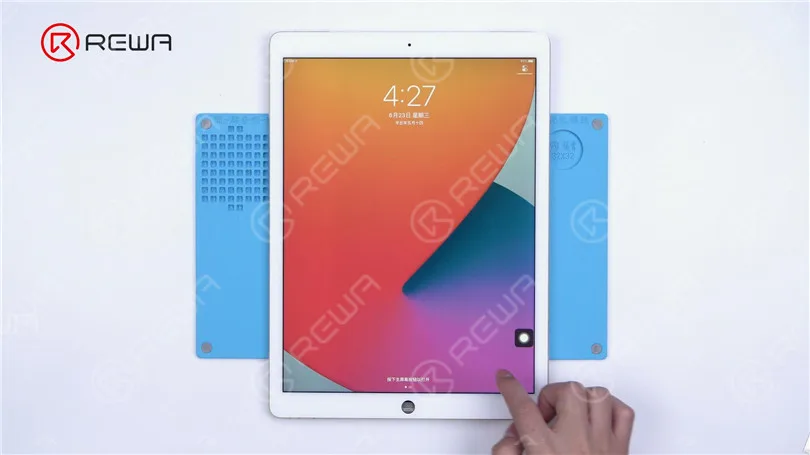
The first thing to try when your iPad’s screen isn’t responding is a simple restart. Hold down the power button until the “Slide to power off” slider appears. Slide it to turn off the device and then turn it back on. If the screen doesn’t response and can’t turn off then follow the next step.
Disconnect the Display
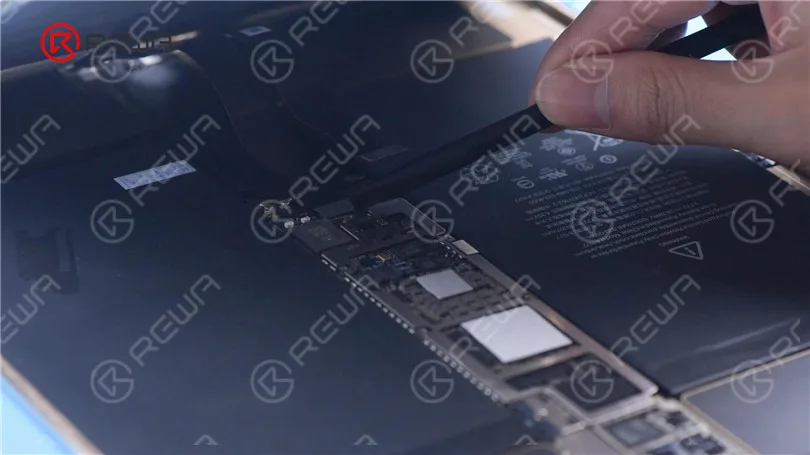
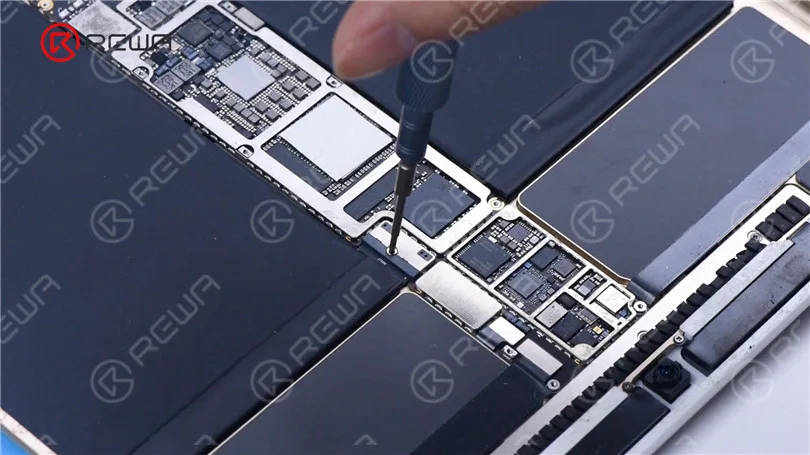
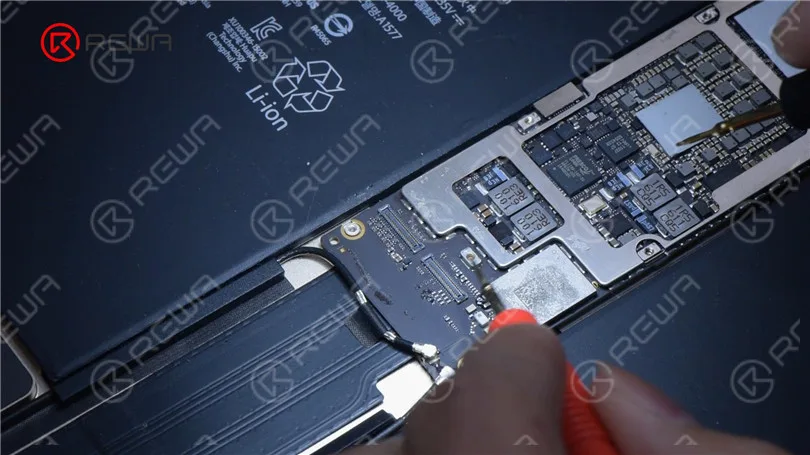
In some cases, a disconnected or damaged display could be the culprit. To check this, you may need to open up your iPad. If you’re not comfortable with this, it’s best to seek professional help. Remove the battery screw on the motherboard and insert a pry piece to isolate the battery from the motherboard to prevent any circuit damage.
Install a Known-Good Display
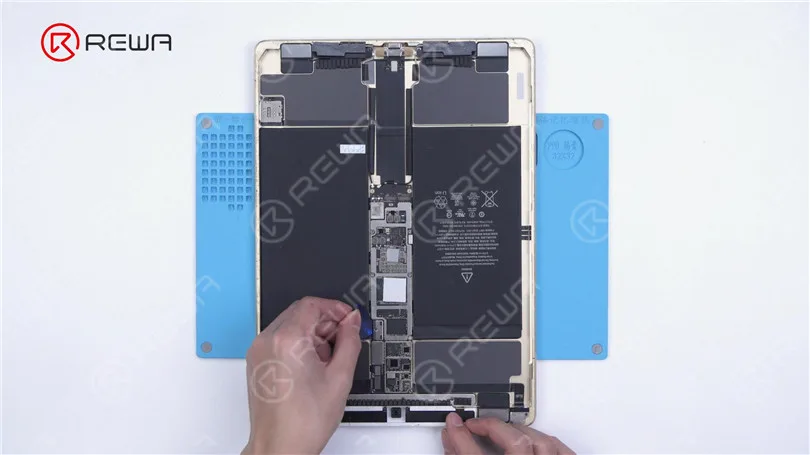
If after disconnecting and reconnecting the display, the touchscreen is still unresponsive, it’s safe to say that the issue is not with the display. Instead, it could be a motherboard fault.
Inspect Touch Connectors
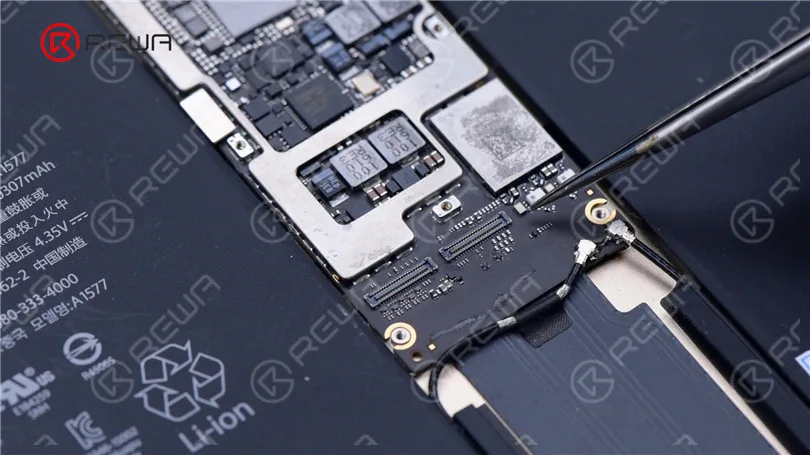
Check the touch connectors to ensure they are not deformed or damaged. If they appear to be in good condition, proceed to the next step.
Measure Resistance Values
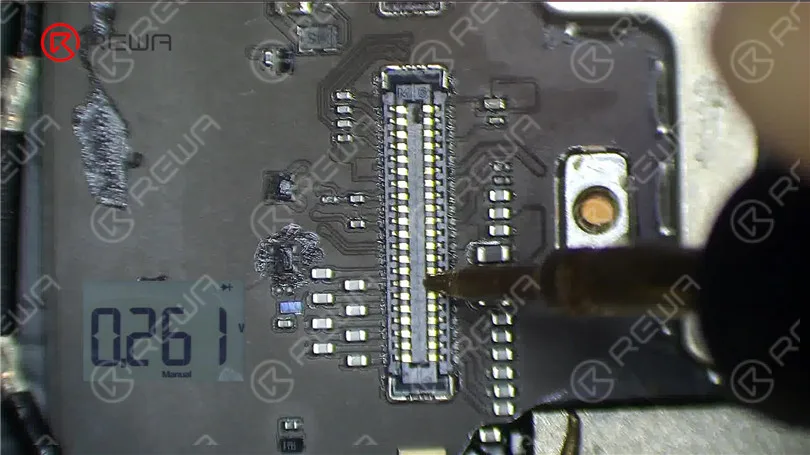
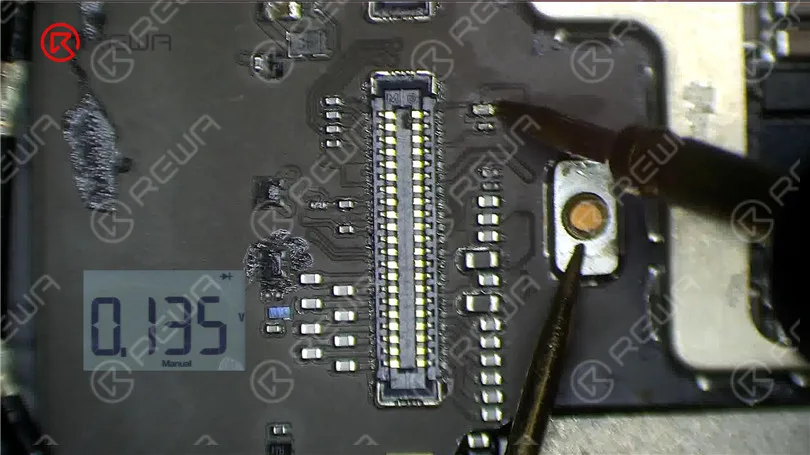
Using a multimeter, measure the resistance values of pin 2, pin 4, and pin 6. The normal value should be around 144 ohms. If these values are significantly different, you might have identified the issue.
Examine the Inductor
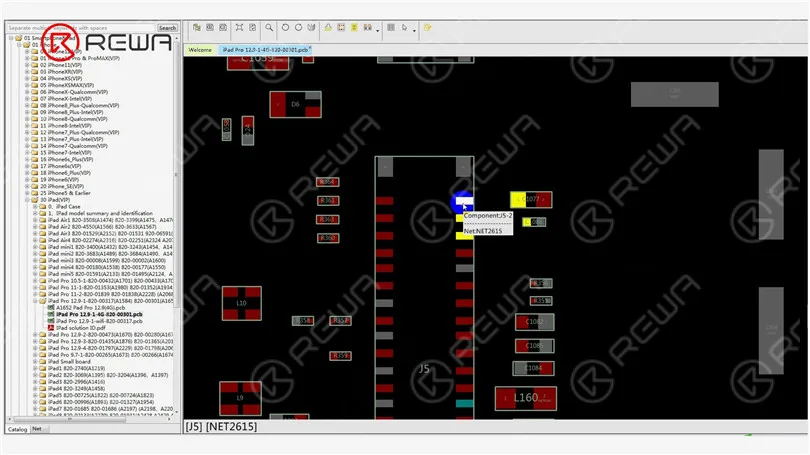
Inspect the inductor that connects these pins to the chip. Measure the resistance value of this inductor. If it’s abnormal, the inductor might be damaged, which can happen due to improper operation, such as installing the display with the battery still connected.
Replace the Damaged Inductor
To fix the issue, you’ll need to replace the damaged inductor. Follow these steps carefully.
Pry the motherboard slightly to prevent rapid heat dissipation.
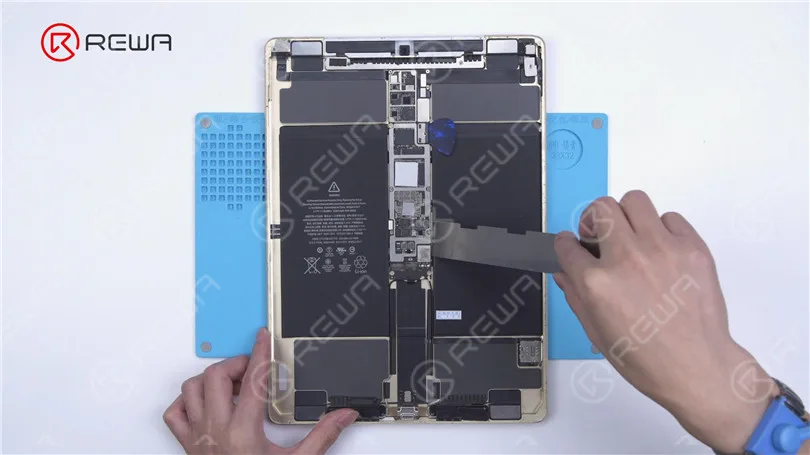
Apply high-temperature tape and an insulation mat.
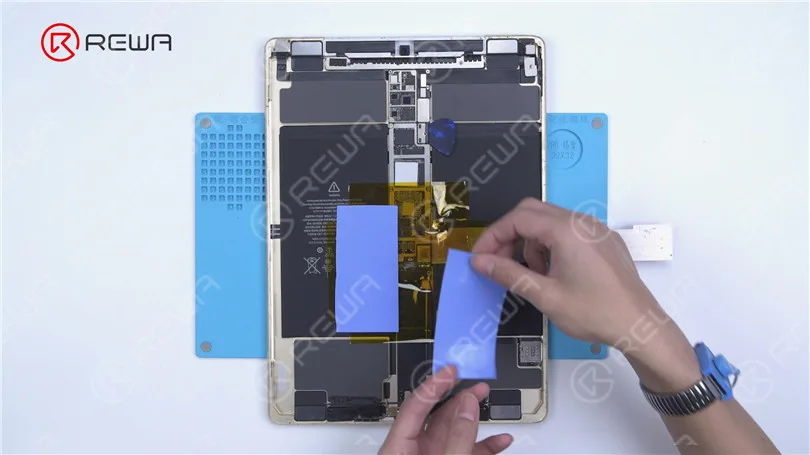
Use paste flux and heat with a Hot Air Gun at 360°C and airflow 2 to remove the damaged inductor.
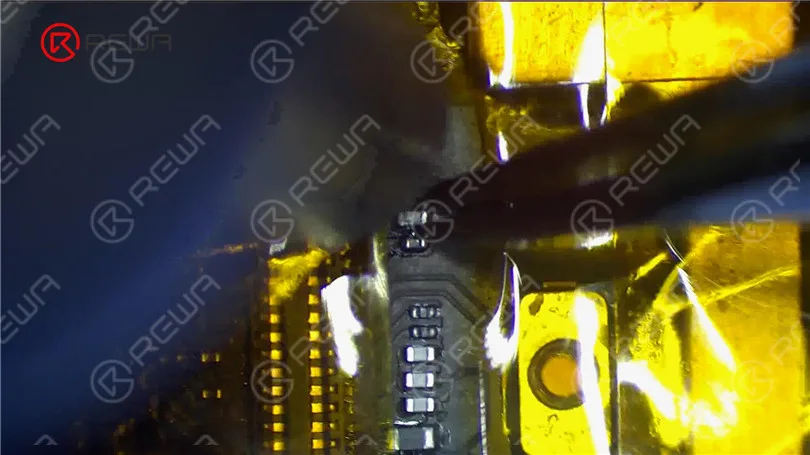
Apply a middle-temperature solder paste and continue heating with the Hot Air Gun to lower the melting point of the bonding pad.
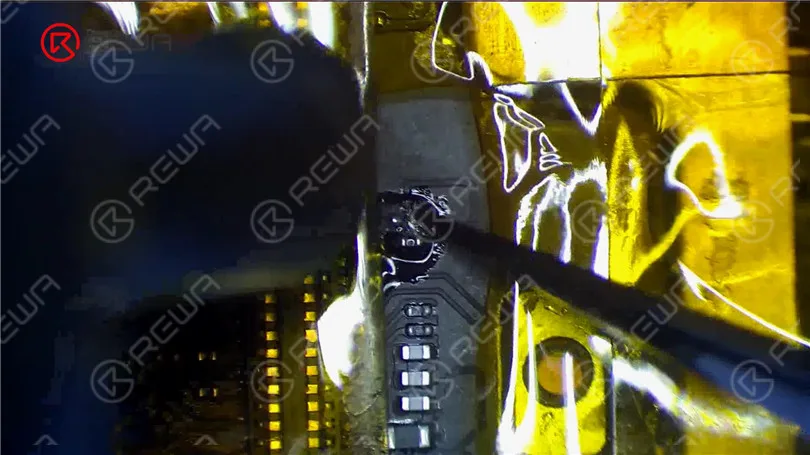
- Remove any remaining solder with a solder wick.
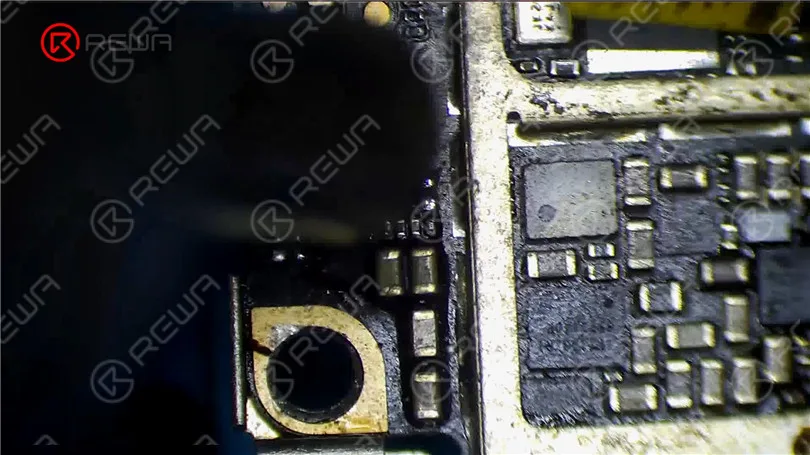
- Source a replacement inductor from an abandoned board and solder it with the Hot Air Gun at 330°C and airflow 2.
- Clean the area with a PCB cleaner.
- Measure the resistance values again to ensure they are normal.
Test the Screen
Reassemble your iPad and test the touchscreen. If both the touch and 3D Touch functions work properly, congratulations, you’ve successfully fixed the unresponsive touchscreen issue on your iPad Pro.
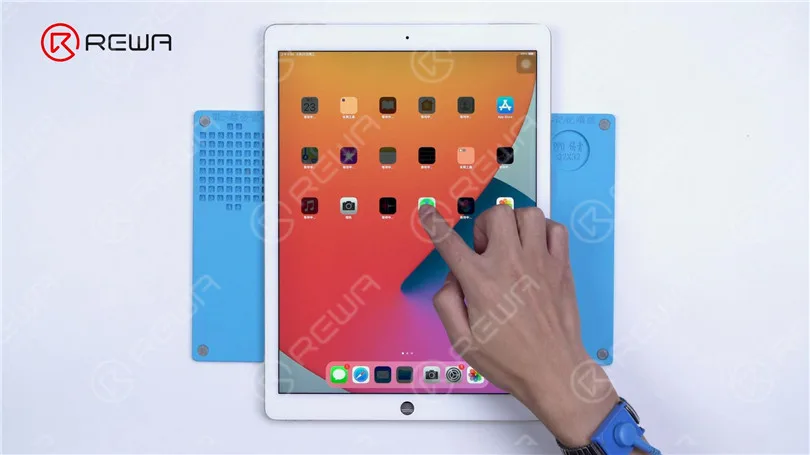
Video Guide to Fix ipad pro touch screen not working
Conclusión:
Troubleshooting and repairing an unresponsive iPad Pro touchscreen can be a daunting task, but with the right steps and precautions, it’s possible to diagnose and fix the issue. Remember to disconnect the battery when working on your device to avoid any further damage. If you’re unsure about any step, it’s always best to seek the help of a professional technician.
Please feel free to leave a comment if you have any questions or if there are other repair topics you’d like to learn about. If you’re interested in mastering iPhone motherboard repair, consider enrolling in the Academia REWA live online course, designed for beginners. Hurry, as only 20 spots are available for each training session. And for iPad replacement parts, visit the REWA Shop.
 English
 Español
 Français
 Deutsch
 Italiano