Etiqueta: ipad ghost touch

  • Cómo arreglar la pantalla táctil del iPad saltando / Glitching - Touch IC Reemplazo

    Cómo arreglar la pantalla táctil del iPad saltando / Glitching - Touch IC Reemplazo

    Today we will share how to repair iPad touch screen jumping. The touch screen of the iPad is still jumping after touch screen replacement.
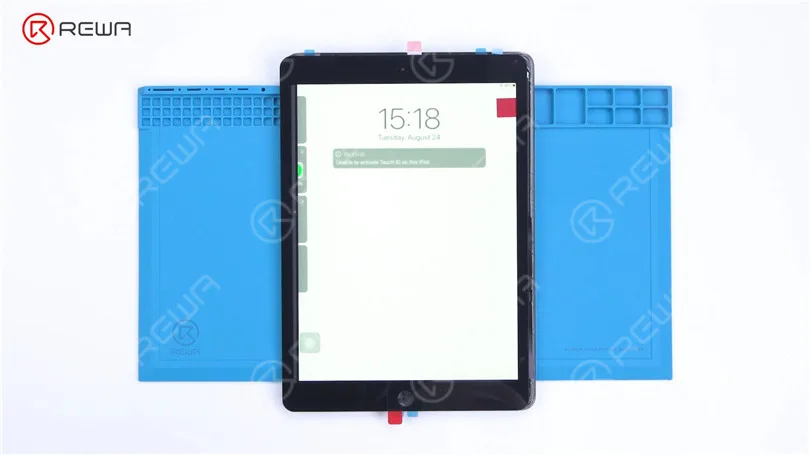
    How to Fix iPad Touch Jumping/Glitching - Touch IC Replacement

    It can be preliminarily judged that the problem is caused by a motherboard fault. Next, we need to check the motherboard. Detach the touch screen and display.
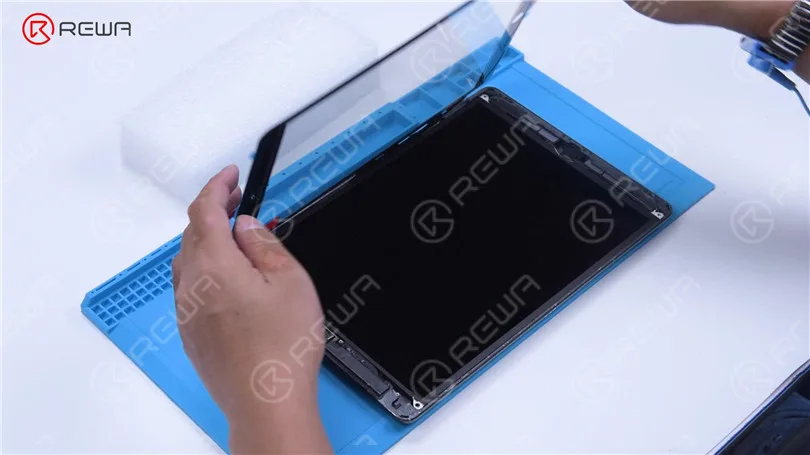
    How to Fix iPad Touch Jumping/Glitching - Touch IC Replacement

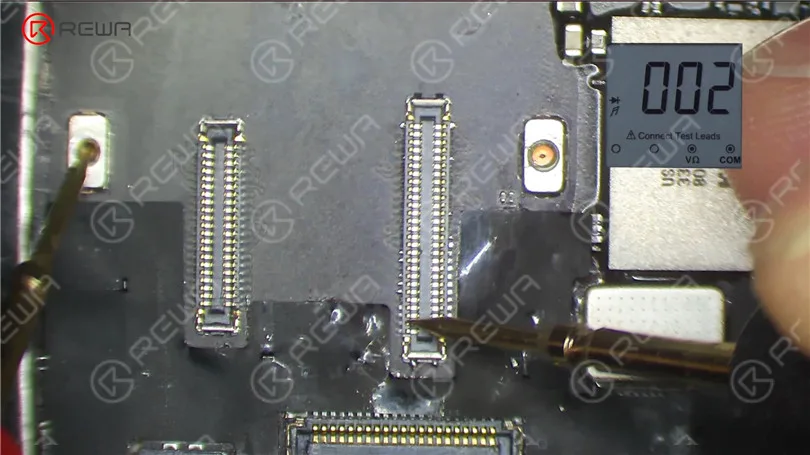
    Remove the screw on the motherboard and insert a Pry Piece to disconnect the battery. Measure diode values of the two connectors with diode mode of the multimeter. The diode values are normal. It indicates that the circuit connecting the touch connectors to the touch IC is normal.
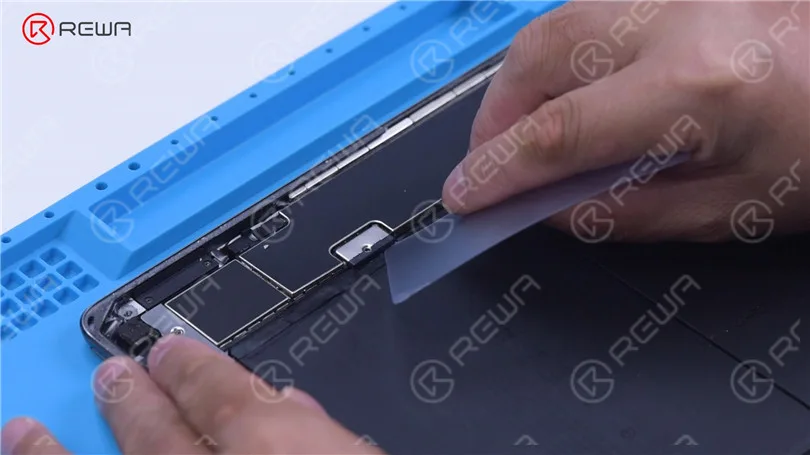
    How to Fix iPad Touch Jumping/Glitching - Touch IC Replacement
    How to Fix iPad Touch Jumping/Glitching - Touch IC Replacement

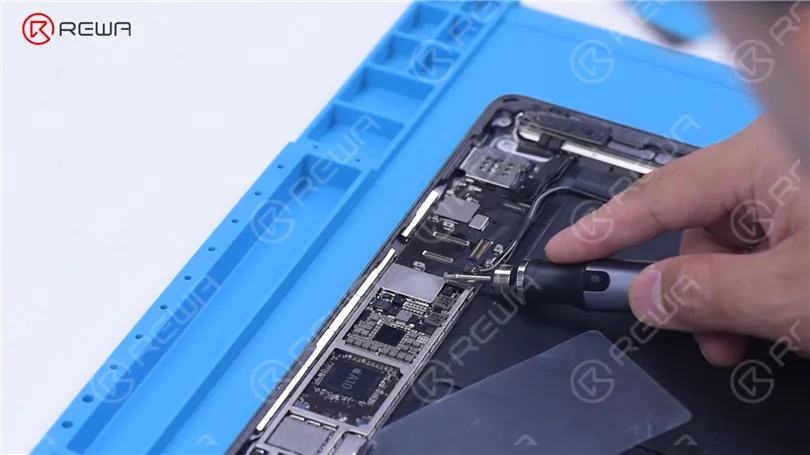
    Then we try to replace the touch IC. Remove the shielding cover on the motherboard. Since there is another soldered shielding cover on the touch IC, we need to grind the shielding cover and then heat to remove. Grind the shielding cover with a Grinding Pen. Please pay attention not to damage surrounding components while grinding.
    How to Fix iPad Touch Jumping/Glitching - Touch IC Replacement

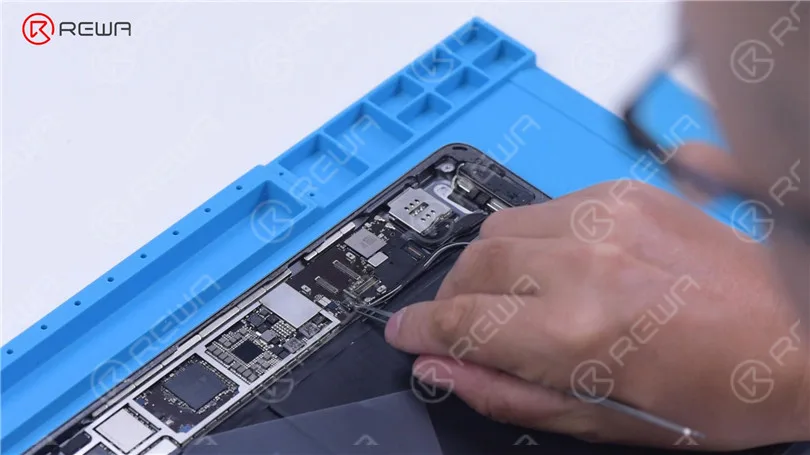
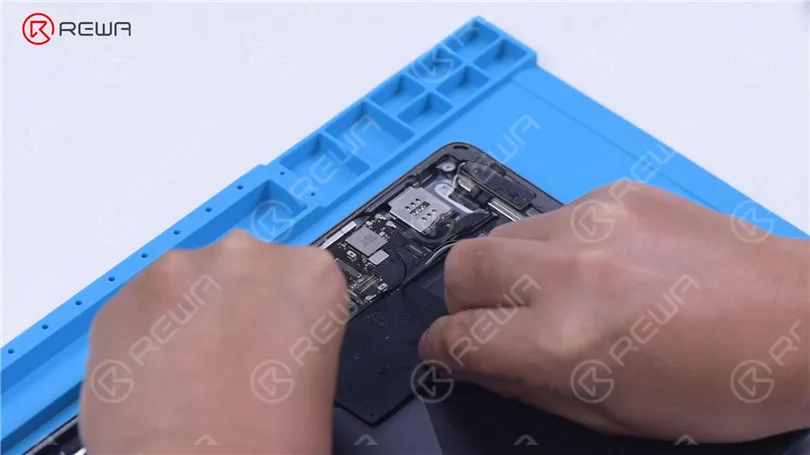
    Tear off the tape after grinding. Disconnect the flex cable. To prevent hard desoldering due to fast heat dissipation, pry up the motherboard with a metal blade.
    How to Fix iPad Touch Jumping/Glitching - Touch IC Replacement
    How to Fix iPad Touch Jumping/Glitching - Touch IC Replacement

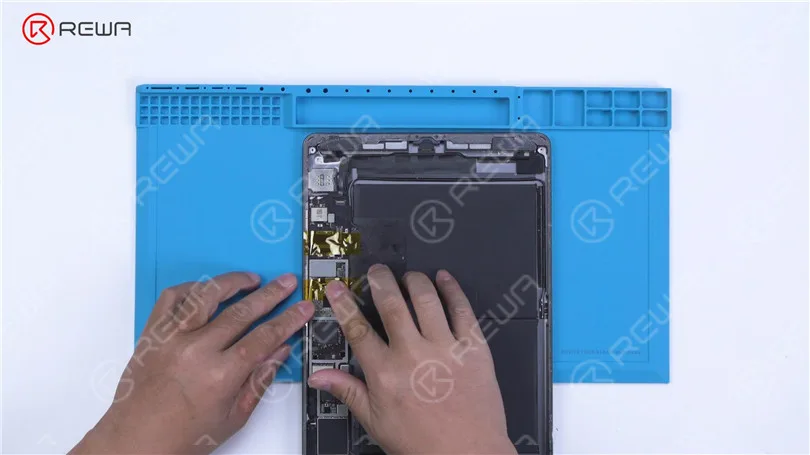
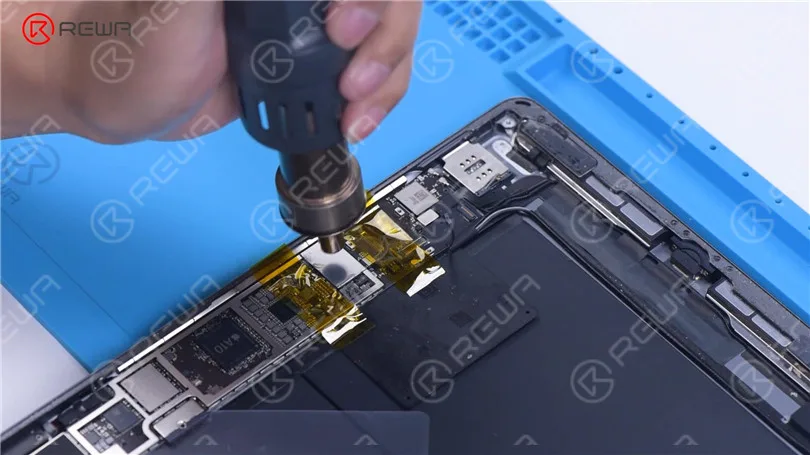
    Protect nearby components with high-temperature tape. Apply some Paste Flux. Remove the shielding cover with QUICK 861D Hot Air Gun at 400 °C and airflow 45.
    How to Fix iPad Touch Jumping/Glitching - Touch IC Replacement
    How to Fix iPad Touch Jumping/Glitching - Touch IC Replacement

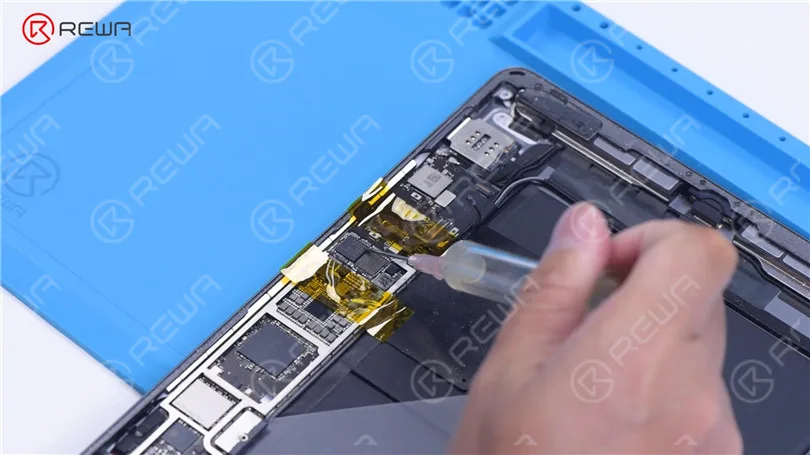
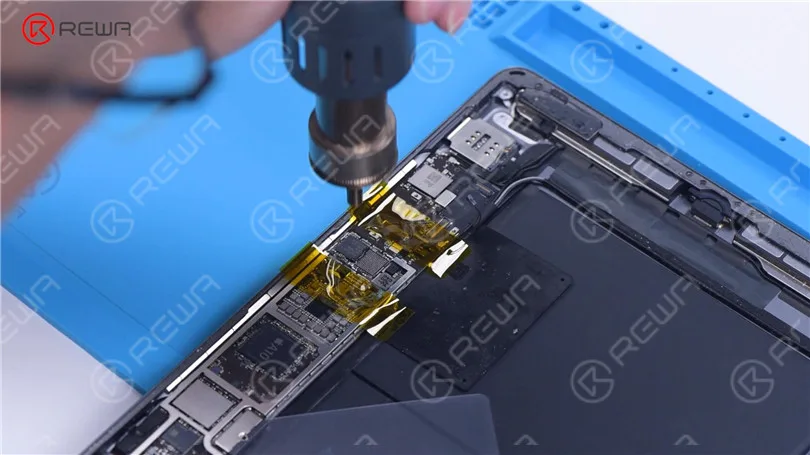
    Apply some Paste Flux around the touch IC. Keep heating to remove the Touch IC. Apply some middle-temperature Solder Paste to the bonding pads with Soldering Iron at 365 °C.
    How to Fix iPad Touch Jumping/Glitching - Touch IC Replacement
    How to Fix iPad Touch Jumping/Glitching - Touch IC Replacement

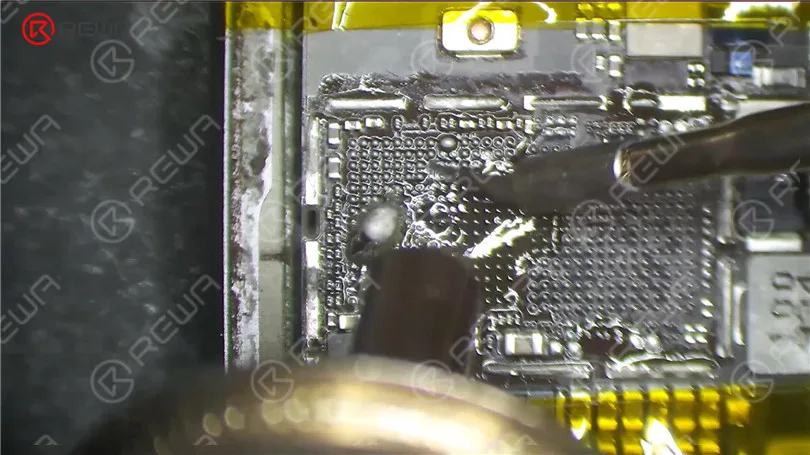
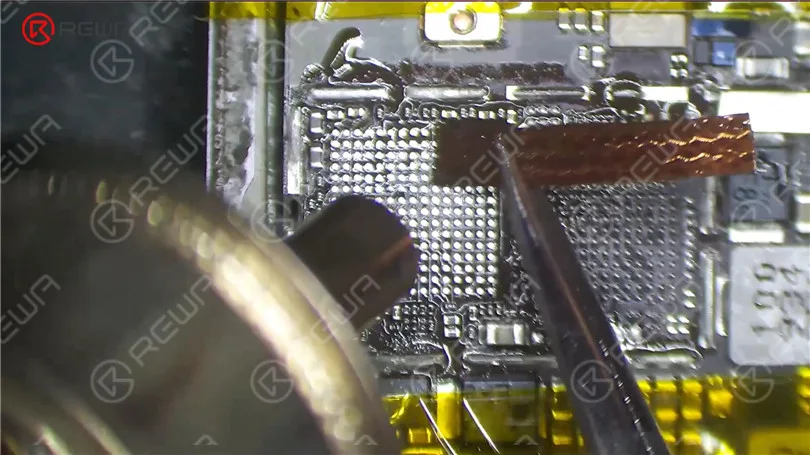
    Add heat with Hot Air Gun to clean the bonding pads. Keep cleaning the bonding pads with Solder Wick. Clean the bonding pads with PCB Cleaner.
    How to Fix iPad Touch Jumping/Glitching - Touch IC Replacement
    How to Fix iPad Touch Jumping/Glitching - Touch IC Replacement

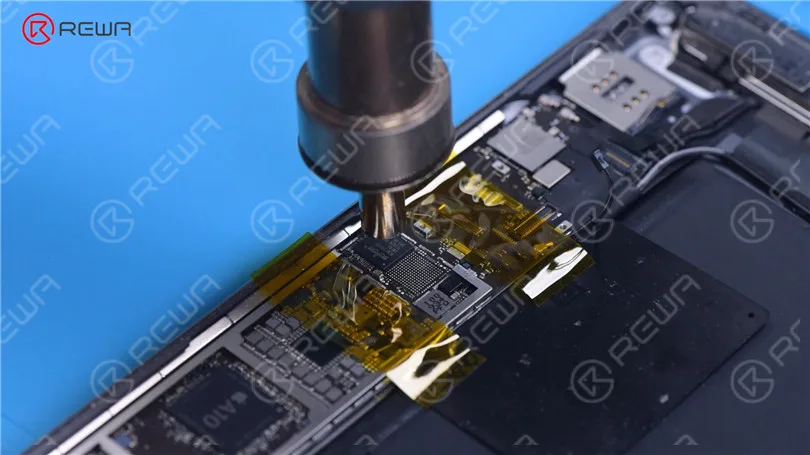
    Apply some Paste Flux. Put a new touch IC in position. Heat with Hot Air Gun to solder.
    How to Fix iPad Touch Jumping/Glitching - Touch IC Replacement

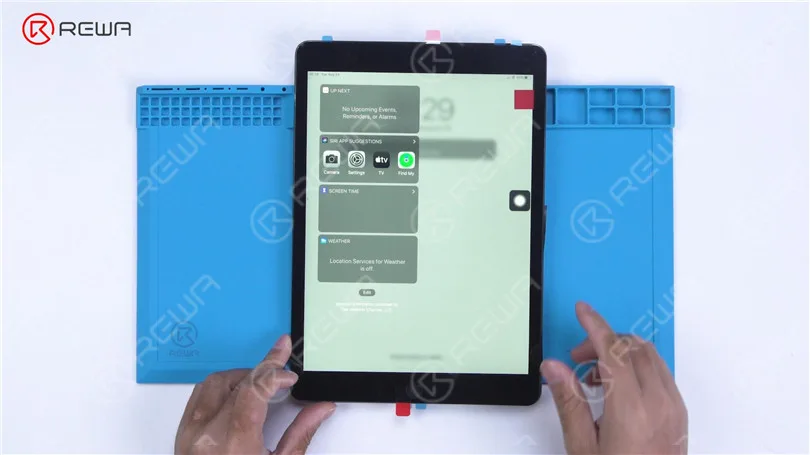
    After the motherboard has cooled, remove the high-temperature tape. Connect the flex cable. Install the screw. Then install the touch screen and display. Turn on the iPad. The touch screen has returned to normal. The touch jumping problem has disappeared.

    How to Fix iPad Touch Jumping/Glitching - Touch IC Replacement
  • ¿Ipad Air Ghost Touch? Descubre por qué y cómo solucionarlo

    ¿Ipad Air Ghost Touch? Descubre por qué y cómo solucionarlo

    Es posible que haya observado que su iPad ha estado actuando de forma extraña, especialmente si ha sustituido la pantalla del iPad recientemente.

    Del mismo modo, esto también es un quebradero de cabeza para muchos talleres de reparación.

    Para Digitalizador de pantalla táctil de grado S+ para iPad AiriPad fantasma táctil es un problema que ocurre muy a menudo como sigue, la función táctil funciona bien antes de montar, pero algunos fallos de funcionamiento surgen después de montar, como parpadeo de la pantalla y el tacto inestable.

    ¿Cómo resolver este problema?

    Aquí tenemos la razón y la solución.

    Razón

    ¿Cuál es la causa del toque fantasma en tus dispositivos iPad?

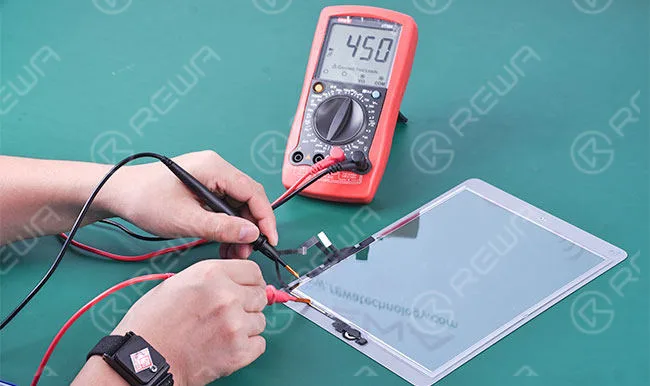
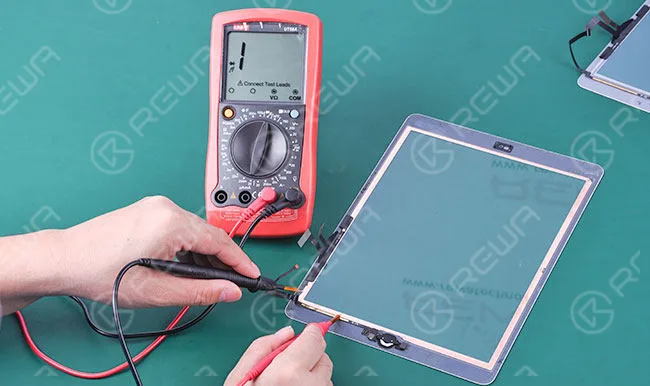
    Hay una capa de circuito electrónico expuesta en la superficie del digitalizador de la pantalla táctil del iPad Air de grado S+, y también una capa de cinta adhesiva conductora pegada a lo largo de los cuatro lados de la pantalla LCD.

    Al instalar el digitalizador de pantalla táctil a la pantalla LCD, causará un cortocircuito, que actuó como parpadeo de la pantalla y el tacto inestable.

    ipad air ghost touch learn why how solve it

    Para el Digitalizador de pantalla táctil OEMSin embargo, hay un trozo de película cubierta en la superficie, por lo que evitará que se produzcan los problemas anteriores.

    ipad air ghost touch learn why how solve it 2

    Soluciones

    Las soluciones a este problema son bastante fáciles.

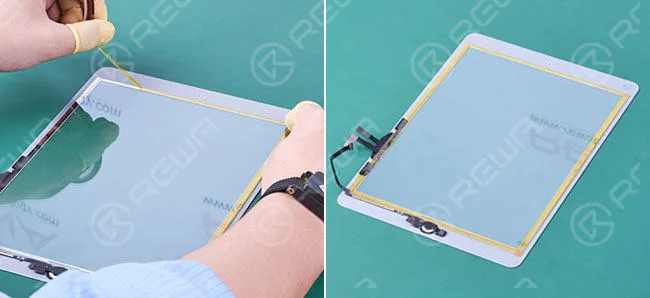
    1. Pegue cinta adhesiva en los cuatro lados del digitalizador del iPad para proteger el circuito electrónico expuesto y evitar que toque directamente el adhesivo conductor.

    Tenga cuidado con el cable flexible al pegarlo.

    ipad air ghost touch learn why how solve it 3

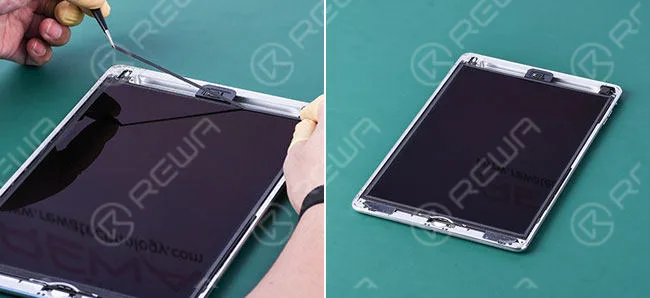
    2. Pegue una capa de espuma en los cuatro lados de la pantalla LCD para evitar el contacto directo entre la pantalla LCD y la pantalla táctil digitalizadora.

    ipad air ghost touch learn why how solve it 4

    Si experimentas toques fantasma en tu iPad Air, sería mejor que lo llevaras a un taller de reparación.