Etiqueta: huawei mate

  • HUAWEI Mate X2 Reparación de daños causados por el agua de mar (II)

    HUAWEI Mate X2 Reparación de daños causados por el agua de mar (II)

    HUAWEI Mate X2 Seawater Damage Repair (Part II)

    Let’s continue with the previous repair process. The cannot start issue has been resolved by cleaning the PCB board with the ultrasonic cleaner and jumping wires to fix the burned PCB layers.

    But the phone still with two issues

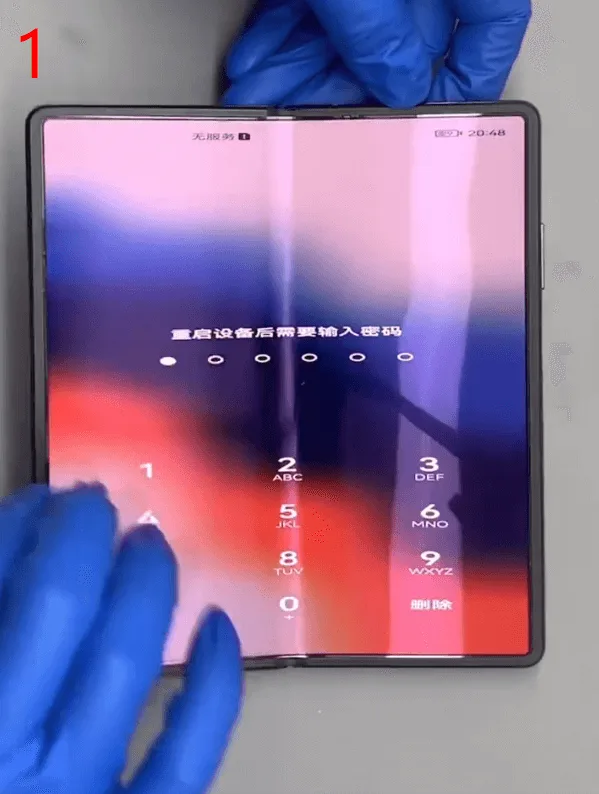
    1. The font displayed on the main screen is fatter than the normal display
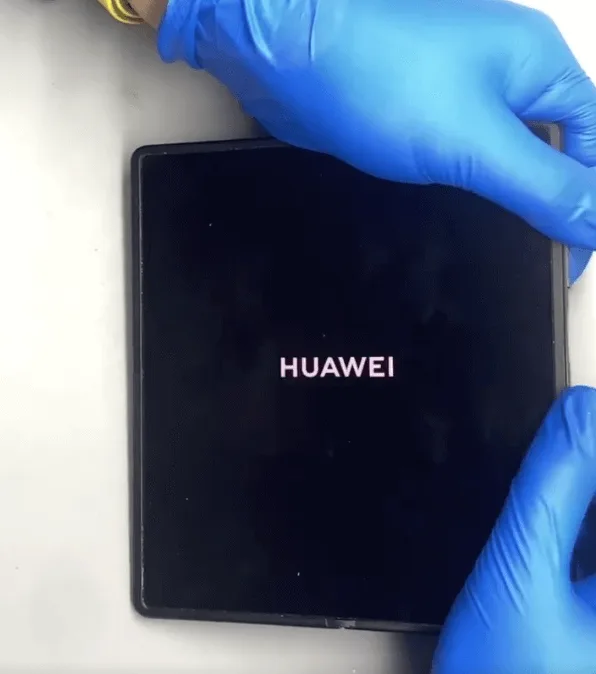
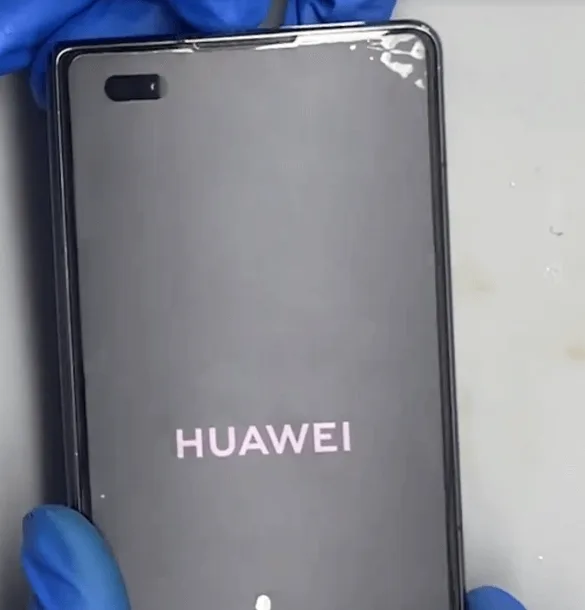
    2. The outside vice screen displays the HUAWEI logo only

    Let’s fix them!

    Solución de problemas

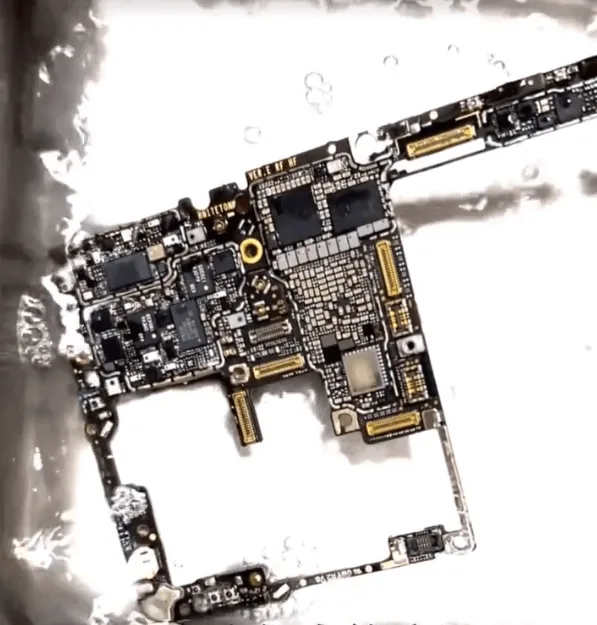
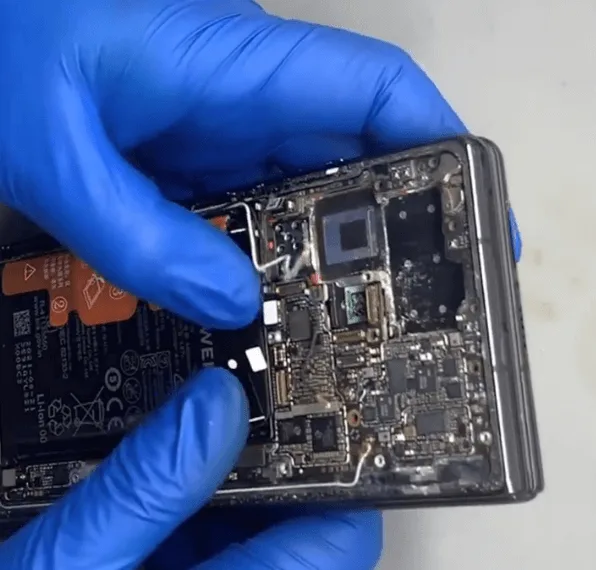
    For the display font larger and wider, based on the repair experience it should be caused by the compass IC being damaged. Take out the motherboard and check carefully under the microscope again

    The motherboard is a two-layer combined structure and seems with some poor soldering.

    Let’s remove the upper layer of the motherboard and resold it.
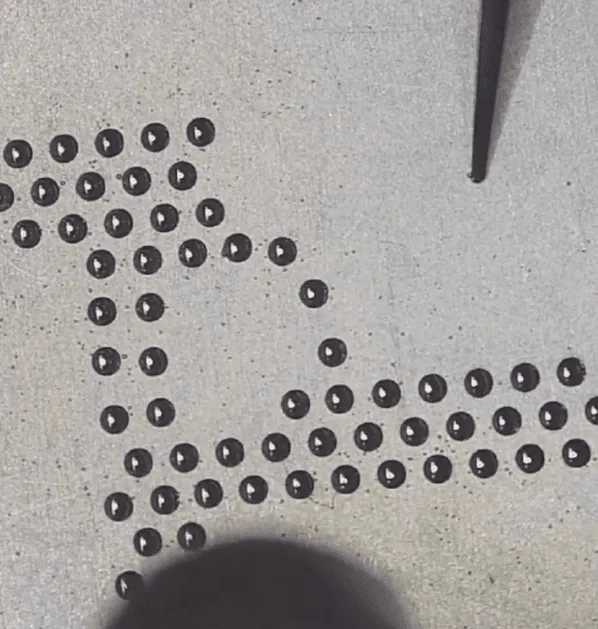
    huawei mate x2 seawater damage repair ii resolder the upper layer

    Then recombine the two layers of the motherboard
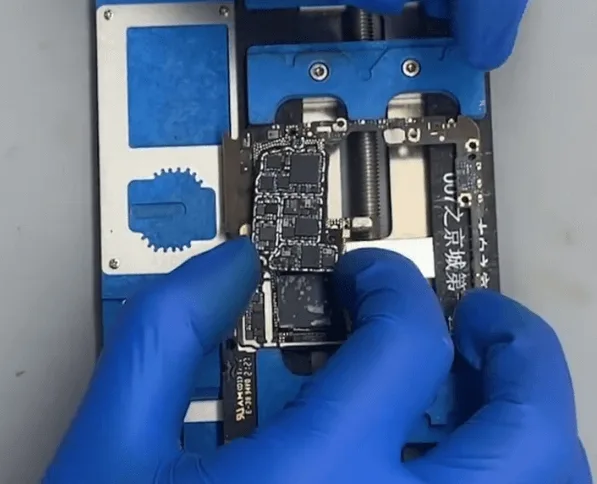
    huawei mate x2 seawater damage repair ii recombine the two layers of

    After the motherboard cooling down, assemble the phone temporarily to test again. The phone still with the same issue (font is wider and bigger than normal)

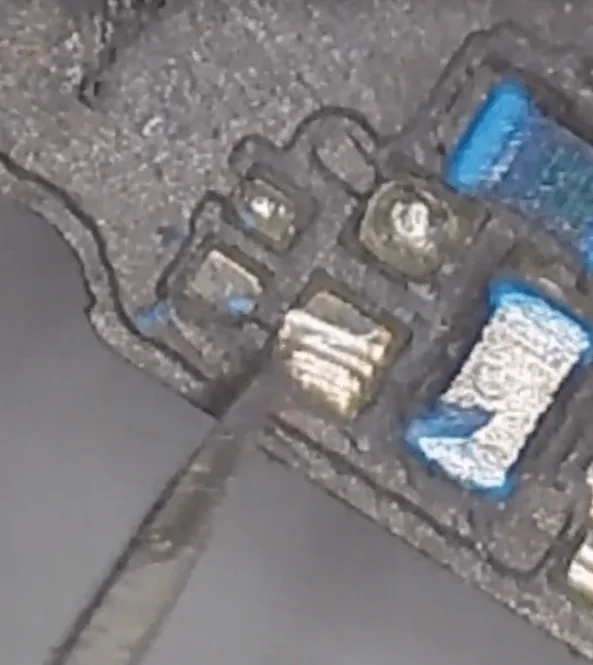
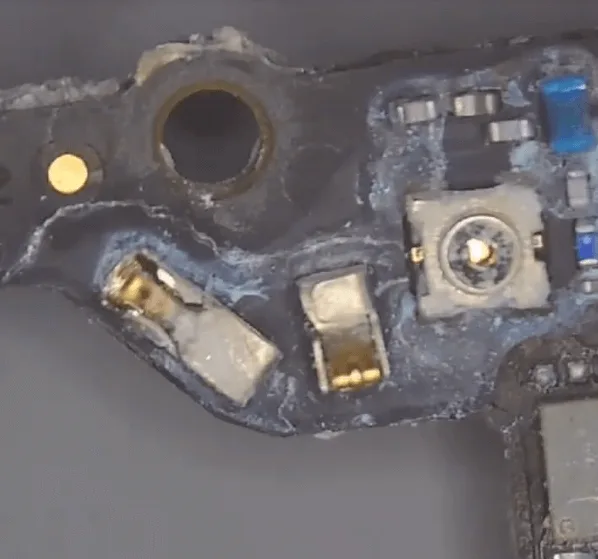
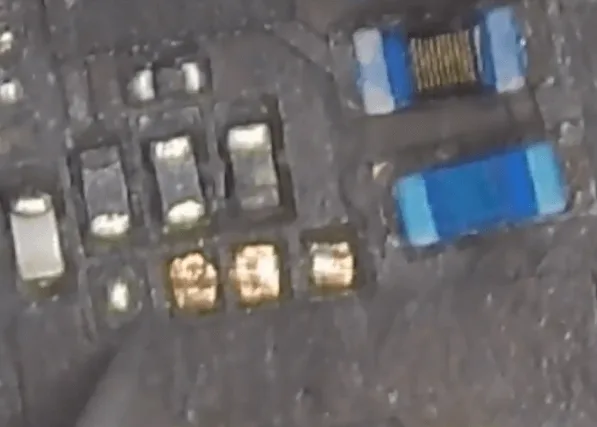
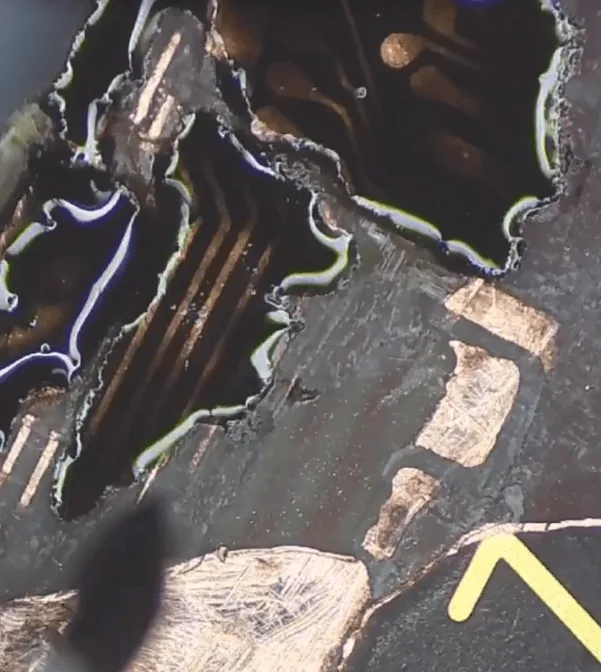
    Check the motherboard under the microscope, and find there are some parts that are corrosion carbonization

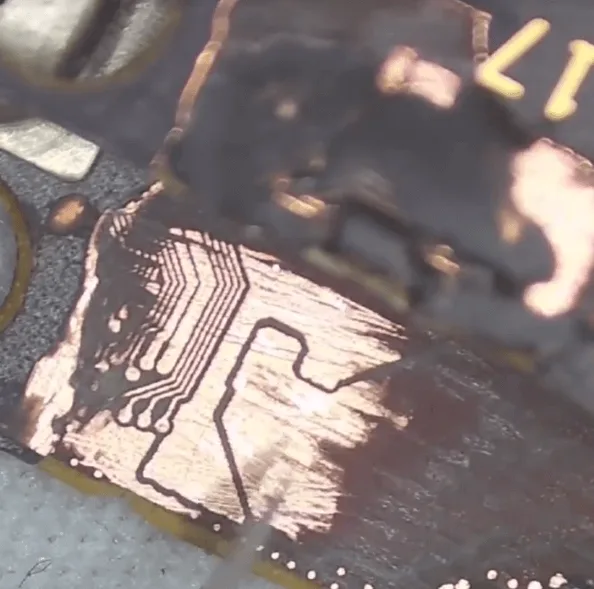
    Let’s scratch them off one by one with the sculpture knife slightly
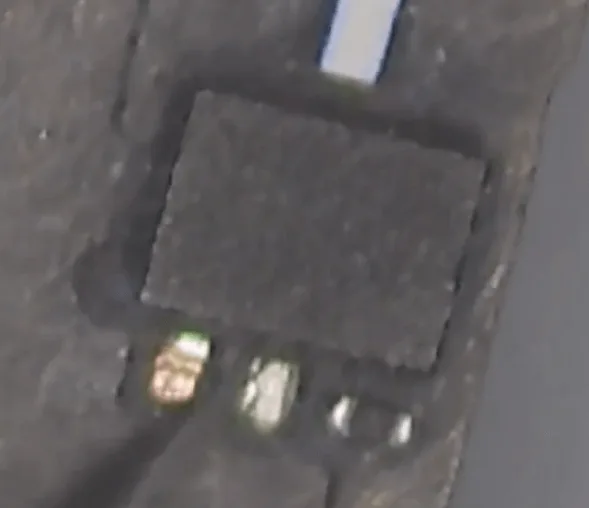
    huawei mate x2 seawater damage repair ii lets scratch them off one by

    huawei mate x2 seawater damage repair ii lets scratch them off one by 2

    Later we will deal with these pads, to resolder them.

    Then let’s find the compass chip, just as guessed, it’s corrosive so seriously and there’s almost nothing left on the motherboard.
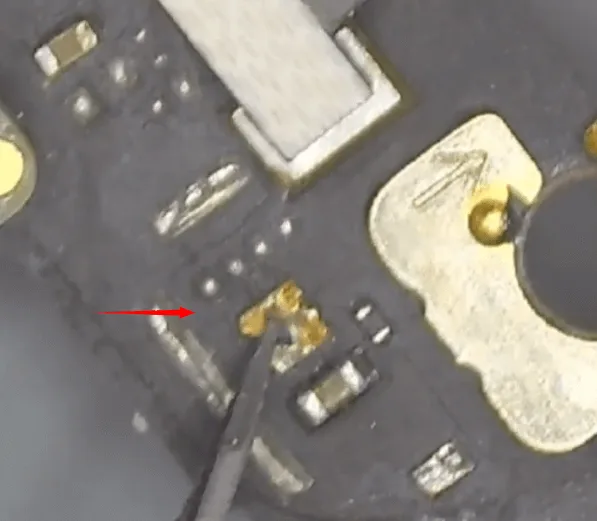
    huawei mate x2 seawater damage repair ii the compass chip is gone  

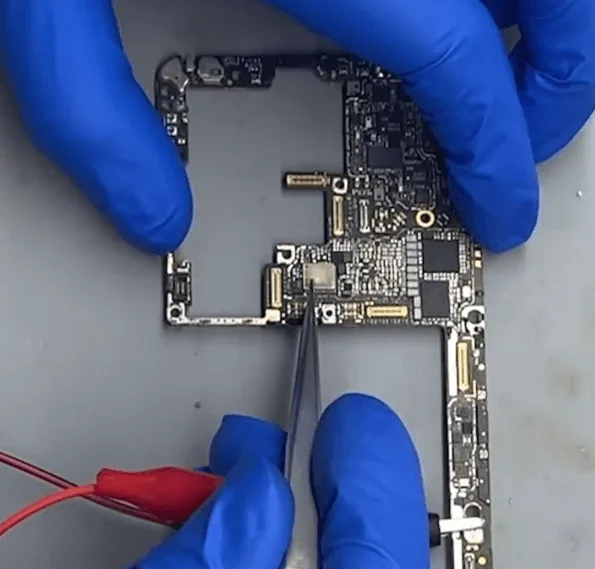
    Let’s heat with the hot air gun and remove the residuals with tweezers slightly.
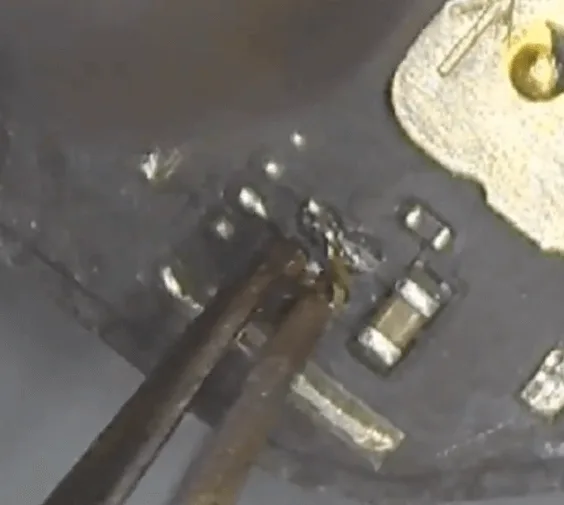
    huawei mate x2 seawater damage repair ii remove the residuals

    Then take another good compass IC from the same model motherboard, and then solder it to the motherboard.
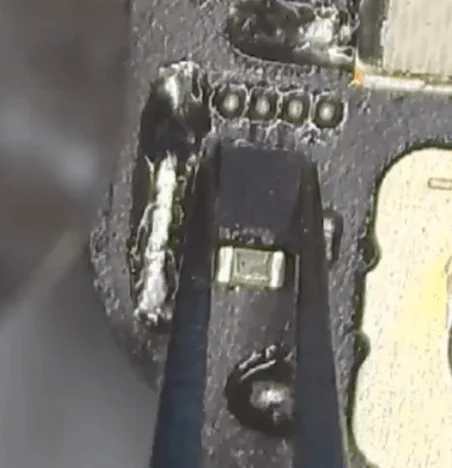
    huawei mate x2 seawater damage repair ii take the same one

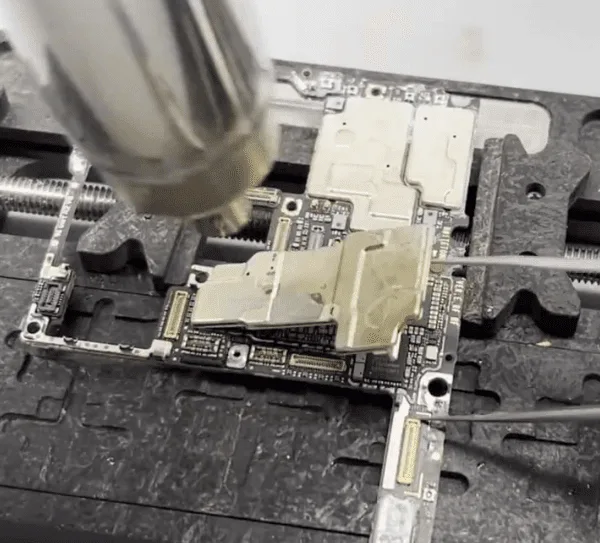
    For the signal parts, there’s a shielding cover that also gets corrosive.

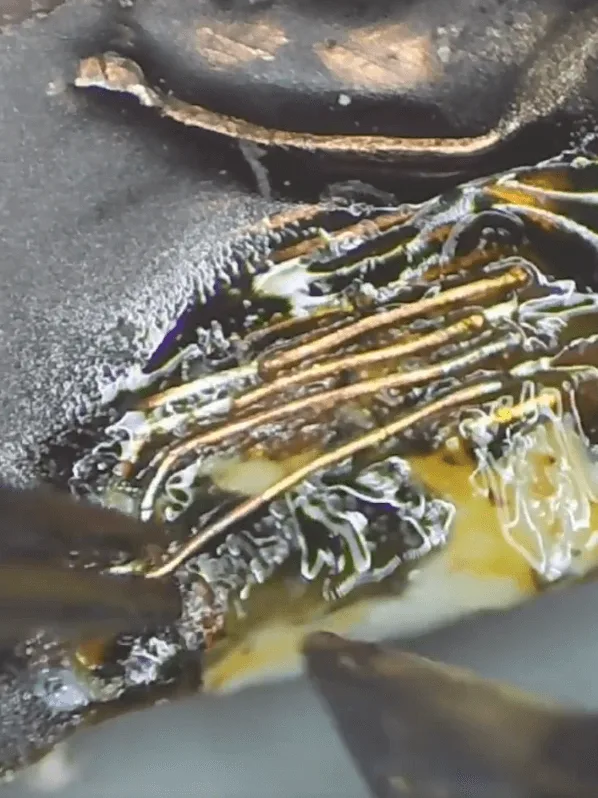
    Let’s remove it and check the chips/components under the shielding cover are also seriously corrosive.
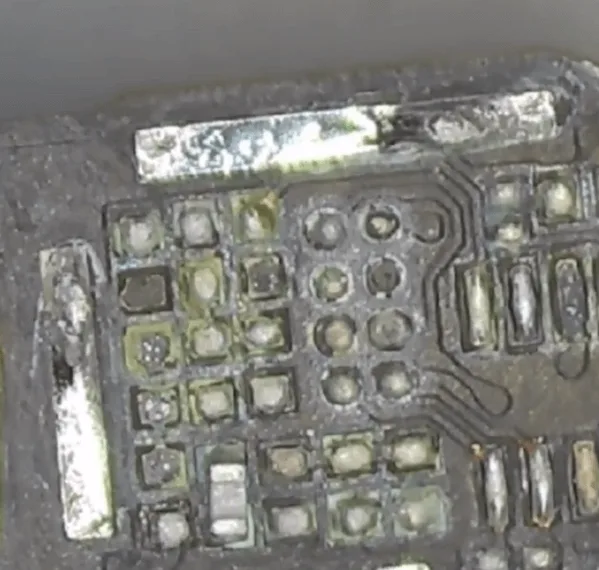
    huawei mate x2 seawater damage repair ii chips under the shielding cover

    Let’s clean the pads on the PCB with solder paste and soldering iron first. Then swap the same components and chips from the donation board.

    Ensamblar y probar

    After soldering back the compass IC and the missing chips, let’s assemble the phone to test again.

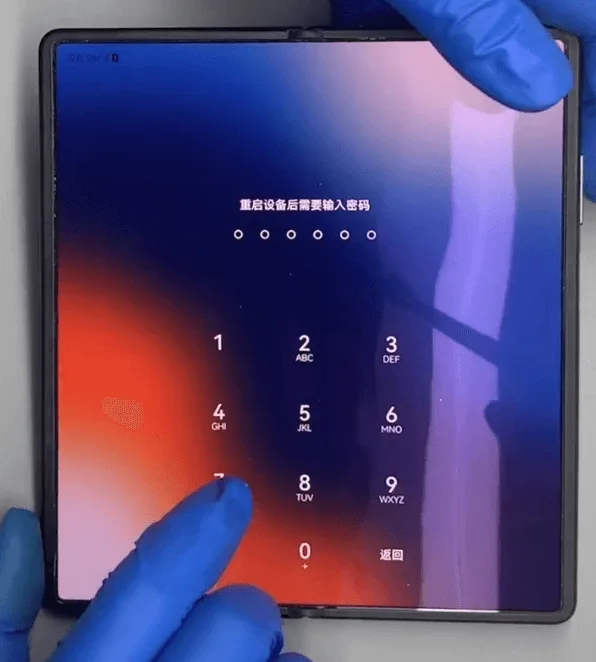
    The phone can boot normally, and the main screen also displays normally.
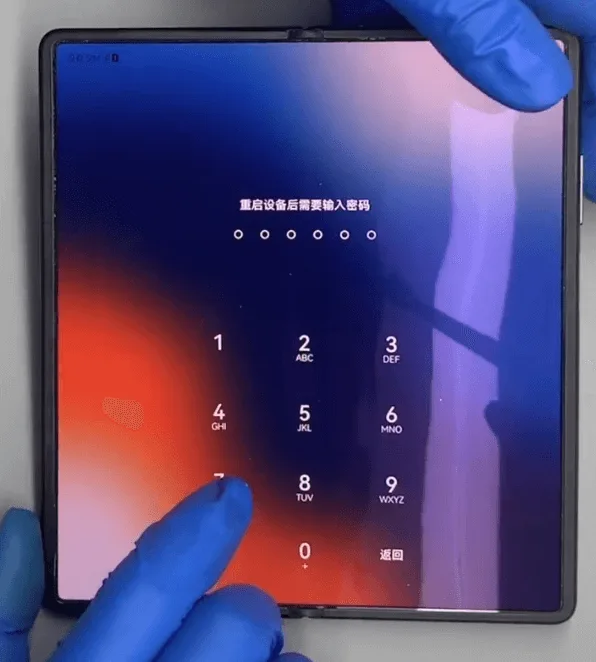
    Mate X2 Seawater Damage Repair

    When folding the screen, the outside vice screen also displays normally.
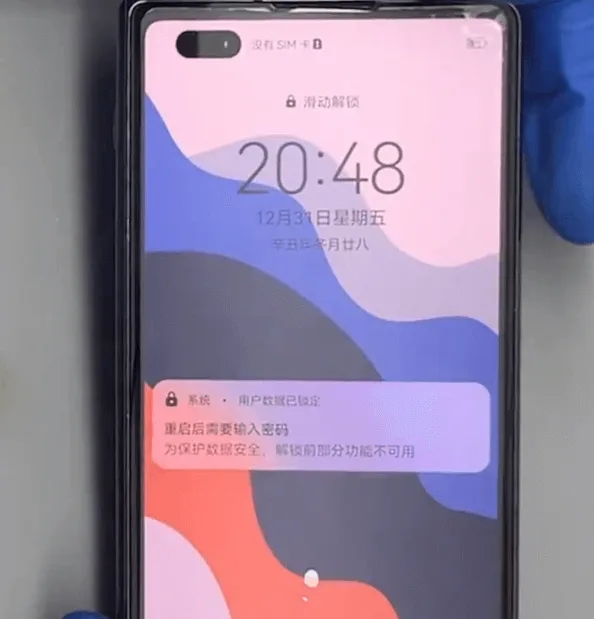
    huawei mate x2 seawater damage repair ii the outside screen also

    Test the other functions one by one, everything is OK.

    The issue gets resolved perfectly by replacing a new compass IC and swapping the corrosive signal chips.
  • HUAWEI Mate X2 Reparación de daños causados por el agua de mar (I)

    HUAWEI Mate X2 Reparación de daños causados por el agua de mar (I)

    HUAWEI Mate X2 Reparación de daños causados por el agua de mar

    huawei mate x2 seawater damage repair png

    Modelo: HUAWEI Mate X2

    Anunciado: 2021, 22 de febrero

    Fenómeno del defecto

    El teléfono fue dañado por el agua de mar y luego no se puede arrancar.

    El agua de mar es muy corrosiva, después de que el daño del agua de mar si el teléfono no se ha tratado a tiempo y correctamente causará un montón de problemas.

    Proceso de resolución de problemas

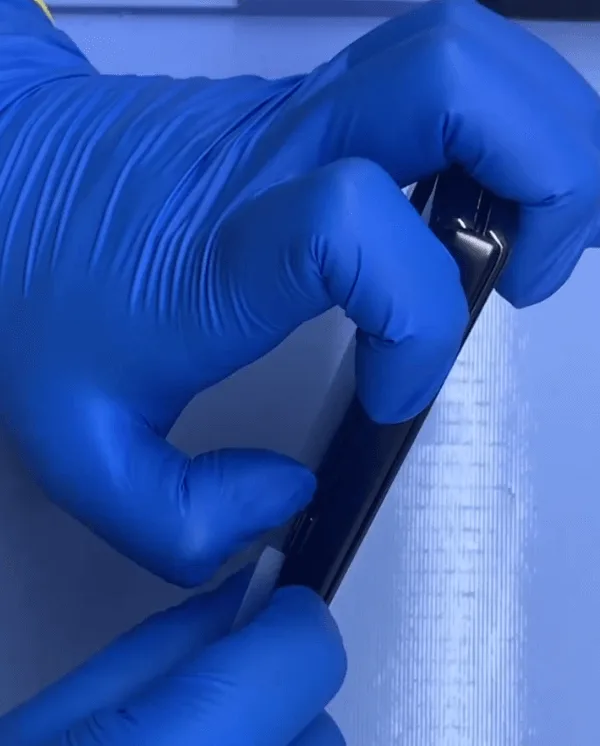
    Vamos a colocar el teléfono en la almohadilla térmica para calentar y luego separar.

    huawei mate x2 seawater damage repair put the phone on heating pad to

    Después de calentar un rato, el pegamento del marco se volvió muy blando y podemos separar la tapa trasera con una tarjeta de plástico muy fina fácilmente.

    huawei mate x2 seawater damage repair separate with thin card

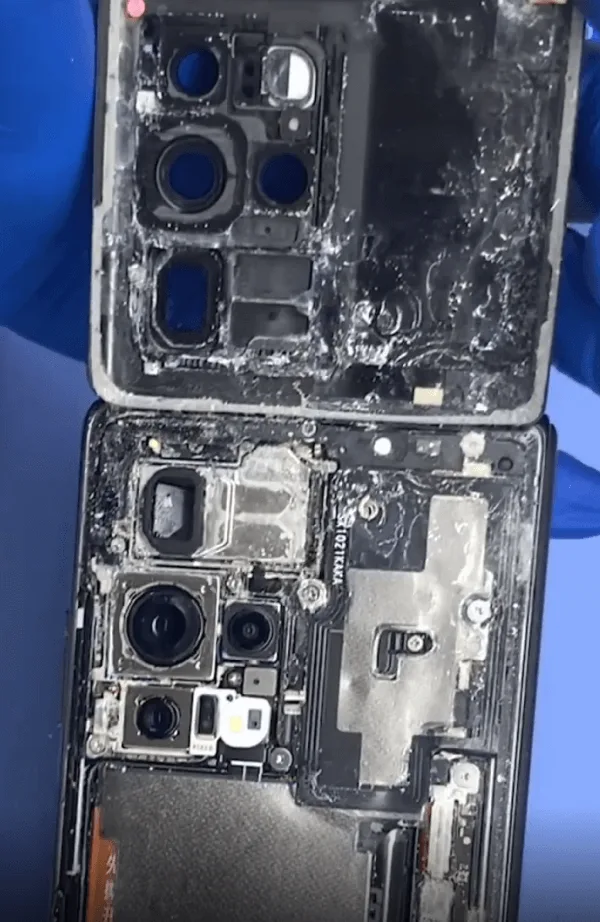
    Comprueba la situación interior, la placa base está cubierta de sal marina solidificada.

    huawei mate x2 seawater damage repair full of salt

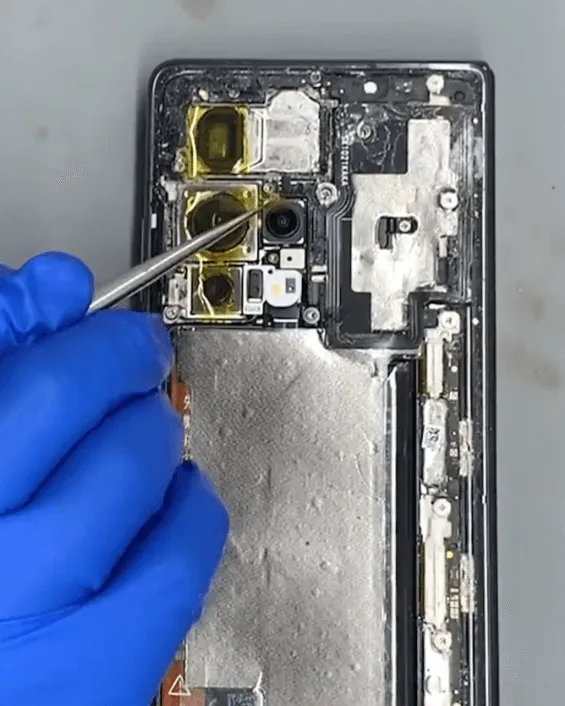
    Protejamos primero las cámaras con pegatinas.

    huawei mate x2 seawater damage repair protect with stickers

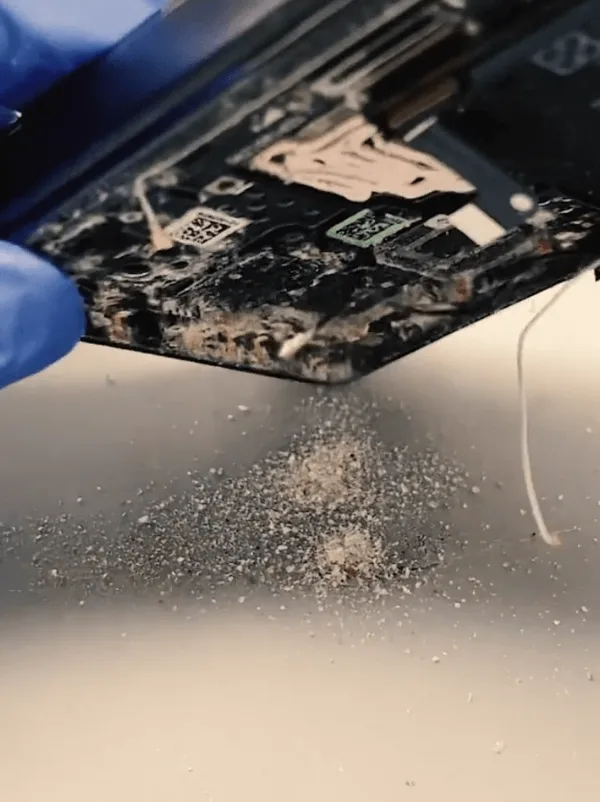
    Saca la placa base, es increíble que todavía haya tantas partículas de sal marina dentro del teléfono.

    huawei mate x2 seawater damage repair sea salt can be found in the phone

    A continuación, vamos a comprobar la placa base bajo el microscopio con cuidado, como se adivina, hay muchos componentes en la placa base que están corroídos.

    huawei mate x2 seawater damage repair the corrosive parts on motherboard

    Después de comprobarlo, faltan muchos condensadores y resistencias. Además de esto, incluso una pequeña cubierta de blindaje se ha caído, y muchas áreas con electrolitos corrosivos verde / azul.

    Como este tipo de corrosión grave, tenemos que quitar todas las cubiertas de blindaje y limpiar los componentes en el interior con el limpiador ultrasónico + líquido limpiador de PCB a fondo.

    huawei mate x2 seawater damage repair remove the shielding covers

    huawei mate x2 seawater damage repair ultrasonic cleaner to clean the

    Tras la limpieza, rasque con cuidado las almohadillas corrosivas y ennegrecidas.

    huawei mate x2 seawater damage repair scratch off the corrosive and

    Terminada la 1ª fase de limpieza física, vamos a limpiar de nuevo la placa base con el limpiador de PCB + cepillo.

    A continuación, conecte con la máquina de alimentación de CC para tener una prueba, después de la prueba, hay una gran fuga de corriente.

    huawei mate x2 seawater damage repair large current leakage can be

    huawei mate x2 seawater damage repair large current leakage

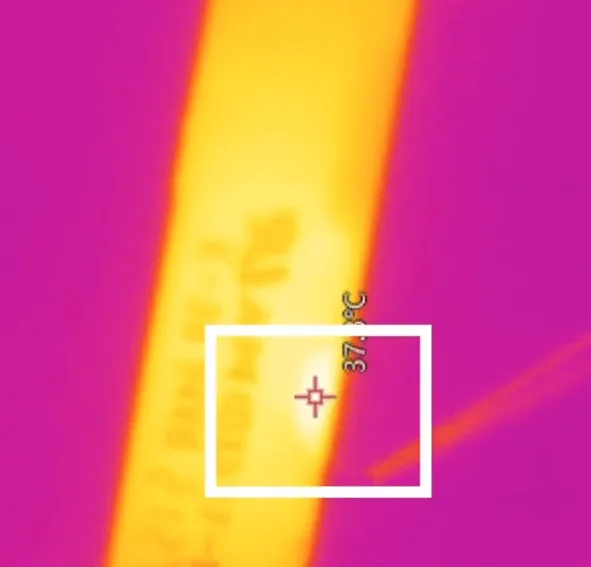
    Donde hay una fuga de corriente, hay un componente o chip caliente. Inspeccionemos la placa base con la cámara termográfica y descubriremos que el calor procede de las capas de la placa de circuito impreso.

    huawei mate x2 seawater damage repair find the heat is come from pcb

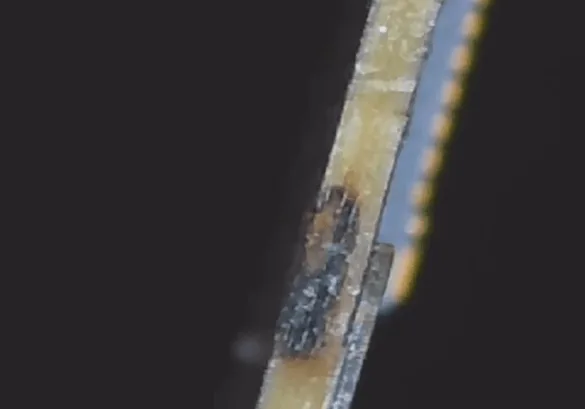
    Podemos ver el corrosivo desde el lado de la placa de circuito impreso.

    huawei mate x2 seawater damage repair the inner rail is broken

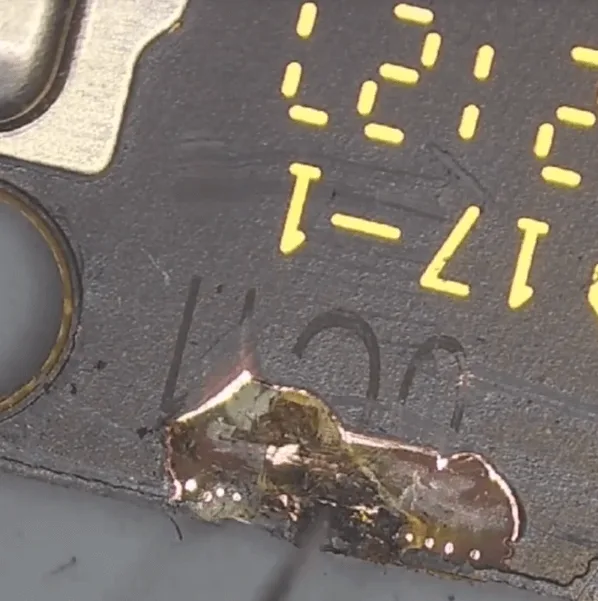
    Para este tipo de defecto, sólo podemos arreglarlo rascando las capas y saltando cables para arreglarlo.

    huawei mate x2 seawater damage repair scratch off the layers

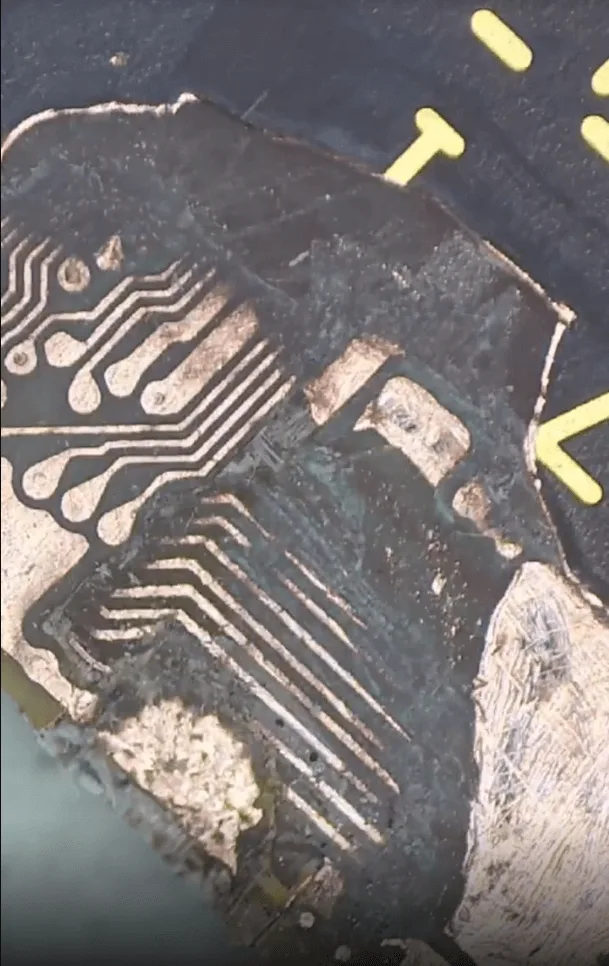
    Hay muchas capas dentro de la placa de circuito impreso, por lo que tenemos que rascar capa por capa hasta llegar a la capa que no tiene cortocircuito.

    huawei mate x2 seawater damage repair scratch off many layers already

    El proceso de rascar capas requiere mucha paciencia y cuidado.

    A continuación, el siguiente paso, tenemos que saltar cables.

    Cómo saltar cables

    En primer lugar, aplique una máscara UV y cúrela con una lámpara UV para aislarla.

    huawei mate x2 seawater damage repair apply uv for isolation

    En segundo lugar, no hay estructura de capas internas para este modelo en los mapas de bits todavía. Así que deberíamos rascar las capas en la misma placa base como referencia para evitar conexiones erróneas de los cables de salto.

    huawei mate x2 seawater damage repair the same motherboard for reference

    En el tercer paso, vamos a hacer referencia a la buena placa base para saltar cables

    huawei mate x2 seawater damage repair jump wires layer by

    Después de saltar los cables, aplicar un poco de máscara UV para el aislamiento y fortalecer de nuevo.

    Mate X2 Daños por agua de mar

    Ensamblar y probar

    Cuando la placa base se enfríe y la máscara UV esté aislada, vamos a montar el teléfono para hacer una prueba.

    huawei mate x2 seawater damage repair assemble the phone to test

    El teléfono puede arrancar

    huawei mate x2 seawater damage repair can start up

    Pero sigue habiendo otros problemas al entrar en el sistema

    1. la visualización es anormal en la pantalla principal, la visualización de la fuente es más ancha y más gorda de lo normal
    2. la pantalla de vicio exterior sólo muestra el logotipo de HUAWEI y no puede entrar en la interfaz de usuario en espera.

    huawei mate x2 seawater damage repair fatter and wider display

    huawei mate x2 seawater damage repair the outter screen abnormal display

    Para las dos cuestiones, vamos a seguir introduciendo el método de reparación en el próximo artículo.