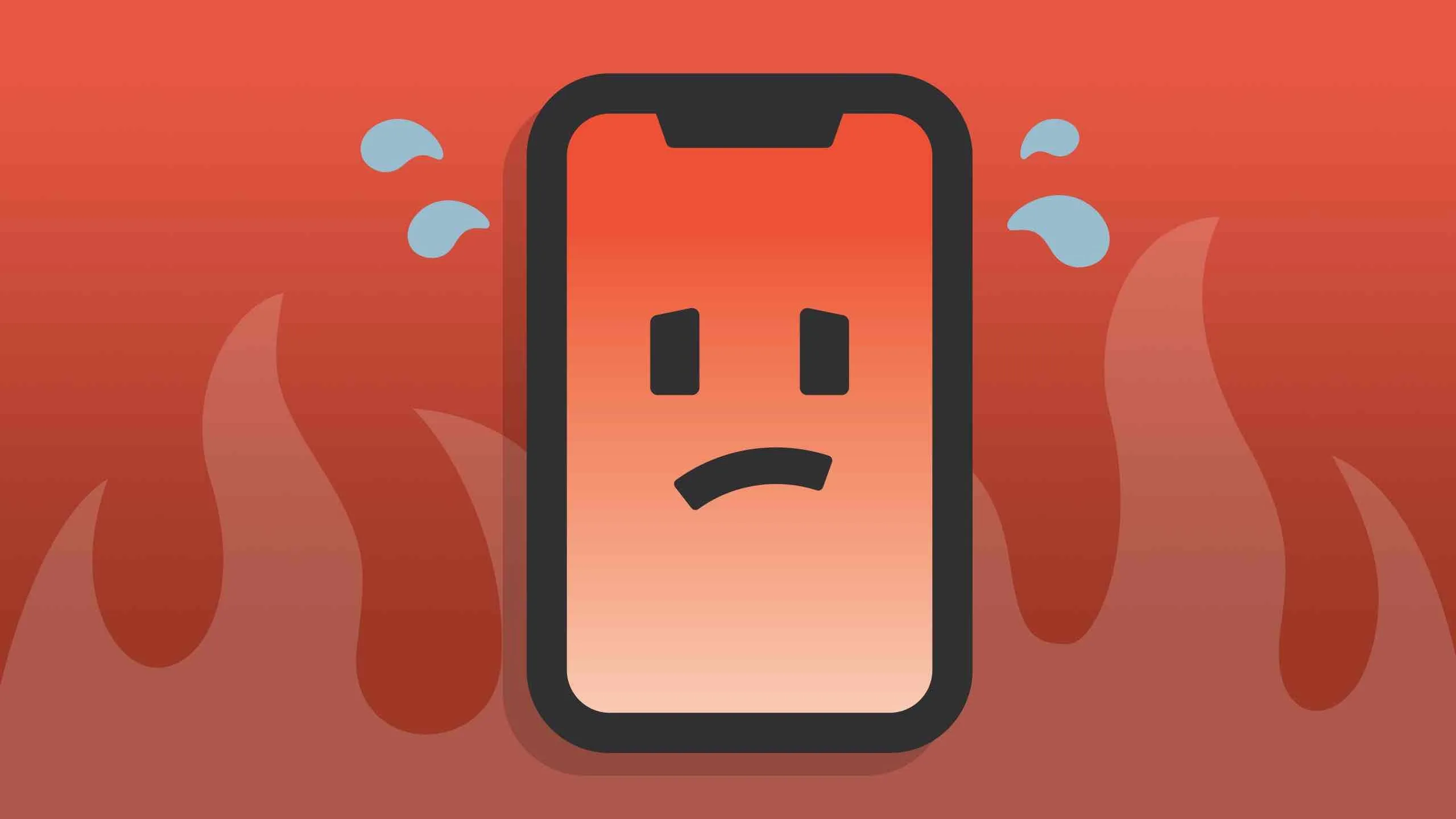
El sobrecalentamiento del iPhone suele manifestarse mediante un consumo anormal de la batería, un agotamiento rápido de la misma y una carga lenta. Puede empezar por el uso de la batería. Vaya a Ajustes > Batería y compruebe el uso de la batería por aplicación. Si la actividad de la aplicación es anormal, podremos resolver el problema.
1: La aplicación en segundo plano provoca un sobrecalentamiento.
Entra en la página de inicio del iPhone. Ve a Ajustes > General > Actualización en segundo plano. Desactiva las aplicaciones innecesarias y deja activadas las aplicaciones de chat. A continuación, ve a App Store en los ajustes para desactivar las aplicaciones y las actualizaciones de aplicaciones. Además, reduce el uso de Bluetooth y desactiva los servicios de localización.
El GPS es uno de los culpables de que el iPhone se caliente y una de las principales causas de que la batería del teléfono móvil se agote demasiado rápido. Una vez que hayas terminado de utilizar la aplicación de navegación por mapas, debes desactivarla y no permanecer en la interfaz de navegación por mapas durante mucho tiempo.
2: Causado por una actualización de software.
Ve a Ajustes > General > Restablecer para borrar todos los datos y contenidos. Introduce el código de verificación y borra inmediatamente. Presta atención a la copia de seguridad necesaria antes de realizar esta operación.
Esto también puede hacer que tu iPhone se caliente:
1. Ejecutar aplicaciones que consumen mucha energía: como jugar a videojuegos, reproducir películas, transmitir grandes cantidades de datos o cargar demasiado el teléfono móvil. Cerrar las aplicaciones que consumen mucha energía resolverá el problema.
2. Juega o llama mientras se carga. Dado que la batería se está cargando y descargando, esta podría dañarse, por lo que debes finalizar el juego o la llamada.
3. Batería de litio defectuosa: los usuarios de iPhone que hayan cambiado la batería deben estar atentos. Deben acudir a una tienda autorizada para su sustitución.
4. Fallo de la aplicación: a veces, algunos fallos de las aplicaciones ocupan una gran cantidad de memoria, por lo que el teléfono móvil se sobrecarga, y estas aplicaciones se pueden cerrar.
5. Fundas protectoras y otras cubiertas: algunas fundas protectoras de baja calidad o excesivamente gruesas pueden afectar a la disipación del calor del iPhone, provocando que el teléfono se caliente. Quitar la funda protectora o la cubierta puede resolver el problema.
 English
 Español
 Français
 Deutsch
 Italiano