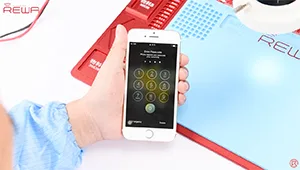
Es bien sabido que el chip Touch ID está exclusivamente emparejado con la placa base. Si sólo se cambia un nuevo botón home, la función Touch ID desaparece ya que también se cambia el chip exclusivo. Así que si el botón de inicio se rompe por desgracia, ¿cómo podemos repararlo sin perder Touch ID? Aquí está la solución para el reemplazo/reparación del botón home del iPhone 7.
Etiqueta: botón home iphone 7
-
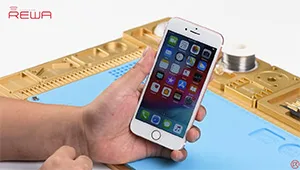
Historic Parts for iPhone 7 Home Button Broken Repair
Home button of iPhone 7 can be paired only with one specific logic board,which means that home button replacement will result in a non-functional home button. No Touch ID and no return-to-home functionality.Thus, most of the iPhone 7 home button not working issue can not be repaired properly for a long time. Don’t worry. With our customized charging flex cable designed for iPhone 7 home button repair, return-to-home functionality of the home button can be successfully restored.
However, this product is not so perfect at present. There are still some limitations like: The lighting headset is temporarily unavailable; The structure of Customized Charging Port Flex Cable is not well matched with back housing, need to be folded before buckling the screen; Touch feeling is not so good; No vibrating alert when Return-to-home etc.. Please contact our sales for the details before ordering.
-
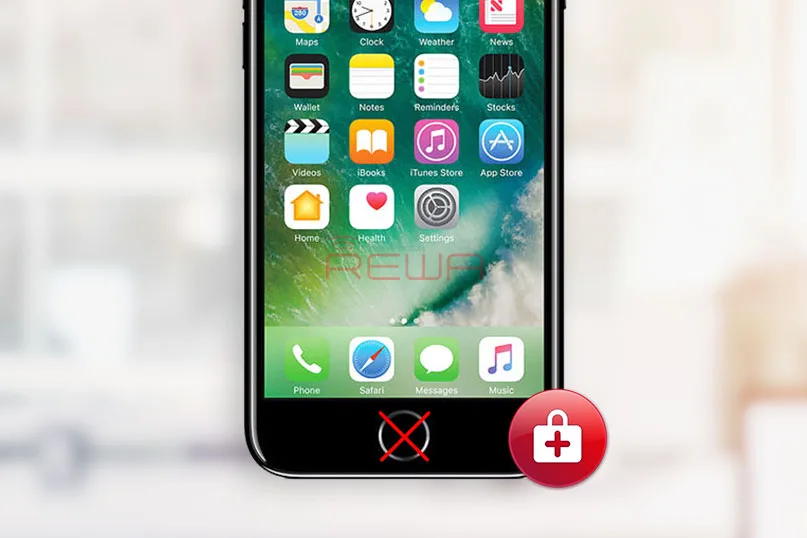
Piezas mejoradas para la reparación del botón Home roto del iPhone 7
A diferencia de los anteriores teléfonos móviles de Apple, el iPhone 7 no utiliza un botón de inicio mecánico y es más difícil de reparar cuando se daña; Por otra parte, el botón de inicio está emparejado con la placa lógica, que sólo funciona con el original con el que fue enviado. Usted tiene suerte si su botón de inicio está roto, pero el problema se encontró sólo daños en la flexión del botón de inicio, y la función de retorno a casa funciona bien porque la mayoría de estos problemas pueden ser resueltos por el salto de alambre. Ya hemos publicado un artículo para iPhone 7 Botón Home Touch ID Reparación de Hardware para su referencia.
Sin embargo, lo más complicado es cuando el botón de inicio está totalmente muerto. Cambiar el botón de inicio por talleres de reparación de terceros dañaría las funciones de retorno al inicio y Touch ID. ¿Qué tal llevarlo al Soporte de Apple? No hay duda de que te costará mucho arreglarlo.
Ya hemos presentado una solución para la reparación del botón home defectuoso del iPhone 7 con una pieza histórica-. Flex de puerto de carga personalizado, que puede ayudarle a restaurar la función de vuelta a casa cuando se obtiene un botón de inicio iPhone 7 defectuoso. Después de más investigación y pruebas, ahora las versiones actualizadas para iPhone 7 y 7 plus están disponibles. Vamos a ver lo que vamos a conseguir con el personalizado actualizado carga puerto flex cable.
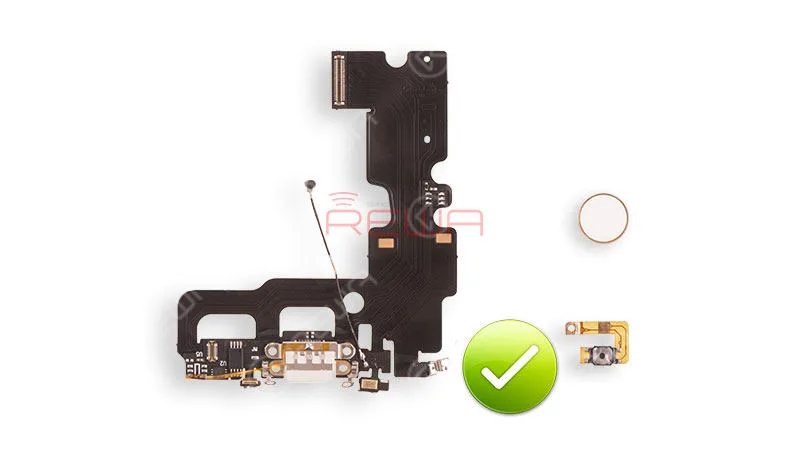
puerto de carga flexible personalizado
Restablecer la función de vuelta a casa
Admite carga rápida PD
Soporta diferentes tipos de adaptadores de cargador de 0,5A-2,4A
Poder hacer capturas de pantalla en todas las versiones de iOS
Sensación táctil más cómoda
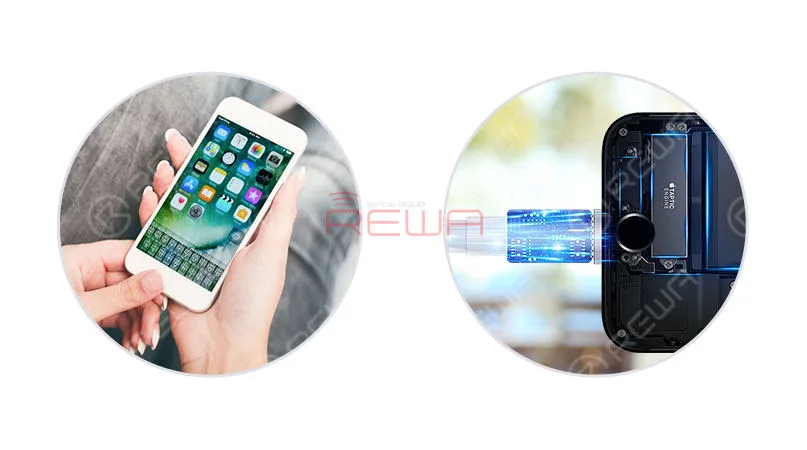
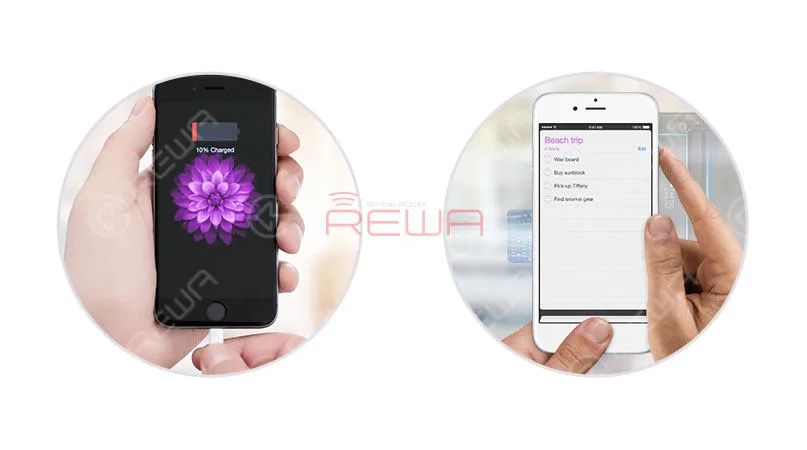
Hasta ahora, las piezas pueden soportar para iPhone 7 y iPhone 7 Plus, con 3 tipos de color disponibles: negro, oro y oro rosa.
Aunque la función de auriculares de la toma de luz sigue sin resolverse, unos auriculares inalámbricos Bluetooth pueden ser una alternativa cualificada y cómoda para el uso diario. Especialmente comparado con la falta de función de vuelta a casa, este pequeño pesar parece más aceptable y comprometido.
Otra decepción es que la función Touch ID sigue disponible incluso con las piezas. Sin embargo, todos sabemos que este problema ha sido un dolor de cabeza todo el tiempo.
En general, las ventajas superan a las desventajas para este producto del análisis anterior, y nació de acuerdo a las demandas de los clientes y el mercado. El Customized Charging Port Flex, en realidad, puede ser una pieza histórica para salvar la función de vuelta a casa del botón de casa de una manera segura y rentable. Por último, puede hacer clic para ver el vídeo para obtener más información detallada de Reparación de las Funciones de Retorno del Botón Home del iPhone 7.
Si tiene cualquier otra pregunta o petición, no dude en ponerse en contacto con nosotros en sales@rewatechnology.como déjenos un comentario a continuación.
-
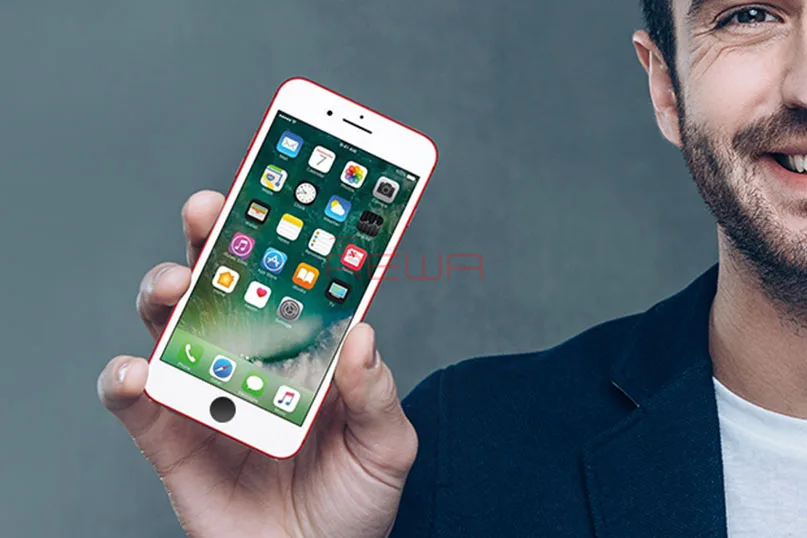
A New Way to Repair iPhone 7/7Plus Home Button
En iPhone 7 home button will only work with the original home button that it was shipped with; if it breaks and needs to be replaced, it means that replaced home button would be a non-functional home button. No Touch ID and no return-to-home functionality. Don’t worry. Use our customized charging port flex cable to restore the return-to-home function of your home button. Also, if you have met the issue about iPhone 7 touch ID, please check our iPhone 7 Broken Touch ID Hardware Fixed tutorial.
Let’s see how it works
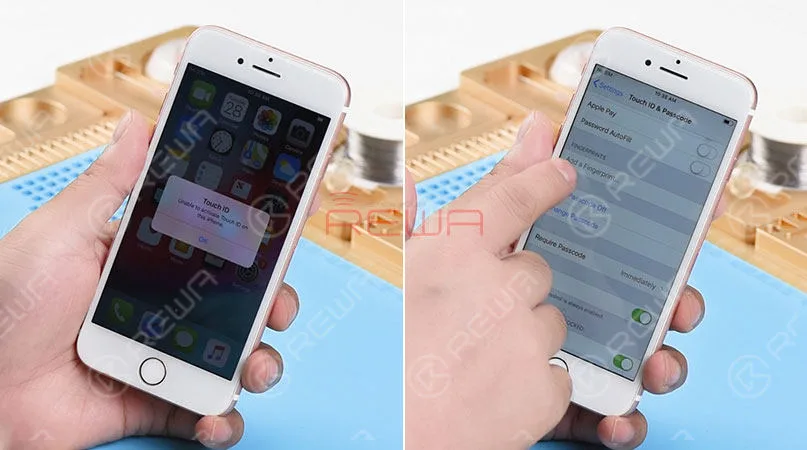
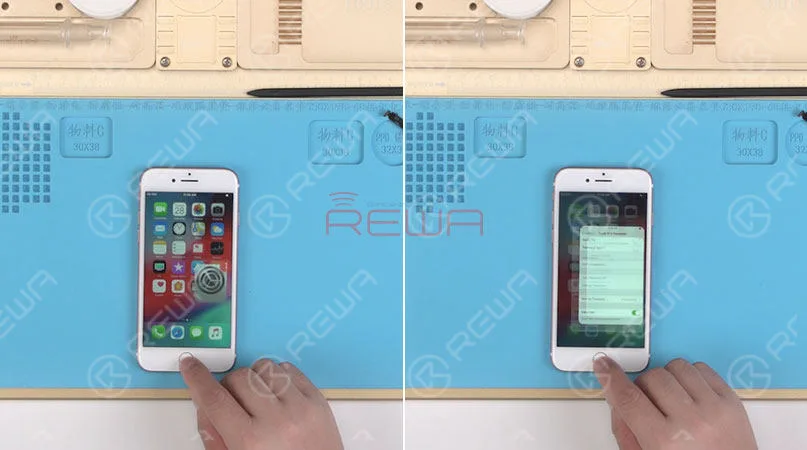
We got an iPhone 7 that powers on with “Unable to activate Touch ID on this iPhone” alert. Press the home button. And no Return-to-home functionality either. Go to Settings>Touch ID & Passcode. The“Add a fingerprint’ is grayed out. The home button of this iPhone 7 is totally damaged.
Here comes our customized charging port flex cable that can restore return-to-home functionality of the home button.
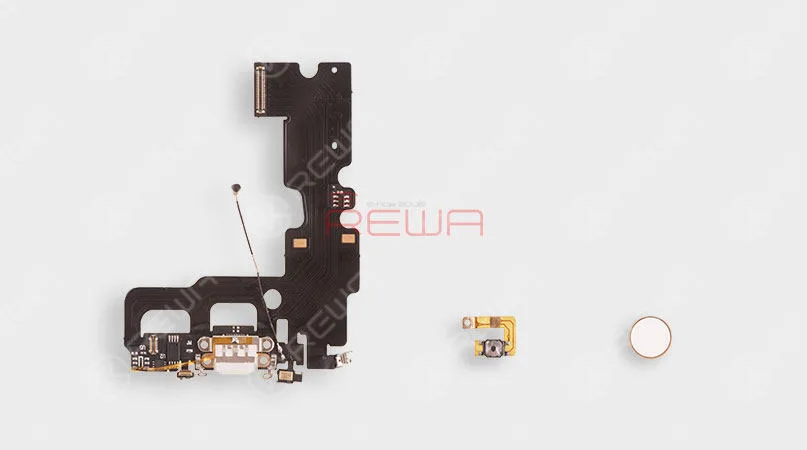
To get the home button repaired, we need to disassemble the phone. First, remove the display assembly and take out the logic board. Then remove the Vibrator, Loudspeaker, and charging port flex cable.
Replaced it with our new customized charging port flex cable. And then install the Vibrator and Loudspeaker. Here comes the second part – the customized Home Button Flex cable. Folded it in half and get it installed. Then get the logic board in the place and installed.
The last part of our customized return-to-home group is the home button face. Therefore, the next thing we do is to install it in the home button hole. Then connect the logic board with display assembly.
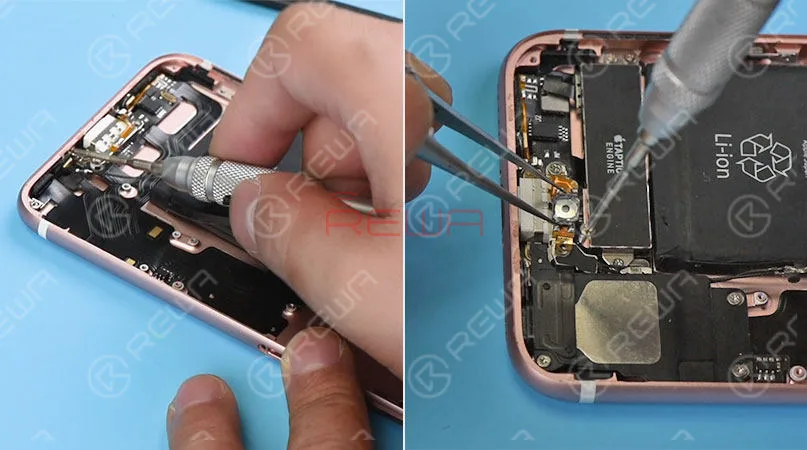
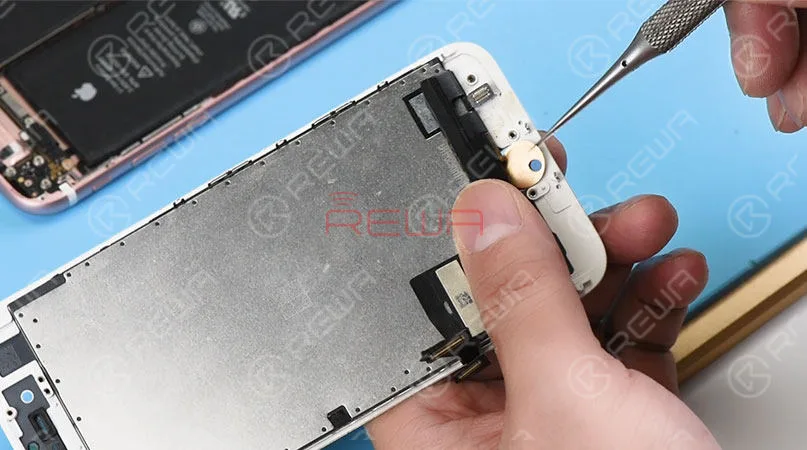
Connect the battery connector to the logic board. And turn on the phone. Press the home button, The Return-to-home functionality is back to normal. Fully install the phone. And the Home button matches perfectly with the phone. Press the Power button and the home button at the same time. A screenshot can be taken successfully. As we test the functions, our engineers find out some defects of this customized charging port flex cable.
1. The lightning earphone is not available. We can’t here voice with the earphone plugged-in.
2. The hand feel of the home button is not so comfortable as the original.
3. No vibrate alert when returning to home.
4. Touch ID function is not available.All these shortages cannot offer enough motivations for you to use it. However, we believe this technology would perfect as you expected in the near future. Let’s be patient and wait for it to be maturer.
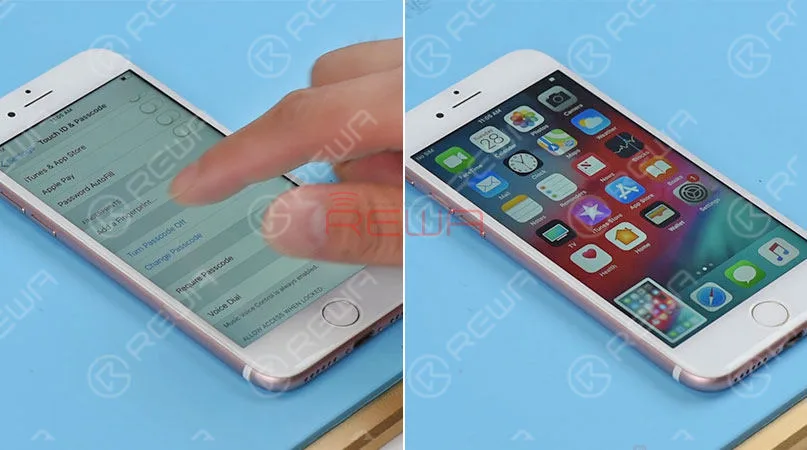
Attaching the iPhone 7 Home Button Broken Repair video for you for more details. As well as the tools listing used in the video. You can go to our online store tienda.rewa.tech to order or need assistance placing your order, email sales@rewatechnology.com and we will help you with whatever you need.
Herramientas y piezas utilizadas
*Charging Port Flex Cable Replacement
*Integrated Mobile Phone Repair Platform
*Palanca de plástico antiestática
Visite nuestro tienda en línea para obtener más piezas y herramientas.
Now the upgraded version is coming with the following features:
Restablecer la función de vuelta a casa
Admite carga rápida PD
Soporta diferentes tipos de adaptadores de cargador de 0,5A-2,4A
Poder hacer capturas de pantalla en todas las versiones de iOS
Sensación táctil más cómoda
Though the headphone function is still unsolved, a wireless Bluetooth headset can be an alternative. So will you replace your broken home button with these upgraded parts?
Al reparar placas lógicas de iPhone, primero identificamos el problema, luego averiguamos por qué ocurrió y, por último, determinamos cómo solucionarlo. Este es un proceso general adoptado por técnicos de reparación profesionales de todo el mundo.
¿Quieres ser un técnico de reparación profesional y manejar reparaciones difíciles de iPhone? Necesitas cursos de formación sistemáticos sobre Academia REWA
-
How To Fix iPhone 7 Home Button Not Working After Water Damage
Water damage is a common issue for iPhone in daily use. In this video, the home button of iPhone 7 is not working after water damaged, because lines on logic board get corroded and damaged. Since there is a high failure risk in repairing, REWA LAB presents you a method to fix heavily corroded and damaged logic board step by step by Ultrasonic Cleaner and making jumper wire. To fix your iPhone 7 home button issue caused by water damage, please follow the repair operations of our tutorial video.
Herramientas utilizadas:
- Plataforma integrada de reparación de teléfonos móviles
- Estación de retrabajo con pistola de aire caliente - 990AD
- Estación de soldadura - 969A
- Digital Multimeter – F17B+ -Type 3
- Microscopio óptico 4x - KS7045
- PCB holder for iPhone Repair
- Ultrasonic Cleaner – A80
 English
 Español
 Français
 Deutsch
 Italiano