Schlagwort: iphone XS

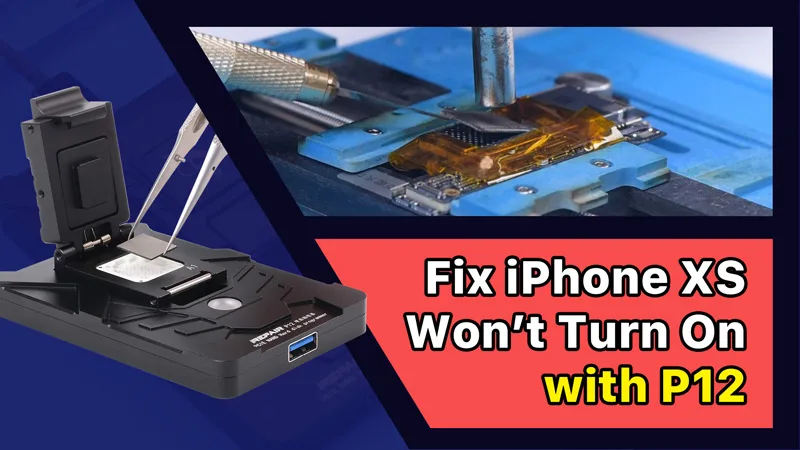
  • iPhone XS lässt sich mit P12 (NAND-Programmierer für iPhone 6 – iPhone 11 Pro Max) nicht einschalten

    iPhone XS lässt sich mit P12 (NAND-Programmierer für iPhone 6 – iPhone 11 Pro Max) nicht einschalten

    Der NAND-Austausch ist ein gängiges Verfahren bei der iPhone-Reparatur, sei es für ein Speicherupgrade oder zur Behebung von Problemen wie dem Nicht-Einschalten, die durch ein beschädigtes NAND verursacht wurden. Für den NAND-Austausch ist ein NAND-Programmierer erforderlich, um die NAND-Daten zu lesen und zu schreiben.

    iPhone XS schaltet sich nicht ein reparieren mit P12 (NAND Programmer für iPhone 6 - iPhone 11 Pro Max)

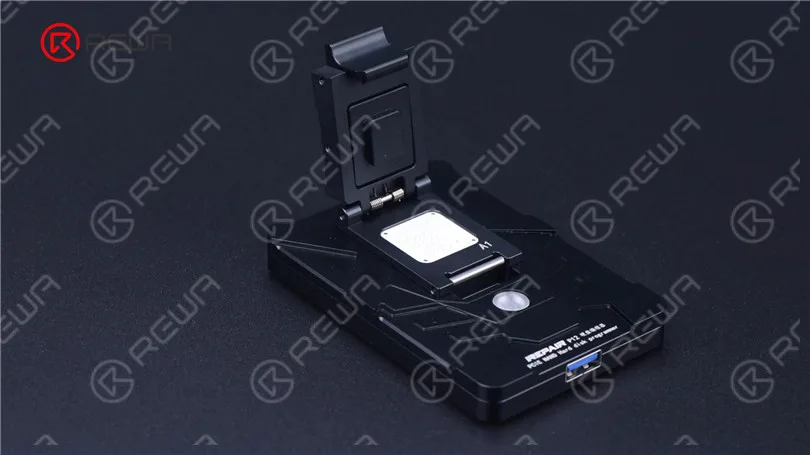
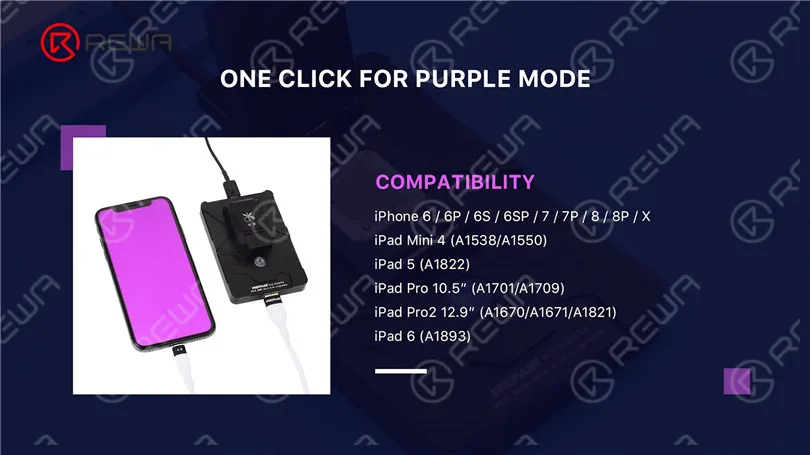
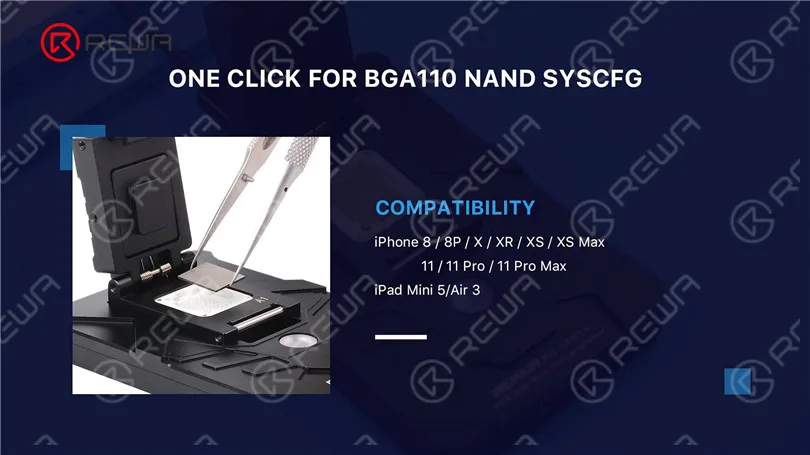
    Heute reparieren wir ein iPhone mit dem neuesten NAND-Programmierer P12, Im Vergleich zu anderen NAND-Programmierern auf dem Markt unterstützt der P12 eine breite Palette von Modellen, einschließlich NAND-Lesen und -Schreiben sowie WLAN-Entbindung für das iPhone 6 bis iPhone 11 Pro Max und einige iPad-Modelle. Darüber hinaus kann der P12 ohne Internetverbindung arbeiten und ist dauerhaft kostenlos nutzbar.

    iPhone XS schaltet sich nicht ein reparieren mit P12 (NAND Programmer für iPhone 6 - iPhone 11 Pro Max)
    iPhone XS schaltet sich nicht ein reparieren mit P12 (NAND Programmer für iPhone 6 - iPhone 11 Pro Max)
    iPhone XS schaltet sich nicht ein reparieren mit P12 (NAND Programmer für iPhone 6 - iPhone 11 Pro Max)

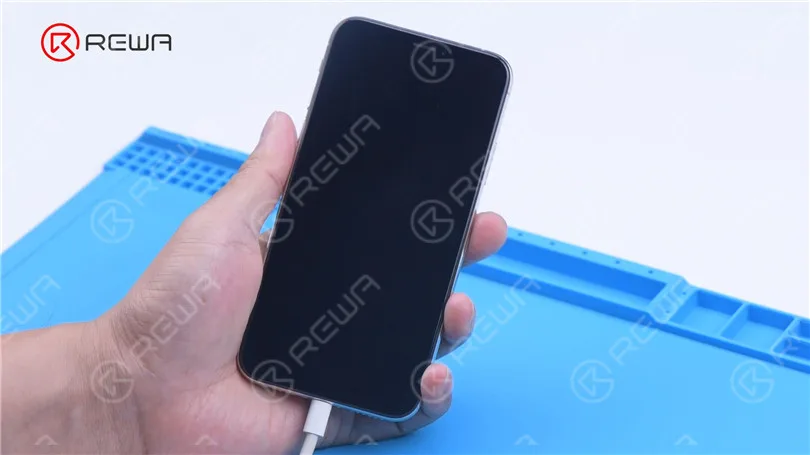
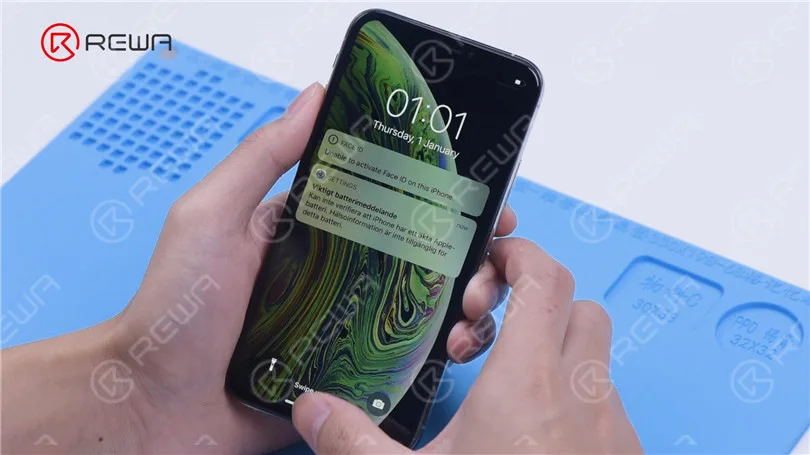
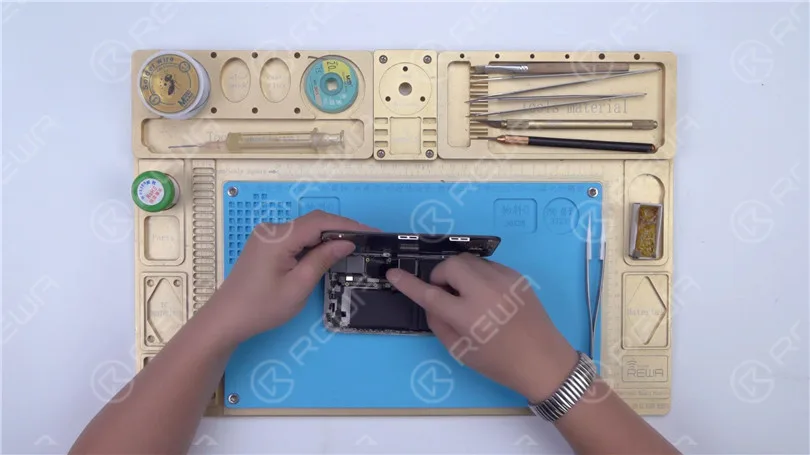
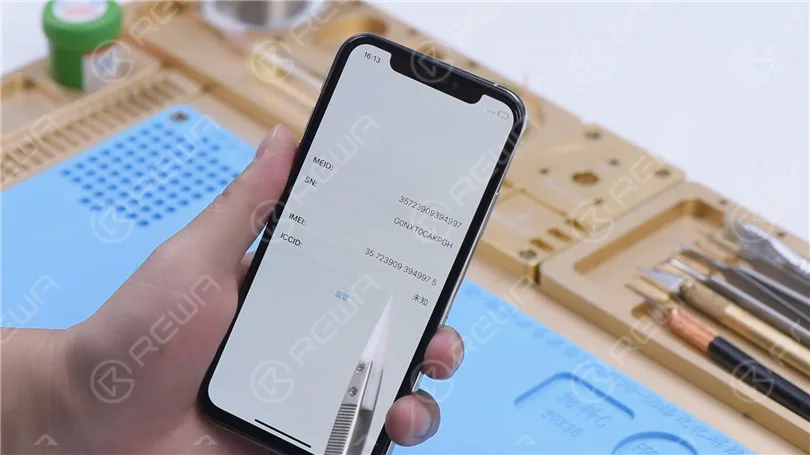
    Dann verwenden wir P12, um ein iPhone XS zu reparieren, das sich nicht einschalten lässt. Das iPhone XS kann nicht hochfahren.

    iPhone XS schaltet sich nicht ein reparieren mit P12 (NAND Programmer für iPhone 6 - iPhone 11 Pro Max)

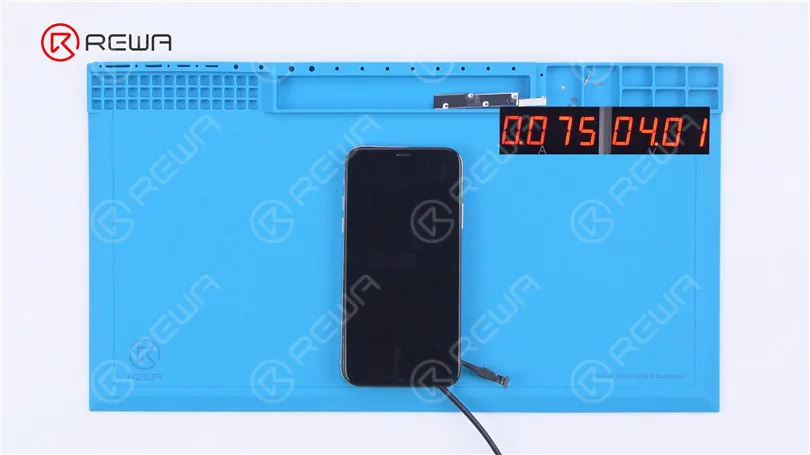
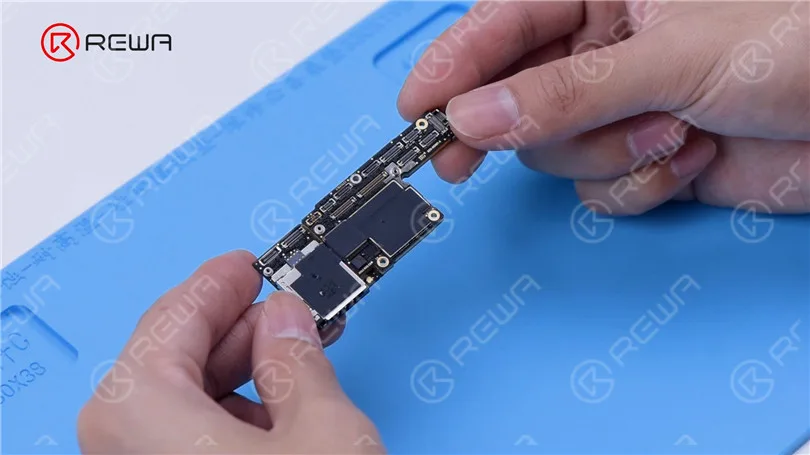
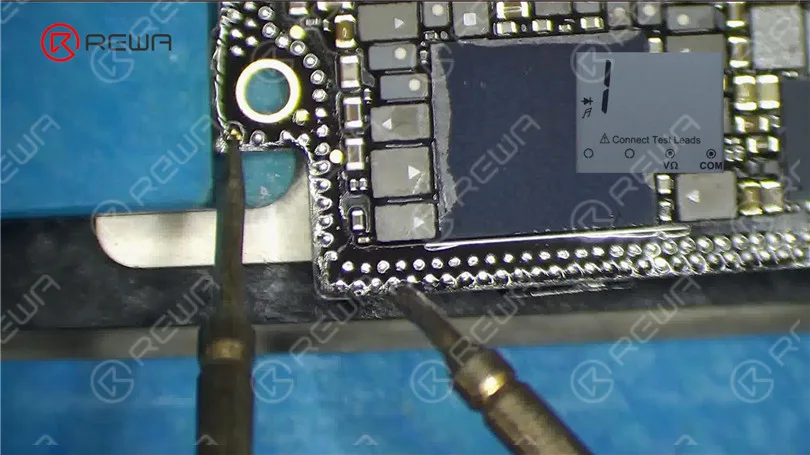
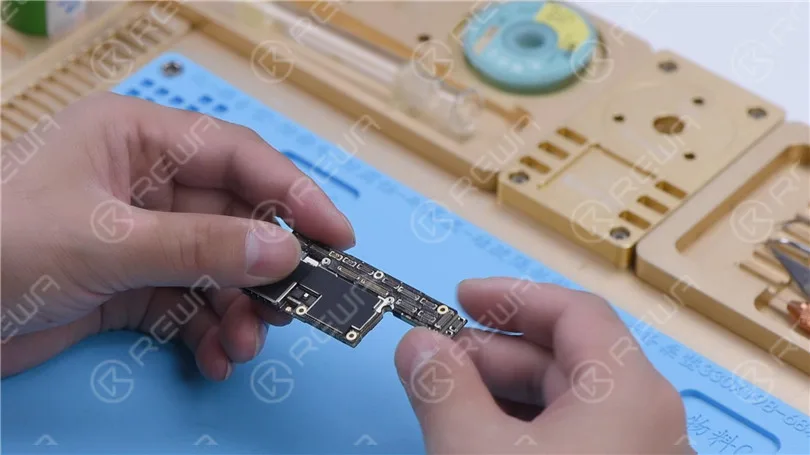
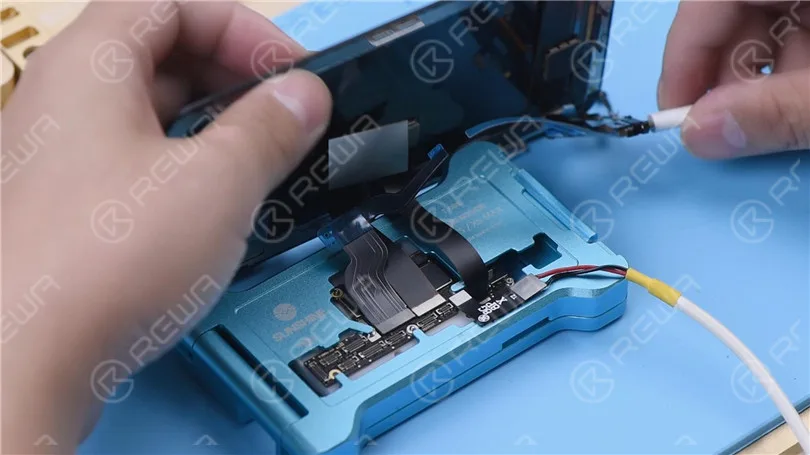
    Dann demontieren wir das Telefon für weitere Tests. Verbinden Sie das Mainboard mit Netzkabel. Der Boot-Strom beträgt nur 75 mA. Es kann vorläufig beurteilt werden, dass das System fehlerhaft ist.

    iPhone XS schaltet sich nicht ein reparieren mit P12 (NAND Programmer für iPhone 6 - iPhone 11 Pro Max)

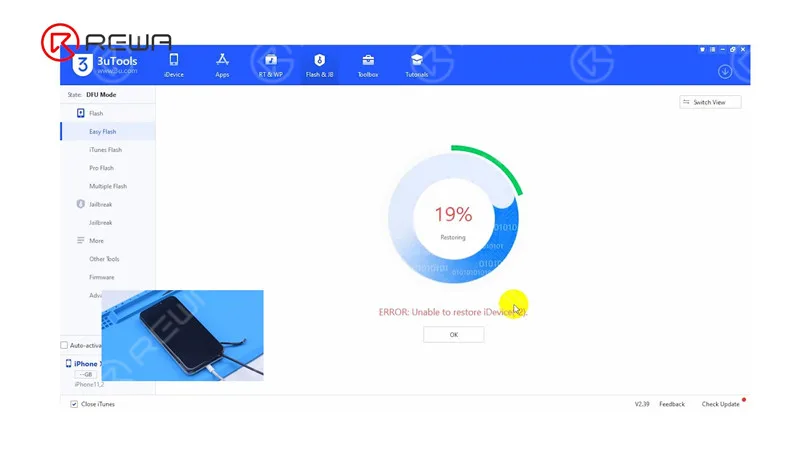
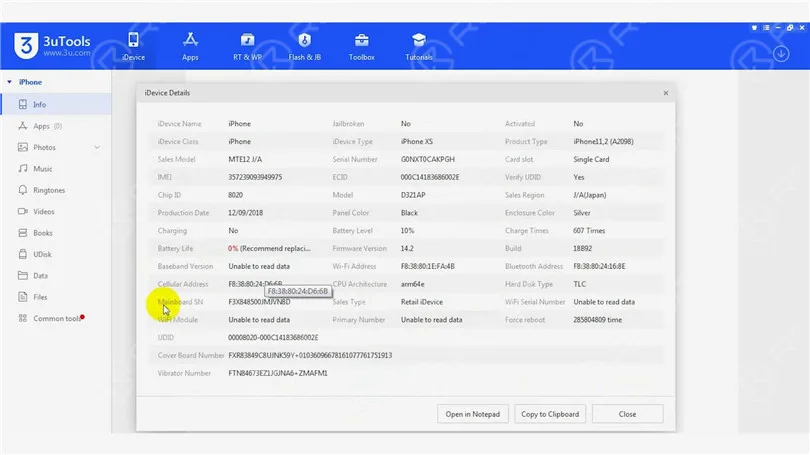
    Verbinden Sie anschließend das Telefon mit dem Computer. Das Telefon befindet sich automatisch im DFU-Modus. Der Flash-Vorgang bleibt bei 19% hängen. Wir können nun bestätigen, dass das Problem, dass sich das Gerät nicht einschalten lässt, durch fehlerhafte Schaltkreise im Zusammenhang mit dem NAND-Speicher verursacht wird.

    iPhone XS schaltet sich nicht ein reparieren mit P12 (NAND Programmer für iPhone 6 - iPhone 11 Pro Max)

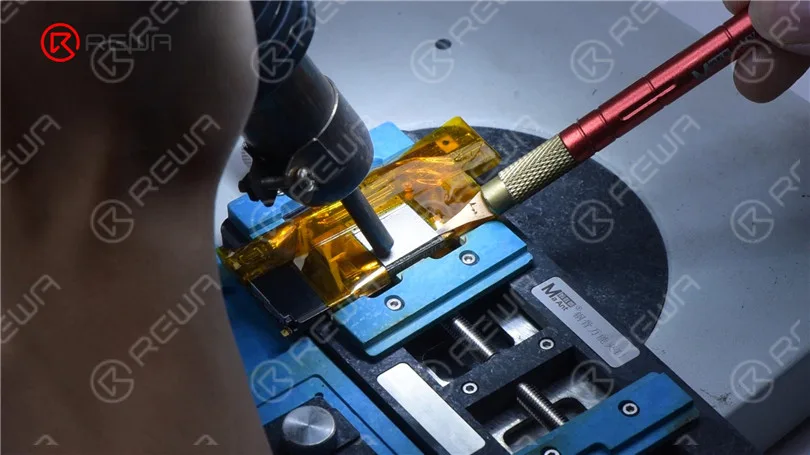
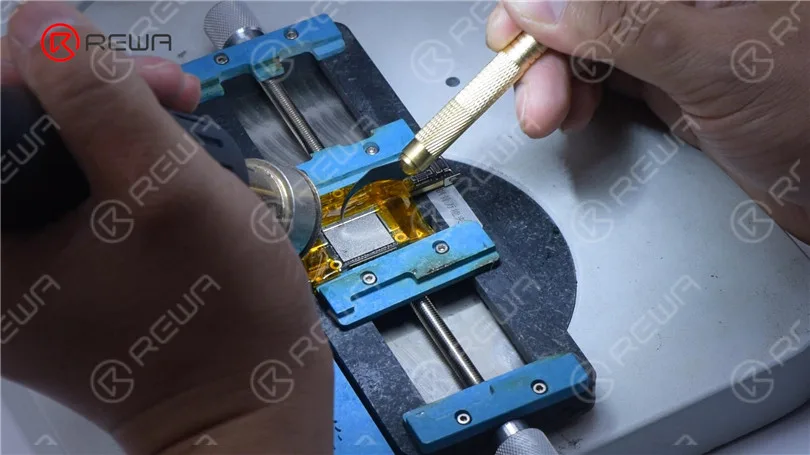
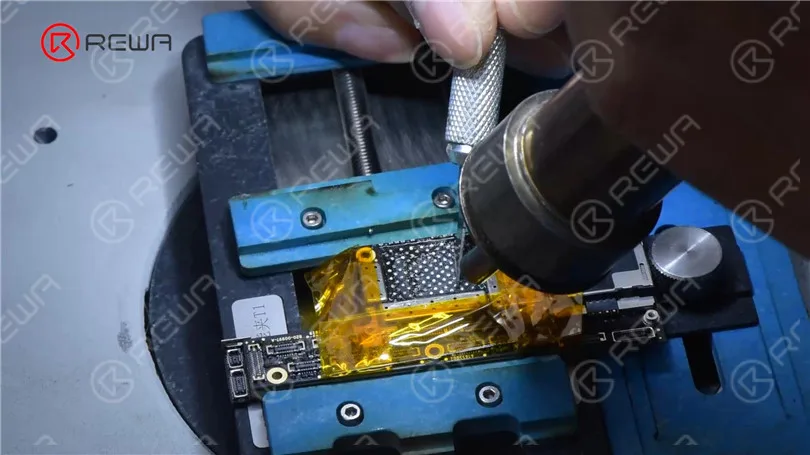
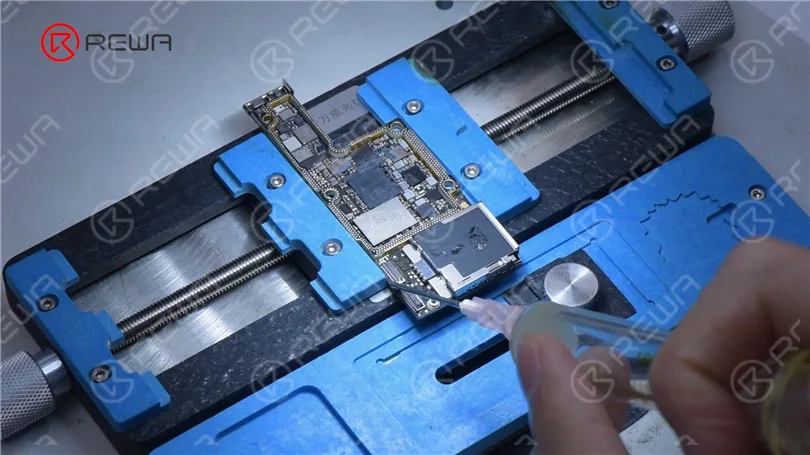
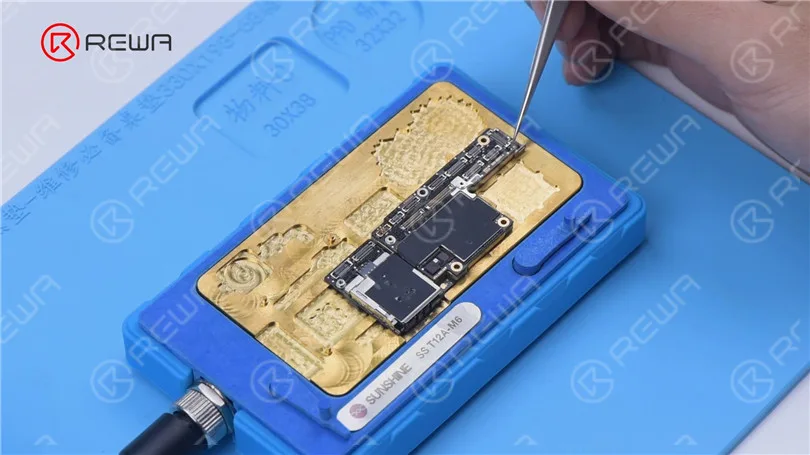
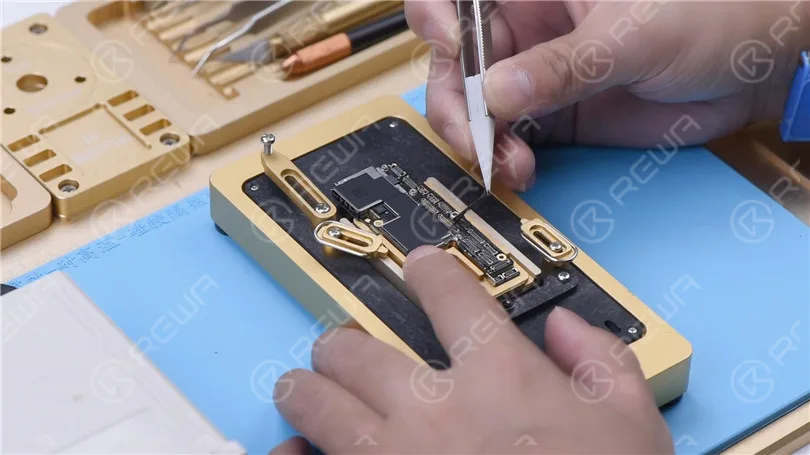
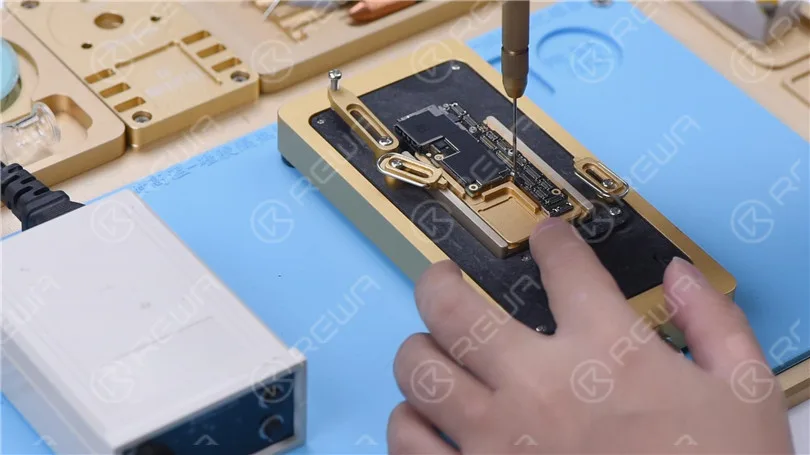
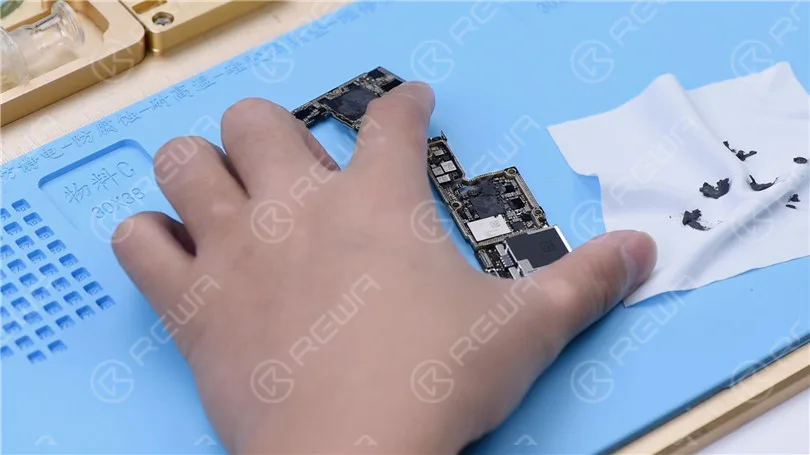
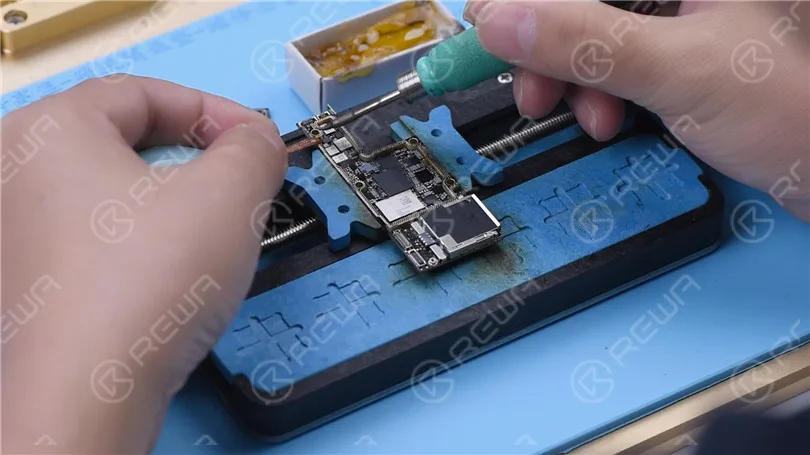
    Der nächste Schritt besteht darin, den NAND durch einen neuen zu ersetzen. Entfernen Sie das Display und trennen Sie die Hauptplatine ab. Bringen Sie Hochtemperaturklebeband um die Hauptplatine herum an. Entfernen Sie zunächst den schwarzen Klebstoff um den NAND herum mit einer Heißluftpistole bei 280 °C.

    iPhone XS schaltet sich nicht ein reparieren mit P12 (NAND Programmer für iPhone 6 - iPhone 11 Pro Max)

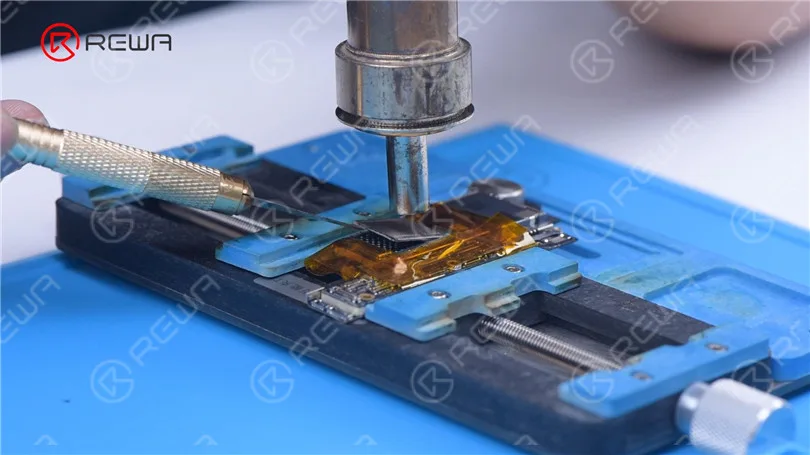
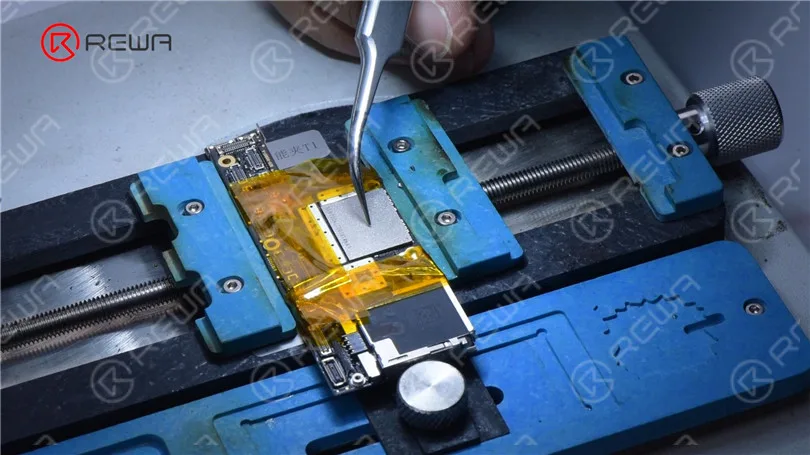
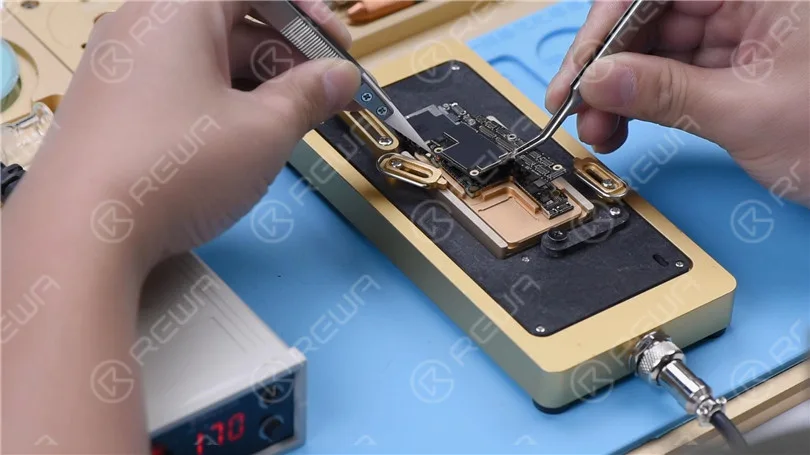
    Hebe den NAND mit einer Heißluftpistole bei 400 °C ab.

    iPhone XS schaltet sich nicht ein reparieren mit P12 (NAND Programmer für iPhone 6 - iPhone 11 Pro Max)

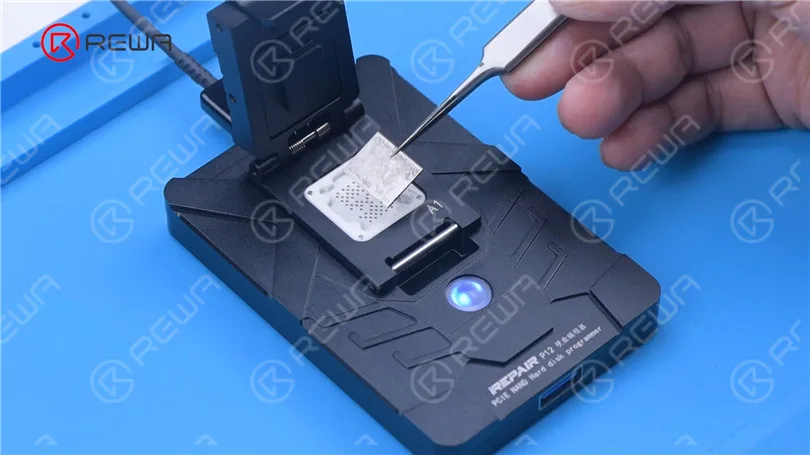
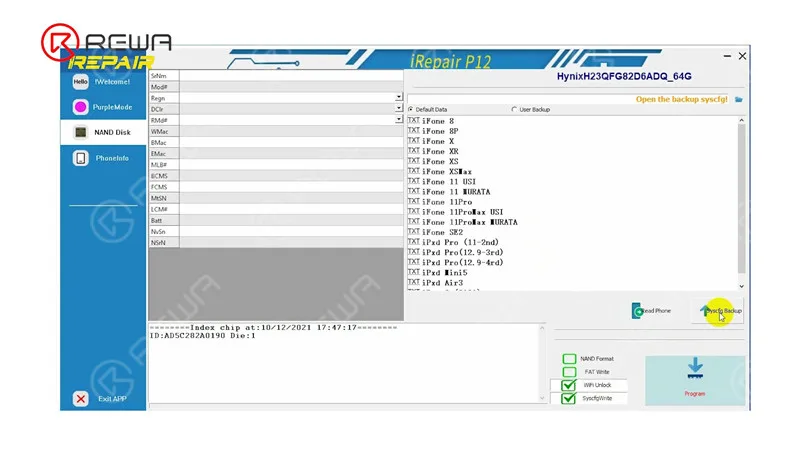
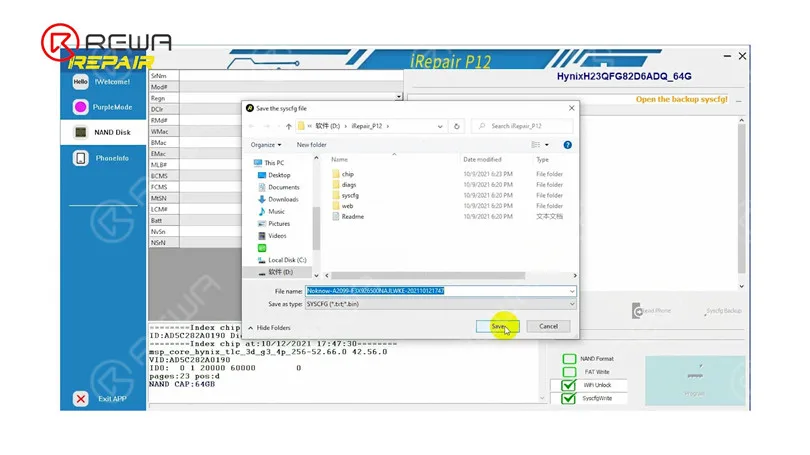
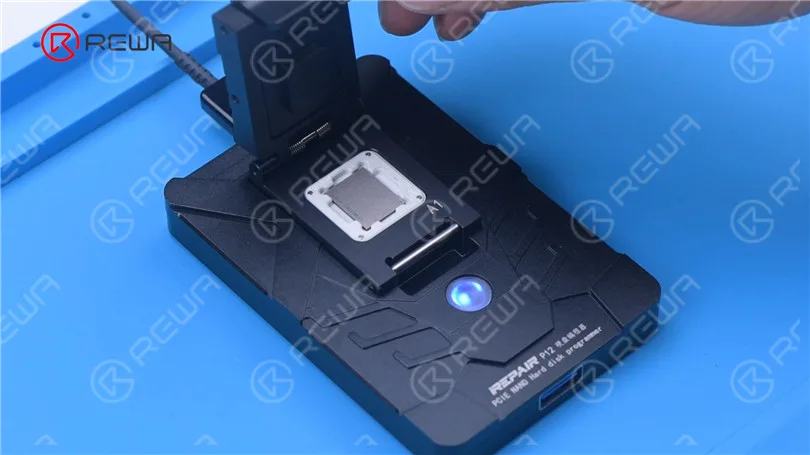
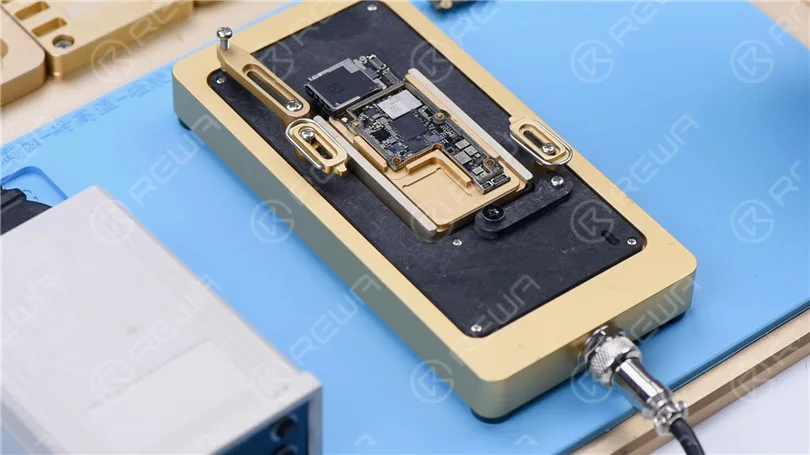
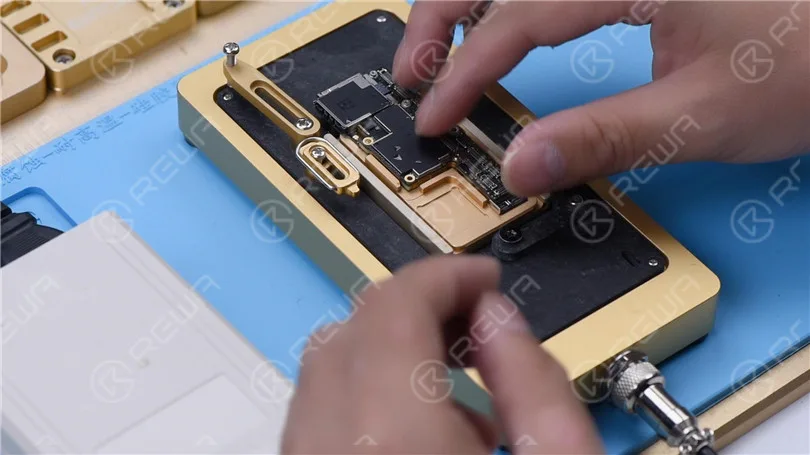
    Schließen Sie das NAND an P12 an. Achten Sie darauf, das NAND am A1-Pin auszurichten. Klicken Sie auf “Syscfg Backup”. Speichern Sie dann die Daten.

    iPhone XS schaltet sich nicht ein reparieren mit P12 (NAND Programmer für iPhone 6 - iPhone 11 Pro Max)
    iPhone XS schaltet sich nicht ein reparieren mit P12 (NAND Programmer für iPhone 6 - iPhone 11 Pro Max)
    iPhone XS schaltet sich nicht ein reparieren mit P12 (NAND Programmer für iPhone 6 - iPhone 11 Pro Max)

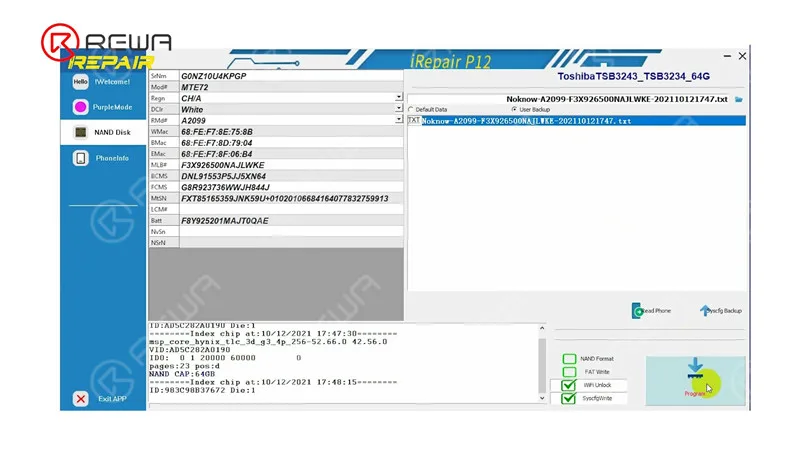
    Entfernen Sie das NAND. Bringen Sie das neue NAND an P12 an. Wählen Sie “User Backup”. Tippen Sie auf “Program”.

    iPhone XS schaltet sich nicht ein reparieren mit P12 (NAND Programmer für iPhone 6 - iPhone 11 Pro Max)
    iPhone XS schaltet sich nicht ein reparieren mit P12 (NAND Programmer für iPhone 6 - iPhone 11 Pro Max)

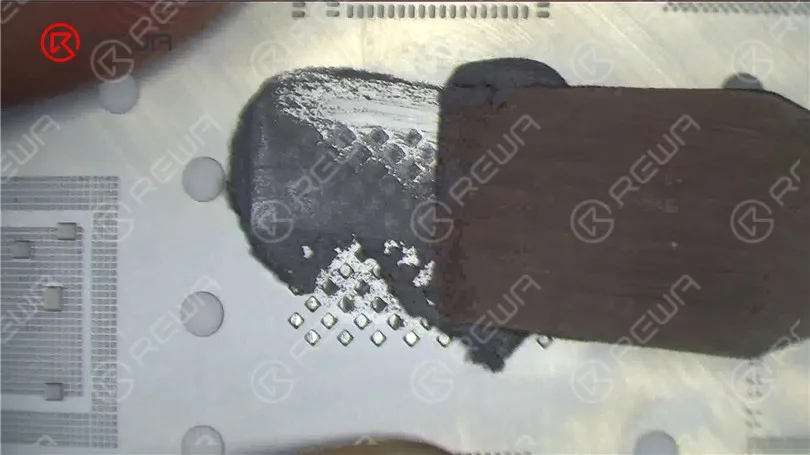
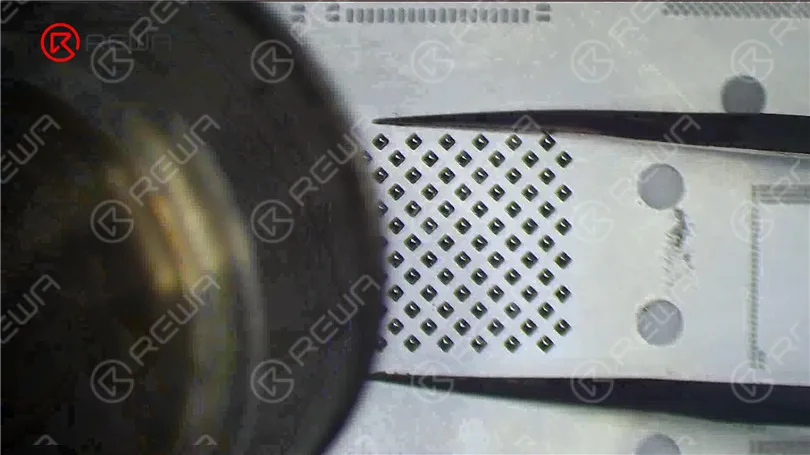
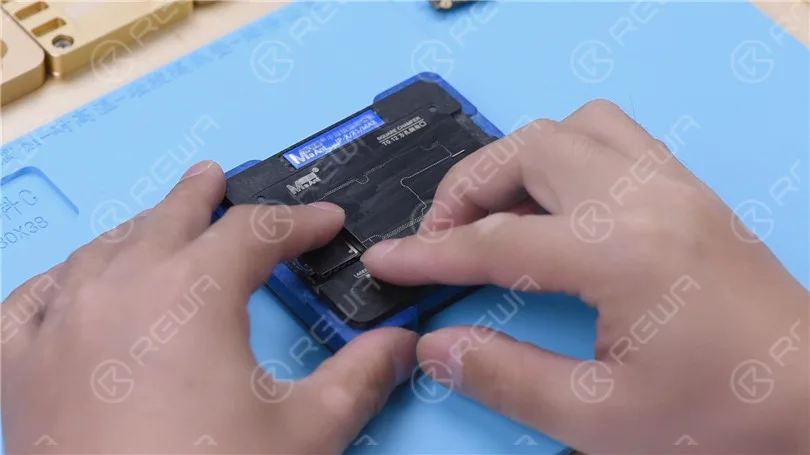
    Als Nächstes führen wir das Reballing des NAND mit den beschriebenen Daten durch. Setzen Sie die Reballing-Schablone in Position. Tragen Sie eine Schicht Mitteltemperatur-Lötpaste gleichmäßig auf. Erhitzen Sie mit einer Heißluftpistole bei 340 °C.

    iPhone XS schaltet sich nicht ein reparieren mit P12 (NAND Programmer für iPhone 6 - iPhone 11 Pro Max)
    iPhone XS schaltet sich nicht ein reparieren mit P12 (NAND Programmer für iPhone 6 - iPhone 11 Pro Max)

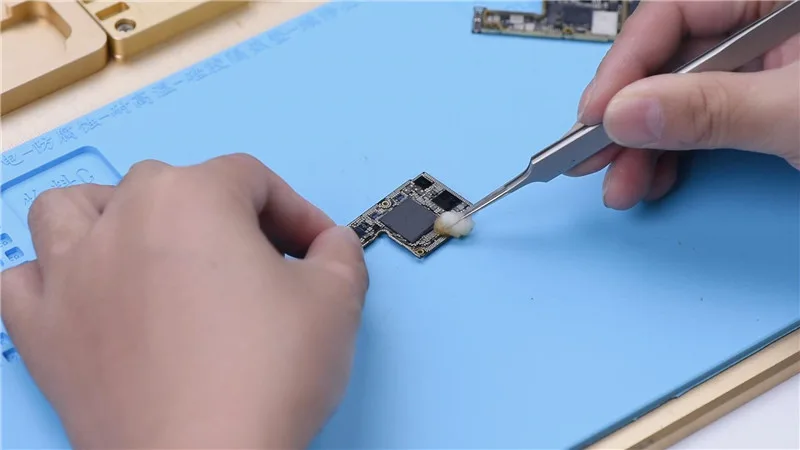
    Vor dem NAND-Löten müssen wir das Zinn von den Lötpads entfernen. Tragen Sie etwas Mitteltemperatur-Lötpaste mit dem Lötkolben auf. Reinigen Sie die Lötpads mit Lötkolben und Entlötlitze.

    iPhone XS schaltet sich nicht ein reparieren mit P12 (NAND Programmer für iPhone 6 - iPhone 11 Pro Max)

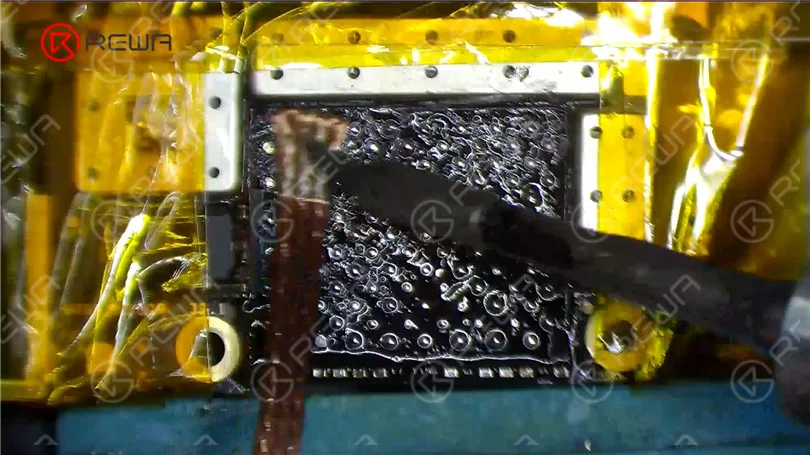
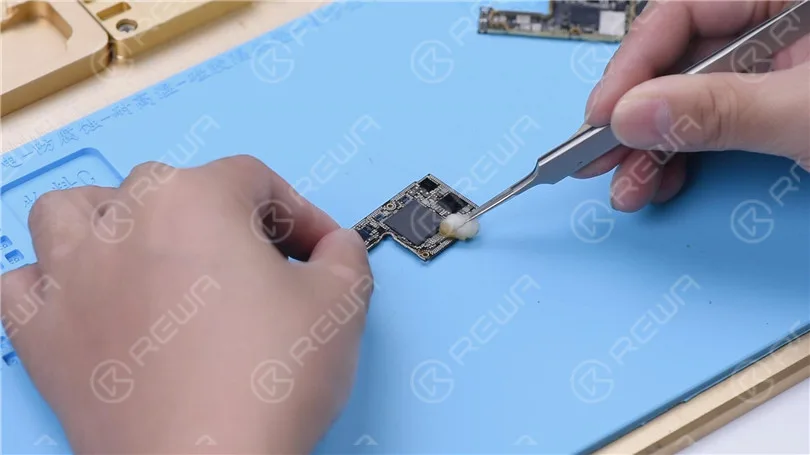
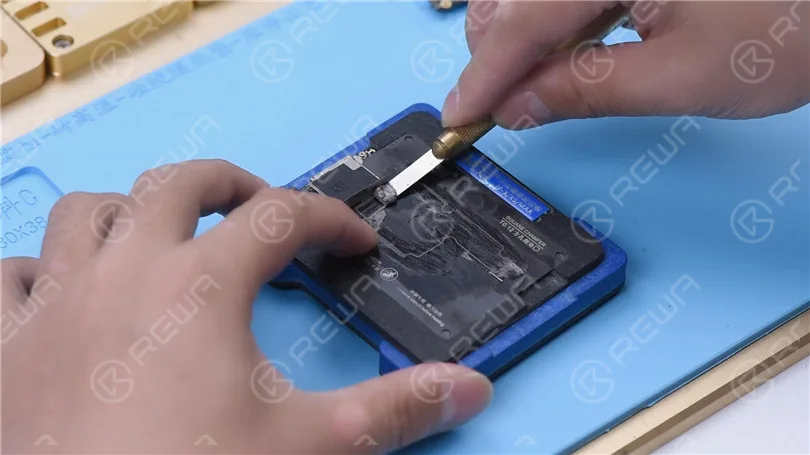
    Entfernen Sie den schwarzen Klebstoff auf den Bonding-Pads mit einem Skalpell. Reinigen Sie dann die Bonding-Pads mit PCB-Reiniger. Tragen Sie nach der Reinigung etwas Paste Flux auf.

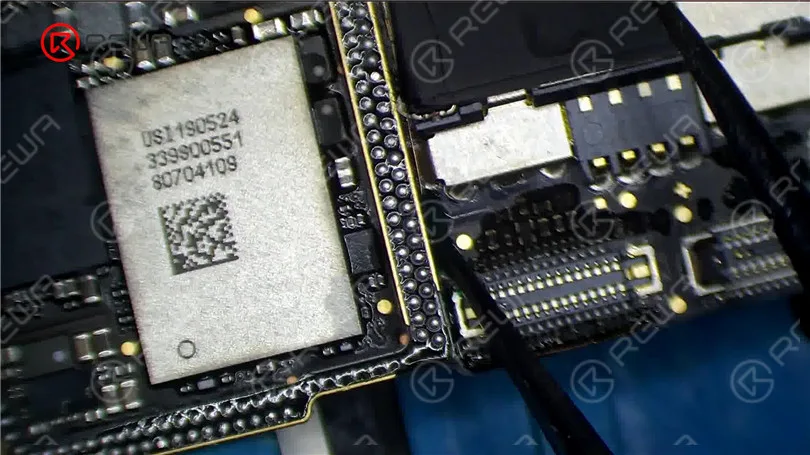
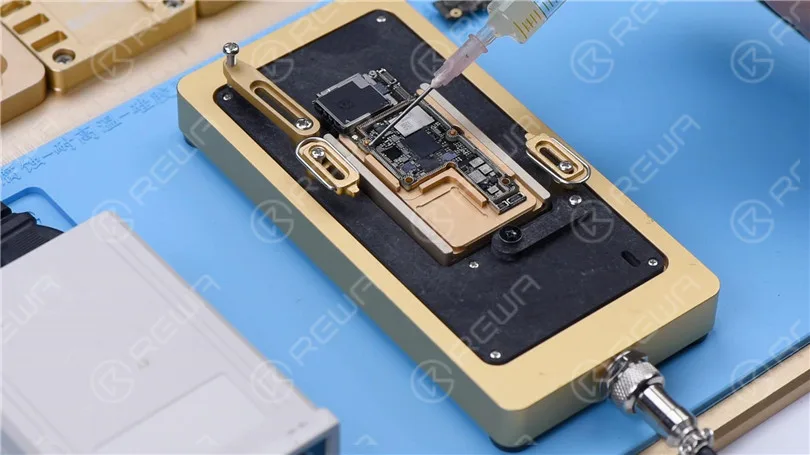
    Richten Sie den neuen NAND aus. Zum Löten mit der Heißluftpistole bei 380 °C erhitzen.

    iPhone XS schaltet sich nicht ein reparieren mit P12 (NAND Programmer für iPhone 6 - iPhone 11 Pro Max)
    iPhone XS schaltet sich nicht ein reparieren mit P12 (NAND Programmer für iPhone 6 - iPhone 11 Pro Max)

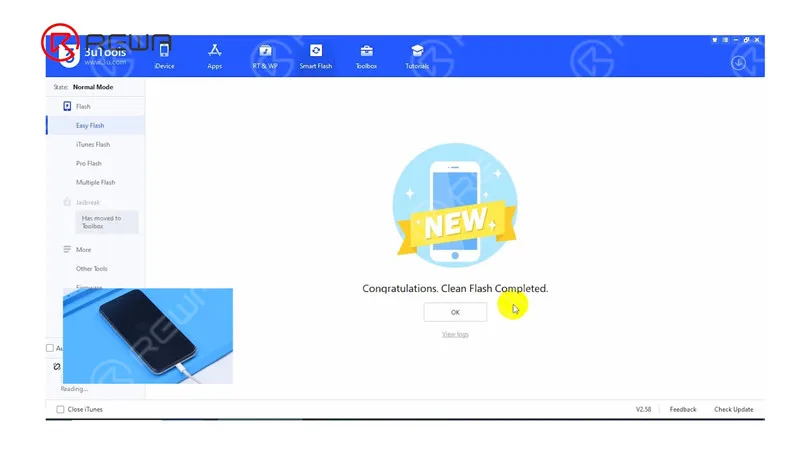
    Dann installieren wir das Mainboard. Verbinden Sie das Telefon mit dem Computer, um es zu flashen. Das Flashen war erfolgreich.

    iPhone XS schaltet sich nicht ein reparieren mit P12 (NAND Programmer für iPhone 6 - iPhone 11 Pro Max)

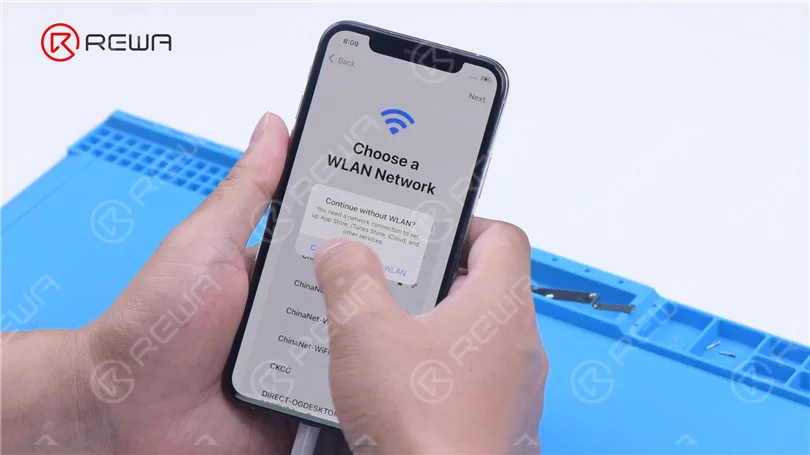
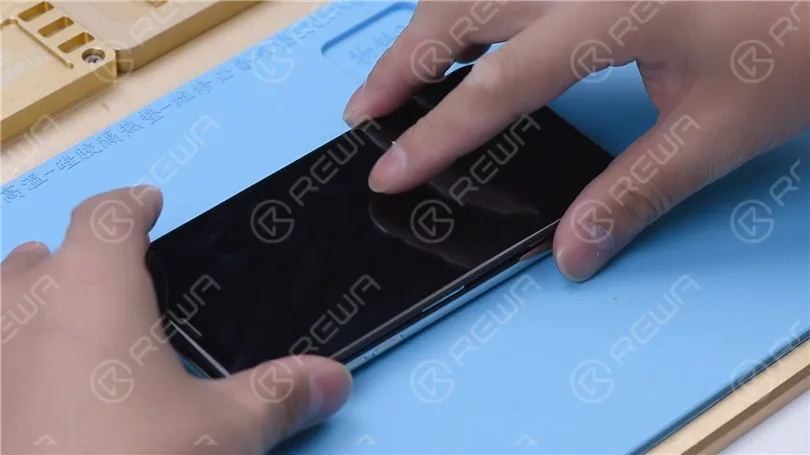
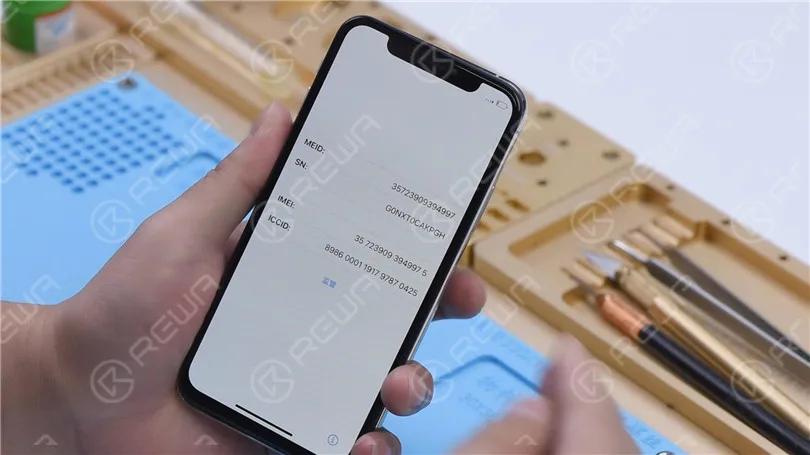
    Das Telefon lässt sich normal einschalten. Nach der Aktivierung funktioniert das Telefon ebenfalls gut.

    iPhone XS schaltet sich nicht ein reparieren mit P12 (NAND Programmer für iPhone 6 - iPhone 11 Pro Max)
  • Umfassender Vergleichstest von iPhone XS China-Aftermarket-Displays

    Umfassender Vergleichstest von iPhone XS China-Aftermarket-Displays

    iPhone XS China Aftermarket OLED Screens have emerged in the market, which falls into two types, the flexible one and the rigid one. As usual, REWA LAB has got samples right the first time and conducted strict comparison tests. We are happy to share with you the test result about the iPhone XS Aftermarket Screen in our video today.

  • How to Fix iPhone XS Unresponsive Touch Screen

    How to Fix iPhone XS Unresponsive Touch Screen

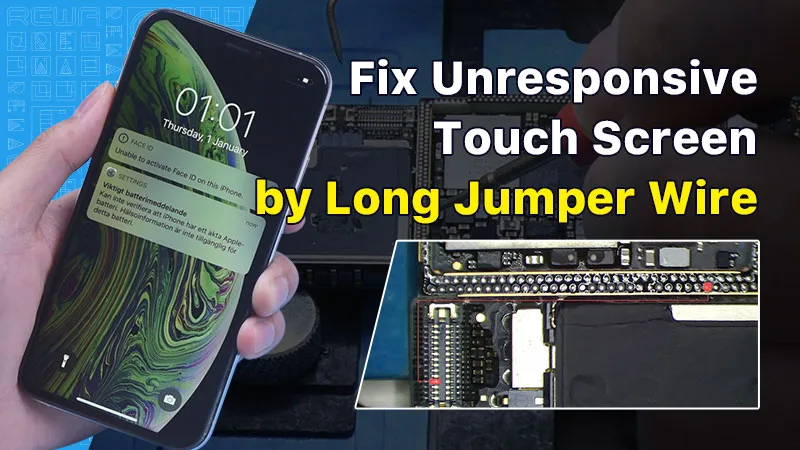
    In this guide, we will explore how to diagnose and repair an iPhone XS with an unresponsive touch screen. An unresponsive touch screen can be a frustrating issue, but by following the steps below, you can potentially resolve the problem.

    Erste Inspektion

    The first step in diagnosing touch screen issues is to examine the iPhone’s motherboard. Check for any deformities or signs of water damage, as these can often be the root cause of touchscreen problems.

    How to Fix iPhone XS Unresponsive Touch Screen

    Initial Testing

    After ensuring the motherboard is in good condition, install it and connect the display and battery. Power on the phone and check if the touch screen is still unresponsive.

    How to Fix iPhone XS Unresponsive Touch Screen

    Pinpointing the Problem

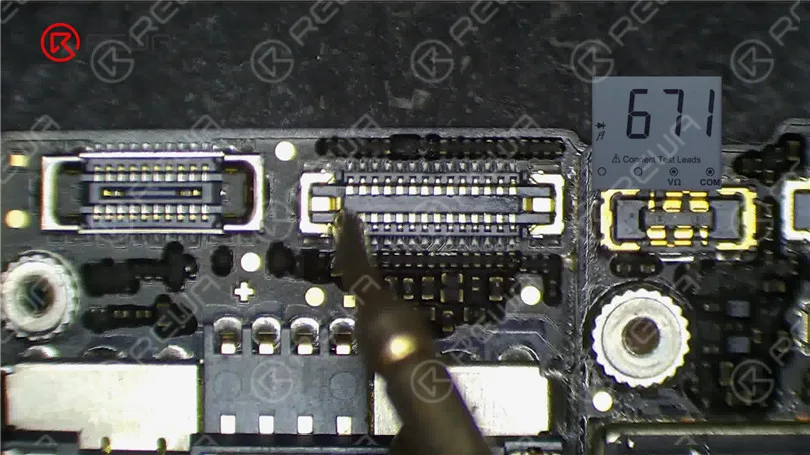
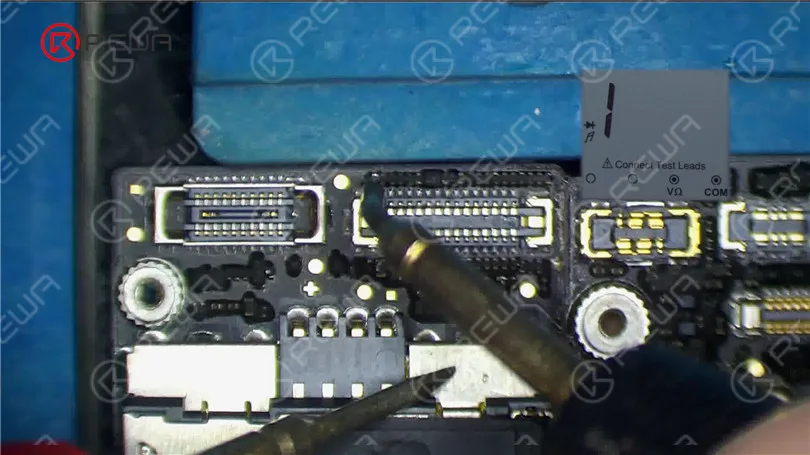
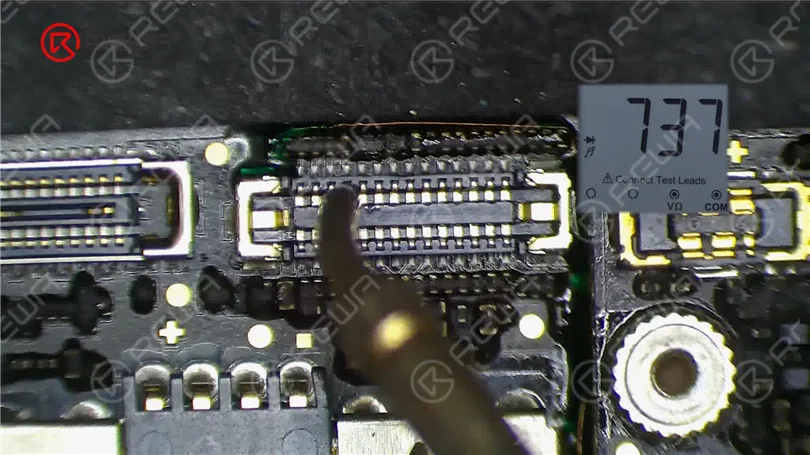
    If the touch screen is still not working, proceed to measure the touch connector. Pin 21 of the connector might be open-circuited, indicating a potential issue in the circuit connected to this pin.

    How to Fix iPhone XS Unresponsive Touch Screen

    Resistor Examination

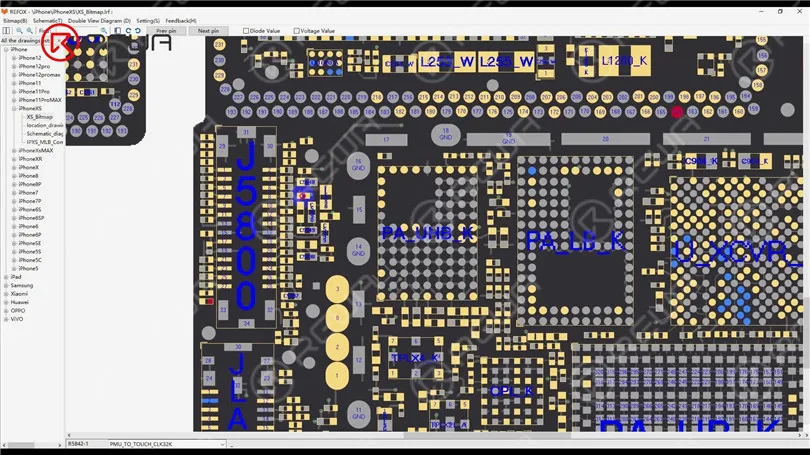
    Pin 21 connects to resistor R5842, which is a safety resistor. Test the resistor’s integrity using a multimeter. If the resistor is intact, the fault likely lies within the middle layer circuit.

    How to Fix iPhone XS Unresponsive Touch Screen

    Separating the Motherboard

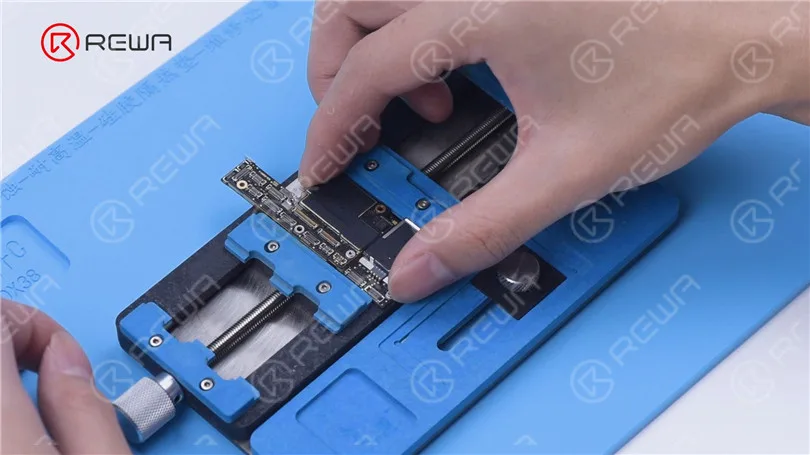
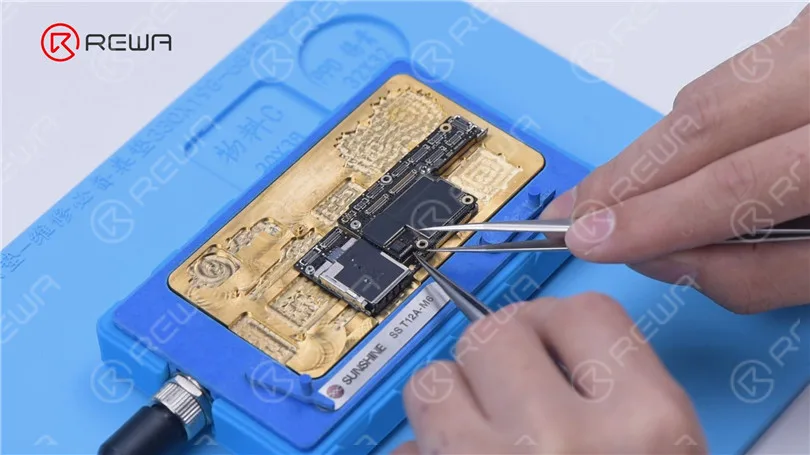
    To access the middle layer circuit, carefully separate the motherboard. Use a heating platform at 160°C, and once the adhesive softens, remove the logic board and signal board with tweezers.

    How to Fix iPhone XS Unresponsive Touch Screen

    Circuit Assessment

    Since the other end of the resistor connects to the power IC through the middle layer, start by checking the circuit on the logic board. Ensure that the resistance value is within the normal range.

    How to Fix iPhone XS Unresponsive Touch Screen

    Then we separate the motherboard. Put the motherboard on the 160 °C Heating Platform to heat. After about one minute, remove the logic board and signal board with tweezers. It can be seen that the motherboard has been separated before.

    How to Fix iPhone XS Unresponsive Touch Screen

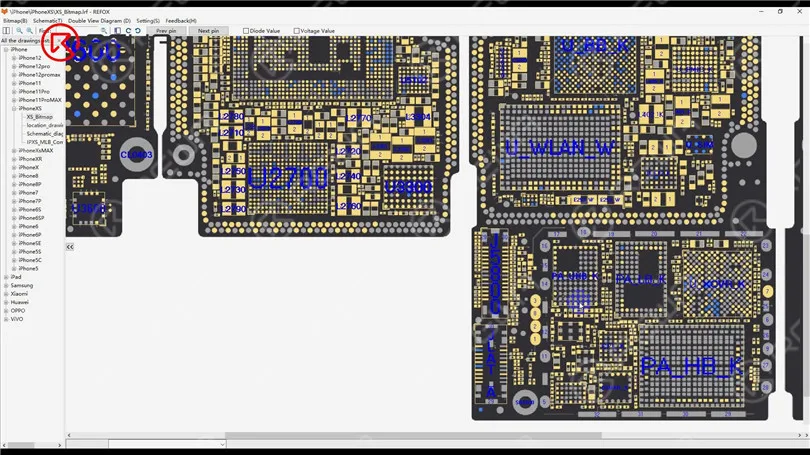
    Open the bitmap. The other end of the resistor is connected to the power IC through the middle layer. Therefore we need to measure the circuit on the logic board firstly. The value of resistance is normal.

    How to Fix iPhone XS Unresponsive Touch Screen

    Identifying the Fault

    Measure the circuit between the signal board and the touch connector. An open-circuit condition indicates a problem. To resolve this, you’ll need to perform a jump wire repair.

    How to Fix iPhone XS Unresponsive Touch Screen

    Jump Wire Repair

    Apply Paste Flux to the resistor and solder a copper wire to it using a soldering iron at 360°C. If the two ends are too far apart, secure the copper wire in place with Solder Mask. Use a UV Lamp to solidify the solder mask and then check for its stability.

    How to Fix iPhone XS Unresponsive Touch Screen

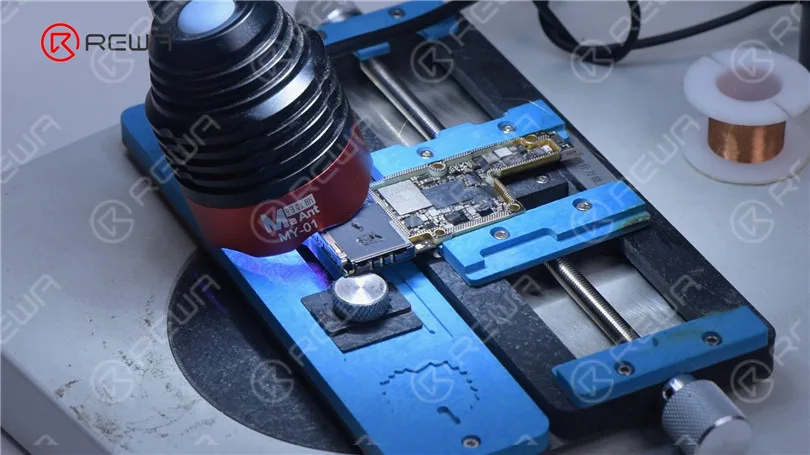
    Because the two ends are too far apart, we need to fix the copper wire in the first place. Apply some Solder Mask. Solidify with UV Lamp. Check if the solder mask is solidified with tweezers. Next, fix the remaining copper wire with Solder Mask.

    How to Fix iPhone XS Unresponsive Touch Screen

    Cut the copper wire. Solder one end of the copper wire to the signal board. Measure with the multimeter. The value of resistance is 0, which indicates that the circuit between the touch connector and signal board is connected. Solidify pads on the signal board with Solder Mask. Scrape to show the pads. Clean the bonding pads with PCB Cleaner.

    How to Fix iPhone XS Unresponsive Touch Screen

    Then we recombine the signal board with the logic board in a direct way. Put the signal board on the 160 °C Heating Platform to heat. Apply some Paste Flux to the bonding pad. Put the logic board in position. Press gently with tweezers during heating. After about a minute, remove the motherboard.

    How to Fix iPhone XS Unresponsive Touch Screen

    Reassembly and Testing

    Carefully recombine the signal board with the logic board using a heating platform at 160°C. Once the motherboard has cooled, measure pin 21 of the connector. If the resistance value is back to normal, you can install the motherboard for a final test. If all went well, the touch screen should now be fully functional.

    How to Fix iPhone XS Unresponsive Touch Screen
    How to Fix iPhone XS Unresponsive Touch Screen

    Schlussfolgerung:

    Repairing an iPhone XS with an unresponsive touch screen can be a complex process, but with the right tools and techniques, it’s possible to identify and fix the issue. If you’re interested in learning more about motherboard repair troubleshooting, you can check out REWA Academy’s comprehensive course package. Additionally, they offer live online repair courses for those seeking face-to-face interaction with experienced technicians. Feel free to explore a variety of repair topics and leave comments on subjects that interest you.

    For more repair techniques, visit REWA-Akademie. It offers a comprehensive motherboard repair troubleshooting course package to enhance your repair skills.

  • So optimieren Sie die iPhone XS-Batterielaufzeit

    So optimieren Sie die iPhone XS-Batterielaufzeit

    Tips 1: Disable Background App Refresh

    You can start with disabling Background App Refresh. Go to Settings > General > Usage, recording the remaining standby and use time.

    Then turn off Background App Refresh and lock the phone to wait 10 minutes. Then return to Settings > General > Usage.

    You will see that the battery life will increase by at least 10 minutes. If there is no change, you also need to turn off all current background running applications one by one.

    Go to Settings > General > Close the Background Application to see the APP list. Turn them all off.

    Tips 2: Disable Email Notification

    Spam is like virus nowadays, and many users can’t tolerate them every day. You can try to disable email notifications. Go to Settings > Mail, Contacts, Calendar > Get New Data.

    You can turn off these features. Or set every 15 minutes, 30 minutes or an hour to let iPhone XS check a new email. You will not miss important emails. The longer the interval, the more battery life you will save.

    Tips 3: Disable application notification

    Some apps will send you notifications. You can go to Settings > Notifications to check in detail. Click any of the applications in the list to turn it off so that the notifications will not be received.

    Tips 4: Disable automatic download

    If you set the music, applications, and system of iPhone XS to automatic update, you will also consume a lot of battery life.

    Therefore, a part of the battery life can be saved in this feature. Go to Settings > iTunes Store and App Store to disable the Cellular Data option. Then the iPhone XS will be updated with Wi-Fi.

    Tips 5: Shorten automatic lock screen time

    When you are not using it, your iPhone XS screen takes a while to go dark. And you can go to Settings > General > Auto-Lock.

    Set it to the minimum values that you can accept, which can also help you save a lot of battery life under the premise of using it.

    Tips 6: Turn off AirDrop-save the iphone xs battery life

    No one needs the AirDrop to be on all the time. So when you need it, you can slide up from the bottom of the screen and open it in the control center.

    Tips 7: Use black static wallpapers and themes

    You can disable Auto-Brightness in the wallpaper and brightness, so that the screen is always in a darker state, saving a lot of battery life.

    After all, we need more brightness in the case of direct sunlight. And this situation will not always appear.

    Tips 8: Disable animation effect

    If you don’t like dynamic background, visual difference, and 3D effect, then you can also turn it off.

    A still picture can be set as wallpapers in the Wallpaper and Brightness, and the animation effect can be turned off in General > Auxiliary.

    Tips 9: Disable GPS

    Unless the map must be used, the GPS is not helpful at all, which is also very power-consuming.

    You can go to Settings > Privacy to disable the GPS, or keep the applications that must be positioned, and turn off the others.

    Tips 10: Turn off Siri

    If you don’t use Siri, you can turn it off directly.

    Tips 11: Turn off the vibration

    In Settings > Sound, you can choose to turn off vibration, and disable the vibration of the new email notification in the Mail, which will save you much battery life.

     Tips 12: Disable iCloud

    Go to iCloud, you will see cloud synchronization will consume a lot of data and power.

    Of course, you can re-open iCloud synchronous backup with the phone connected to power, so that you can save important data.

    If you have followed the above suggestions, the iphone xs battery life is still draining fast.

    It is possible that the battery may be a problem. You can test the battery life in the nearest repair store.

  • How to Fix iPhone XS No Service

    How to Fix iPhone XS No Service

    Today we will share a case about repairing an iPhone XS that has no service. The phone had no service after being dropped and couldn’t be activated after a system upgrade.

    Firstly, inspect the appearance of the motherboard. The motherboard is not deformed or water damaged.

    Fix iPhone XS No Service

    Then we install the motherboard on the phone to test. Connect the display and battery. Insert the SIM card. The phone can be turned on. However, the ICCID is not showing, which indicates that the SIM card is not read.

    Fix iPhone XS No Service
    Fix iPhone XS No Service

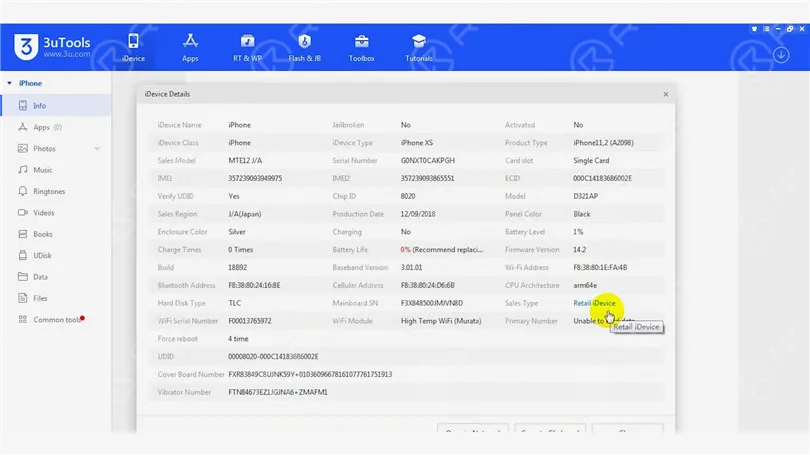
    Connect the phone to the computer. Open 3uTools and view device details. 3uTools is unable to read data of the baseband version and Wi-Fi module.

    Fix iPhone XS No Service

    Because the phone had no service after being dropped. It can be preliminarily judged that the pseudo-soldering of the middle layer may cause the trouble. Next, we need to separate the motherboard. Put the motherboard on the Heizungsplattform and peel off the foam.

    Fix iPhone XS No Service

    To make it easier to remove the logic board after separation, drive a screw on the logic board. Cut through the tape with a sculpture knife.

    Fix iPhone XS No Service

    Set the temperature of the Heating Platform to 180℃ to heat the motherboard. When the temperature reaches 180℃, press the signal board with a pair of tweezers. Clamp the screw to remove the logic board with another pair of tweezers. Then turn off the power and take down the signal board.

    Fix iPhone XS No Service

    Remove thermal grease on the logic board and signal board. Attach the signal board to the holder. Dip rosin with Soldering Iron at 365℃ and solder wick to remove tin on the bonding pad. Remove tin on the logic board with the same method.

    Fix iPhone XS No Service
    Fix iPhone XS No Service

    Clean the logic board with PCB Cleaner and remove the screw. Clean the signal board with PCB Cleaner.

    Fix iPhone XS No Service

    Attach the signal board and logic board to the Testing Fixture. Connect the screen to the motherboard with a Test Extension Cable. Connect the charging port flex cable and power cable. Then turn the phone on by connecting it with the computer.

    Fix iPhone XS No Service

    Open 3uTools and view device details. The baseband version and Wi-Fi module can be read. It can be confirmed that the pseudo soldering causes the absence of the baseband version.

    Fix iPhone XS No Service

    The next thing we need to do is to recombine the logic board and signal board. Put the signal board on the Reballing Platform. Put the Reballing Stencil in position. To prevent the solder paste from flowing into the motherboard crevices, insert a metal plate.

    Fix iPhone XS No Service

    Apply a layer of low-temperature Solder Paste. Wipe off excess solder paste with an anti-static wipe. Remove the Reballing Stencil and signal board.

    Fix iPhone XS No Service

    Put the signal board on the Heating Platform. Set the temperature to 180℃ to heat. After the solder balls are formed, turn off the power and cool the signal board. Apply some Paste Flux. Align the logic board with the signal board. Keep heating the motherboard at 180 ℃. When the temperature has risen to 180℃, keep heating for one minute. Turn off the power and cool the motherboard for five minutes.

    Fix iPhone XS No Service
    Fix iPhone XS No Service
    Fix iPhone XS No Service

    After recombination, install the motherboard on the phone. The phone can be turned on. Insert the SIM card. ICCID is showing. Because the phone has a network lock and we don’t have a SIM card of the carrier. No further tests can be conducted.

    Fix iPhone XS No Service
    Fix iPhone XS No Service

    Conslusion

    The iPhone XS had no service after being dropped. 3uTools couldn’t read the baseband version when we connected the phone to the computer. Through motherboard separation and testing the phone on the testing fixture, we confirmed that the no service trouble was caused by the pseudo soldering of the motherboard middle layer. ICCID came back to normal and the fault was cleared after we recombined the logic board and signal board.

    Please visit our akademie to learn more about phone repair knowledge.

  • Die besten Funktionen des iPhone XS

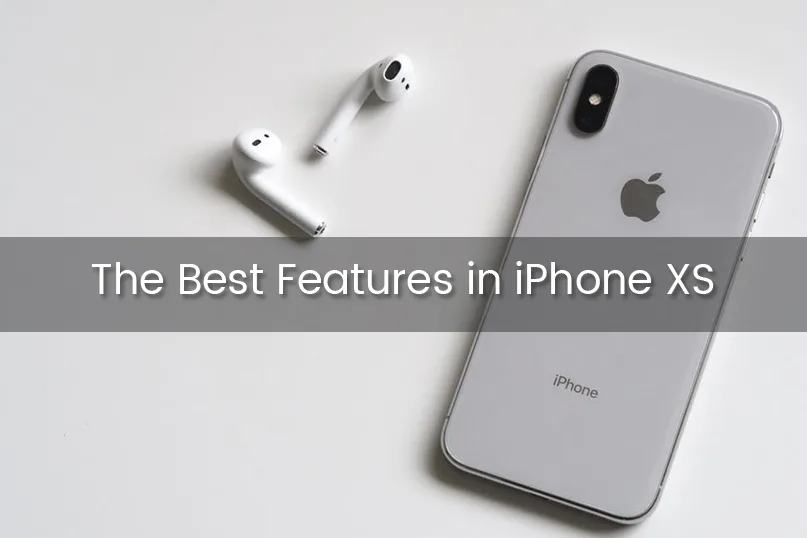
    Die besten Funktionen des iPhone XS

    Die Dominanz von Apple gegenüber anderen Technologiemarken ist darauf zurückzuführen, dass das Unternehmen seinen Konkurrenten mindestens ein paar Jahre voraus ist, vor allem, wenn man einen Moment lang nur über das iPhone spricht. Es gibt eine Reihe von Gründen für den Erfolg des iPhones. Aber das neu vorgestellte iPhone XS ist außergewöhnlich gut. Absolut sensationell.

    Ist es zuviel des Guten? Vielleicht. Aber lassen Sie mich meine Aussage untermauern, und dann werden wir Ihren Widerspruch zu schätzen wissen.
    Apple Inc. hat das iPhone XS, XS Max und XR am 12. September auf den Markt gebracht. Das XS ist eine verbesserte Version des iPhone X, die bei $999 beginnt. Und wenn Sie wollen iPhone von UK nach Indien senden, Entscheiden Sie sich für ein renommiertes iPhone-Versandunternehmen.

    Unzweifelhaft, die Wahl zwischen diesen beiden ist nicht so einfach, wie von einem Baumstamm fallen, weil es nicht viel Unterschied. Aber je nach dem Verständnis der Elemente, die Sie mögen und Funktionen, können Sie für XS oder XS Max oder die weniger kostspielige XR entscheiden.

    Hier werden wir einen genaueren Blick auf das gerade erschienene iPhone XS werfen. Los geht's -

    Einzigartige Funktionen des aktuellen iPhone XR. 

    Einige der einzigartigen Eigenschaften des iPhone XS sind wie folgt:

    12-Megapixel-Dual-Kamera

    Ein enthusiastisches 12-Megapixel-Dual-Kamera-System verleiht den iPhone-Fotos mehr Details, wie Apple behauptet. Die Benutzer werden in der Lage sein, anspruchsvollere Porträts zu machen. Wenn man nur einen Moment über die Videoqualität spricht, ist sie im Vergleich zu anderen Smartphones auf dem Markt hervorragend, sagt Apple. Ein zusätzliches Face ID Erkennungssystem ist etwas, auf das die Nutzer ein Auge werfen könnten. Mit dem schnelleren und super sicheren Face ID Erkennungssystem ist das neue XS mit einer echten Tiefenkamera ausgestattet. Das Face ID Erkennungssystem wird helfen, das Gerät zu entsperren und auf Apple Pay zuzugreifen. Unglaublich. Oder etwa nicht?

    Der A12 ‘Bionic’-Chip

    Der Vorteil dieses einzigartigen A12 Bionic-Prozessors ist, dass er das XS neunmal schneller laufen lässt als die älteren Versionen. Laut einer Erklärung von Apple wird der A12 Bionic Chip in der Lage sein, 5 Billionen Operationen pro Sekunde zu verarbeiten. Wahrlich erstaunlich. Hier gibt es kein Wenn und kein Aber. Im Vergleich zum vorherigen A11 wird dieser neue Chip 40 Prozent weniger Strom verbrauchen. Die GPU im Inneren des A12 Bionic-Chips ist 50 Prozent schneller als der Chip des letzten Jahres. Insgesamt wird dieser neue Chip eine Reihe von Verbesserungen bringen, die den älteren Prozessorsystemen fehlten. Man sagt, dieser A12 Bionic Chip mit dem ersten 7-Nanometer-Mobilprozessor überhaupt sei der Star unter den iPhone-Geräten. Immer noch weniger? Keineswegs.

    Bildschirmgröße

    Ein weiteres einzigartiges Merkmal der neuesten iPhone XS ist die größere Bildschirmgröße. Apple bietet mit dem aktuellen iPhone XS das größte Display (5,8 Zoll), das jemals in Apple-Smartphones angeboten wurde. Beim XS Max kommt noch das “Cinematic”-Display hinzu, das eine bessere Darstellung von Filmen, Videos und Spielen ermöglicht. Sowohl das XS als auch das XS Max haben ein “Super Retina”-Display mit der verbesserten Pixeldichte von iOS-Geräten. Bei der Haltbarkeit des neuen XS hat Apple nichts unversucht gelassen. Laut dem Unternehmen ist das neue Glas auf der Vorder- und Rückseite so robust wie bei keinem anderen Smartphone und viel unempfindlicher gegen Kratzer. Wow. Die Marke weiß, dass Vielfalt die Würze des Lebens ist. Aus diesem Grund können Sie für 6,1-Zoll-iPhone XR oder sogar 6,5-Zoll-iPhone XS Max gehen, wenn Sie nach der großen Bildschirmgröße sind.

    Lebensdauer der Batterie

    Die Akkulaufzeit ist ein sehr wichtiger Faktor beim Kauf eines Smartphones. Wenn einem Smartphone innerhalb kürzester Zeit die Energie ausgeht, ist es sinnlos, es auszuprobieren. Alle Smartphone-Hersteller konzentrieren sich auf eine längere Akkulaufzeit und Lebensdauer. Und hier hat Apple wieder einmal die Nase vorn. Das neue XS wird eine um 30 Minuten längere Akkulaufzeit haben als das aktuelle Modell. iPhone X. Und kennen Sie das erstaunliche Kapitel der Geschichte? Es geht um die Akkulaufzeit, die das XS Max bieten wird: fast 1,5 Stunden mehr. Können Sie das glauben? Wenn Sie über die durchschnittliche Akkulaufzeit des iPhone X sprechen, beträgt sie im Akkutest unschlagbare 10 Stunden und 49 Minuten. Wenn ich mich recht erinnere, ist diese Zeit fast 1 Stunde länger als bei jedem typischen Smartphone. Alles in allem ist das neue iPhone XS ein perfektes Smartphone, das man kaufen sollte, wenn man ein Telefon haben möchte, das einen mit einer einzigen Ladung durch den Tag bringt. Das ist großartig.

    Wasserdichte Technik

    Eines der wichtigsten Merkmale eines jeden Smartphones ist die Wasserdichtigkeit. Um diesen Faktor im Auge zu behalten, wurden sowohl das XS als auch das XS Max wasserdicht gemacht. Beide Smartphones wurden von dem Unternehmen in Bier, Wein, Tee und anderen Flüssigkeiten getestet. Apple erklärt, dass die oben genannten Smartphones viel widerstandsfähiger gegen Wasser- und Staubschäden sind als das iPhone X. Sowohl das iPhone XS als auch das XS Max werden mit einer Reihe von fruchtbaren Ergänzungen angeboten, aber die IP68 bewertete Wasser-, Spritzwasser- und Staubresistenz ist die beste Eigenschaft, mit der diese Smartphones präsentiert werden. Du kannst das überprüfen, indem du dein Telefon in einen Swimmingpool wirfst. Das ist kein Witz.

    Buntere OLED-Bildschirme

    Das OLED-Panel in diesem neuen iPhone ist identisch mit dem des letzten iPhone X, mit der gleichen Auflösung von 2.436 x 1.125 Pixeln wie zuvor, aber das ist nicht der Fall bei iPhone XS Max. Es ist eine schärfere Auflösung in XS Max aufgrund seiner größeren OLED-Bildschirm. Wie dem auch sei, die neuen iPhone-Bildschirme sind viel farbenfroher mit 60 Prozent mehr Dynamikumfang, wie von Apple angegeben.

    Schnelleres Face ID

    Die Face ID-Funktion wurde im letzten Jahr zum ersten Mal im iPhone eingeführt, wodurch die Benutzer das Telefon mit einem Gesichtsscan entsperren können. Das ist auch beim neuesten iPhone der Fall. Identisch mit dem knopffreien Design des Startbildschirms des iPhone X, nutzt das XS Face ID, aber mit einer sehr schnelleren Rate. Laut Apple kommen neue Algorithmen zum Einsatz, um den Gesichtserkennungsprozess zu beschleunigen. Absolut atemberaubend. Worauf wartest du noch?