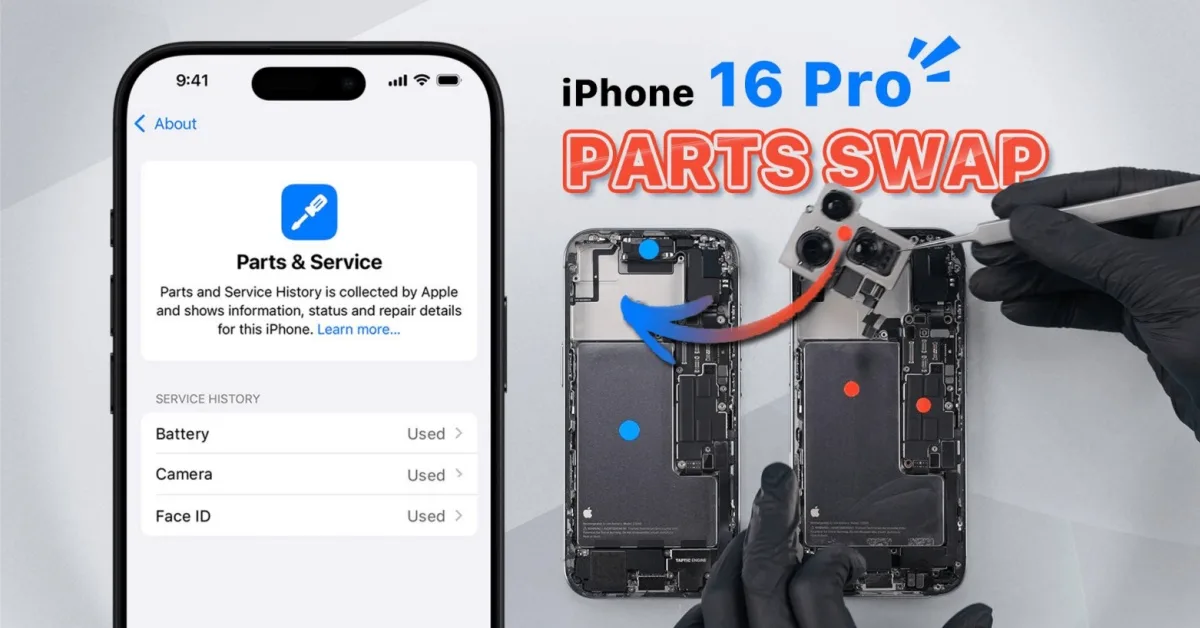
With the introduction of iPhone 16 and iOS 18, Apple has refined how parts swaps are handled with the new ‘Parts & Service’ and ‘Repair Assistant’ features. In this article, REWA Lab tests these updates by swapping parts between two iPhone 16 Pro devices. We discovered not only that Face ID remains fully functional after being replaced and reconfigured, but also that the phone’s enclosure now generates a repair history and requires reconfiguration after a swap.
We recommend to watch video first:
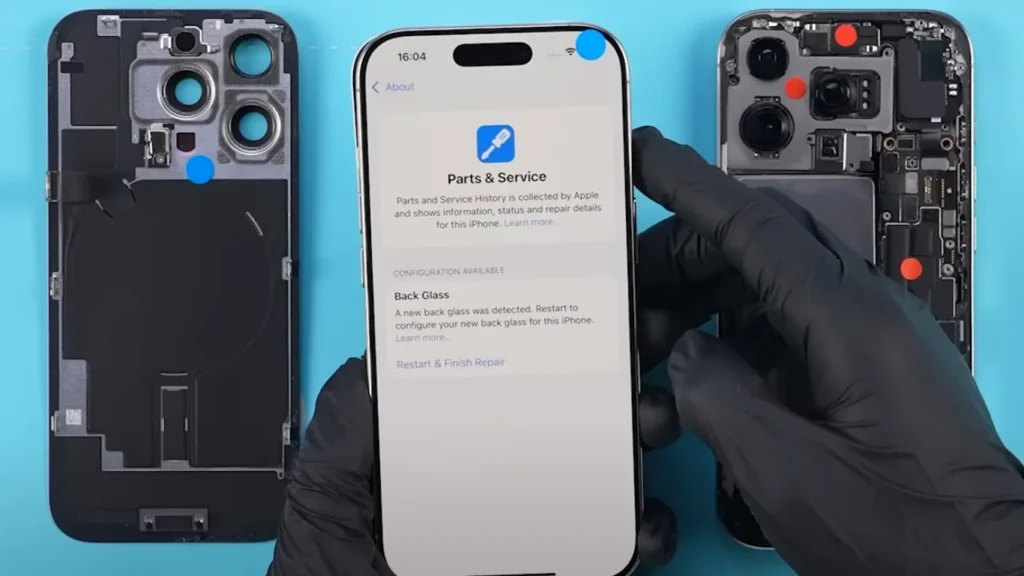
Back Glass Swap: New Part Pairing
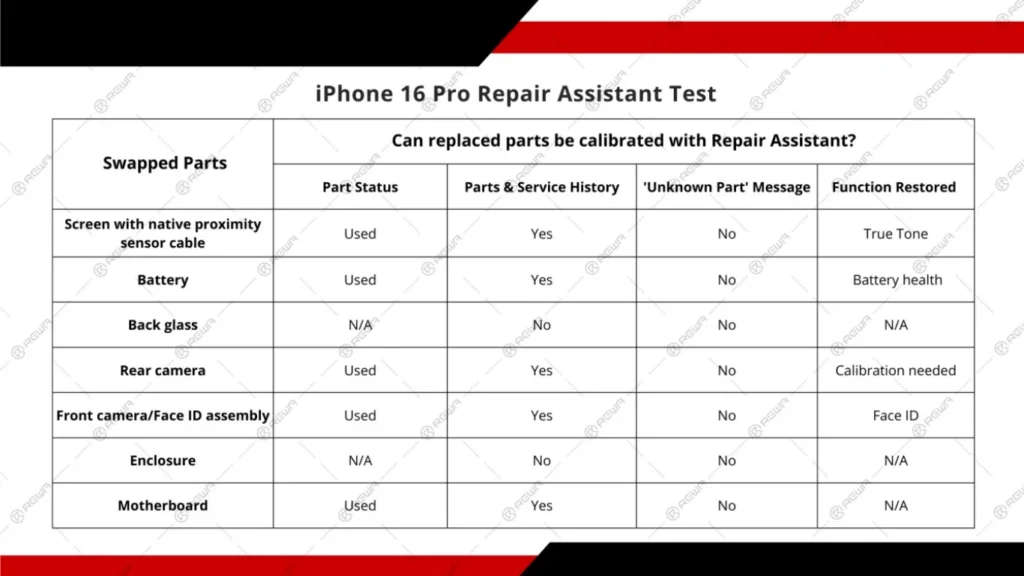
In previous iPhones, the back glass wasn’t tied to the phone’s system. However, when we swapped the back glass on the iPhone 16 Pro, a ‘Parts & Service History’ notice appeared, indicating the detection of a new back glass. After configuration, the message disappeared.
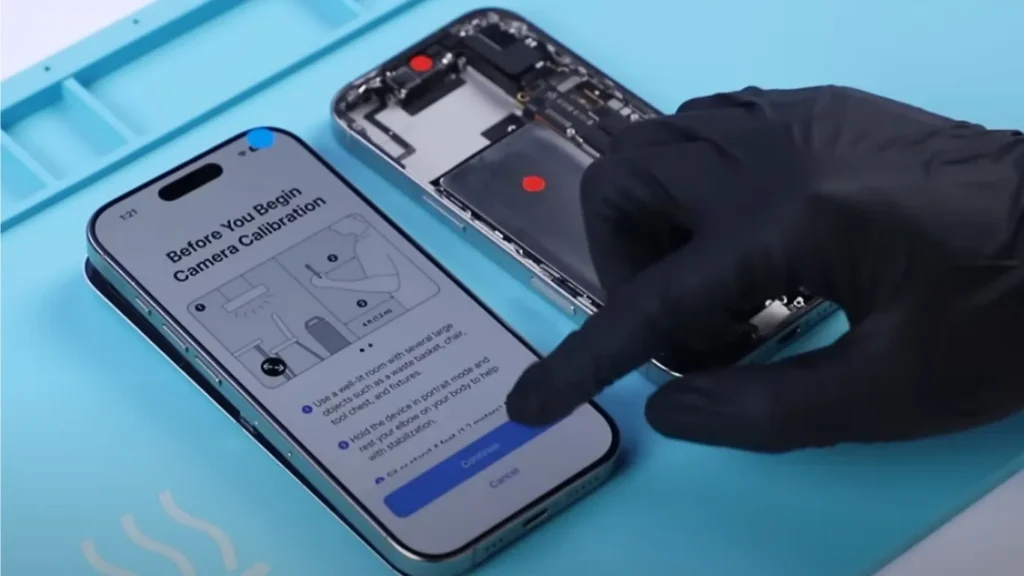
Rear Camera Swap: Calibration Needed
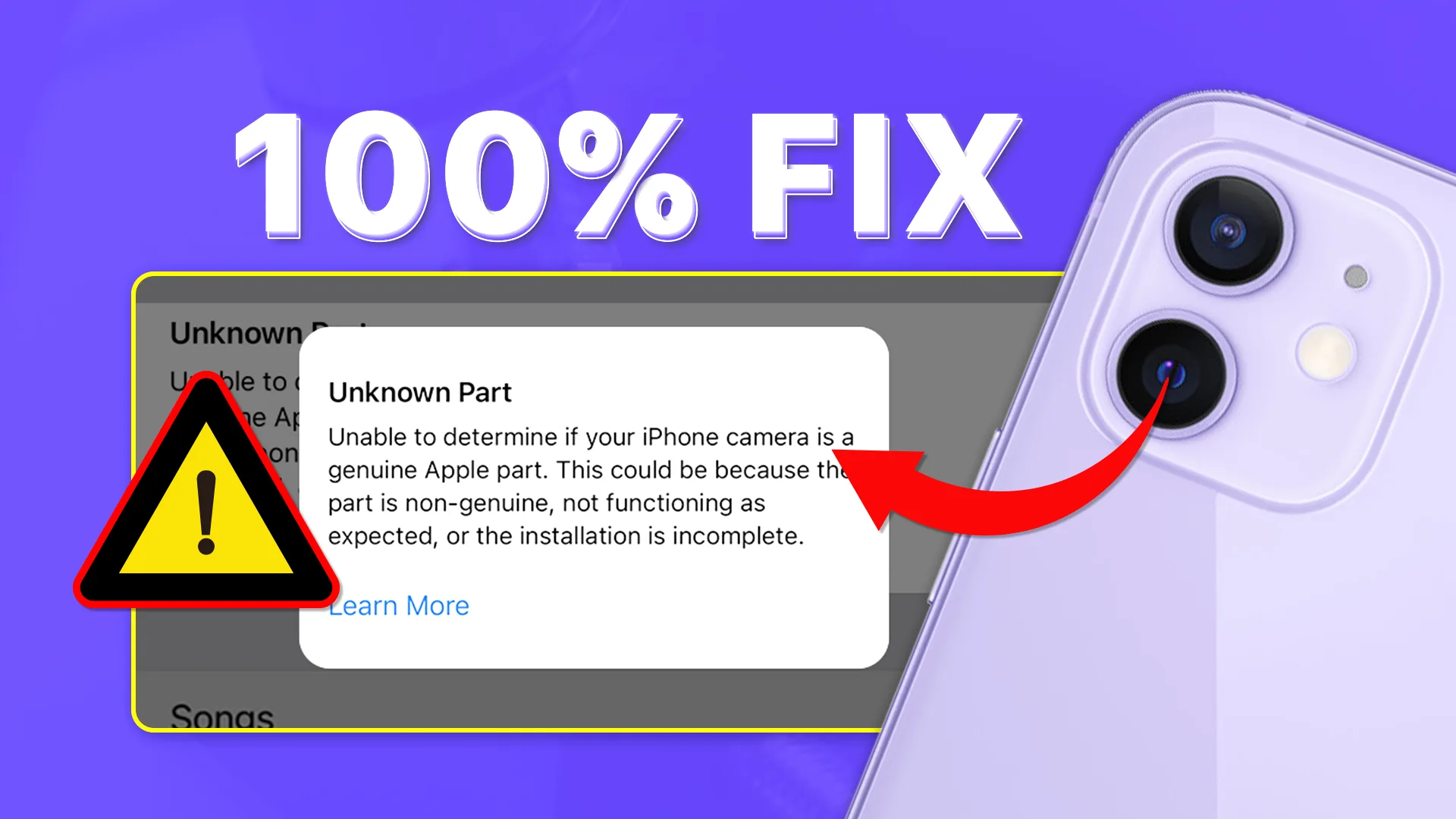
Swapping the rear cameras between two phones triggered the ‘Parts & Service History’ message. Unlike other parts, the rear camera required calibration via the Repair Assistant, which involved moving the phone as prompted. It is important to note that calibrating the camera is just one step in running the Repair Assistant. In fact, after replacing the camera, the phone can still take photos or record videos normally, even without running the Repair Assistant calibration. Furthermore, after completing the process, the system marked the camera as ‘Used’ in the parts history.
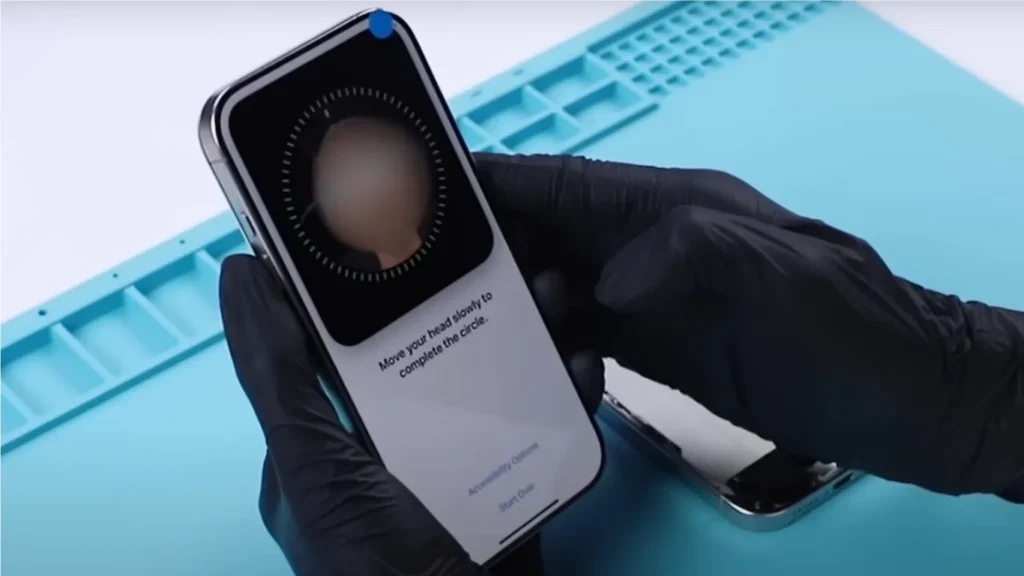
Face ID Assembly Swap: A Significant Improvement
A significant change on the iPhone 16 Pro is the ability to swap the Face ID assembly and retain functionality. After swapping the Face ID and running the Repair Assistant, the system fully restored Face ID functionality. Although it was recorded as a ‘Used’ part in the system, this is a major improvement, as Face ID was previously tied to the motherboard and would not work after replacement in older iPhone models.
Battery Swap: Effects on Health Data
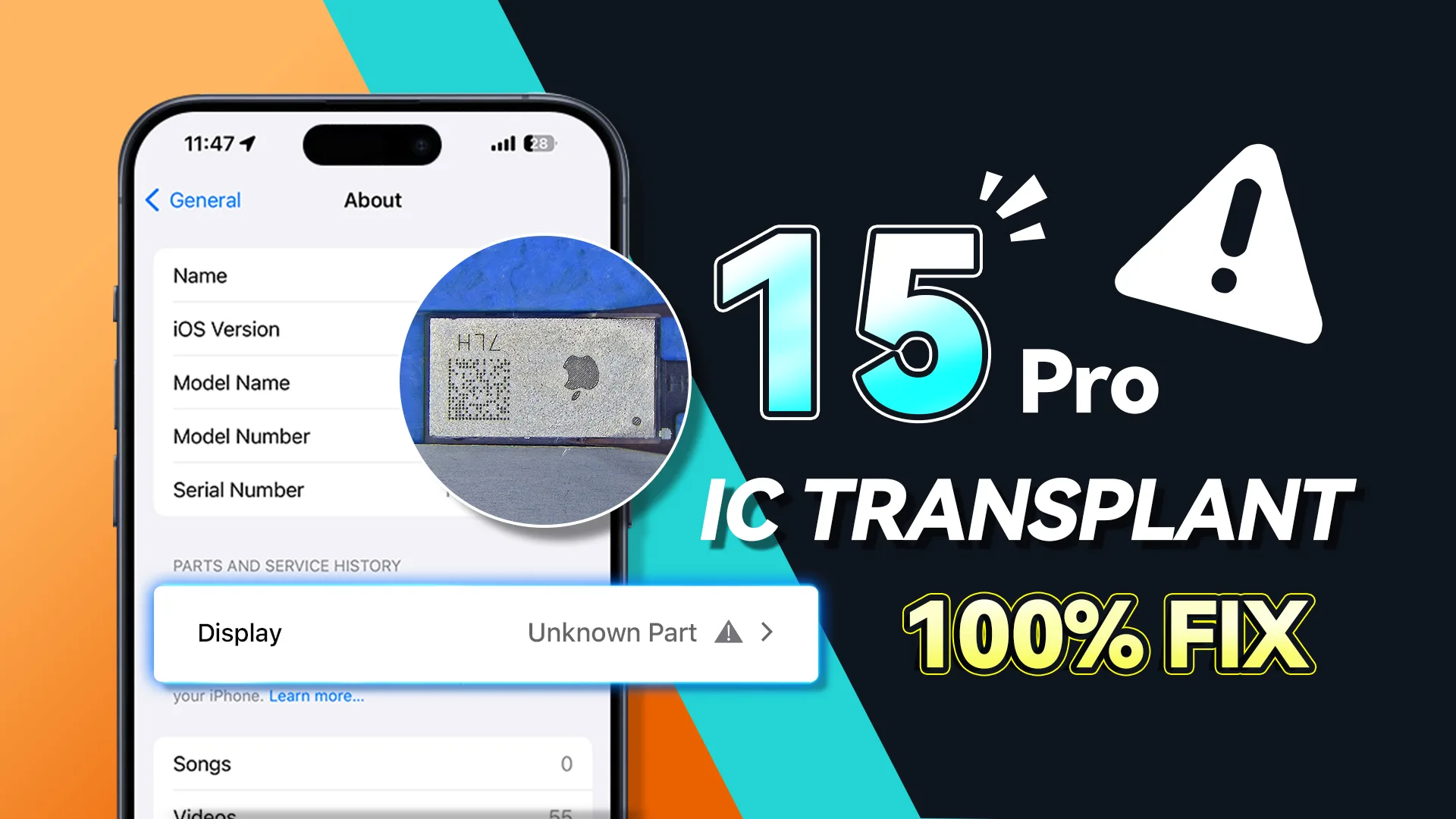
After swapping the Batterie, the system labeled it as an ‘Unknown Part,’ and battery health data was disabled. Additionally, the ‘Parts & Service History’ indicated the battery required configuration. Once configured, the ‘Unknown Part’ message disappeared, and battery health data returned, with the system marking the battery as a ‘Used’ component.
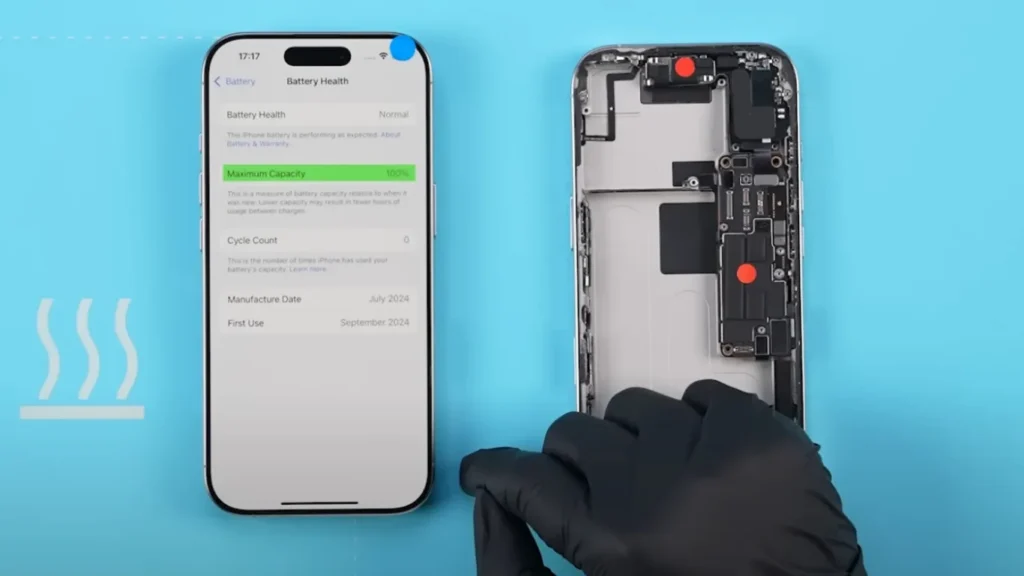
Screen Swap: True Tone Can Be Restored
Swapping the Bildschirme caused the True Tone feature to disappear initially. After configuring the system, True Tone was restored, and the screen was labeled as ‘Used’ in the parts history. This emphasizes the importance of system configuration after screen replacements to maintain features like True Tone.
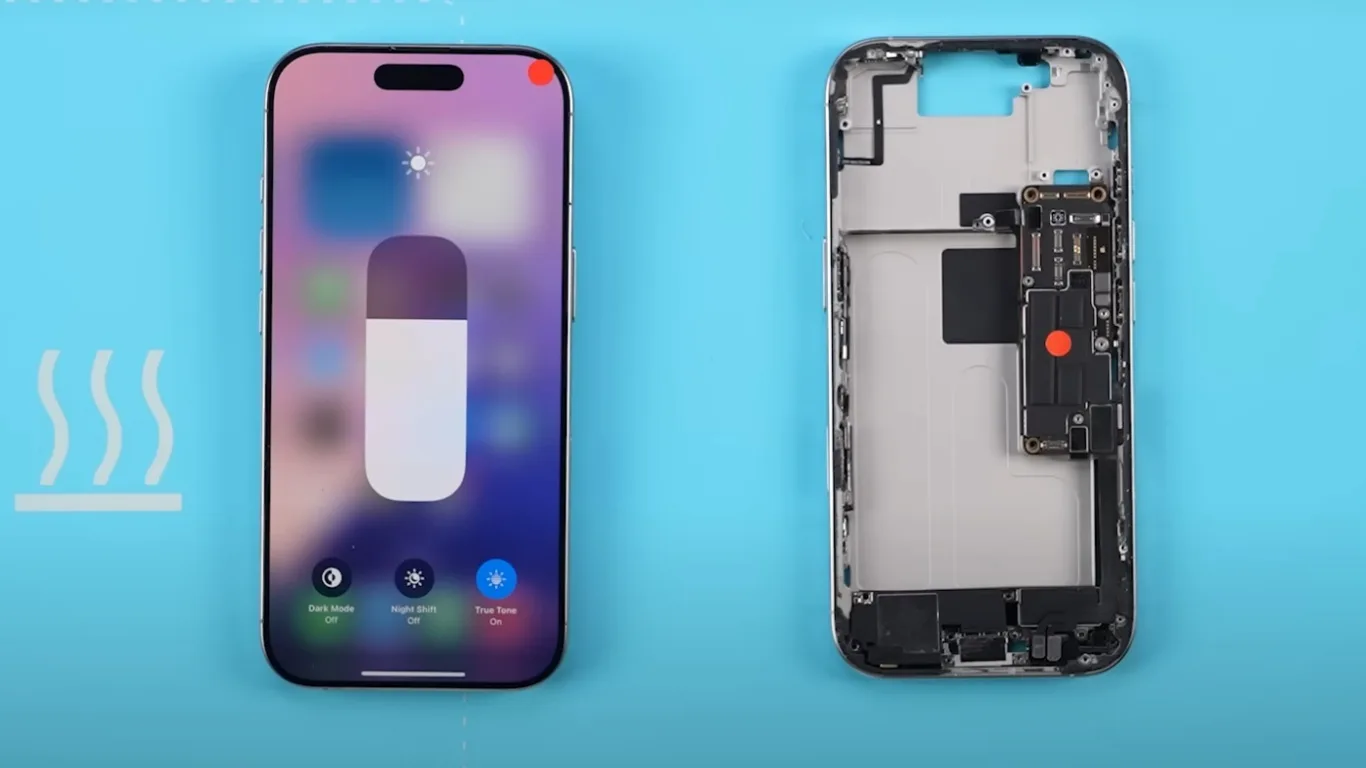
Motherboard Swap: Enclosure Needs Configuration
To further test the system, we swapped the motherboards of the two phones. Interestingly, the major parts functioned normally, and there were no repair notices for these parts in the ‘Parts & Service History.’ However, a new notification prompted us to configure the enclosure, and the system required rear camera recalibration again.
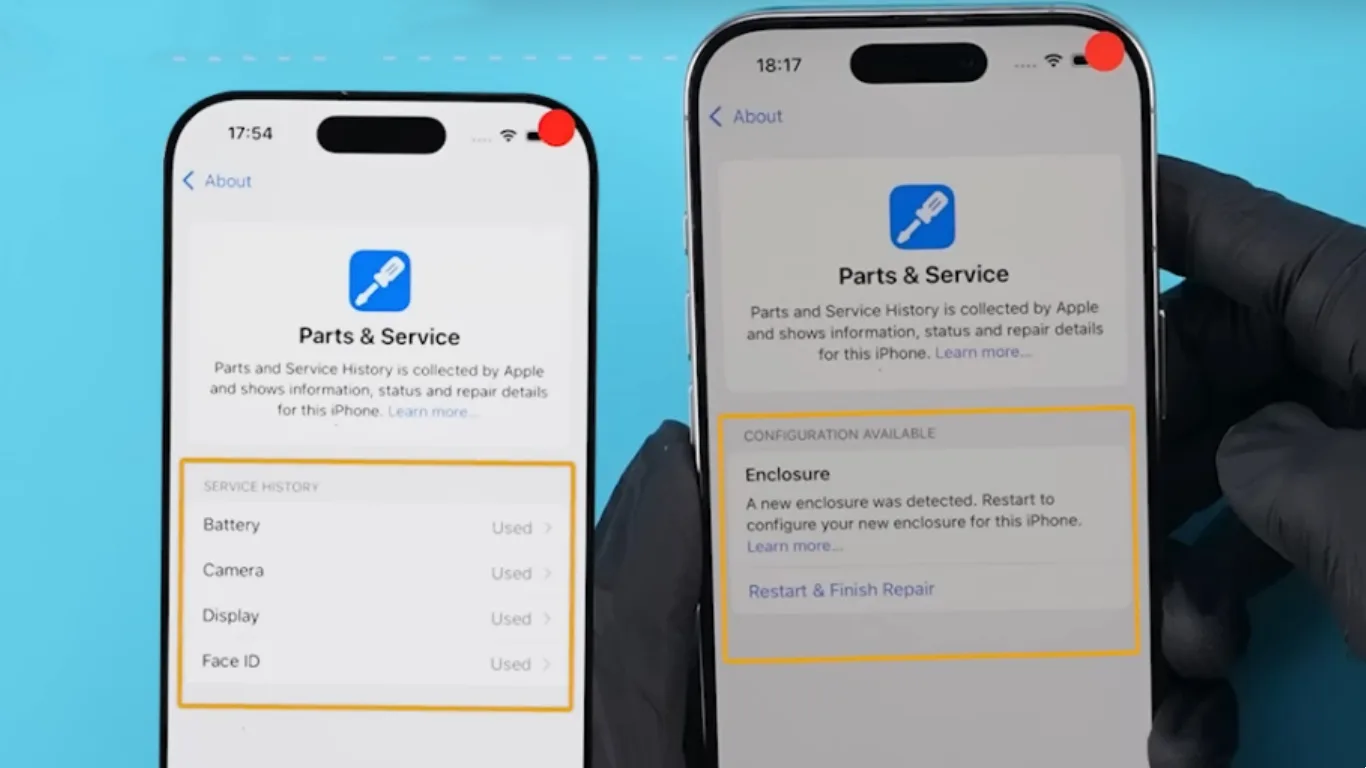
Parts History: An Ongoing Investigation
Even after swapping back the native parts, the system continued to display their repair history, though it verified them as genuine. This suggests that once parts are replaced, the system may permanently record their history. However, further verification is needed, and REWA Lab will continue to explore this behavior in future tests.
Conclusion: Face ID and Other Swap Parts in iPhone 16 Pro
Our tests reveal that iPhone 16 Pro, with iOS 18’s Repair Assistant, allows for greater flexibility when swapping parts, particularly with Face ID, which can now be replaced without losing functionality. The ‘Parts & Service’ feature ensures accurate tracking of swapped components, and we will continue to explore how third-party parts interact with this system in future tests.
Want to buy iPhone 16 parts products?
Welcome to check product list: iPhone 16 Pro Parts
Or submit your demand here: https://rewawp.iamtareq.com/wholesale/
 English
 Español
 Français
 Deutsch
 Italiano