Schlagwort: iphone touch problem

  • The Cost-effective Refurbishing Solution for iPhone Screen Touch Issue

    The Cost-effective Refurbishing Solution for iPhone Screen Touch Issue

    Most of the time the touch issue of iPhone X and above is a screen/motherboard issue. For touch issues caused by screen malfunction, a screen replacement is usually the solution adopted by repair shops. The operation of screen replacement is simple but the price of a new screen is high. It’s time for you to make a change and stand out from competitors in your city with this brand new and cost-effective refurbishing solution – touch panel replacement. Before we introduce the new solution, let’s check out the difference between screen replacement and touch panel replacement.
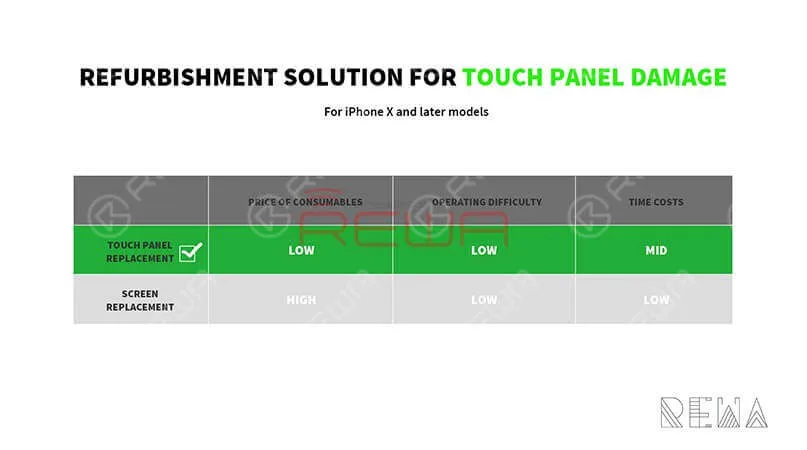
    It’s time for you to make a change and stand out from competitors in your city with this brand new and cost-effective refurbishing solution - touch panel replacement. Before we introduce the new solution, let's check out the difference between screen replacement and touch panel replacement.

    We can see from the figure above that the touch panel replacement solution helps repair shops save more money than the other one. This Refurbishing Solution mainly uses the following equipment:
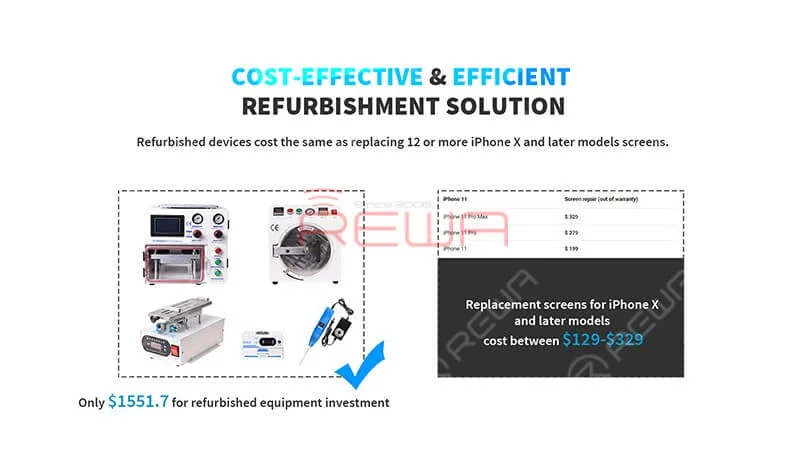
    The Cost-effective Refurbishing Solution for iPhone Screen Touch Issue

    Rotierende LCD-Trennmaschine für gebogene Bildschirme

    Elektrisches Klebstoffentfernungsgerät

    Laminiermaschine für gebogene Siebe

    Hochleistungs-UV-Lampe

    Maschine zum Entfernen von Luftblasen

    iPhone 11 PRO MAX Touch Screen Digitizer

    Refurbishing Guide

    Abnehmen der Blende
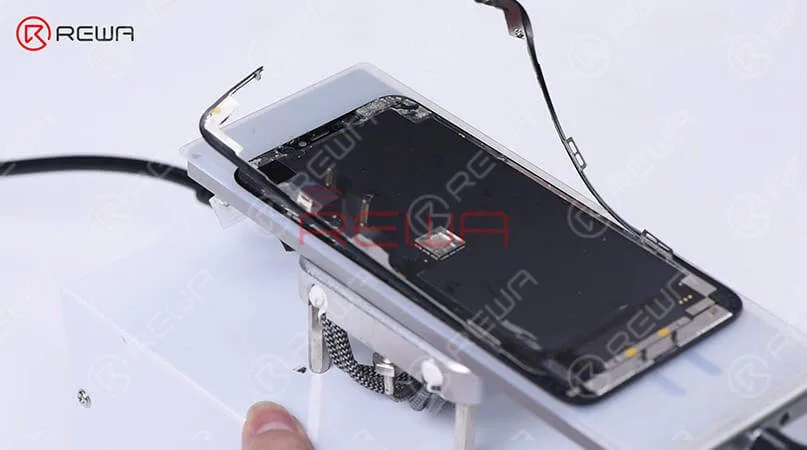
    Abnehmen der Blende

    Slice through adhesive sealing the top edge of the bezel, and then cut the top bezel open with the Cutting Nipper.

    TP Separating
    TP Separating

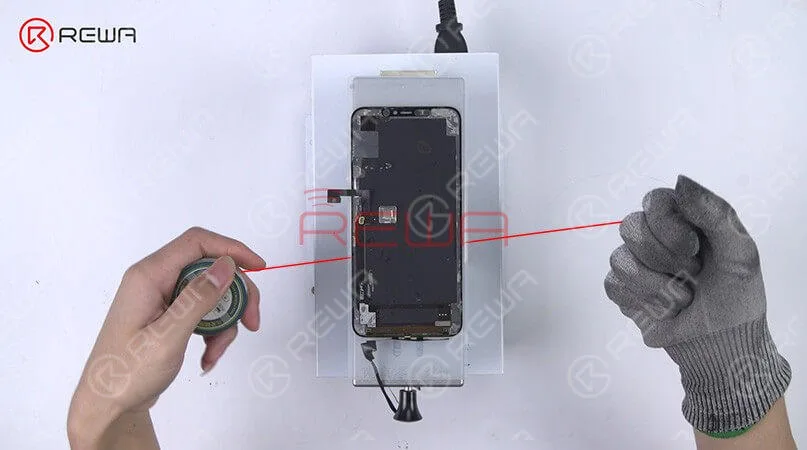
    separate the TP flex cable and the display flex cable first. Set the LCD Cutting Wire to the gap between TP and OLED. Keep pulling the wire back and forth to separate OLED from TP and the glass lens.

    Entfernen von Klebstoff
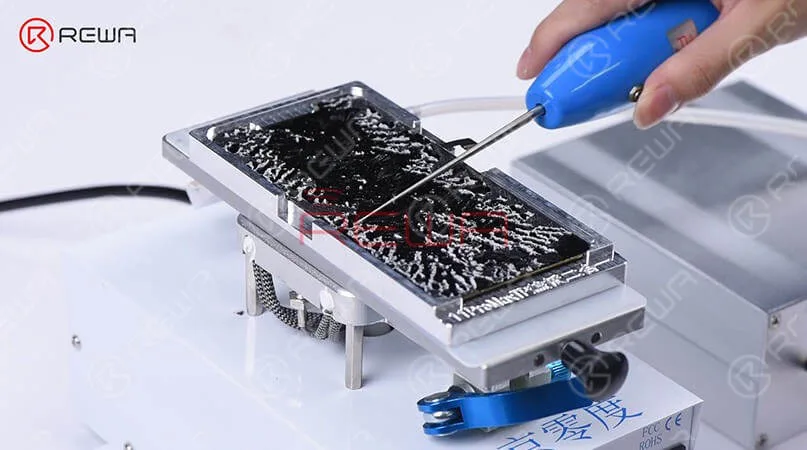
    Place the OLED into the adsorption mold and remove residual glue with the Electric Glue Removing Device.

    Place the OLED into the adsorption mold and remove residual glue with the Electric Glue Removing Device.

    Kaschieren
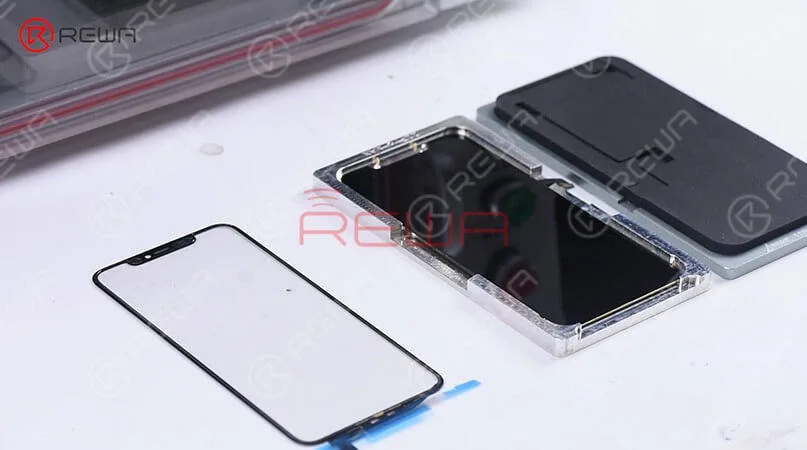
    Put the OCA+TP laminated glass lens into the bubble removing machine.

    Put the OCA+TP laminated glass lens into the bubble removing machine. Take it out and make sure there is no bubble inside. Attach the OCA+TP laminated glass lens to the OLED, and then adhere the TP flex cable to the right position. Place the OLED screen assembly into the laminating mold. Next, put it into the laminating machine. Once finished, solidify the OLED screen assembly in the High Power UV Lamp for 3 minutes.

    Test

    Get the OLED screen assembly connected. Run function test.

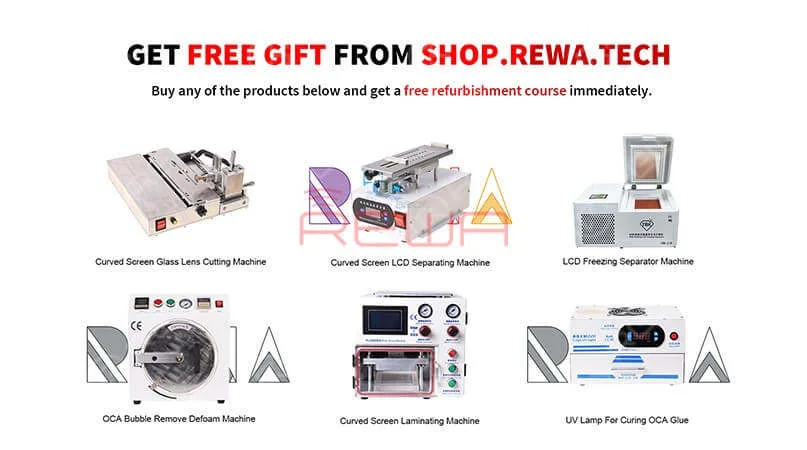
    Get Free Gift From SHOP.REWA.TECH. Buy any of the products below and get a free refurbishment course. For more information about this Promo, please contact your account manager.
    Get Free Gift From SHOP.REWA.TECH

    For more details on this Refurbishing solution, please go to REWA YouTube-Kanal.
  • iPhone 12 mini touchscreen is not working – Here is the fix!

    iPhone 12 mini touchscreen is not working – Here is the fix!

    Does your iPhone 12 mini have unresponsive touchscreen? Some users say that iPhone 12 mini touchscreen is not working in lock screen and they can’t unlock quickly.

    Problembeschreibung:

    The touchscreen of iPhone 12 mini is not working after screen lock. After taking out from the pocket, the call can’t be received. The phone is not responding even you press answer and can’t access the desktop. In addition, in the lock screen state, the display screen does not always recognize the unlocking operation that is pressed or slider in the lock screen and the flashlight button. Currently, the coverage of this problem is relatively high, and some users find that if you use other fingers, this situation will make a slight improvement.

    The touchscreen issue is more obvious when using the phone case. You need to remove the phone case or touch the frame. The electrostatic interference is probably the cause. However, once the unlock is completed, the touchscreen problem no longer exists.

    Lösung: The iPhone 12 mini touchscreen issue mostly happens to users who applied a full screen film or a mobile phone case and the problem rarely happens with a bare phone.

    If your iPhone 12 mini has this problem, and applied a full screen film, you can tear the screen protector, press the shortcut button in the lock screen interface or slide to unlock for testing.




