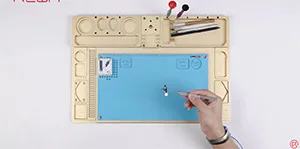
Recently, a newly launched HX 2nd Gen Home Button for broken home button repair of iPhone 7/7P/8/8P appeared in the market. No more connecting cables. All you need to do is get the new home button installed and then connected with the phone via Bluetooth. Well, REWA LAB has conducted a series of tests on the product and we have found some design defects. Check it out now!
Schlagwort: iphone home button repair
-
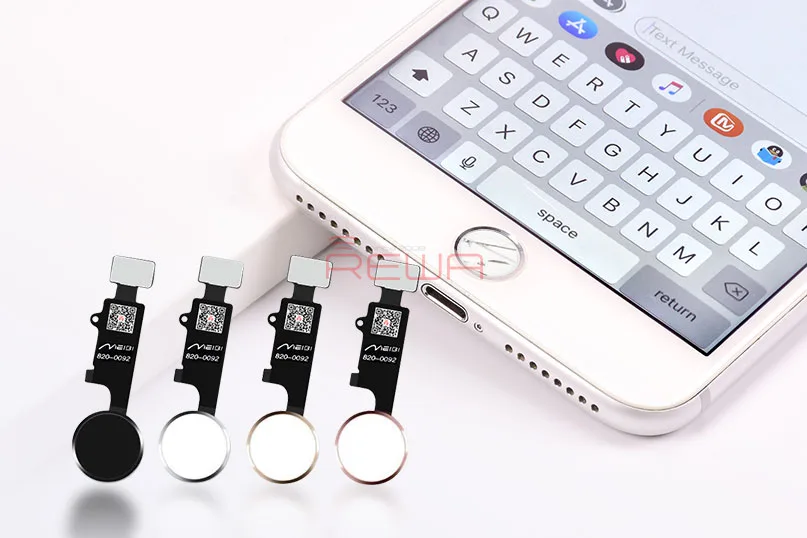
Home Button Solution for iPhone 7, 7 Plus, 8, and 8 Plus: The Universal Home Button
Are you tired of dealing with a malfunctioning home button on your iPhone 7, 7 Plus, 8, or 8 Plus? Fret not, as we introduce the game-changing solution you’ve been waiting for – the Universal Home Button. This innovative device is here to bring your home button back to life, ensuring that your iPhone functions like new, except for Touch ID.
The Universal Home Button – A Breakthrough Solution
The Universal Home Button is the ultimate answer to the common issue of a malfunctioning or broken home button. What sets it apart is its effortless installation – no soldering or charging port flex cable replacement is required. All you need to do is connect it with your phone via Bluetooth, and you’ll regain all the fantastic features of your home button.
Home Button Functions Restored
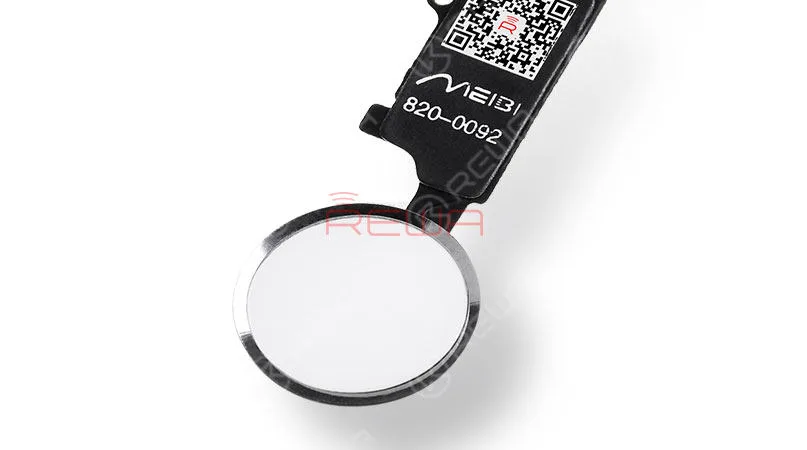
With the Universal Home Button, all your home button functions are brought back to life, except for Touch ID. Here’s what you can expect:
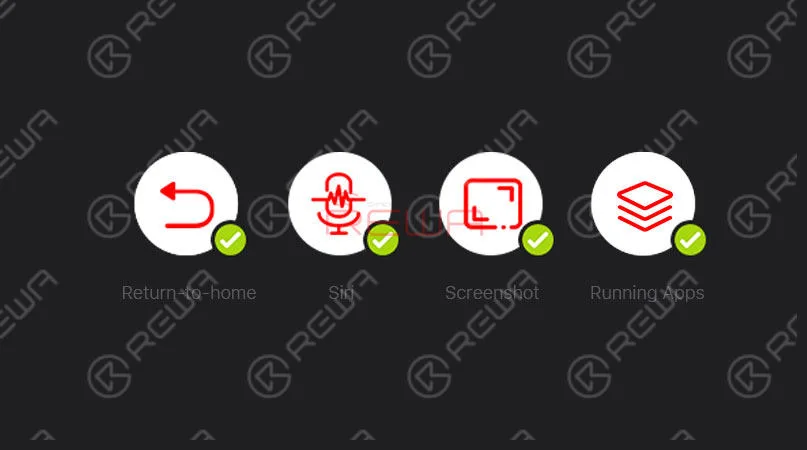
Double-clicking for Running Apps: Easily reveal all running apps with a double-click of the home button.
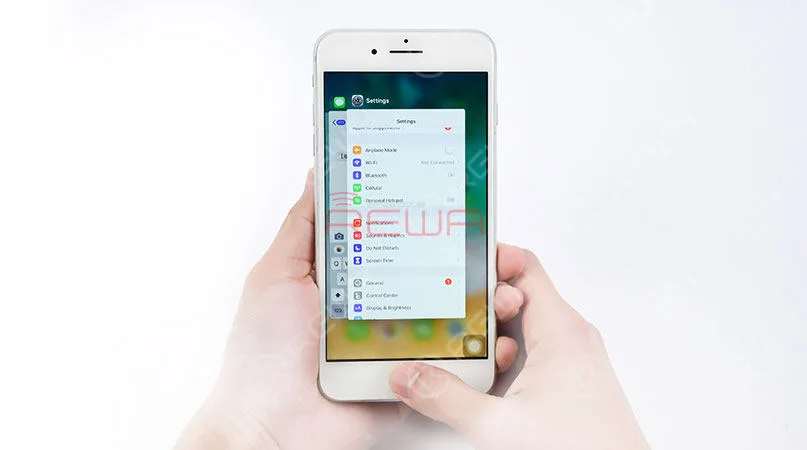
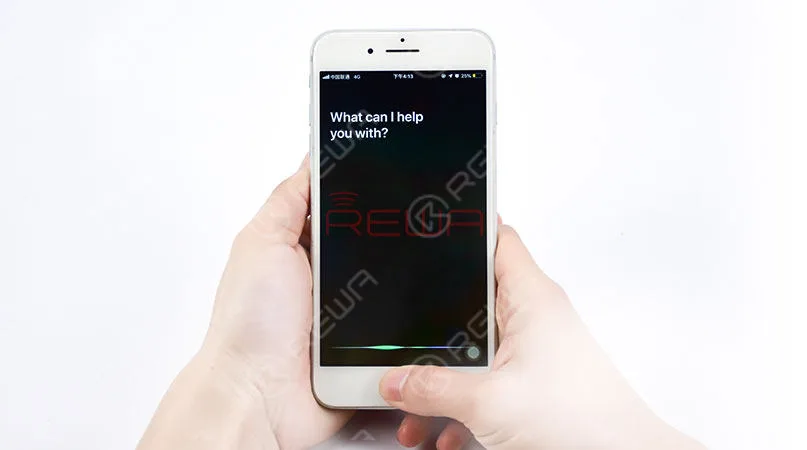
Siri at Your Fingertips: Simply press and hold down the home button to open Siri.
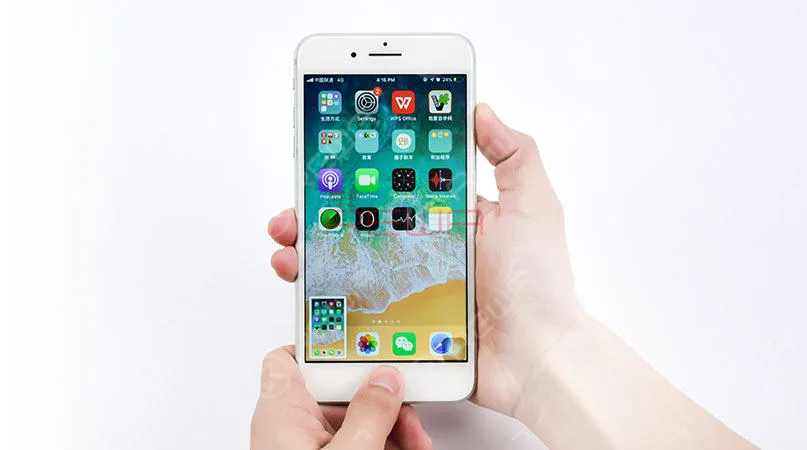
Effortless Screenshots: Take screenshots by pressing the power button and the Universal Home Button simultaneously.
Features of the Universal Home Button
Here are some features of the Universal Home Button for reference
Here are some key features of the Universal Home Button:
- Compatible with iPhone 7, 7 Plus, 8, and 8 Plus, covering four models.
- No need to change your charging cable.
- No need to detach the logic board from the phone, making installation a breeze.
- Low power consumption, with micro-amp (μA) power usage.
- Compatible with all iOS systems.
- The phone remains open to pairing with other Bluetooth devices.
A Cost-Effective Solution
While some might have reservations about a Bluetooth-connected solution, it’s important to note that the Universal Home Button doesn’t interfere with your phone’s ability to pair with other Bluetooth devices. When you weigh the cost of buying a new iPhone or shelling out a substantial amount to fix a broken home button, the Universal Home Button emerges as the most cost-effective and efficient solution available.
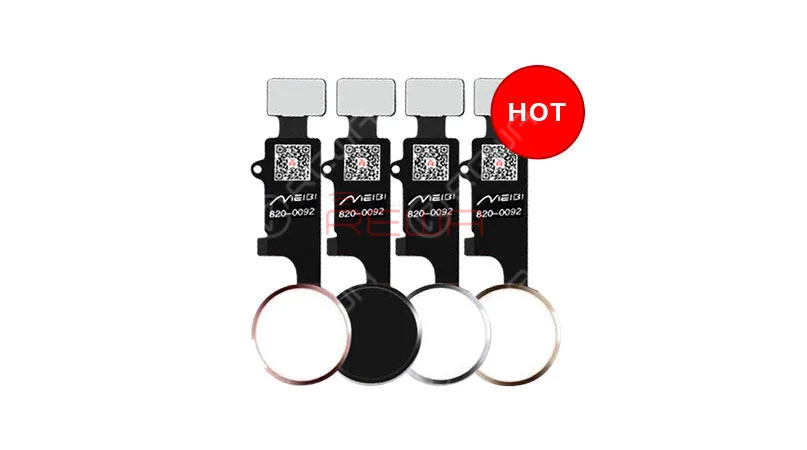
Available in Four Stylish Colors
The Universal Home Button isn’t just about functionality; it’s also about style. You can choose from four elegant colors: black, white, gold, and rose gold to match your iPhone’s aesthetic seamlessly.
Schlussfolgerung:
While Touch ID setup is not supported with the Universal Home Button, it brings back your phone’s normal return-to-home functionality, screenshot capture, and Siri access. It’s a remarkable solution for users facing home button issues, allowing them to continue using their devices without the hassle and expense of extensive repairs or replacements.
To learn more about the installation process, check out our comprehensive video guide hier or reach out to our account managers for assistance.
Don’t let a broken home button hold you back – the Universal Home Button is here to save the day. Feel free to contact us if you’re interested in this revolutionary solution.
-
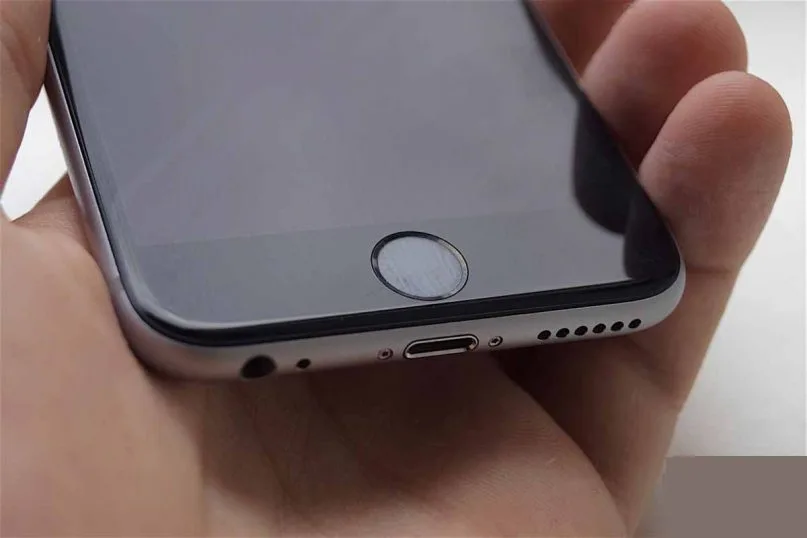
Unresponsive iPhone Home Button? Try This Fix to Recalibrate
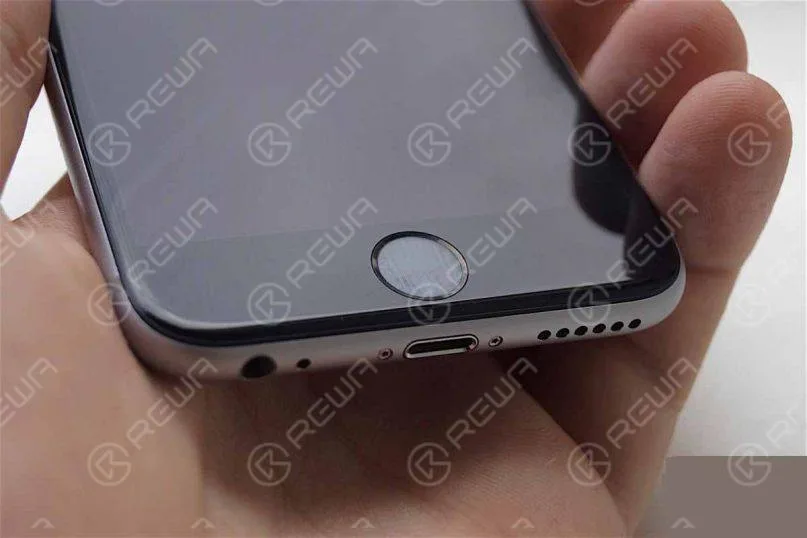
You may have noticed that over time your iPhone or iPad’s Home button becomes less responsive. If you press the button it either results in a delay, lag or sometimes is completely unresponsive, forcing you to click multiple times.
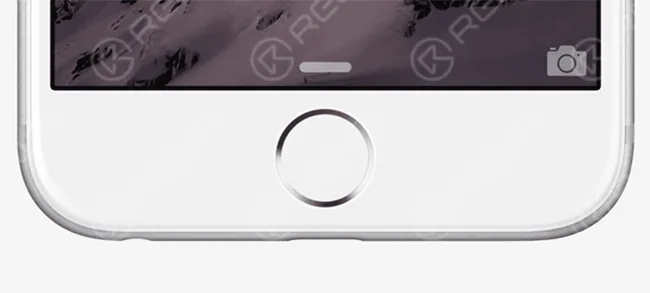
Here’s an old trick to recalibrate your iPhone or iPad’s Home button if you’re finding it little unresponsive or laggy. You don’t need to take it apart for it. All you need to do is follow these simple instructions:
- 1. Launch any app such as Stocks, Weather, etc. that comes pre-installed with your iPhone or iPad.
- 2. Press and hold the Power (Sleep/Wake) button until you “slide to power off” slider appears on the screen.
- 3. Release the power button and now press and hold the Home button until the “slide to power off” slider goes away.
That’s it. You will notice that it kills the app. You will also notice that the home button is a lot more responsive.
This is quite an old trick to recalibrate the Home button if it becomes unresponsive. It is not clear why this works, and what’s the significance of using a stock app. But it seems to work, and certainly made the Home button on my iPhone 6 Plus more responsive. I haven’t been forced to click multiple times after trying this trick. This should also work with iPad and iPod touch Home buttons.
If your Home button doesn’t work even after trying this trick, then it is quite possible that it is a hardware issue, and you need to get it repaired. Alternatively, you can also use Assistive Touch (Settings > General > Accessibility > Assistive Touch), which enables an on-screen Home button.
Let us know if it works for you.
 English
 Español
 Français
 Deutsch
 Italiano