If your iPhone has a black screen and won’t turn on, what should you do? Go to the Apple store and repair it or fix it by yourself? But for whatever choice, you’d better read this article first, we’ll help you determine the reason why your iPhone won’t turn on and show you how to fix your iPhone won’t turn on.
REWA is a world-leading electronics(especially for iPhone) repair business solutions provider, we have the most professional and experienced technical engineers, and we provide the most sophisticated mobile cellphone repair tutorial and cell phone repairparts.
Why does my iPhone 6s won’t turn on?
There are two reasons cause your iPhone 6S won’t turn on, one is software, the other is hardware, so you should determine whether your iPhone won’t turn on due to a hardware or software problem?
So when your iPhone 6 won’t turn, you can do these five things first:
1. Recharge your iPhone
Most iPhone 6 won’t turn on because its battery is totally drained, so you can recharge your iPhone and then try to turn on your iPhone.
2. Restart your iPhone
To restart your iPhone press and keep holding down the Sleep/Wake button on the top of the handset until the red slider appears onscreen. Slide it across to turn it off then repeat to turn the phone back on. If the iPhone is frozen and can’t be restarted in the normal way do the following: Press and hold the Sleep/Wake button and the Home button simultaneously for at least 10 seconds. If the red slider appears or the screen dims, keep pressing the two buttons until the Apple logo appears.
3. Reset your iPhone
Click on Settings then General then Reset All Settings. This will perform a reset of all the settings to the factory defaults. The data or content on the iPhone is unaffected.
4. Restore
If all else fails, you will need to perform a full back up and Restore your iPhone. Click on the Summary tab and then click Restore. Click on Restore. Wait until your iPhone completes the restore process and resets to the Home screen.
5. Force devise into recovery mode
- Turn off your IOS device.
- Plug the USB cable into your computer – but not into the device
- Hold down the Home button then plug the USB cable into the device
- When you see the Connect to iTunes screen (below), release the Home button. If you don’t see this screen, repeat steps 1 to 3.
If all the steps fail, we can determine it is your iPhone 6s hardware problem, our video mainly solves this iPhone 6s won’t turn on – PMIC Grinding and Replacing.
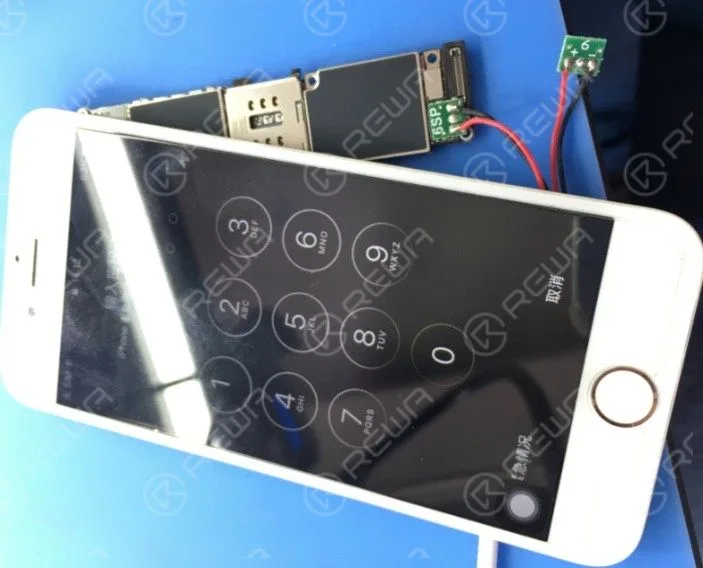
Recently, some clients complained about the iPhone cannot turn on issue after holding the power key – no Apple logo, just black screen. Causes can be different and solutions flexible. Here in this video, REWA offers a logic board repair solution regarding this iPhone 6s won’t turn on the issue.With PMIC Grinded and replaced, you can fix your iPhone 6s won’t turn on problem easily by following our operations.
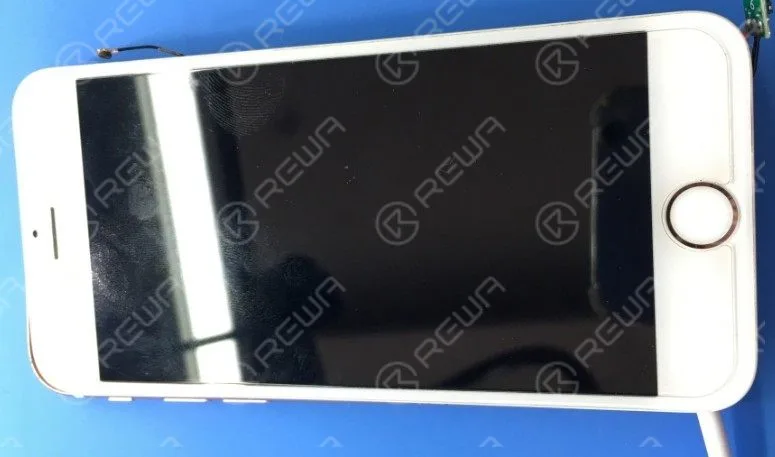
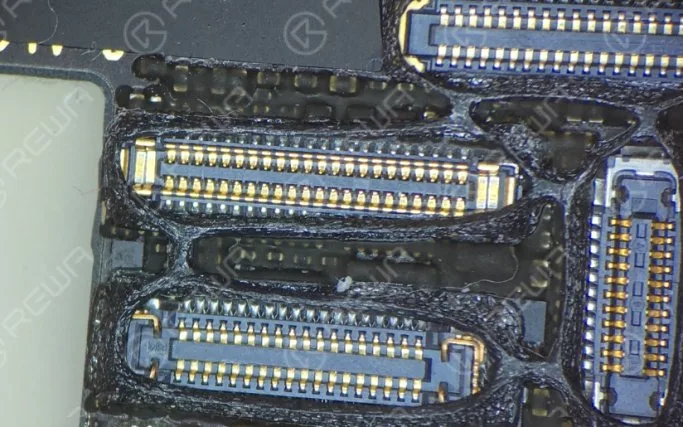
The iPhone won’t turn on normally after holding the power key. Run detection process and we find that the logic board comes with leak current as 900mA and the PMIC is over-heated. Whereas capacitance around the PMIC shows no short-circuit. Therefore we can draw the conclusion that the PMIC is damaged and need to be replaced with a new one.
 English
 Español
 Français
 Deutsch
 Italiano