Schlagwort: apfel ios

  • Apple iOS 12.1.1 Probleme und Lösungen - Expertenleitfaden

    Apple iOS 12.1.1 Probleme und Lösungen - Expertenleitfaden

    Apple has released a new version of iOS12 and the iOS12.1.1 update brings new features, bug fixes, and patches to the iPhone, iPad, and iPod touch.

    iOS12.1.1 is available right now for all iPhone, iPad, and iPod touch models capable of running iOS12.

    The iOS12.1.1 update isn’t as big as iOS12.1, but it still delivers useful performance improvements and important bug fixes for iOS12 problems.

    Who Is iOS12.1.1 For?

    12.1.1 update is 300 to 500MB, mainly updated for the new iPhone XR, XS, XS Max. In fact, iOS 12.1.1 is compatible with all iOS11 compatible devices.

    This means it is also available on models after iPhone 5s, iPad mini 2, and 6th generation iPod touch(iPhone 5s, iPad mini 2, and 6th generation iPod touch included).
    Apple iOS 12.1.1 Problems & Solutions

    What Do You Get?

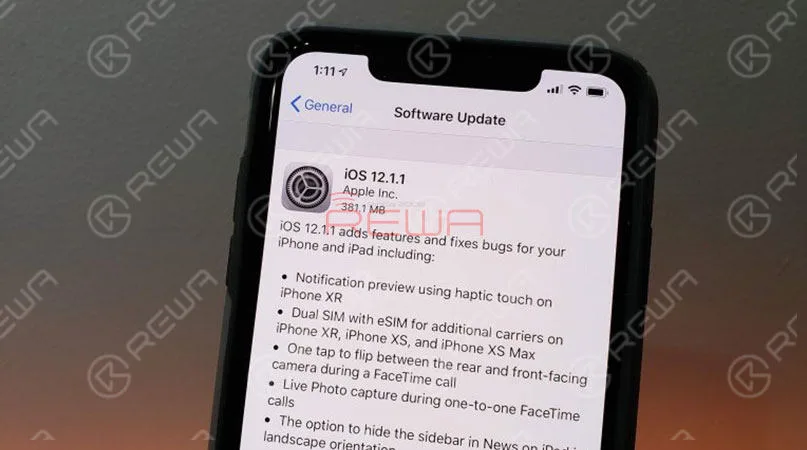
    Apple’s official release notes describe iOS12.1.1 as follows:

    • Notification preview using haptic touch on iPhone XR
    • Dual SIM with eSIM for additional carriers on iPhone XR, iPhone XS, and iPhone XS Max
    • One tap to flip between the rear and front-facing camera during a FaceTime call
    • Live Photo capture during one-to-one FaceTime calls
    • The option to hide the sidebar in News on iPad in landscape orientation

    iOS12.1.1 Problems / How to Fix the Problems

    Although iOS12.1.1 update brings new features and bug fixes.

    However, it also brings some problems.

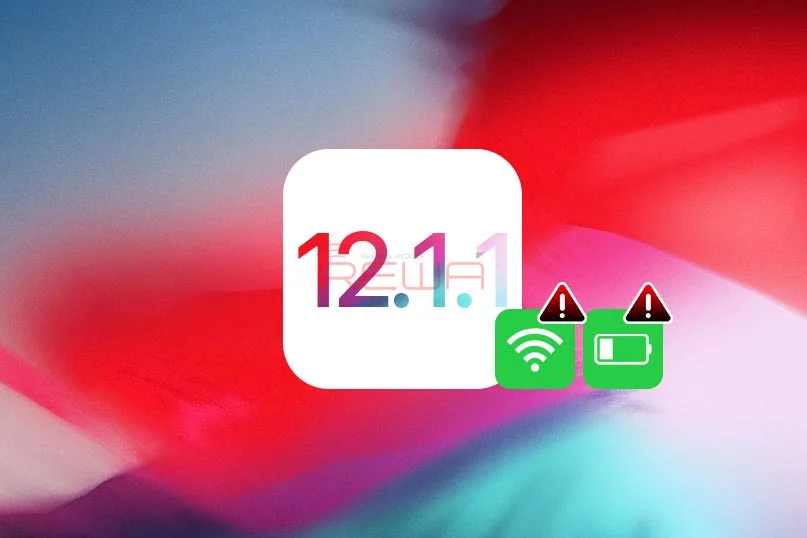
    We’re already seeing complaints about the iOS12.1.1 download and installation, abnormal battery drain, slow Wi-Fi, problems with Touch ID and Cellular network connectivity issues.

    Check the following to see what are the problems of iOS12.1.1 and how to fix them.

    Problem 1:Displays 4G network can not access the Internet

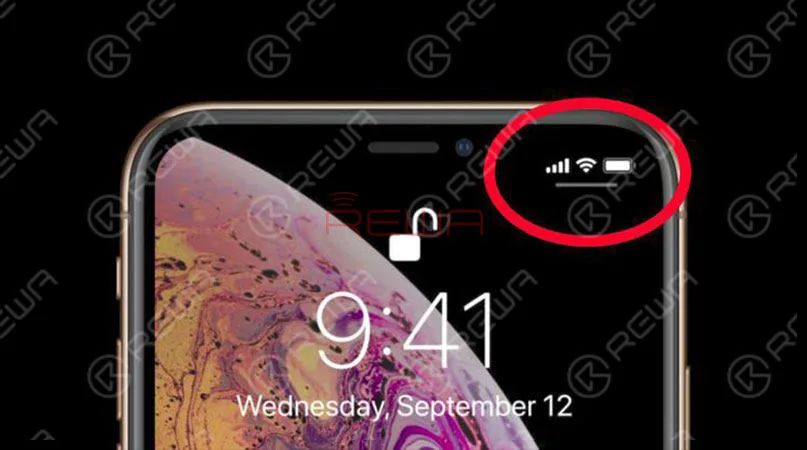
    There is plenty of feedback from iPhone XS and iPhone XS Max owners and the upgrade of iOS12.1.1 has caused the problem that the 4G network cannot be connected.

    The specific problem is that although the iPhone displays 4G LTE network, but can not open the webpage with Safari, some social network APP cannot send messages.
    Apple iOS 12.1.1 Problems & Solutions

    Solution: How to fix iPhone can’t access the Internet

    At present, Apple has not given a solution for this issue.

    Some users tried to restart or reset the network but that did not solve the problem.

    In the previous guide, we have already talked about iPhone no services and iPhone WiFi connection failure problem.

    If you have an iPhone X or later iPhone devices, and unfortunately, encountered a similar situation after upgrading ios12.1.1, it is recommended to restore your iPhone and downgrade to iOS12.1.

    How to downgrade iOS

    • Download the appropriate IPSW file for your iPhone or iPad.
    • Make sure iTunes on your computer is the latest version. If not, download and install it.
    • Connect your iPhone or iPad to your computer and then click on your device when it appears.
    • Under the Summary section, click the Check for Updates button while holding Shift (Windows) or Option (Mac).
    • Now navigate to and choose the IPSW file you downloaded.

    Your device will be ‘updated’ to iOS 12.1.

    Problem 2: iOS12.1.1 touch screen issue on iPhone

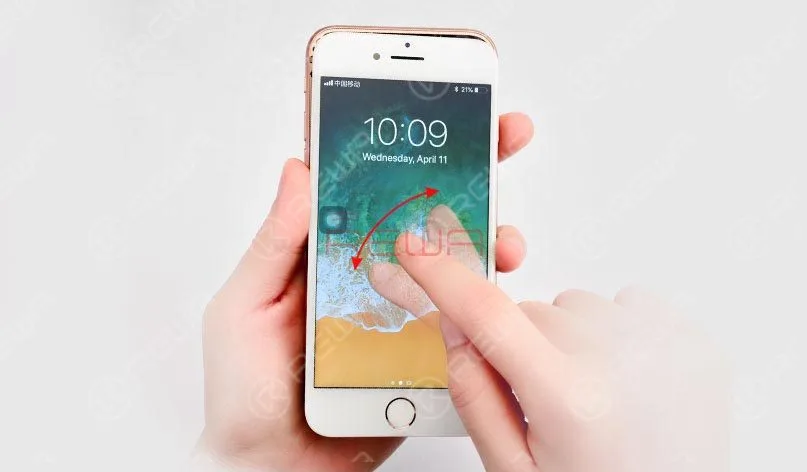
    Many users complained that their iPhone, iPad or iPod touch’s screen not working as normal after iOS12.1.1 updates, like touchscreen unresponsive when calls come in, touch screen stops responding, and etc.
    Apple iOS 12.1.1 Problems & Solutions

    Solution: How to fix iOS12.1.1 touch screen not working

    In previous repair guides, we have shown iPhone touch screen not working with hardware, iPad touch screen unresponsive, iPad ghost touch issue and etc..

    REWA offers iPhone screen repair services for repair shops, you may get a quick response and fix from us. Here are the methods to fix iOS 12 touch screen not working problem.

    Restart Your iPhone:

    Press and hold down the wake/sleep button and drag slide to power off, and then turn on your iPhone touch after a few seconds.

    Reset Your iPhone:

    If you cannot restart your device, then you can try this method. Hold down the on/off button and the Home button until the screen turns off, then keeping holding them until the Apple logo appears.

    Clean Your Screen:

    Check your screen to see if there are some oily or liquid splits and clean the screen with soft cloth. If you have a screen protector, you can remove it to have a try.

    Restore Your iPhone:

    If the screen still not responding, then you can restore your devices as new to have a try.

    Problem 3: iOS12.1.1 battery issues on iPhone

    According to the battery issues happened after updating to iOS12.1.1, and the latest issues reported by iOS users, here we list the most common battery issues you may meet after updating to iOS12.1.1.

    • iPhone battery draining fast
    • Abnormal bad battery life issues
    • The iPhone heats up randomly and battery goes down fast
    Apple iOS 12.1.1 Problems & Solutions

    Solution: How to fix iOS12.1.1 battery issues on iPhone

    1. Reset the setting: Go to Settings > General > Reset > Reset All Settings to factory default.

    2. Enable Low Power Mode: Go to Settings > Battery > Turn on Low Power Mode.

    3. Make display & brightness adjustments: Go to Settings > General > Accessibility > Display Accommodations > Auto Brightness.

    4. Disable iCloud Keychain: Go to Settings > Apple ID > iCloud > Keychain then toggle it off and on.

    5. Turn off Location Services: Open Settings APP > Privacy > Location Services > Turn it off. Or you can also set it to enable the services while using the app.

    6. Restore the device. It can erase all the settings and content on your device, so this is the last option. You can first restore from one backup to have a try, if it does not work then you have no choice but to restore your device as new.
  • Lohnt sich ein Update auf iOS 15.0.2?

    Lohnt sich ein Update auf iOS 15.0.2?

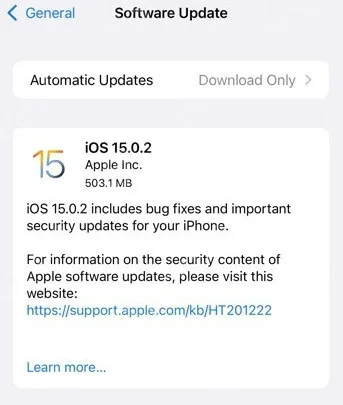
    Apple recently released iOS 15.0.2, which brings new features and addresses various issues. In this evaluation, we’ll take a closer look at what’s new in this update and the problems it resolves.

    New Features in iOS 15.0.2

    iOS15.0.2

    iOS 15.0.2 introduces several new features and bug fixes, aiming to enhance the user experience. However, it’s important to note that certain issues from the previous iOS 15 release, such as touchscreen response problems, may or may not have been resolved in this update. Additionally, users are curious about whether the ProMotion high refresh rate feature on iPhone 13 Pro displays now supports third-party applications.

    The version number for iOS 15.0.2 is 19A404.

    Problem Fixes in iOS 15.0.2

    iOS 15.0.2 addresses various issues that users encountered in previous versions:

    • Pictures from the “Information” app can now be properly saved to the gallery after the association dialog or information is removed.
    • The dedicated MagSafe leather card package for iPhones should now connect to “Find” as expected.
    • Airtags should now display correctly in the “Find” tab.
    • Carplay function issues, such as audio apps not opening or disconnection during playback, have been resolved.
    • Users who attempted to recover or update iPhone 13 models using Finder or iTunes and encountered issues should find these problems resolved.

    Previous Update: iOS 15.0.1

    Before iOS 15.0.2, Apple released iOS 15.0.1 on October 1, which fixed a bug that prevented the Apple Watch from unlocking the iPhone 13.

    How to Update

    Users can update to iOS 15.0.2 or iPadOS 15.0.2 by following these steps:

    1. Open the “Settings” app.
    2. Select “General.”
    3. Choose “Software Update.”
    4. Tap “Download and Install” for the iOS 15.0.2 or iPadOS 15.0.2 update.

    Devices Supported

    iOS 15.0.2 is compatible with the following devices:

    iPhone: iPhone 13 mini, iPhone 13, iPhone 13 Pro/Pro Max, iPhone 12 mini, iPhone 12, iPhone 12 Pro/Pro Max, iPhone 11, iPhone 11 Pro/Pro Max, iPhone XS, iPhone XS Max, iPhone XR, iPhone X, iPhone 8/8 Plus, iPhone 7/7 Plus, iPhone 6s/6s Plus, iPhone SE/SE 2.

    iPad: iPad Pro 1/2/3/4/5 (12.9), iPad Pro 1/2/3 (11), iPad Pro (10.5), iPad Pro (9.7), iPad Air 2/3/4, iPad 5/6/7/8/9, iPad mini 4/5/6.

    iPod Touch: iPod Touch 7.

    Please note that updating to the latest iOS version can improve device performance and security while fixing known issues. It’s recommended that users keep their devices up to date with the latest software.

  • Was ist neu im ios 14.6 Update?

    Was ist neu im ios 14.6 Update?

    iOS 14.6 wurde vor kurzem veröffentlicht, und viele iPhone-Benutzer können sich nur schwer entscheiden, ob sie ios 14.6 update oder nicht. Was ist neu in dem Update, das unsere Aufmerksamkeit verdient? Mit dieser Frage wird REWA Ihnen die Einführung bringen. Werfen wir einen Blick darauf

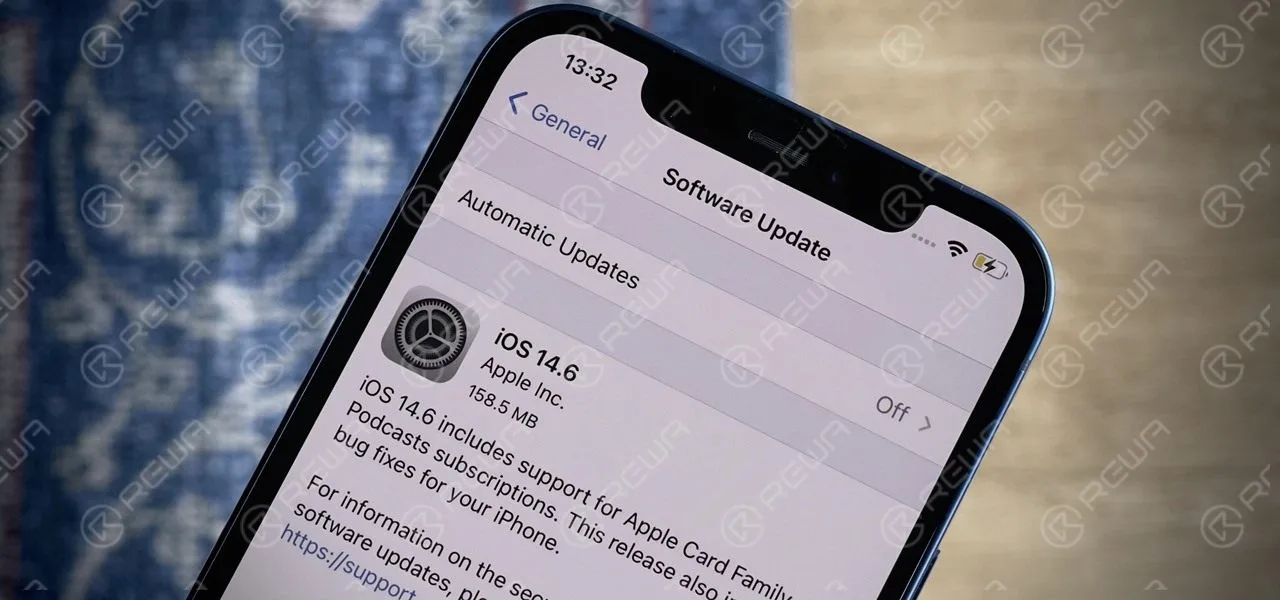
    14.6 Aktualisierung

    iOS 14.6 Update Inhalt Einführung

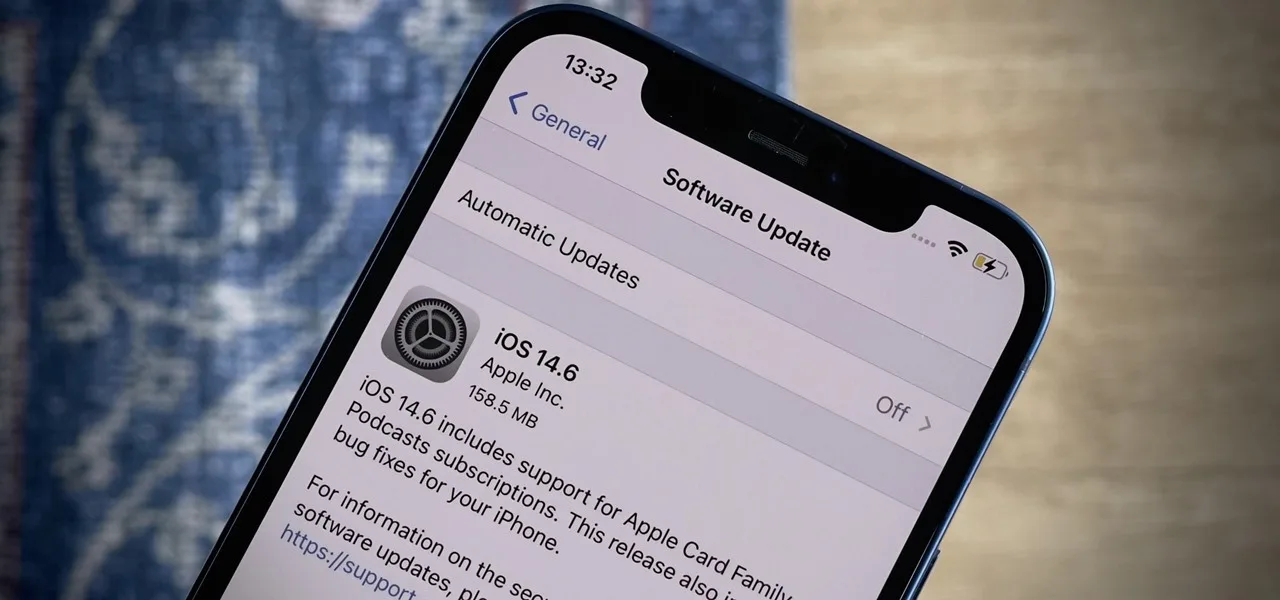
    1.Apple ios 14.6 herunterladen?

    Sie sollten eine Aufforderung erhalten, die Ihnen mitteilt, dass iOS 14.6 jetzt aktualisiert werden kann und Sie fragt, ob Sie es herunterladen möchten. Sie können wie folgt vorgehen:

    a. Gehen Sie zu "Einstellungen".

    b. Allgemein auswählen

    c. Klicken Sie auf Software-Aktualisierung

    Ihr Gerät stellt eine Verbindung zu den Apple-Servern her und fordert Sie auf, Updates zu laden und zu installieren. Folgen Sie den Aufforderungen, um die Installation abzuschließen. Nach dem Neustart des Geräts wird iOS 14.6 ausgeführt.

    Apple ios 14.6 Update Inhalt

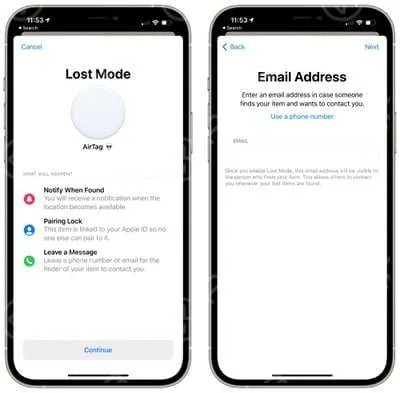
    a.Für ios 14.6 AirTag In der neuen Beta-Version wurde eine neue Funktion hinzugefügt, die es Ihnen ermöglicht, die E-Mail-Adresse als Kontaktmethode für den verlorenen Modus einzugeben, und nicht eine Telefonnummer.

    ios 14.6 AirTag

    b. Das Update hat auch die Grundlage für Apple Card Family gelegt, eine Funktion, die Apple im April eingeführt hat. Apple Card Family ermöglicht es dem Ehepartner, ein Apple Card Konto zu teilen, jeder als ein gemeinsamer Eigentümer, um Kredit zu etablieren.

    c. Mit der Apple Card Family können Eltern eine Apple Card mit ihren Kindern zum Einkaufen teilen und haben dabei Verbrauchsgrenzen und elterliche Kontrolle. Der gesamte Verbrauch der Familie wird über eine monatliche Rechnung verfolgt, und ein Apple Card Konto kann bis zu fünf Personen über 13 Jahren zur gemeinsamen Nutzung hinzufügen.

    d. Reparieren Sie den bekannten Fehler.

    3. iOS 14.6 Barrierefreiheit

    a. Benutzer der Sprachsteuerung können ihr iPhone zum ersten Mal nach einem Neustart nur mit ihrer Stimme entsperren

    4. iOS 14.6 behebt die folgenden Probleme

    a. Nach der Verwendung von "iPhone sperren" auf der Apple Watch funktioniert das Entsperren mit der Apple Watch möglicherweise nicht.

    b.Erinnerungen können als Leerzeile erscheinen

    c.Anrufsperrende Nebenstellen erscheinen möglicherweise nicht in den Einstellungen

    d.Bluetooth-Geräte können manchmal während eines aktiven Anrufs die Verbindung trennen oder Audio an andere Geräte senden.

    e.Das iPhone kann während des Starts an Leistung verlieren