
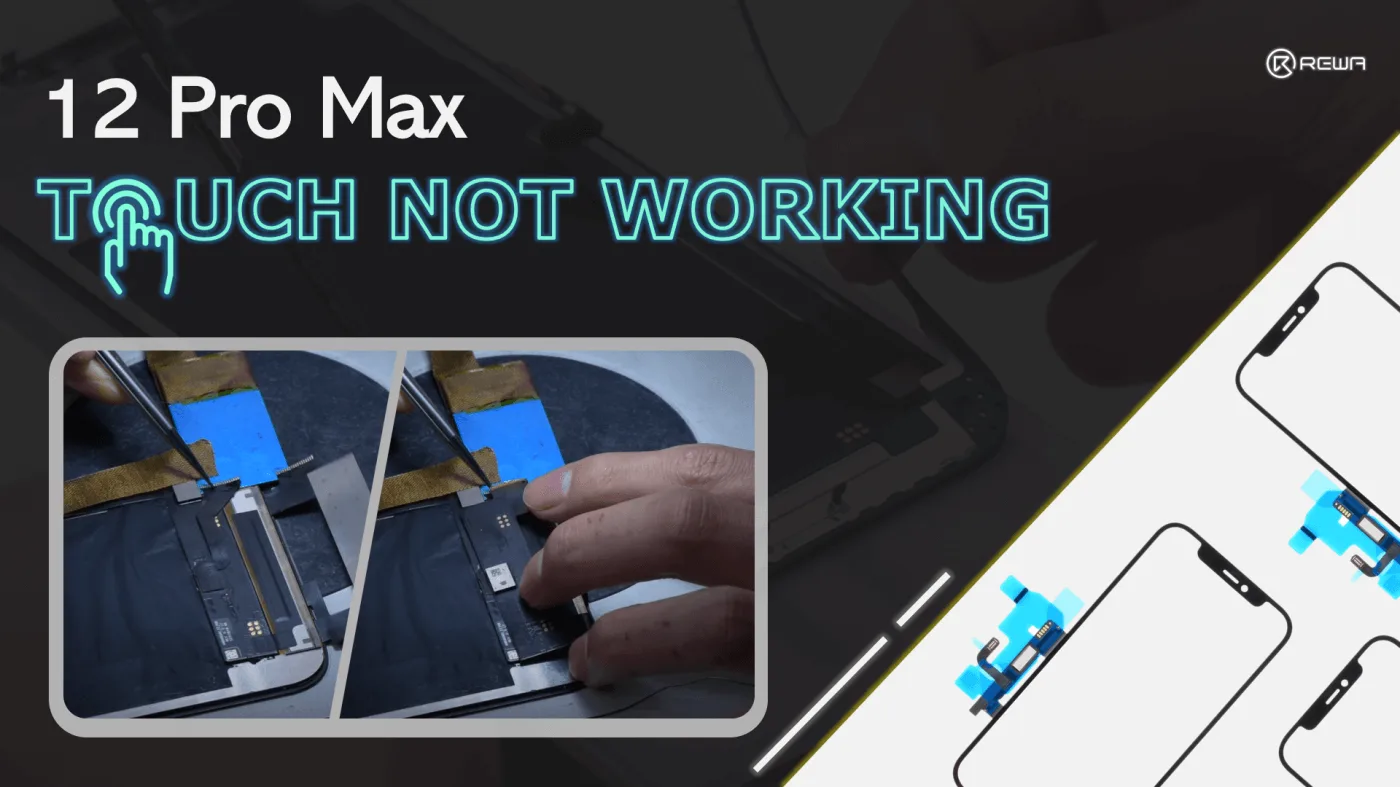

When your phone’s screen becomes unresponsive, the usual solution is to replace it. However, screens are quite expensive these days. In this article, we will introduce an alternative method of fixing the problem without having to replace the entire screen assembly. Specifically, we will focus on fixing the touch-related issues of an iPhone 12 Pro Max. Before attempting any repairs, we have already ruled out other potential causes of the problem and confirmed that the touch-related components and lines are in good working condition.
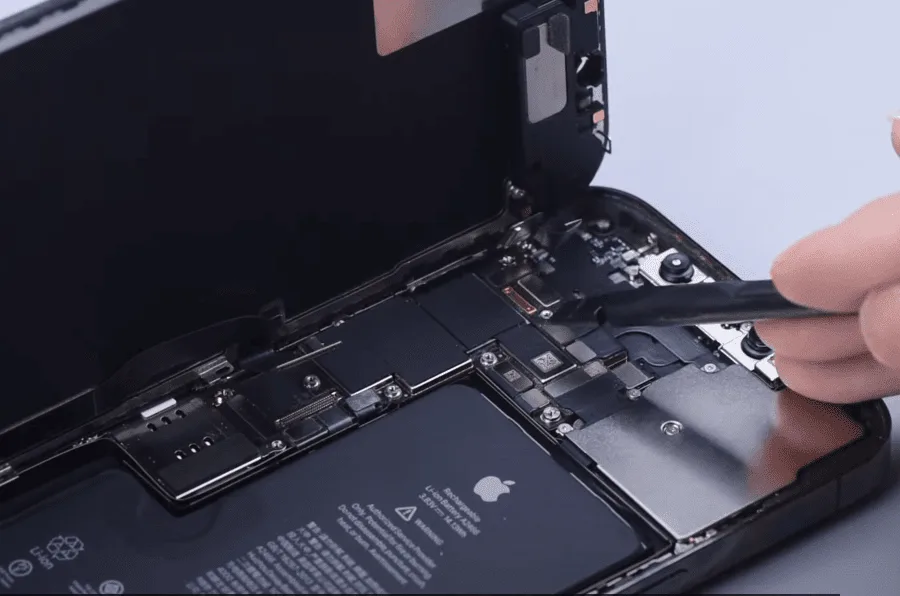
Disconnect the flex cable and remove the screen
To prevent ESD damage, remove the flex cable with a plastic spudger.
Sepatate the glass
For starters, set the temperature of the separator to 100℃. As the temperature reaches 100℃, place the screen on the separator and detach the earpiece speaker module.
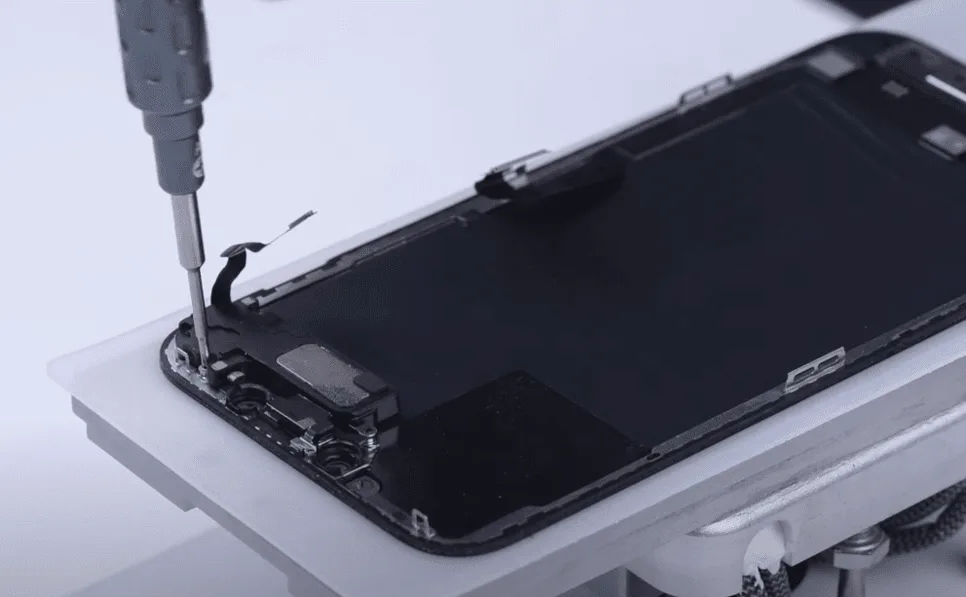
Before separating the glass, we need to remove the bezel frame. Apply some alcohol along the edge of the bezel, slice through adhesive sealing the top edge of the bezel, then cut the top bezel open with the cutting nipper.
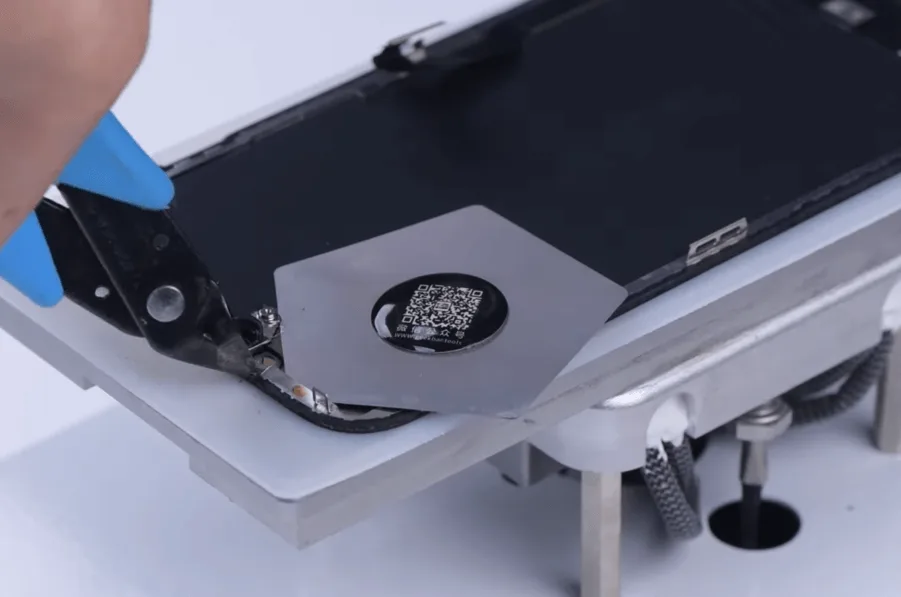
Slowly separate the bezel frame. As the bezel is removed, keep heating the screen at 100℃.
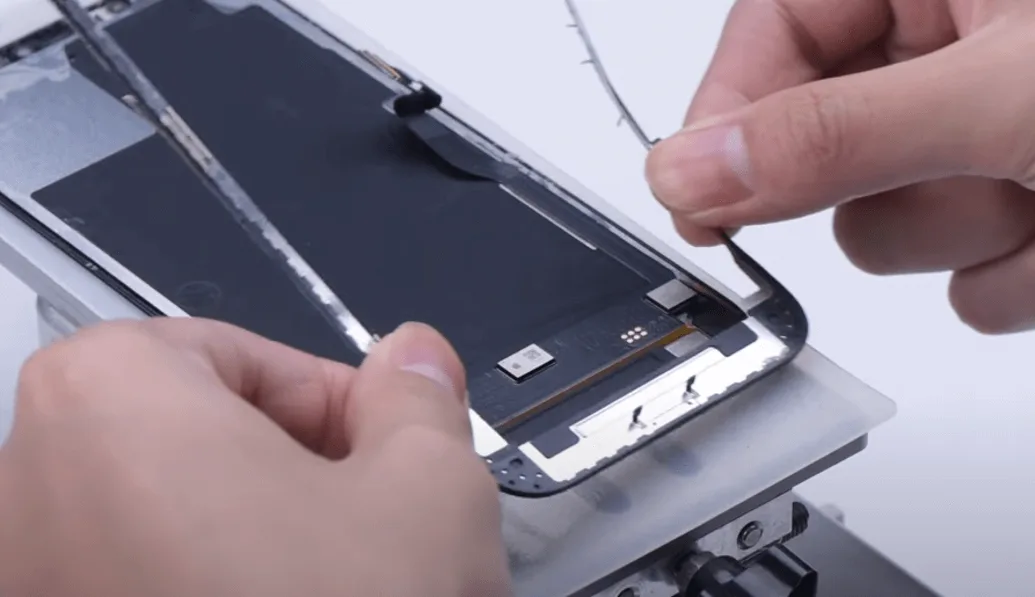
Get an entry point from the bottom corner of the screen. Start separating the OLED along the bottom layer of the glass with cutting wire.
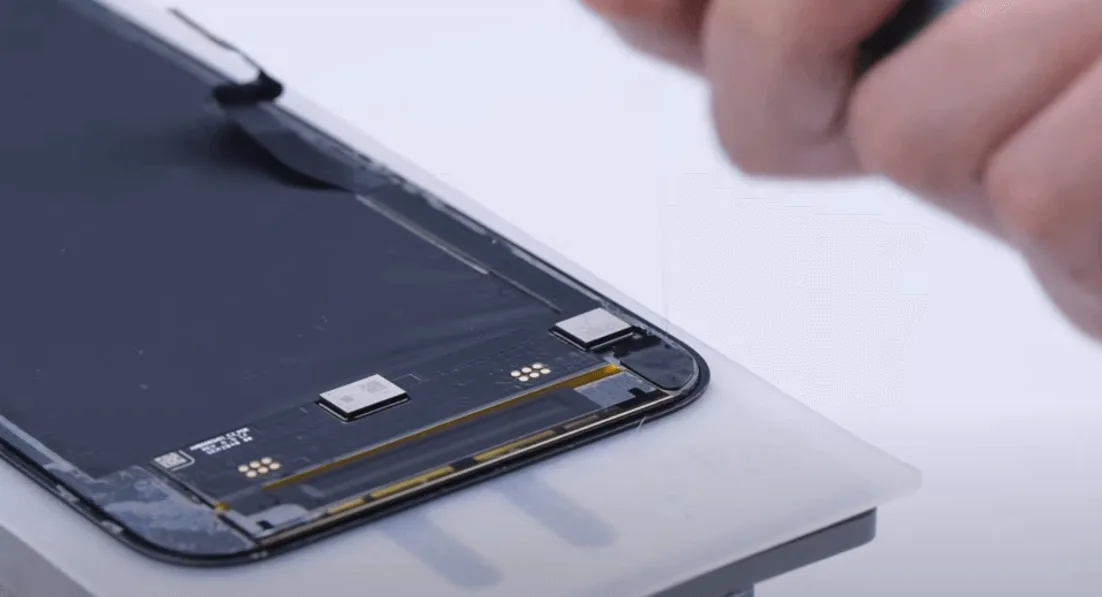
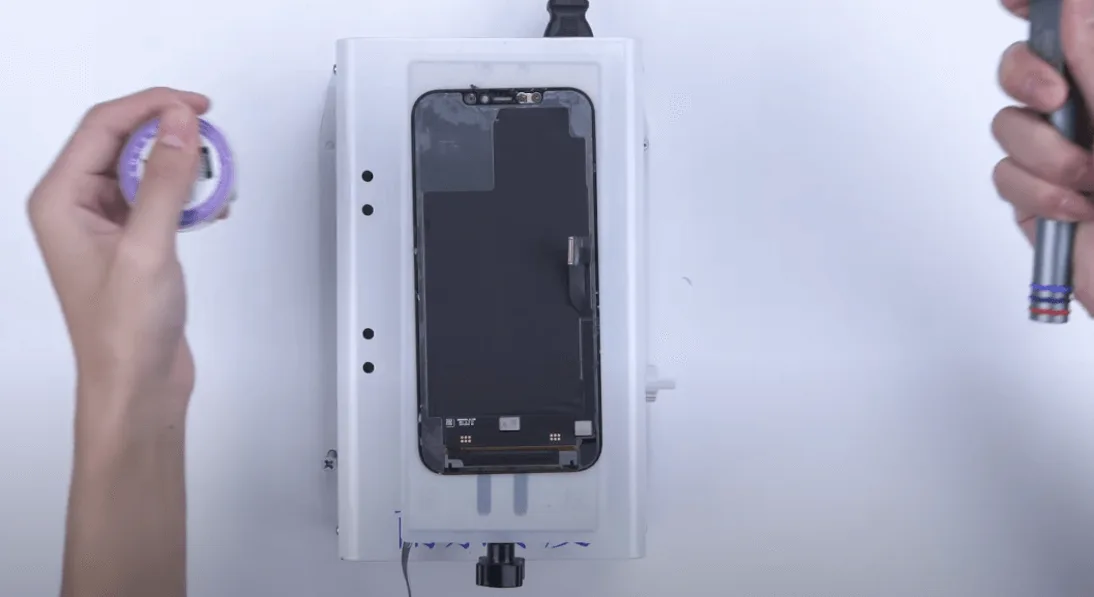
Clean the OCA adhesive
Apply specilized OCA removing tape to the OLED, then apply some heat to make the tape bind tightly to the OCA and peel off the tape.
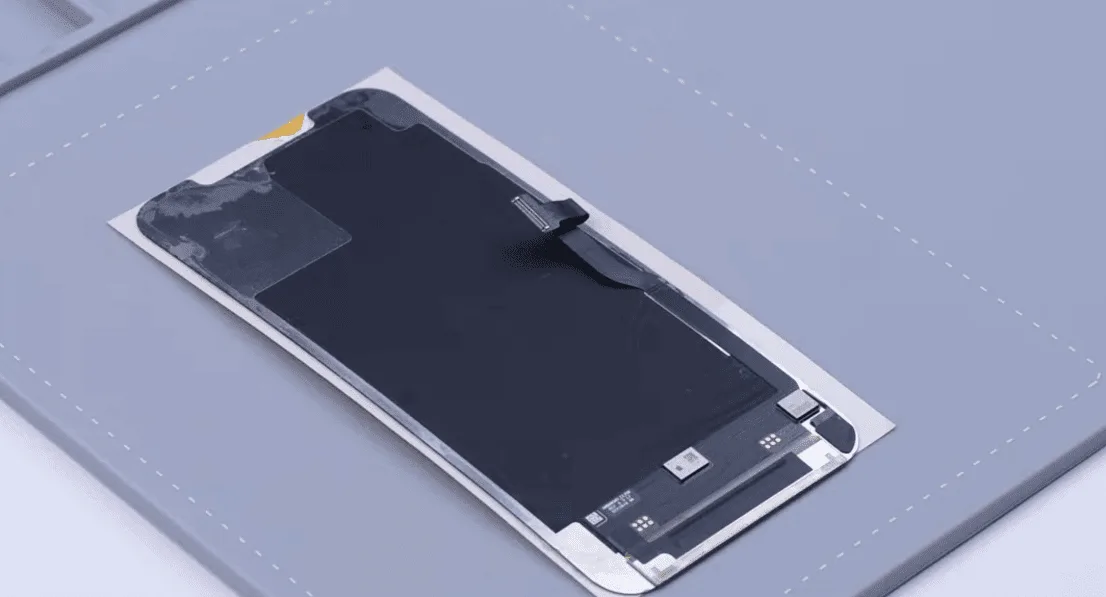
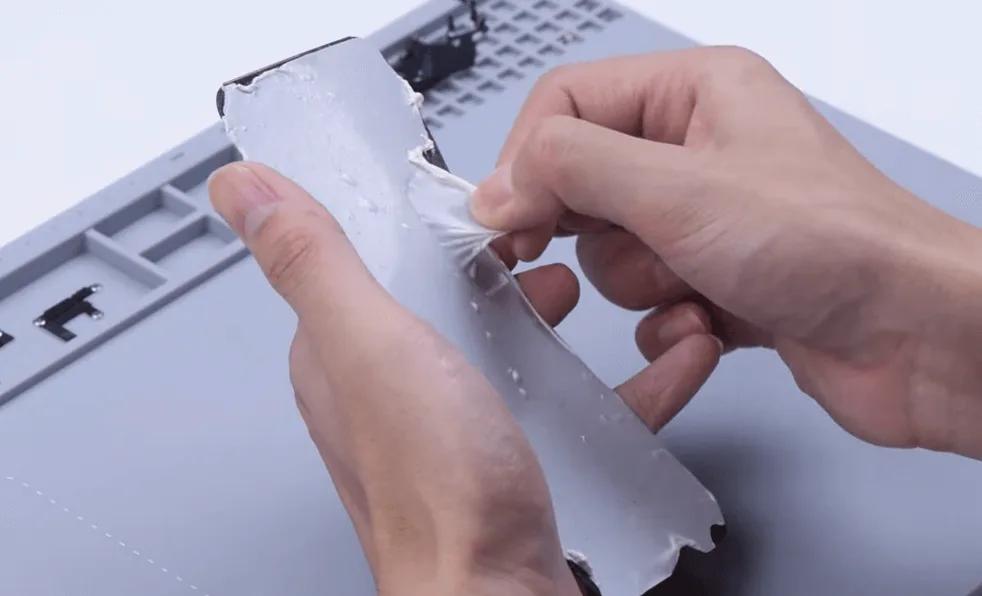
For residue OCA adhesive, clear it away with electric glue removing tool and N-hexane.
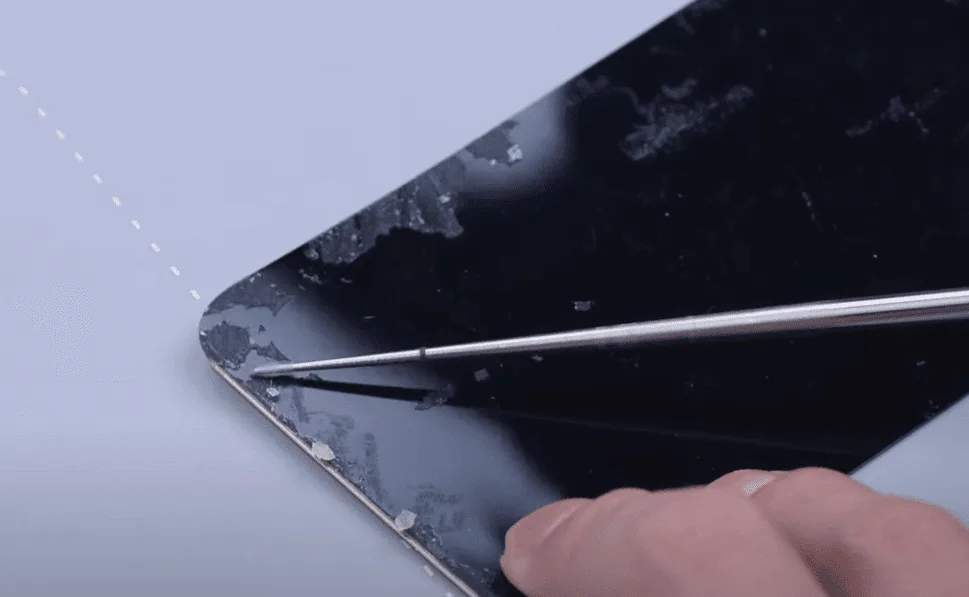
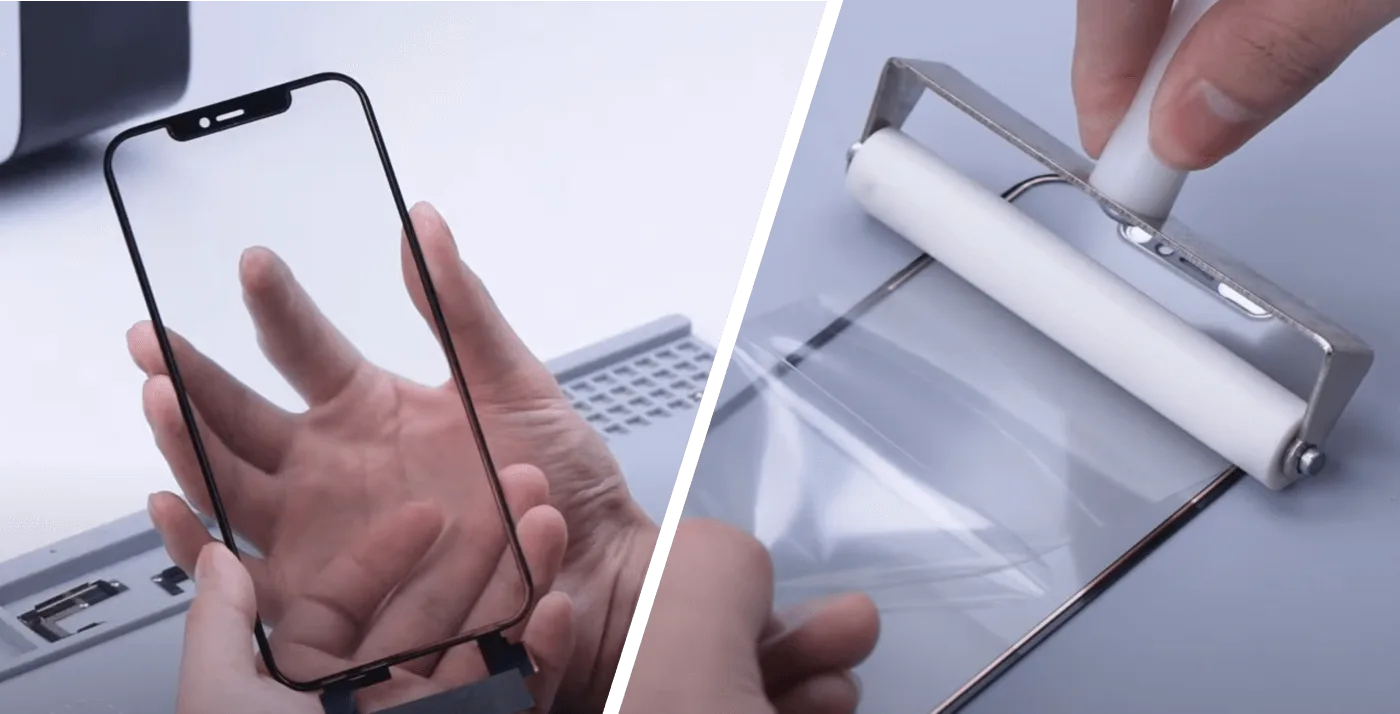
As the screen of iPhone 12 Pro Max is oncell with the touch and OLED integrated, the touch screen digitizer can’t be replaced separately. We need to install a tag-on touch screen digitizer.
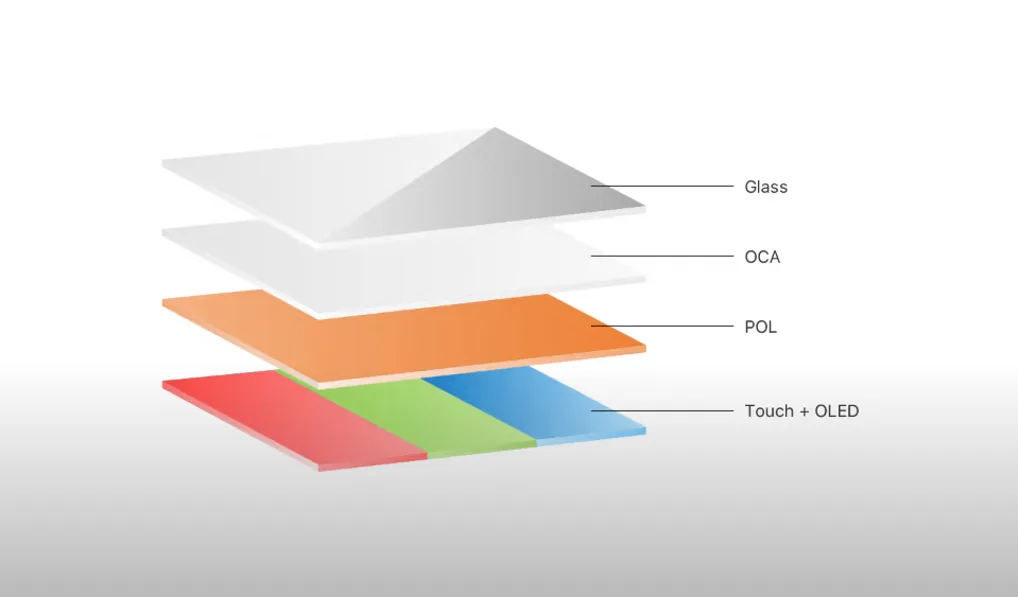
Apply OCA on the touch screen digitizer
Get an iPhone 12 Pro Max touch screen digitizer, attach the OCA to the back of the touch screen digitizer, then put the touch screen digitizer into the bubble removing machine.
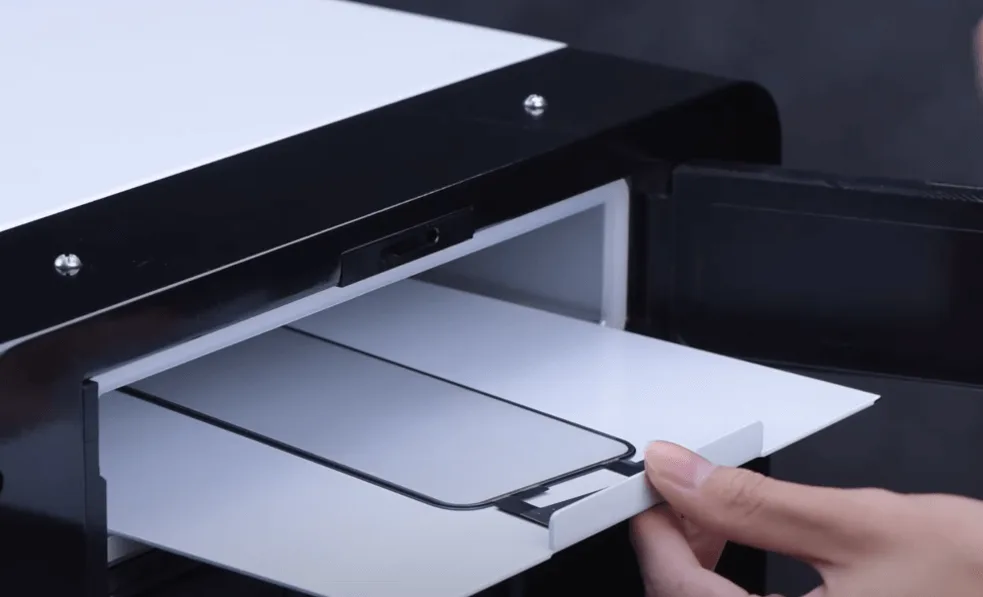
Touch Screen Lamination
Before screen laminating, we need to clean the OLED again. Align the glass with the OLED by the aligning mold.
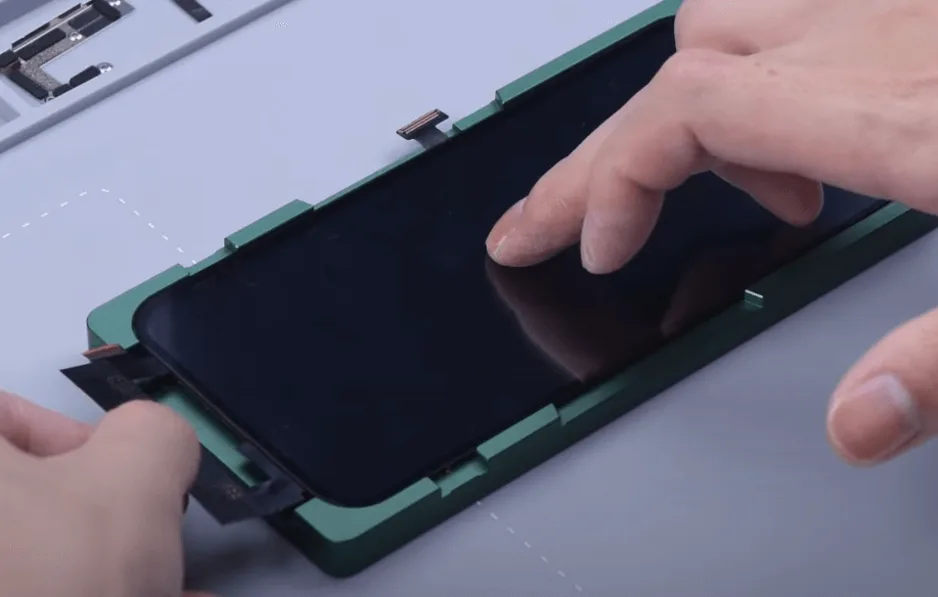
Then stick the screen to the Refox FM-50 laminator, as the lamination is finished, the screen needs to be debubbled. Take the screen out after about 15 minutes. It can be seen that the laminating and debubbling process are done perfectly.
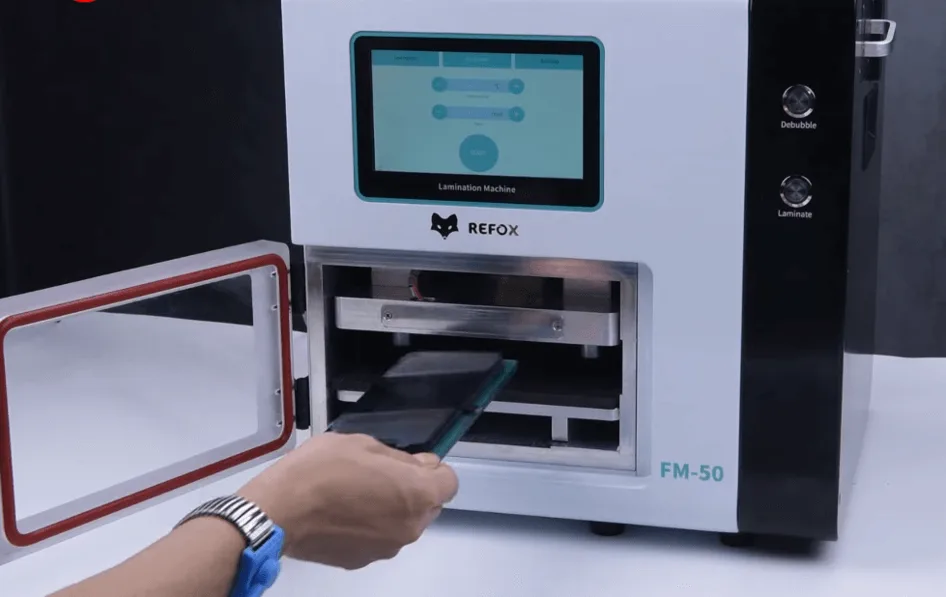
Transplant the IC on the original touch flex cable to the tag-on touch flex cable
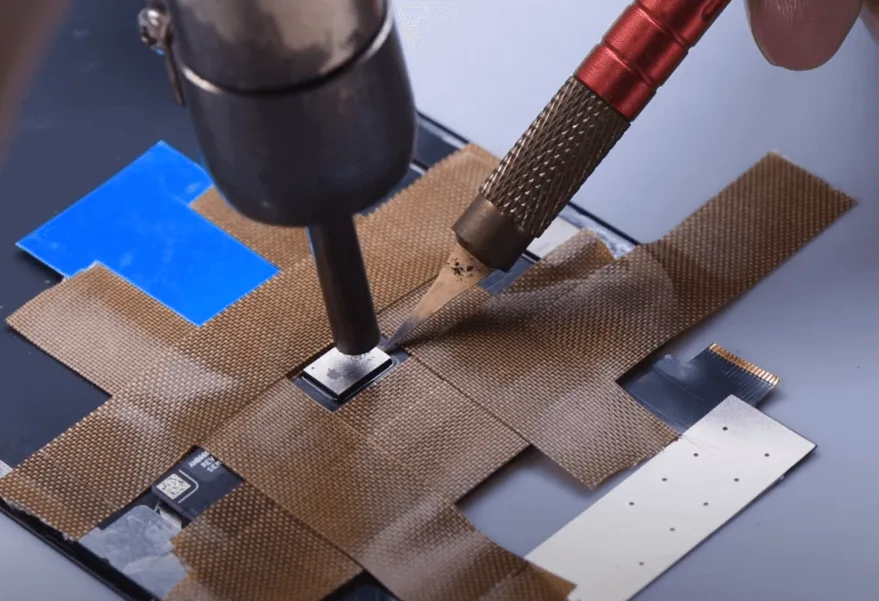
To protect the screen from damage, apply high-temperature tape around the IC before operation. Then desolder the IC with vertical hot air gun at 320℃ and airflow 2.
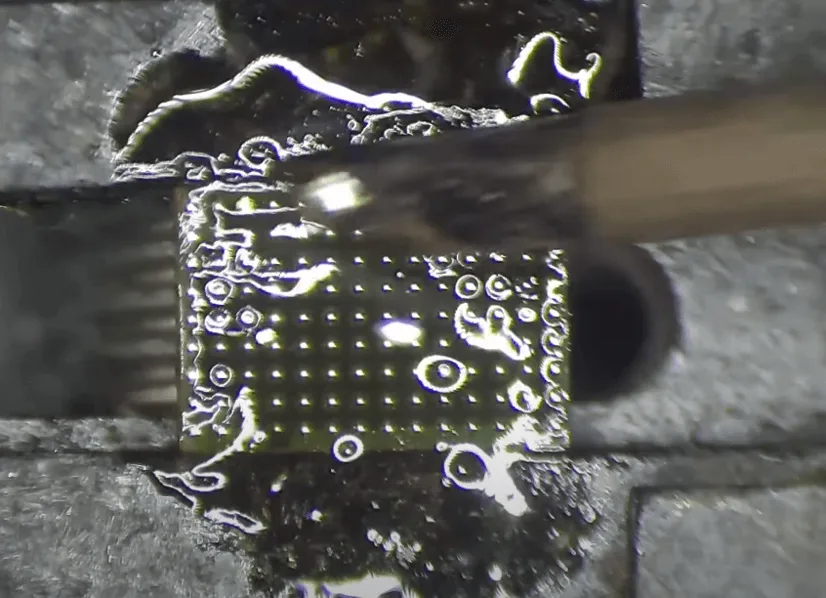
Apply some solder paste flux and low-temperature solder paste to the bonding pads. Remove the tin with soldering iron at 380℃,then clean with the PCB cleaner.
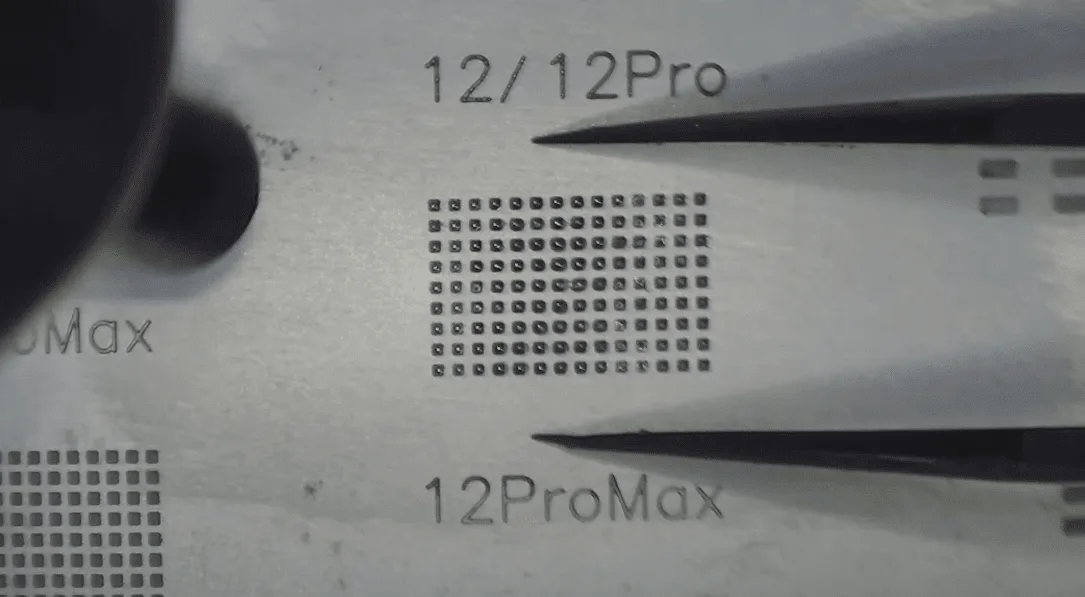
As the bonding pads are clean, apply a layer of the solder paste evenly to the bonding pads, form the solder balls with hot air gun at 260℃.
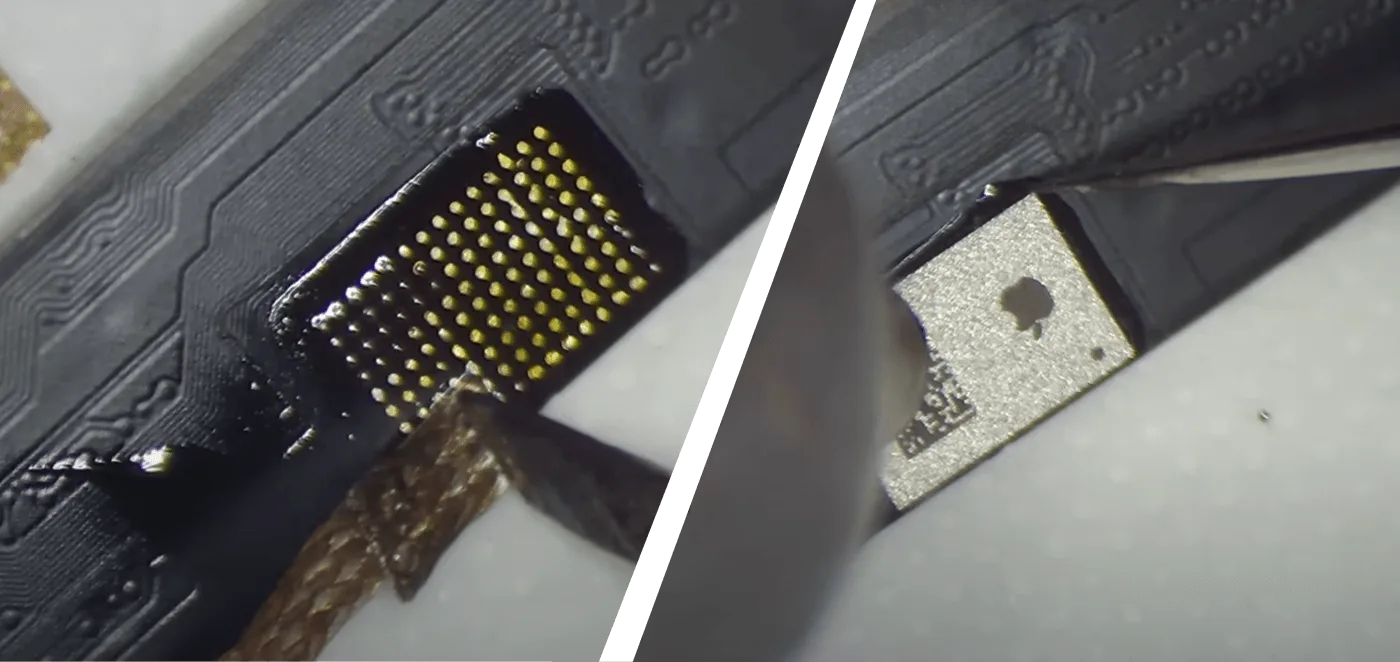
Then we clean the bonding pads on the flex cable. Use soldering iron at 380℃ and desoldering braid to remove tin, solder the IC with hot air gun at 280℃ and airflow 2.
Install the screen tag-on flex Cable
Remove the underfill adhesive on the bonding pads, please align the three pins before soldering, then solder with hot air gun at 320℃.
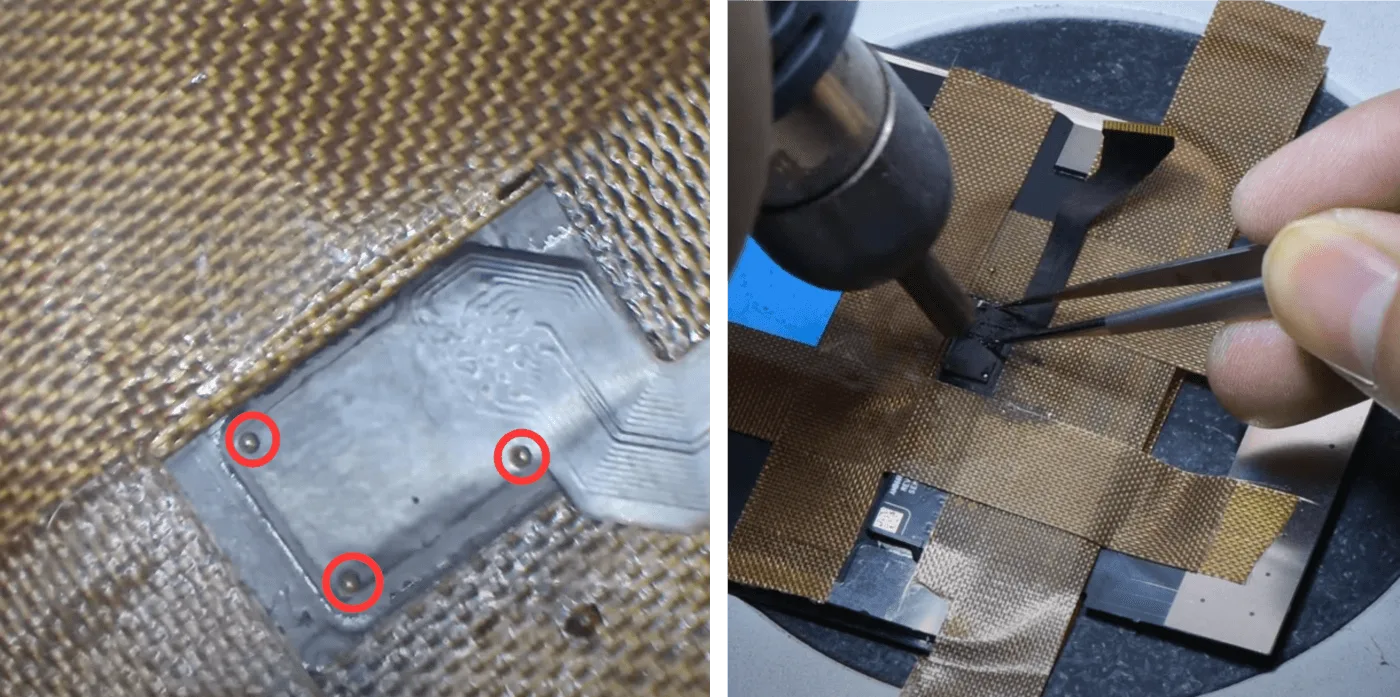
Solder the other end of the flex with soldering iron at 380℃. As the most difficulty step in the whole procedure, the soldering is the key to whether the touch will function well or not. Clean residue flux with PCB cleaner.
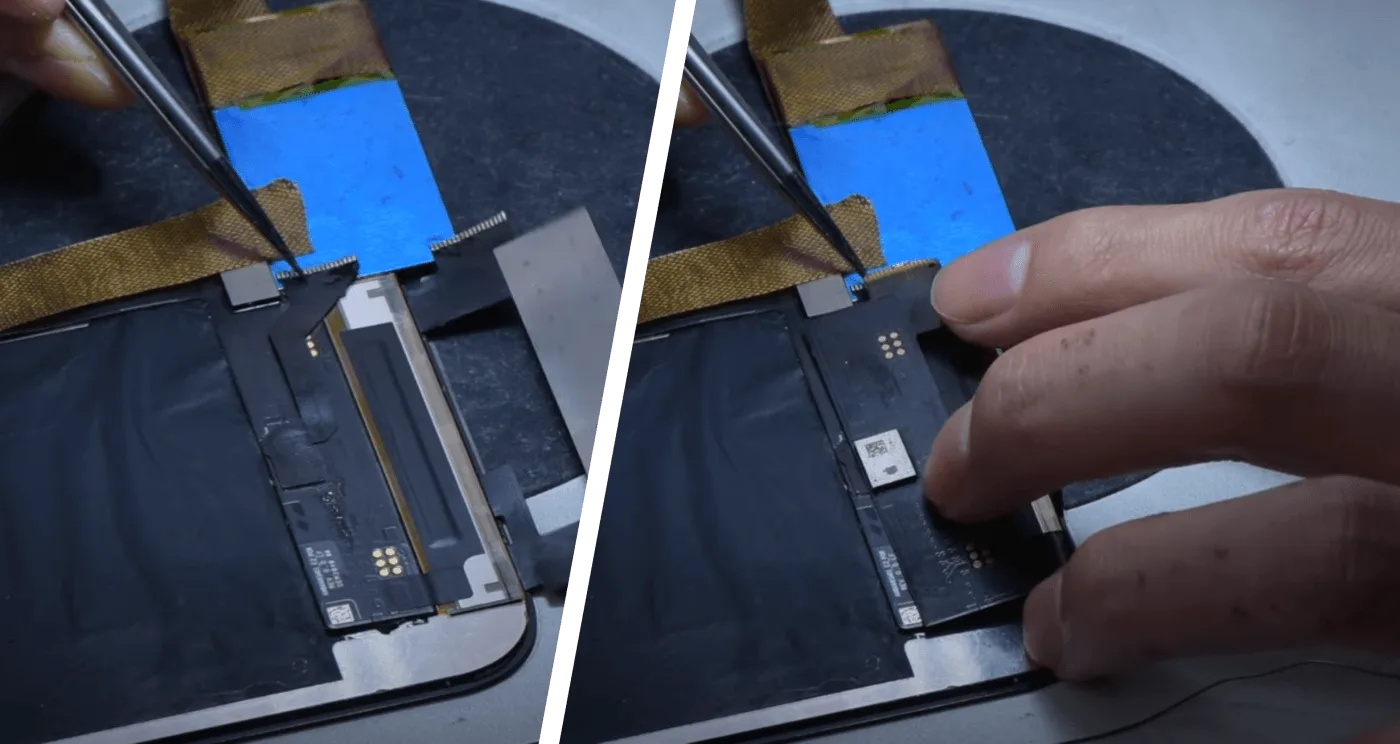
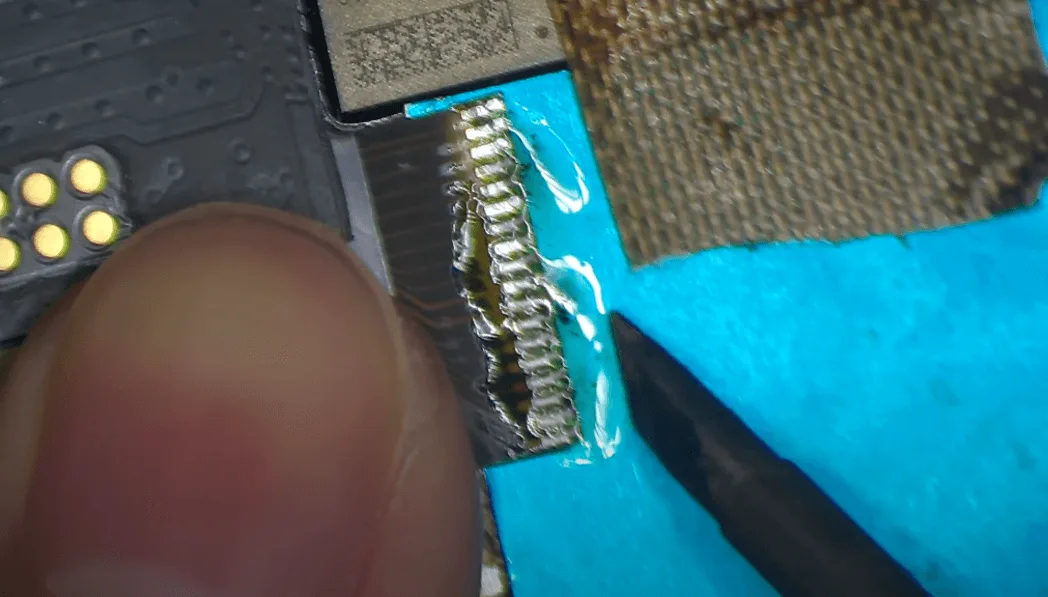
Install bezel frame
Apply the bezel adhesive, align the bezel with the display.
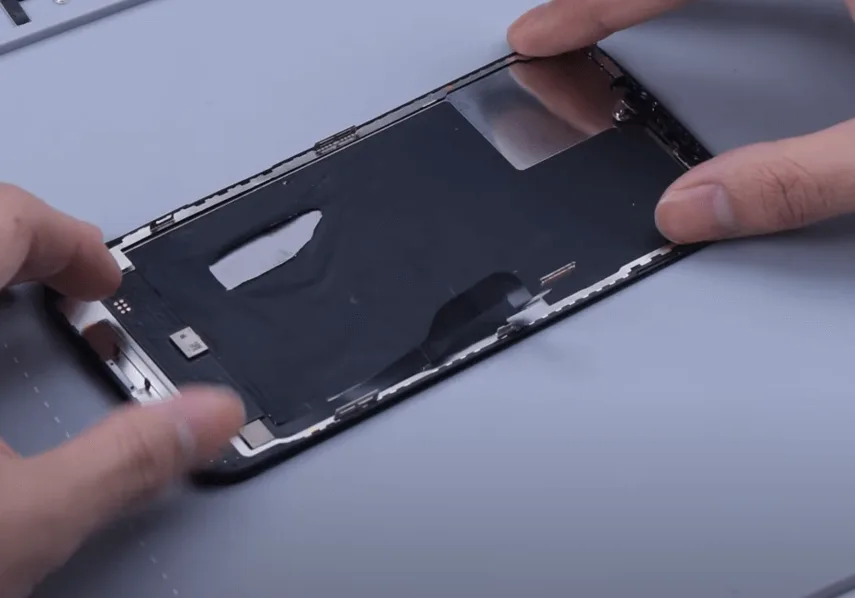
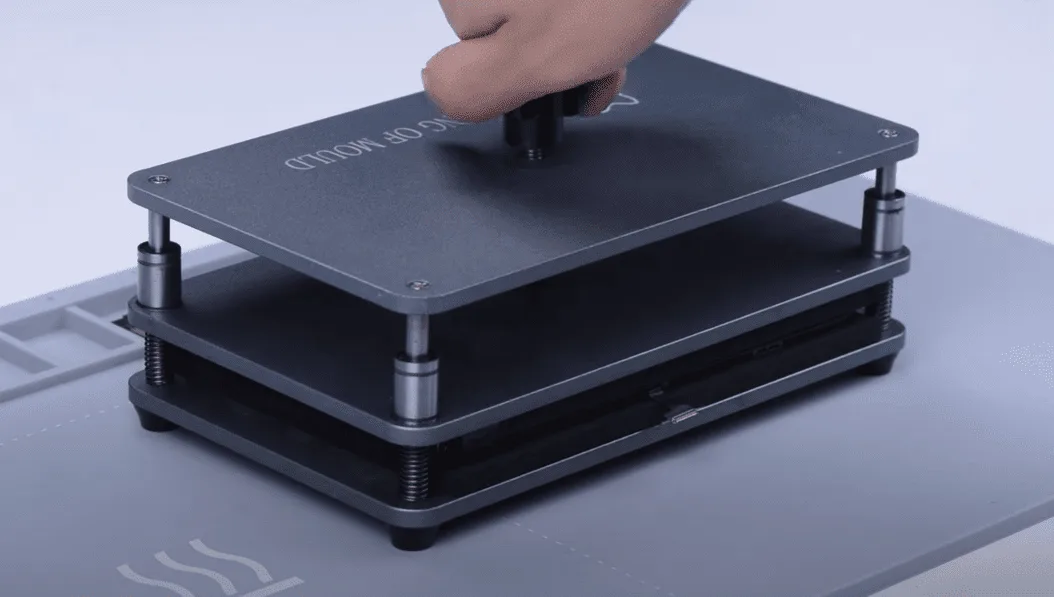
Put the screen assembly into the press clamp and press the bezel, then we install the display.
Test the functions, the touch is fully working, True Tone is available.
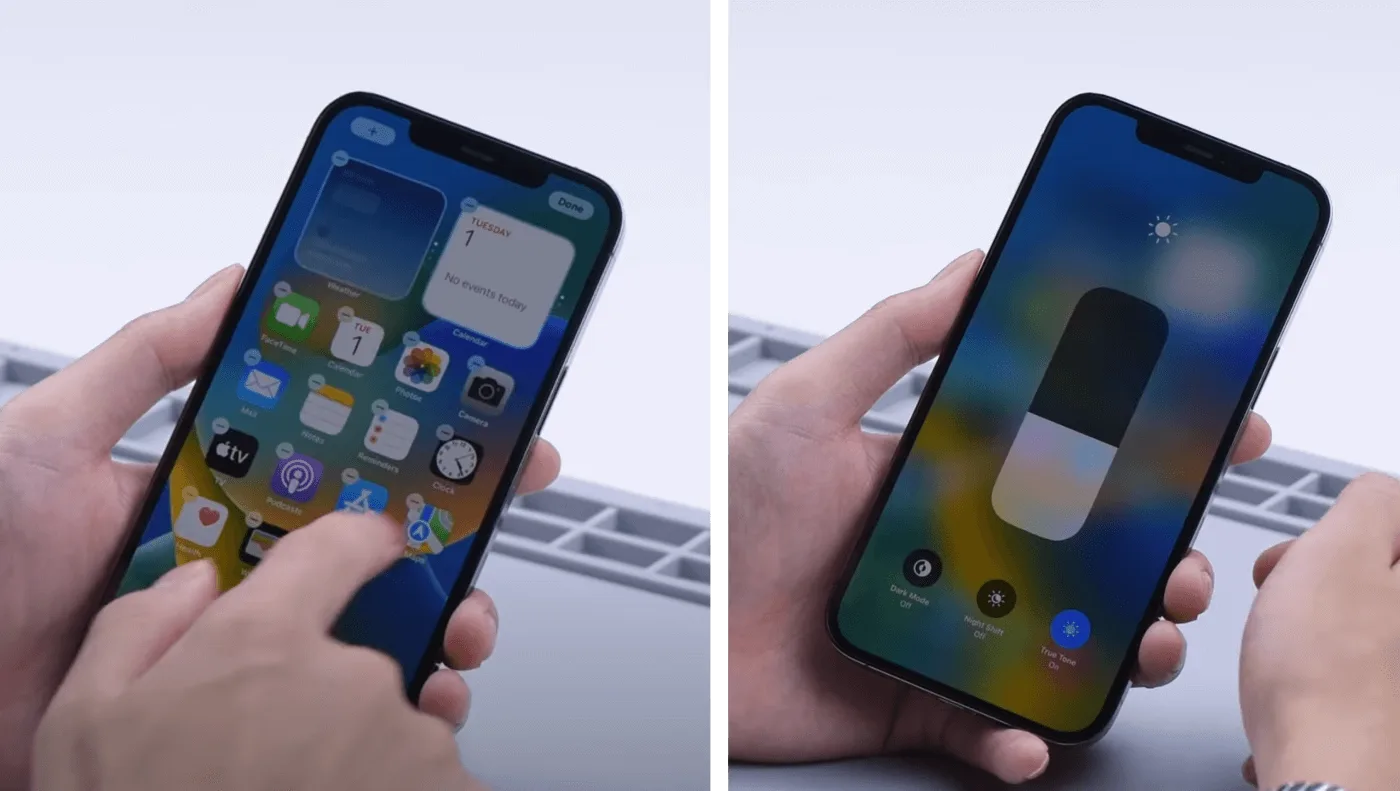
Check the detailed operation process on Youtube
FAQ | iPhone 12 Pro Max Touch
Q: How to fix iPhone 12 Pro Max Touch issue?
A: Touch issues are typically caused by either screen damage or motherboard problems. In the first case, we can replace the screen directly or use the method mentioned above. It is advised to consult a qualified motherboard repair technician if the touch issue was caused by the motherboard.
Q: How to Remove the iPhone 11-12 series Non-genuine Screen Warning by Aftermarket Screens?
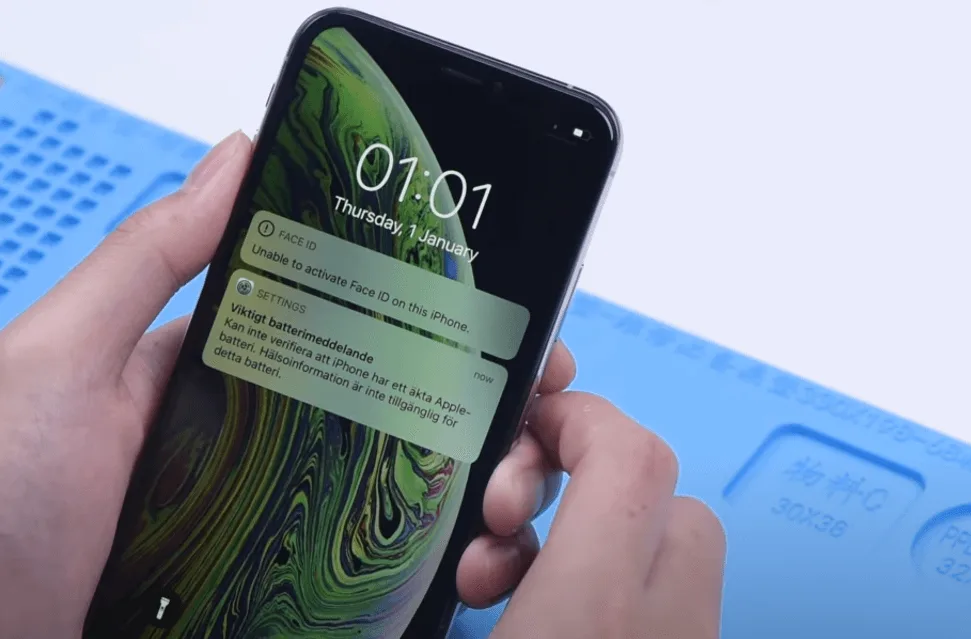
A: Till this moment, we can restore True Tone easily by reading data from original screen then writing the data into the new screen by the repair programmer. However, only swapping the chip from the old screen to the new screen will remove the non-genuine screen warning message.
Q: What is the best place to learn how to fix my iPhone?
A: Whether you are interested in starting a phone repair business or fixing your own damaged phone, REWA academy is the best place to go, systematized courses from shallow to deep, allowing you to quickly master the cell phone repair theory and handwork skills.
Summary
There is no genuine display warning message, because the iPhone 12 Pro Max screen uses the oncell structure and the touch can’t be replaced separately, it’s more difficult to repair the touch.
The current solution is to install a tag-on touch screen digitizer, which is technically chanllenging, we advise non-professionals do not try this. For a screen with the outcell structure, it’s easier to repair the touch as the touch can be replaced separately.

 English
  Español
  Français
  Deutsch
  Italiano