

MacBook Air A1466 Not Charging Issue Repair
Defect Phenomenon
The MacBook cannot charge after not using for a few days.
Troubleshooting
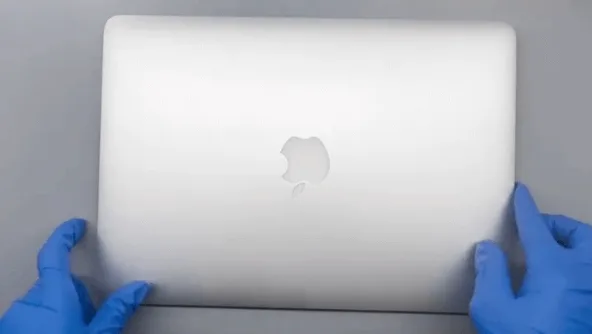
First, let’s check the cosmetic of the MacBook. Everything looks fine, there are no obvious drop or water damage traces.
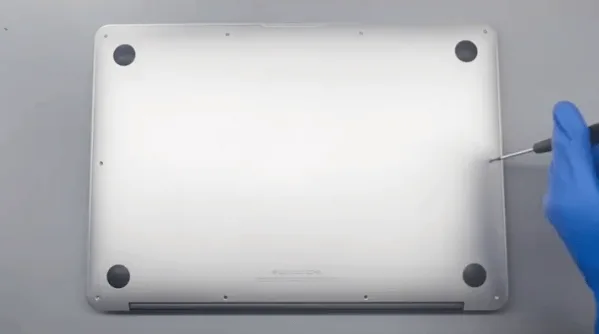
Then let’s remove the screws on the bottom with a screwdriver.
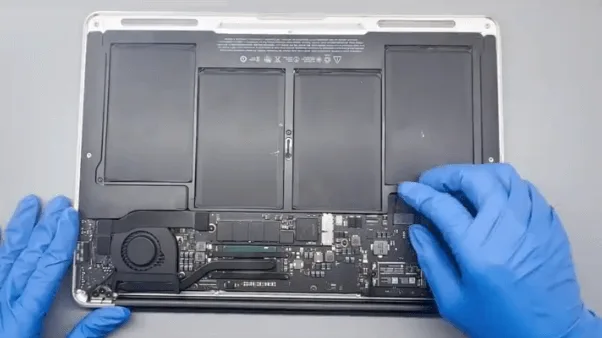
Open the D cover (or bottom cover), and we can see the motherboard also looks good from the cosmetics.
Detach all the flex cables and take out the motherboard, since it’s cannot charge issue let’s carefully check the large inductors’ diode values first.
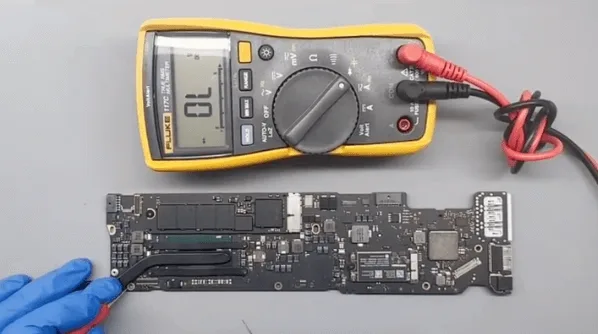
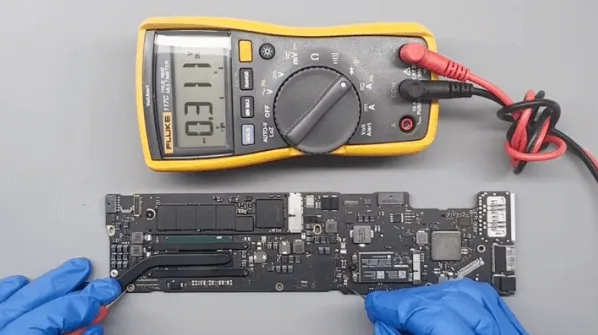
To do this, we can confirm whether there is a short on the inductors or not, to avoid damage to the CPU later when connecting with the DC power supply.
After checking, there’s no shortage of inductors. Then let’s power the motherboard with the DC power supply machine.
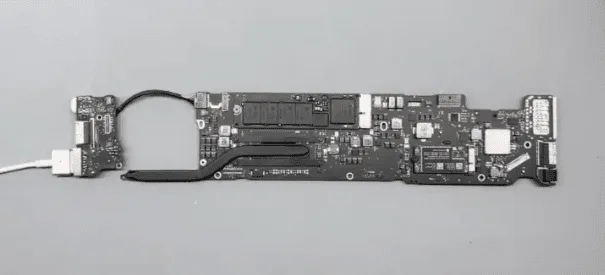
The boot current was fixed at 30mA, which means the CPU is not working.
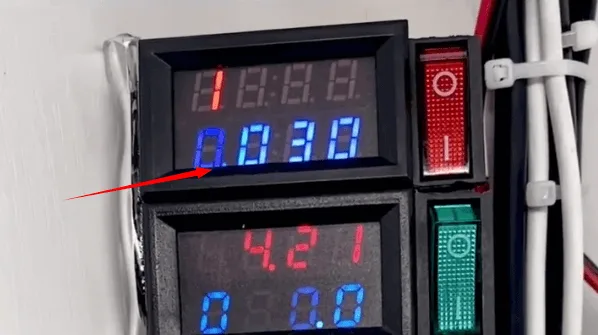
Based on the standby sequence, let’s measure the voltage on the relative rails first
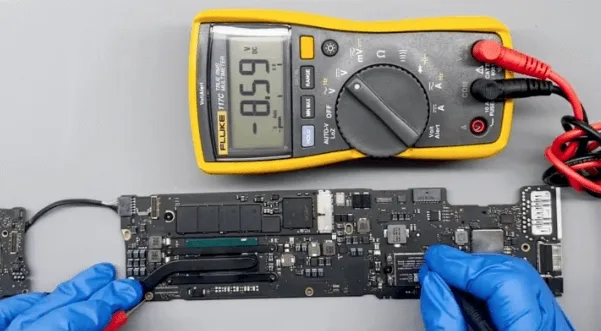
(the main power supply is around 8.6V, OK!)
Then measure the 35V standby chip voltage, normally the voltage should be fixed at 3.3V.
But the voltage value keeps jumping from 3.3V to 0V during the measuring.
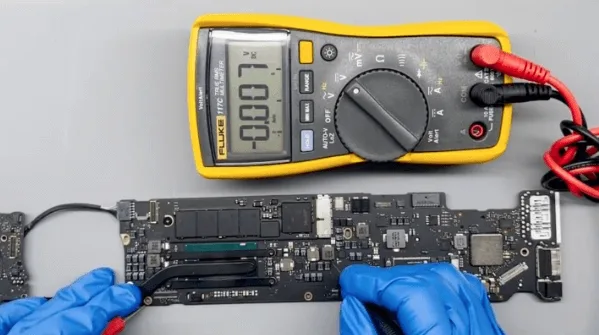
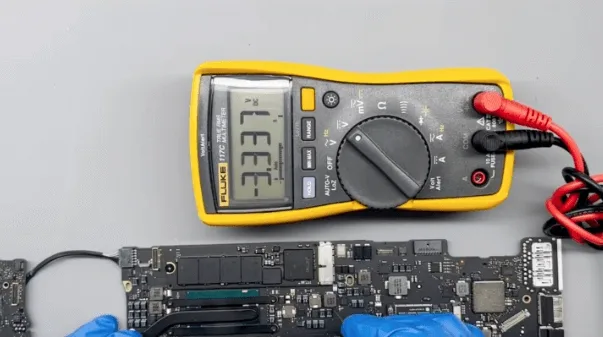
Based on the repair experience, this chip is a common defective chip, is it possible the 35V standby chip is damaged?
Let’s find it on the motherboard and replace it with a new one directly to have a try.
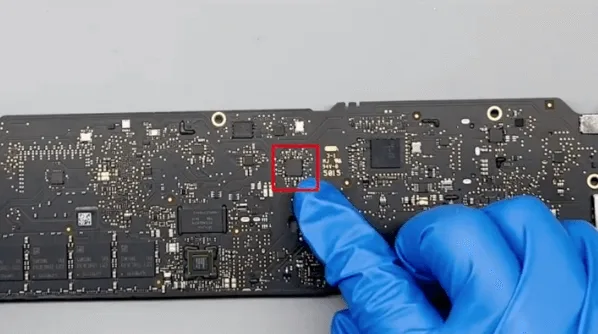
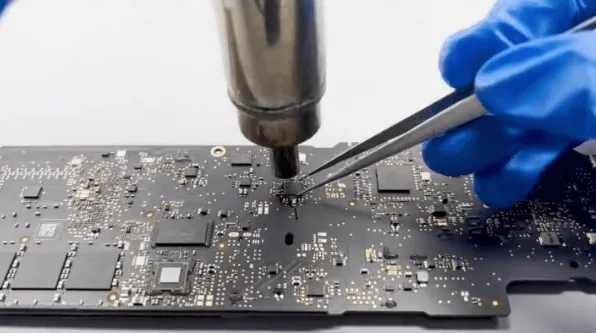
After the standby chip replacement, let’s connect with the DC power supply machine to test again.
This time the standby voltage is fixed at 3.3V, but the boot current is still fixed at 30mA.
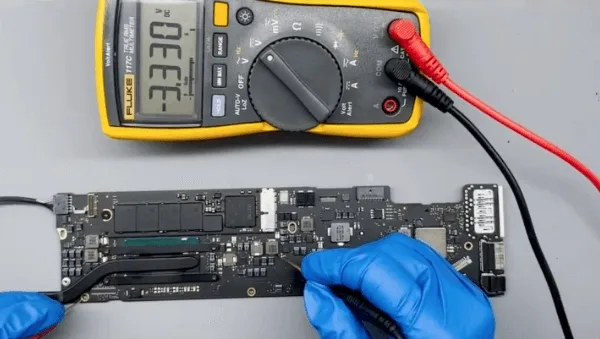
This means there’s still another problem with the motherboard.
- There’s no working voltage on the CPU
- the 3.3V voltage on the PCH is OK
- based on the working sequence, measuring the voltage on the power button is also OK
- There’s no voltage from PCH to Power Management IC
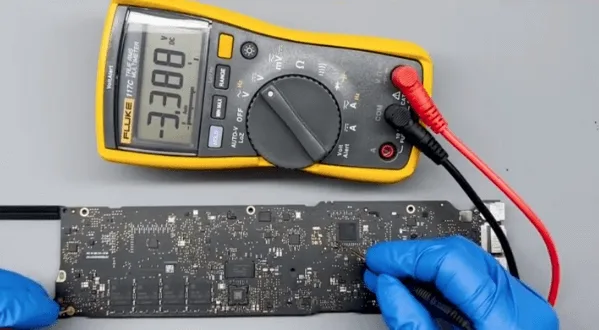
Based on the above measurement results, we can make the preliminary judgment that the issue is caused by the PCH. In the model with the integrated graphic card, the PCH and CPU are also integrated into a chip.
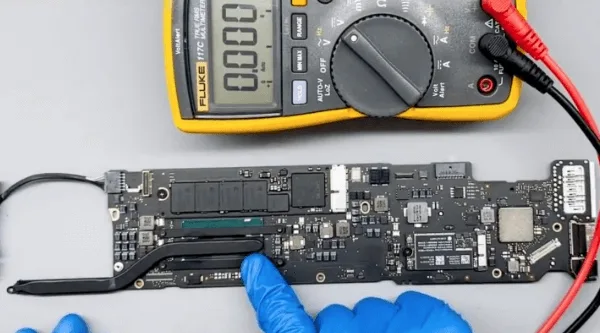
So we can only replace the CPU chip
- remove the NAND flash memory board and heat sink
- remove the thermal grease on the chip
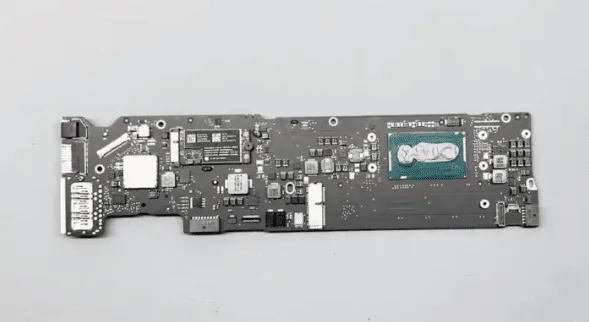
3. then use the sculpture knife to scratch on the PCB surface slightly to mark the location/layout of the CPU chip. Later when we solder back the CPU, this mark can be used for alignment reference
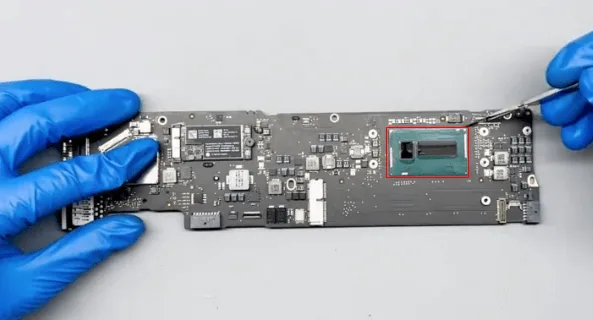
The motherboard of the MacBook is much larger than iPhones, to avoid deformation we should use the specified PCB heating station machine for chip replacement.
Another method, if you are experienced enough, is the PCB heating pad + the hot air gun also works fine.
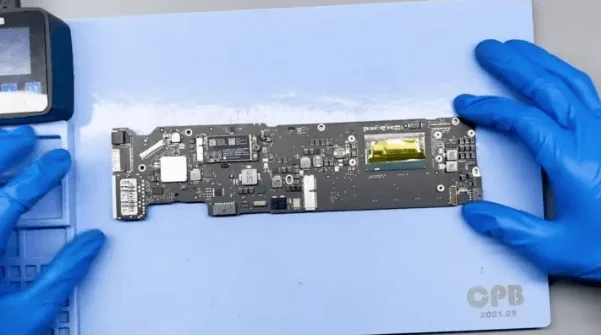
CPU replacement process
- Apply with solder paste flux
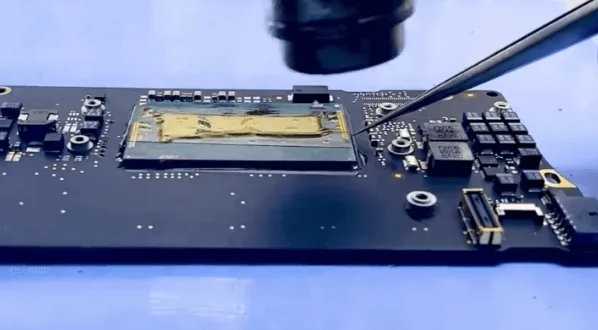
- heat with the hot air gun evenly till the tins are melted, then pick up the CPU with the tweezer slightly
- Clean the pads on the PCB with solder wick and soldering iron
- Reball the good CPU with the stencil and soldering tin balls or solder paste
- Then apply solder paste on the PCB, align the CPU chip, and heat with the hot air gun to solder the CPU
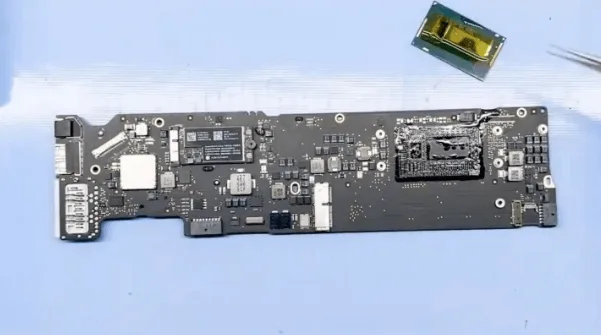
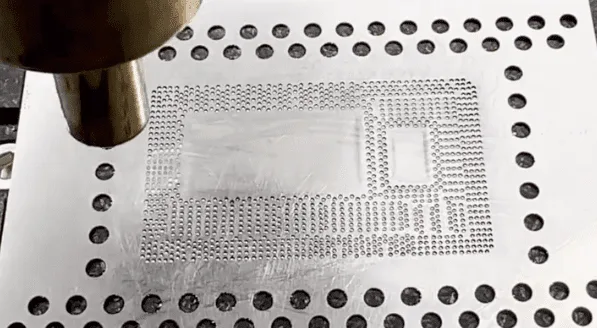
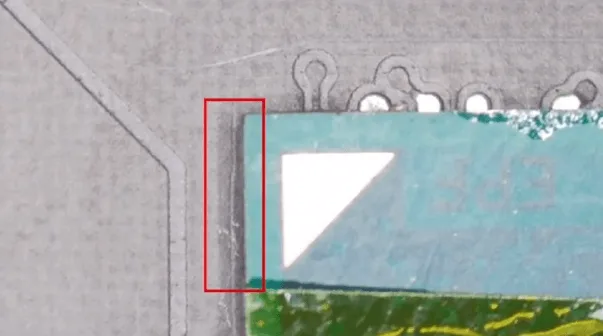
Finally, the CPU chip is well soldered, then we can add some thermal grease then install the heat sink and the NAND flash card.
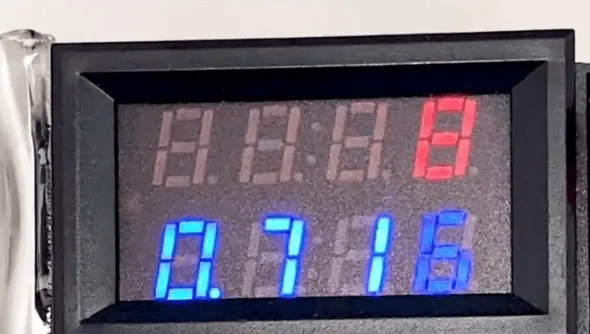
Connect with the DC power supply to boot again, the current is normal this time.
Assemble the MacBook to have a test, the MacBook can be booted normally and all the functions are also OK

Summary
The cannot charge issue gets fixed by the 35V standby chip and CPU chip replacement.





 English
  Español
  Français
  Deutsch
  Italiano